1. Introducció
This manual provides essential information for setting up, operating, and maintaining your realme C21Y smartphone. Please read this guide thoroughly to ensure optimal performance and longevity of your device. The realme C21Y is an international model featuring a 6.5-inch HD+ display, dual SIM capabilities, and a long-lasting battery.

Figura 1: posterior view of the realme C21Y smartphone.
2. Configuració
2.1 Què hi ha a la caixa
- realme C21Y Smartphone
- Adaptador
- Cable USB
2.2 Instal·lació de la targeta SIM
The realme C21Y supports dual SIM cards. Locate the SIM card tray on the side of the device. Use the provided SIM ejector tool to open the tray. Insert your Nano-SIM cards and a microSD card (if desired) into the designated slots, ensuring proper orientation. Gently push the tray back into the phone until it clicks into place.

Figure 2: SIM and microSD card tray for realme C21Y.
2.3 Engegada/apagada
- Per encendre: Premeu i manteniu premut el botó d'engegada (situat al costat dret) fins que aparegui el logotip de Realme.
- Per apagar: Mantingueu premut el botó d'engegada i, a continuació, seleccioneu "Apagar" de les opcions que apareixen a la pantalla.
- Per reiniciar: Mantingueu premut el botó d'engegada i, a continuació, seleccioneu "Reiniciar" de les opcions.
2.4 Configuració inicial
Upon first power-on, the device will guide you through the initial setup process. This includes selecting your language, connecting to a Wi-Fi network, setting up your Google account, and configuring security features like fingerprint unlock.
3. Funcionament del vostre dispositiu
3.1 Pantalla i navegació
The realme C21Y features a 6.5-inch HD+ LCD touchscreen with a resolution of 1600 x 720 pixels. Navigate the device using touch gestures: tap to select, swipe to scroll, pinch to zoom, and long-press for additional options.

Figura 3: Frontal view of the realme C21Y display.
3.2 Funcions de la càmera
The device is equipped with a 13MP AI Triple Camera system on the rear and a front camera for selfies and video calls. The rear camera setup includes a 13MP primary camera, a 2MP B&W lens, and a 2MP macro lens. Key features include Super NightScape for enhanced low-light photography, Chroma Boost for vibrant colors, and 1080P video recording.
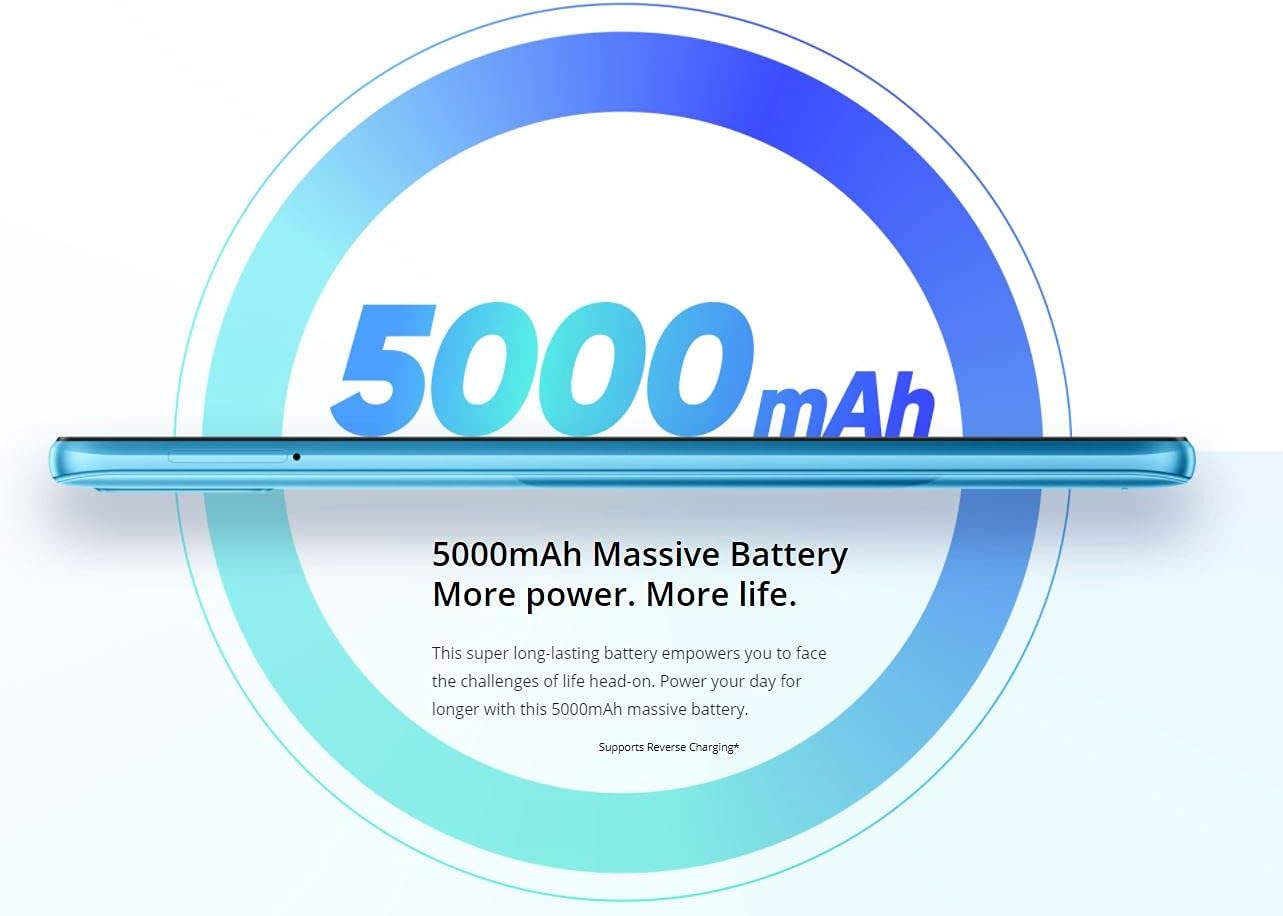
Figure 4: Details of the realme C21Y's 13MP AI Triple Camera.
3.3 Gestió de la bateria
The realme C21Y is powered by a 5000mAh battery, providing extended usage time. To optimize battery life, manage background app usage, adjust screen brightness, and enable power-saving modes when needed. Use the provided adapter and USB cable for charging.

Figure 5: The 5000mAh massive battery of the realme C21Y.
3.4 Connectivitat
The device supports Bluetooth and Cellular wireless communication technologies. For audio, please note that there is no dedicated headphone jack, requiring the use of wireless headphones or a USB-C to 3.5mm adapter (not included).
4. Manteniment
4.1 Neteja del vostre dispositiu
To clean your realme C21Y, power it off and gently wipe the screen and back panel with a soft, lint-free cloth. Avoid using harsh chemicals or abrasive materials that could damage the screen or finish. Do not expose the device to excessive moisture.
4.2 Actualitzacions de programari
Regularly check for and install software updates to ensure your device has the latest security patches, features, and performance improvements. You can usually find update options in the device's 'Settings' menu under 'System' or 'About phone'.
5. Solució De Problemes
If you encounter issues with your realme C21Y, try the following basic troubleshooting steps:
- El dispositiu no respon: Premeu i manteniu premut el botó d'engegada durant uns 10-15 segons per forçar un reinici.
- La bateria s'esgota ràpidament: Check background app usage, reduce screen brightness, and ensure all apps are updated.
- Problemes de connectivitat de xarxa: Activa i desactiva el mode avió, reinicia el dispositiu o comprova la instal·lació de la targeta SIM.
- Les aplicacions es bloquegen: Clear the cache and data for the problematic app in 'Settings' > 'Apps', or reinstall the app.
Per a problemes més complexos, consulteu el suport oficial de Realme. weblloc o contacteu amb el servei d'atenció al client.
6. Especificacions
| Característica | Especificació |
|---|---|
| Nom del model | C21Y |
| Sistema operatiu | Android |
| RAM | 4 GB |
| Capacitat d'emmagatzematge de memòria | 64 GB |
| Mida de la pantalla | 6.5 polzades |
| Resolució | 1600 x 720 |
| Capacitat de la bateria | 5000 milionsamp Hores |
| Velocitat de la CPU | 1.8 GHz |
| Pes de l'article | 14 unces |
| Dimensions del producte | 6 x 4 x 2 polzades |
| Comunicació sense fils | Bluetooth, Mòbil |
| Jack d'àudio | Sense presa per a auriculars |
7. Garantia i Suport
For detailed warranty information, please refer to the warranty card included with your product or visit the official realme weblloc web. Conserveu el comprovant de compra per a reclamacions de garantia.
If you require technical assistance or have questions not covered in this manual, please contact realme customer support through their official channels.


