1. Introducció i finalview
The XFX Speedster QICK308 Radeon RX 6600 XT is a high-performance gaming graphics card designed to deliver an exceptional visual experience. Featuring AMD's RDNA 2 architecture, 8GB of GDDR6 memory, and a robust triple-fan cooling system, this card is engineered for smooth gameplay and efficient operation. Its aerodynamic design prioritizes airflow to maintain optimal temperatures and performance during intensive use.

Figura 1: Angle view of the XFX Speedster QICK308 Radeon RX 6600 XT Graphics Card.
2. Configuració i instal·lació
2.1 Contingut del paquet
- XFX Speedster QICK308 Radeon RX 6600 XT Graphics Card
- Driver CD (Note: Latest drivers are recommended from the AMD weblloc)
2.2 Llista de comprovació prèvia a la instal·lació
- Font d'alimentació: Assegureu-vos que la vostra font d'alimentació (PSU) compleixi amb el consum mínim d'aiguatage requirement for the RX 6600 XT (typically 500W or higher, consult your PSU manual).
- Placa base: Verify your motherboard has an available PCI Express x16 slot.
- Liquidació de casos: Check your PC case for adequate space to accommodate the card's dimensions (approximately 10.79 x 4.49 x 1.97 inches).
- Existing Drivers: Uninstall any previous graphics card drivers before installing the new hardware.
2.3 Passos d'instal·lació física
- Apagar: Shut down your computer and unplug it from the power outlet.
- Cas obert: Traieu el panell lateral de la caixa de l'ordinador.
- Localitza la ranura PCIe: Identify an available PCI Express x16 slot on your motherboard. Remove any expansion slot covers from the back of the case that correspond to the card's position.
- Inseriu la targeta gràfica: Alineeu amb cura la targeta gràfica amb la ranura PCIe i premeu fermament fins que quedi ben col·locada. Hauríeu de sentir un clic del clip de retenció de la ranura.
- Targeta segura: Use screws or the case's locking mechanism to secure the graphics card to the case's expansion slot bracket.
- Connectar l'alimentació: Connect the required PCIe power connectors from your PSU to the graphics card. The RX 6600 XT typically requires one 8-pin PCIe power connector.
- Tanca el cas: Substitueix el panell lateral de la caixa de l'ordinador.
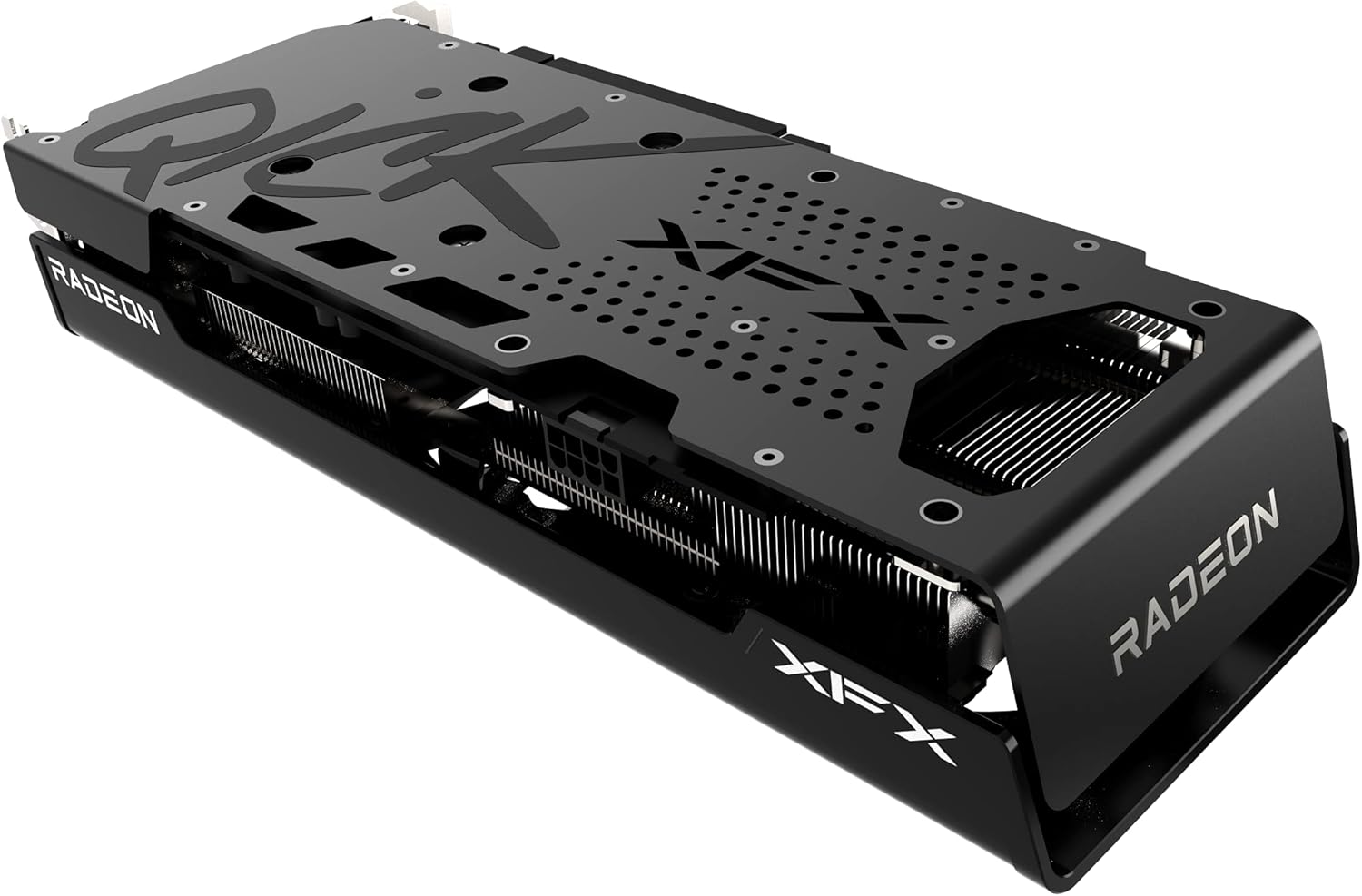
Figura 2: lateral view illustrating the power connector and display output ports.
2.4 Instal·lació del controlador
- Connecta el monitor: Connect your monitor to one of the graphics card's display outputs (HDMI or DisplayPort).
- Encès: Connecteu l'ordinador i engegueu-lo.
- Instal·leu els controladors: Insert the provided Driver CD or, for the latest version, download the AMD Radeon Software from the official AMD weblloc. Seguiu les instruccions que apareixen a la pantalla per completar la instal·lació del controlador.
- Reinicia: Reinicieu l'ordinador després que s'hagi completat la instal·lació del controlador.
3. Funcionament de la targeta gràfica
3.1 Funcionament bàsic
Once drivers are installed, your operating system should automatically detect and utilize the XFX Speedster QICK308 Radeon RX 6600 XT. You can access the AMD Radeon Software through your desktop to manage display settings, gaming profiles, i altres característiques.
3.2 Característiques clau
- Arquitectura AMD RDNA 2: Provides enhanced performance and power efficiency for gaming and content creation.
- 8 GB de memòria GDDR6: High-speed memory for demanding games and applications.
- Augment del rellotge: Up to 2607MHz for increased performance during peak loads.
- XFX Speedster QICK308 Triple Fan Cooling: Optimized cooling solution with three fans to maintain low temperatures and quiet operation.
- Sortides de visualització: Includes HDMI and DisplayPort connections for versatile monitor compatibility.
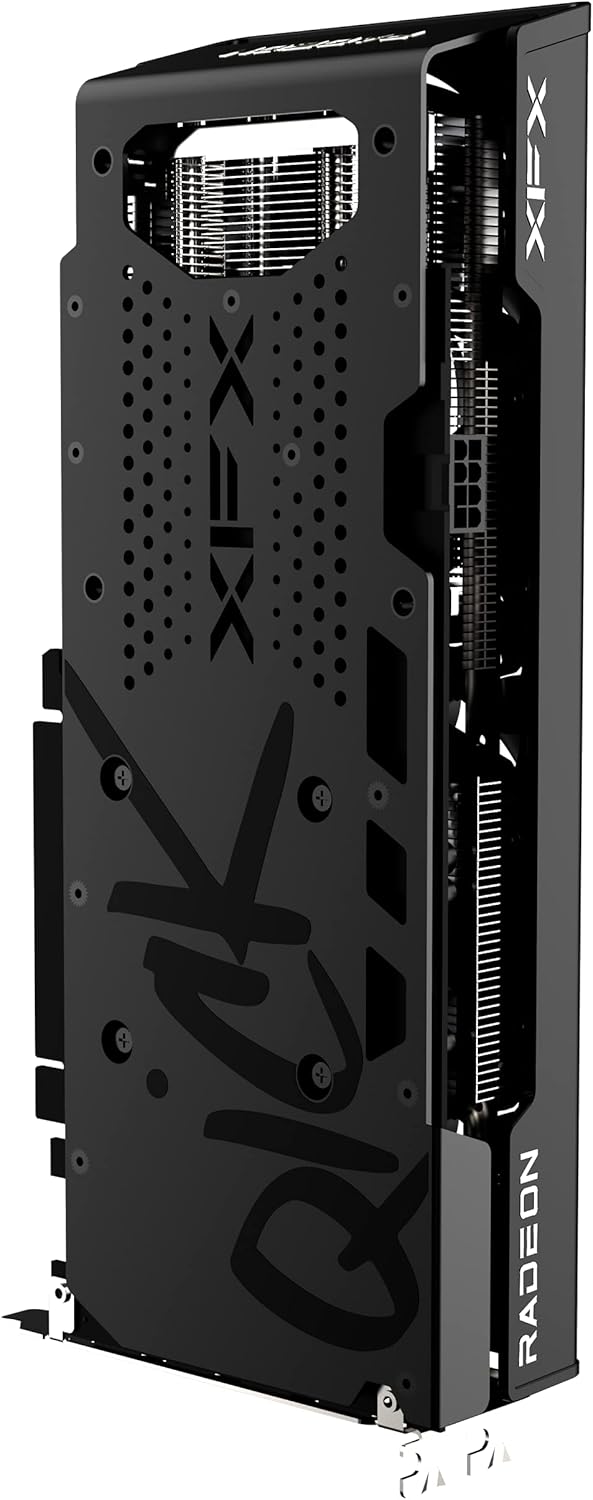
Figura 3: posterior view of the graphics card, highlighting the protective backplate.
4. Manteniment
4.1 Neteja
Regular cleaning helps maintain optimal performance and extends the lifespan of your graphics card. Use compressed air to gently remove dust from the fans and heatsink fins. Ensure the computer is powered off and unplugged before cleaning. Avoid touching the circuit board directly.
4.2 Actualitzacions de controladors
Periodically check the official AMD website for the latest graphics drivers. Keeping your drivers updated ensures compatibility with new games and applications, and often includes performance improvements and bug fixes.
4.3 Monitorització de la temperatura
Utilize the AMD Radeon Software or third-party monitoring tools to keep an eye on your GPU temperatures, especially during gaming or heavy workloads. Excessive temperatures can indicate insufficient airflow in your case or a need for cleaning.
5. Solució De Problemes
5.1 Sense sortida de pantalla
- Comproveu les connexions: Assegureu-vos que el cable del monitor estigui connectat correctament tant a la targeta gràfica com al monitor.
- Cables d'alimentació: Verify that all PCIe power connectors are properly seated in the graphics card.
- Entrada del monitor: Confirm your monitor is set to the correct input source (HDMI/DisplayPort).
- Reubicar la targeta: Power off and unplug the PC, then reseat the graphics card in its PCIe slot.
5.2 Poor Performance in Games
- Actualització del controlador: Assegureu-vos que teniu instal·lats els controladors gràfics més recents.
- Configuració del joc: Adjust in-game graphics settings. While the RX 6600 XT is powerful, some demanding titles may require optimization.
- Temperatura: Monitor GPU temperatures. Overheating can lead to performance throttling.
- Aplicacions de fons: Close unnecessary background applications that may consume system resources.
5.3 Fan Noise or Overheating
- Clean Fans/Heatsink: Dust buildup can impede cooling. Refer to the cleaning section.
- Flux d'aire de la caixa: Assegureu-vos que la carcassa del vostre PC tingui un flux d'aire adequat amb ventiladors d'entrada i sortida configurats correctament.
- Corba del ventilador: Adjust the fan curve in AMD Radeon Software to a more aggressive setting if temperatures remain high.
6. Especificacions
| Característica | Detall |
|---|---|
| Chipset | AMD RX 6600 XT |
| Graphics Processor Manufacturer | AMD |
| Arquitectura | AMD RDNA 2 |
| Memòria | 8 GB GDDR6 |
| Velocitat de memòria | 16000 MHz |
| Augmenta el rellotge | Up To 2607MHz |
| Refrigeració | XFX Speedster QICK308 Triple Fan |
| Resolució de pantalla màxima | 7680 x 4320 |
| Interfície de sortida de vídeo | HDMI, 3x DisplayPort |
| Número de model de l'article | RX-66XT8LBDQ |
| Pes de l'article | 2.81 lliures |
| Dimensions del producte (LxWxH) | 10.79 x 4.49 x 1.97 polzades |
7. Garantia i Suport
For detailed warranty information and technical support, please refer to the official XFX website. Warranty terms and conditions may vary by region and retailer. It is recommended to register your product upon purchase to facilitate any future support needs.
XFX Official Weblloc: https://www.xfxforce.com/


