Introducció
The XTU 2K FHD Smart Video Doorbell (Model J7) provides enhanced home security with its advanced features, including 2K Full HD video, PIR motion detection, two-way audio, and night vision. Designed for ease of use and reliable performance, this battery-operated doorbell ensures you stay connected to your home from anywhere.

Acabatview of XTU WiFi Video Doorbell Camera features, including 2K HD Video, IR Night Vision, Long Standby, IP65 Weather-Proof, PIR Motion Detection, Two-way Audio, Anti-theft Siren, and Multi-Device Sharing.
Què hi ha a la caixa
Verifiqueu que tots els components siguin presents abans de començar la instal·lació.
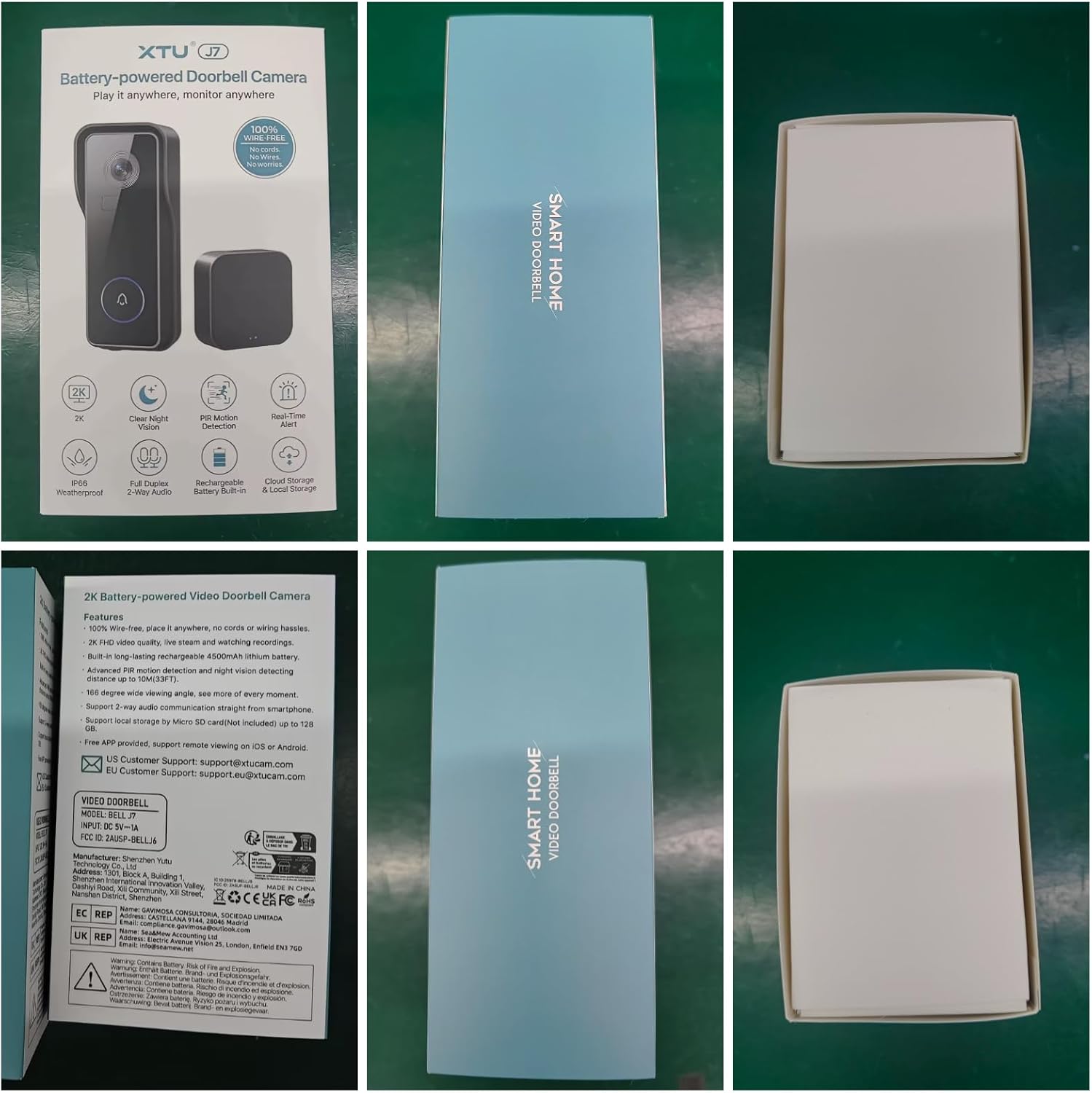
The product packaging for the XTU J7 Doorbell Camera, illustrating key features and included items.
- XTU 2K FHD Smart Video Doorbell (Model J7)
- Campana sense fil
- Suport de muntatge
- Cargols i ancoratges de muntatge
- Cable de càrrega USB
- Manual d'usuari (aquest document)

The XTU Smart Video Doorbell and its wireless chime, as they appear out of the box.
Configuració i instal·lació
Follow these steps for a quick and efficient setup of your XTU Smart Video Doorbell.
- Charge the Doorbell Camera: Before first use, fully charge the doorbell using the provided USB cable. The LED indicator will show charging status.
- Download the CloudEdge App: Cerca "CloudEdge" in your smartphone's app store (Google Play for Android or App Store for iOS) and download the application. Create an account or log in if you already have one.
- Connecta't a Wi-Fi: Follow the in-app instructions to connect your doorbell to your home's 2.4GHz Wi-Fi network. Ensure a stable Wi-Fi signal at the installation location for optimal performance. The doorbell supports up to 100ft Wi-Fi coverage.
- Install the Doorbell Camera:
- Trieu un lloc adequat a prop de la porta principal, assegurant-vos que hi hagi claredat. view.
- Mount the bracket using the provided screws and anchors.
- Attach the doorbell camera securely to the mounted bracket.
- Pair the Wireless Chime: Plug the wireless chime into a power outlet inside your home. Follow the app's instructions to pair it with your doorbell.

Visual guide for the three main setup steps: charging, app download, and installation.

Illustration of stable WiFi coverage, demonstrating the doorbell's ability to maintain connection across a 100ft range within a home.
Instruccions de funcionament
2K FHD Video and Night Vision
The doorbell captures clear 2K Full HD video with a 140° wide viewing angle. Its advanced infrared night vision allows for clear visibility up to 32 feet in low-light conditions, ensuring round-the-clock monitoring.

Comparison of day and night vision capabilities, demonstrating clear visibility in both lighting conditions.
Detecció de moviment PIR
The integrated PIR motion sensor detects human movement and sends immediate push notifications to your smartphone. You can adjust the sensitivity settings within the CloudEdge app to minimize false alerts.

Visual representation of the Smart PIR Motion Detection system, highlighting human detection, app notifications, and adjustable sensitivity.
Two-Way Audio and Voice Messages
Communicate with visitors in real-time using the two-way audio feature. You can also utilize pre-recorded voice messages for quick responses when you are unable to speak directly.
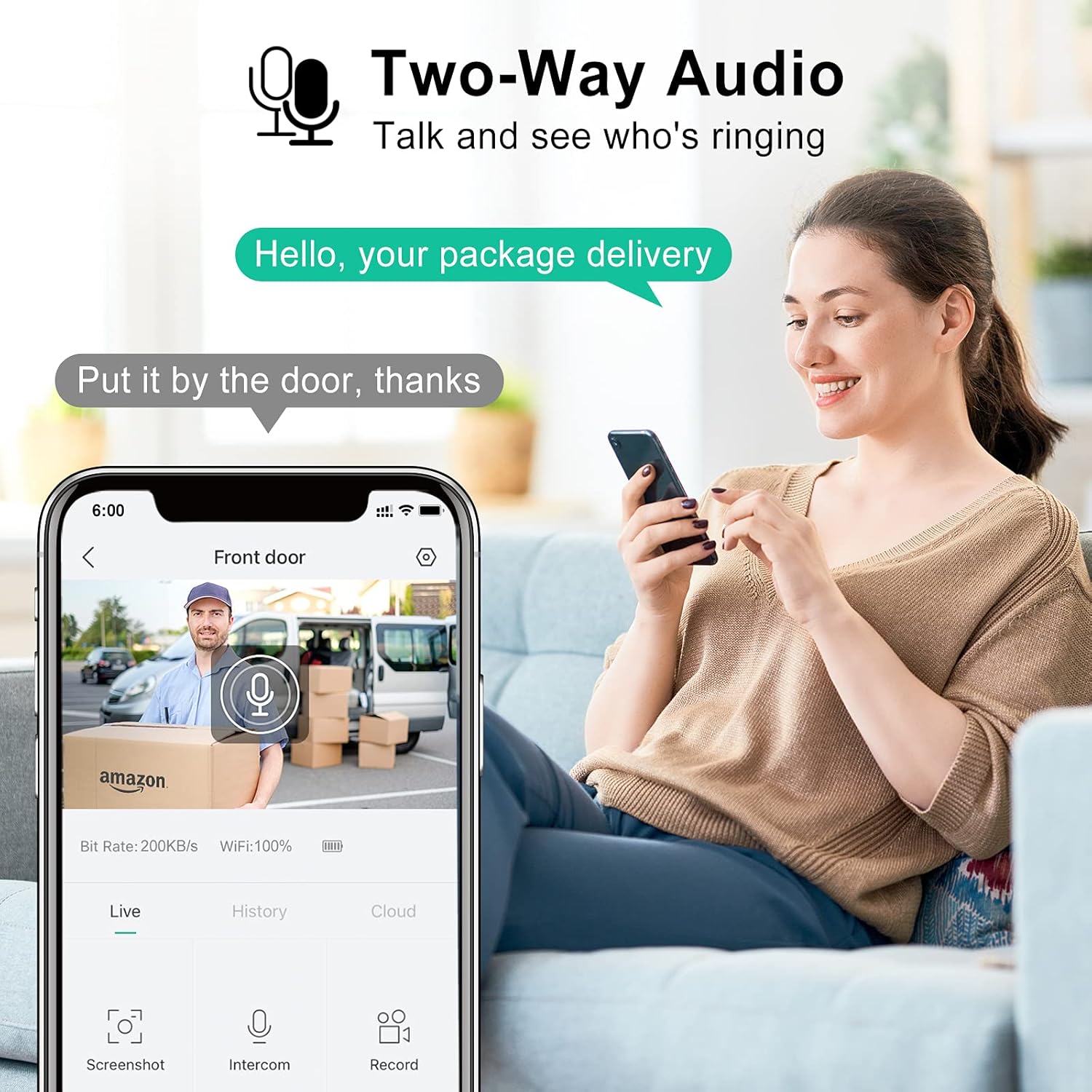
Demonstration of the two-way audio feature, allowing communication with visitors through the doorbell.
Control remot de l'aplicació
Manage your doorbell and monitor your property from anywhere using the CloudEdge app. Access live view, review foo gravattage, and adjust settings remotely.

The CloudEdge app interface, illustrating remote control capabilities to see and speak from any location.
Compartició de vídeos
Share access to your doorbell's live feed and recorded events with family members through the CloudEdge app, allowing multiple users to monitor the property.
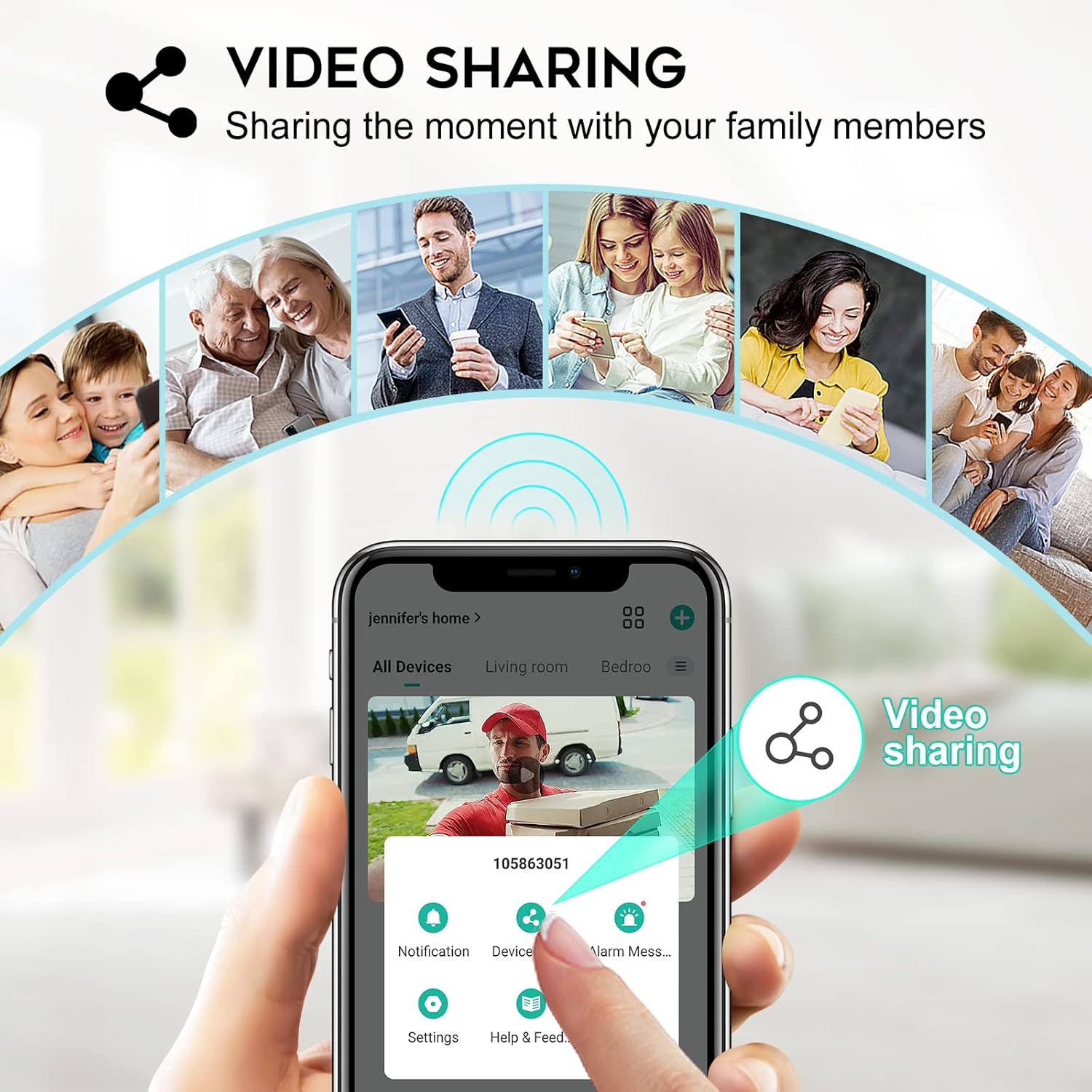
The video sharing feature, enabling multiple family members to view the doorbell's feed.
Funcions de seguretat millorades
The doorbell is equipped with an anti-tamper alarm. If someone attempts to remove the doorbell, it will sound an alarm, and you will receive an immediate notification on your phone.
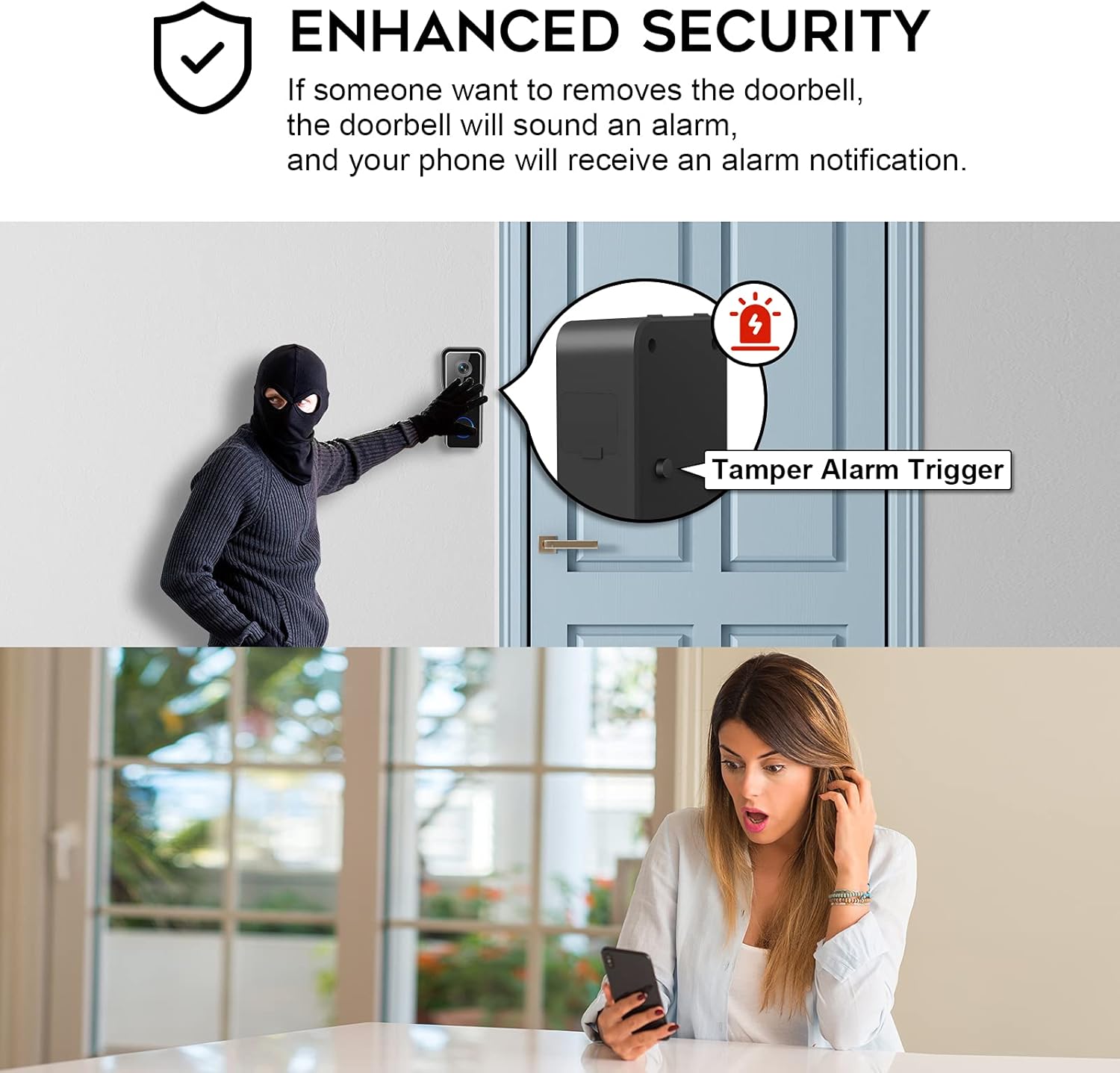
Illustration of the enhanced security feature, showing the doorbell's tamper alarm trigger and instant notification to the user's phone.
Manteniment
- Càrrega de la bateria: The doorbell is equipped with a long-lasting rechargeable lithium polymer battery. When the battery level is low, you will receive a notification via the app. Recharge the doorbell using the provided USB cable. Battery life varies based on usage and motion detection frequency.
- Solucions d'emmagatzematge:
- Targeta micro SD: The doorbell supports local storage via a Micro SD card (up to 128GB, not included). Insert the card into the designated slot. This provides continuous recording without subscription fees.
- Emmagatzematge al núvol: Optional cloud storage services may be available through the CloudEdge app for additional backup and accessibility. Refer to the app for details on subscription plans.
- Neteja: Periodically wipe the doorbell's lens and body with a soft, damp cloth to remove dust and debris. Avoid using harsh chemicals or abrasive materials. The doorbell is IP66 waterproof, designed to withstand various weather conditions.
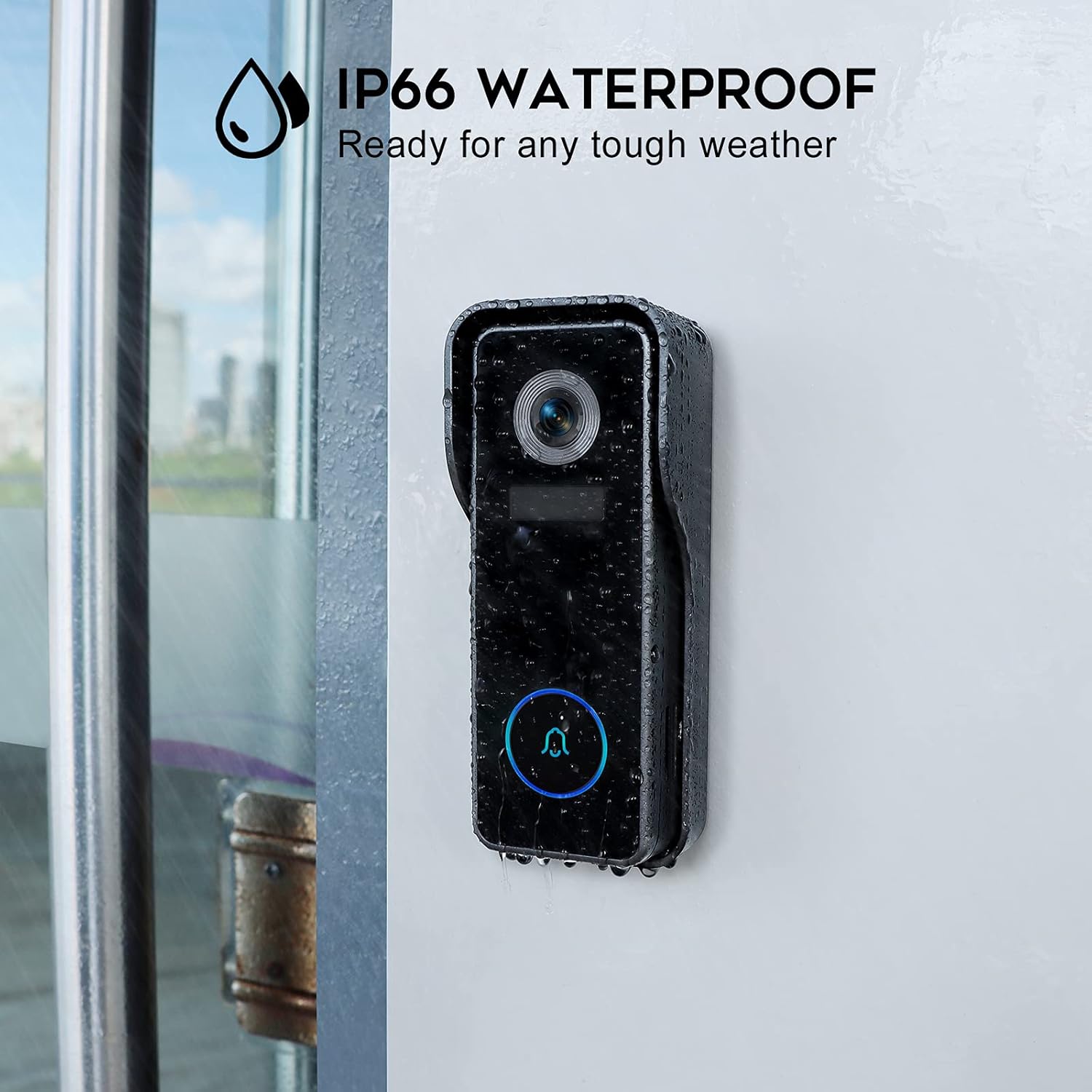
The doorbell's IP66 waterproof rating, ensuring durability in various weather conditions.
Resolució de problemes
| Problema | Causa possible | Solució |
|---|---|---|
| El timbre no es connecta a la Wi-Fi | Incorrect Wi-Fi password; Router too far; Only supports 2.4GHz Wi-Fi. | Verify password; Move doorbell closer to router or use a Wi-Fi extender; Ensure your router is set to 2.4GHz or has a combined band. |
| Alertes freqüents de moviment fals | Motion sensitivity too high; Environmental factors (e.g., trees, traffic). | Adjust motion detection sensitivity settings in the CloudEdge app; Define specific motion zones to exclude irrelevant areas. |
| Durada de la bateria curta | High frequency of motion events; Cold weather; Frequent live view accés. | Reduce motion detection sensitivity or frequency; Ensure full charge before installation; Consider a solar panel charger (not included) for continuous power in suitable climates. |
| No hi ha so de timbre | Chime not paired; Chime unplugged; Volume too low. | Re-pair the chime with the doorbell via the app; Ensure chime is plugged into a working outlet; Increase chime volume. |
Especificacions
| Característica | Detall |
|---|---|
| Número de model | J7 |
| Resolució de vídeo | 2K FHD (Effective 1080 Pixels) |
| Viewangle ing | 140° |
| Gamma de visió nocturna | Fins a 32 peus |
| Connectivitat | Wi-Fi (2.4 GHz) |
| Font d'alimentació | Funciona amb bateria (1 bateria de polímer de liti inclosa) |
| Opcions d'emmagatzematge | Targeta Micro SD (fins a 128 GB, no inclosa), emmagatzematge al núvol (opcional) |
| Classificació impermeable | IP66 |
| Dimensions (L x A x A) | 5.6 x 3.5 x 13.4 cm |
| Pes | 190 g |
| Material | Metall |
| Tipus d'instal·lació | Cargol (muntatge a la paret) |
| Dispositius compatibles | Smartphone, Tablet (via CloudEdge App) |
Garantia i Suport
The XTU 2K FHD Smart Video Doorbell comes with a 1 anys de garantia del fabricant des de la data de compra. Aquesta garantia cobreix els defectes de materials i de mà d'obra en ús normal.
For technical support, troubleshooting assistance, or warranty claims, please contact XTU Customer Support. Refer to the CloudEdge app or product packaging for the most current contact information.
Manufacturer: XTU (Shenzhen Yutu Technology Co., Ltd)


