Introducció
Thank you for choosing the Bytech BYMSWR104BK 3 Button Gaming Mouse. This manual provides essential information for setting up, operating, and maintaining your new gaming mouse. Please read this manual thoroughly before use to ensure optimal performance and longevity of your device.
Característiques
- Precision Mouse: Designed for accurate tracking and responsive control.
- DPI ajustable: Customize sensitivity for various gaming and productivity needs.
- Three Responsive Buttons: Includes left-click, right-click, and scroll wheel/middle-click for efficient operation.
- Colorful Backlight: Features multi-color LED lighting with 7 distinct color modes for an enhanced aesthetic experience.
- Disseny ergonòmic: Shaped to fit comfortably in your palm, reducing fatigue during extended use.
Especificacions
| Marca | Bytech |
| Número de model | BYMSWR104BK |
| Nombre de botons | 3 |
| Resolució de moviment | 1,000 DPI |
| Modes de color | 7 Colors (Multi-color Backlight) |
| Longitud del cable | 5 peus |
| Qualificació del commutador | 1 milions de clics |
| Pes de l'article | 4.9 unces |
| Dimensions del paquet | 7.17 x 4.06 x 2.68 polzades |
| Color | Negre |
| Font d'alimentació | Elèctric amb cable (USB) |
| Plataforma de maquinari | PC |
Contingut del paquet
- 1 x Bytech BYMSWR104BK Wired Gaming Mouse
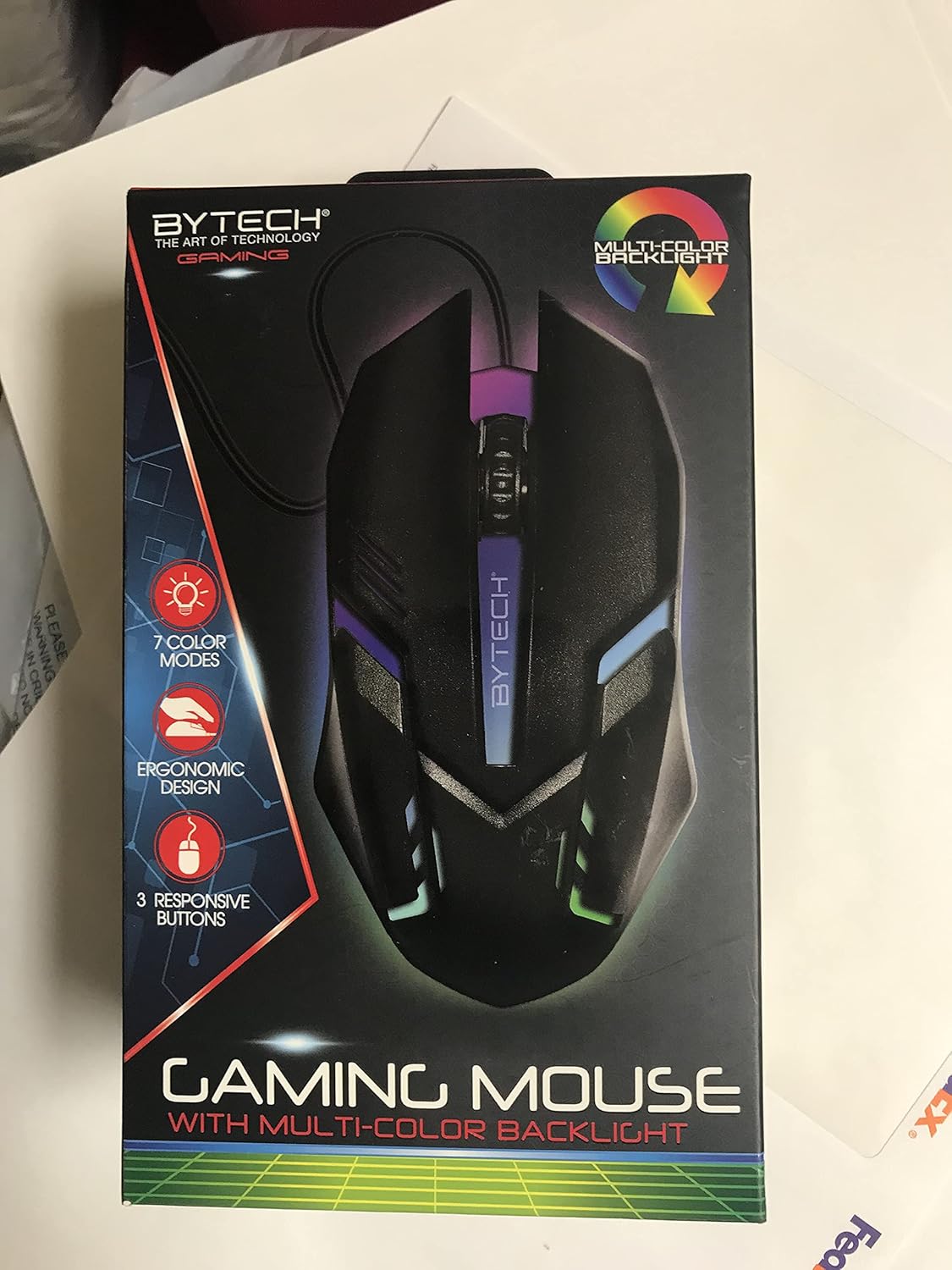
Imatge: Frontal view of the Bytech BYMSWR104BK Gaming Mouse in its retail packaging, highlighting its multi-color backlight and ergonomic design.
Configuració
- Desembalar: Carefully remove the gaming mouse from its packaging.
- Connectar: Locate an available USB port on your computer (PC, laptop, etc.). Insert the USB connector of the Bytech BYMSWR104BK Gaming Mouse firmly into the USB port.
- Instal·lació del controlador: The mouse is plug-and-play. Your operating system should automatically detect and install the necessary drivers. This process may take a few moments.
- A punt per utilitzar: Once the drivers are installed, the mouse will be ready for immediate use. The multi-color backlight will illuminate.

Imatge: Part posterior view of the Bytech BYMSWR104BK Gaming Mouse retail packaging, detailing features, specifications, and universal compatibility.
Instruccions de funcionament
Funcionament bàsic
- Botó esquerre: Funció de clic principal, que normalment s'utilitza per seleccionar elements, obrir files, or interacting with software.
- Botó dret: Funció de clic secundari, normalment obre menús contextuals o proporciona opcions addicionals.
- Roda de desplaçament (botó central): Scroll up or down to navigate documents and web pages. Pressing the scroll wheel acts as a middle-click button, often used for opening links in new tabs or auto-scrolling.
Ajust de DPI
The Bytech BYMSWR104BK Gaming Mouse features adjustable DPI settings. While specific buttons for DPI adjustment are not explicitly listed on the packaging, many gaming mice allow DPI changes through a dedicated button (often located near the scroll wheel) or through software. Refer to your computer's mouse settings or Bytech's official website for advanced customization options if available.
Llum de fons LED
The mouse features a dynamic multi-color LED backlight with 7 different color modes. These lights will automatically cycle through the modes once the mouse is connected and powered on. There is no manual control for changing modes on the mouse itself.
Manteniment
- Neteja: Feu servir un drap suau i sec per netejar la superfície del ratolí. Per a la brutícia persistent, netegeu lleugerament.ampNetegeu el drap amb aigua o una solució de neteja suau. Eviteu utilitzar productes químics agressius o materials abrasius.
- Cura del sensor: Mantingueu el sensor òptic de la part inferior del ratolí net i lliure de pols o deixalles per garantir un seguiment precís.
- Gestió de cables: Eviteu doblegar bruscament o estirar excessivament el cable USB per evitar danys.
- Emmagatzematge: Quan no l'utilitzeu, guardeu el ratolí en un entorn net i sec, allunyat de temperatures extremes.

Imatge: Lateral view of the Bytech BYMSWR104BK Gaming Mouse retail packaging, showcasing the multi-color backlight effect.
Resolució de problemes
| Problema | Possible solució |
|---|---|
| El ratolí no respon |
|
| Cursor erràtic o no es mou suaument |
|
| La retroiluminació LED no funciona |
|
Garantia i Suport
Garantia: This Bytech product comes with a 12-month warranty from the date of purchase. Please retain your proof of purchase for warranty claims.
Informació de contacte:
- Adreça: 2585 West 13th Street, Brooklyn, NY 11223, USA
- Weblloc: www.bytechintl.com
⚠ ADVERTIMENT: Aquest producte us pot exposar a productes químics, inclòs el DEHP, que l'estat de Califòrnia sap que causa càncer, defectes de naixement o altres danys reproductius. Per a més informació aneu a www.P65Warnings.ca.gov.

Imatge: Part inferior view of the Bytech BYMSWR104BK Gaming Mouse retail packaging, showing contact information, warranty details, and California Proposition 65 warning.


