1. Introducció
Thank you for choosing the navycrest Q1 Dash Cam. This manual provides detailed instructions for the installation, operation, and maintenance of your new dash camera. Please read this manual thoroughly before use to ensure proper functionality and to maximize your driving safety and recording experience.
2. Contingut del paquet
Si us plau, verifiqueu que tots els elements siguin presents al vostre paquet:
- navycrest Q1 Dash Camera
- Targeta SD (32 GB inclosa)
- Adhesius
- Carregador de cotxe
- Micròfon
- Altaveu

Figure 2.1: navycrest Q1 Dash Cam and included accessories.
3. Producte acabatview
The navycrest Q1 Dash Cam is designed for discreet and reliable vehicle recording. Key features include:
- Quad HD 1440P Resolution: Records professional 1440P 30fps videos and 20MP photos with a 6G 170-degree wide-angle lens.
- Built-in Wi-Fi and APP Control: Allows real-time video monitoring, settings adjustment, and direct download/sharing of footage via a smartphone app.
- Excel·lent visió nocturna: Features a GC CMOS sensor with f/1.8 aperture and WDR (Wide Dynamic Range) technology for clear videos in low-light conditions.
- Sensor G: Bloqueja automàticament el menjartage en l'impacte per evitar la sobreescriptura.
- Mode d'aparcament: Automatically powers on and records when a collision is detected while parked.
- Enregistrament en bucle: Overwrites the oldest files when the SD card is full, ensuring continuous recording.
- Compact and Discreet Design: Minimizes obstruction of your view.

Figure 3.1: Product features and discreet design.

Figura 3.2: Mésview of the dash cam's capabilities.
4. Configuració i instal·lació
Follow these steps to install your navycrest Q1 Dash Cam:
- Prepare the SD Card: Insert the included 32GB SD card into the dash cam's SD card slot. Ensure it is inserted correctly until it clicks into place.
- Trieu la ubicació de muntatge: Seleccioneu un lloc del parabrisa que no us obstrueixi la vista view, normalment darrere la part posteriorview mirror. Ensure the area is clean and dry.
- Connecteu la Dash Cam: Use the provided stickers to securely attach the dash cam to the chosen location on the windshield. The mount pad is very sticky, so ensure the position is correct before applying firm pressure. A spare sticking pad is usually supplied.
- Connectar l'alimentació: Plug the car charger into your vehicle's cigarette lighter socket. Connect the other end of the car charger cable to the dash cam's power input. Route the cable neatly along the windshield edge and trim to avoid interference with driving. Note: The power cable uses a Mini USB connection.
- Treure el protector de la lent: Before first use, ensure you remove the protective plastic film from the camera lens to ensure clear recording quality.
- Ajusta l'angle de la lent: The lens is adjustable. Once mounted, power on the dash cam and adjust the lens angle to capture the desired view del camí per davant.
5. Instruccions de funcionament
5.1 Enregistrament bàsic
Once powered on, the dash cam will automatically begin recording. The recording indicator light will confirm active recording. Videos are saved to the inserted SD card.
5.2 Wi-Fi i control d'aplicacions
The navycrest Q1 features built-in 2.4GHz Wi-Fi for seamless connection to your smartphone. This allows for real-time viewing, settings adjustment, and easy file gestió.
- Descarrega l'aplicació: Cerca the official navycrest dash cam app on your smartphone's app store (iOS or Android).
- Connecta't a Wi-Fi: Turn on the dash cam. On your smartphone, go to Wi-Fi settings and connect to the dash cam's Wi-Fi network. The network name and password can typically be found in the dash cam's settings menu or on the device itself.
- Utilitza l'aplicació: Open the app. You can now:
- Monitor real-time video feed.
- Adjust camera settings (e.g., resolution, G-sensor sensitivity, loop recording duration).
- Download recorded 1440P videos directly to your smartphone.
- Comparteix menjartage on social media platforms.

Figure 5.2.1: Wi-Fi and App Control interface.

Figure 5.2.2: Wi-Fi and App Connectivity.
5.3 Sensor G (sensor de gravetat)
The built-in 3-axis G-sensor detects sudden movements or impacts. When a shock or collision is detected, the camera automatically locks the current video segment, preventing it from being overwritten by loop recording. This ensures critical event footage es conserva.

Figure 5.3.1: G-Sensor activation during an impact.

Figure 5.3.2: G-Sensor protecting footage.
5.4 Enregistrament en bucle
The dash cam continuously records video in short segments (e.g., 1, 3, or 5 minutes). When the SD card reaches its full capacity, the system automatically overwrites the oldest unlocked video files to make space for new recordings. This ensures uninterrupted recording without manual intervention.
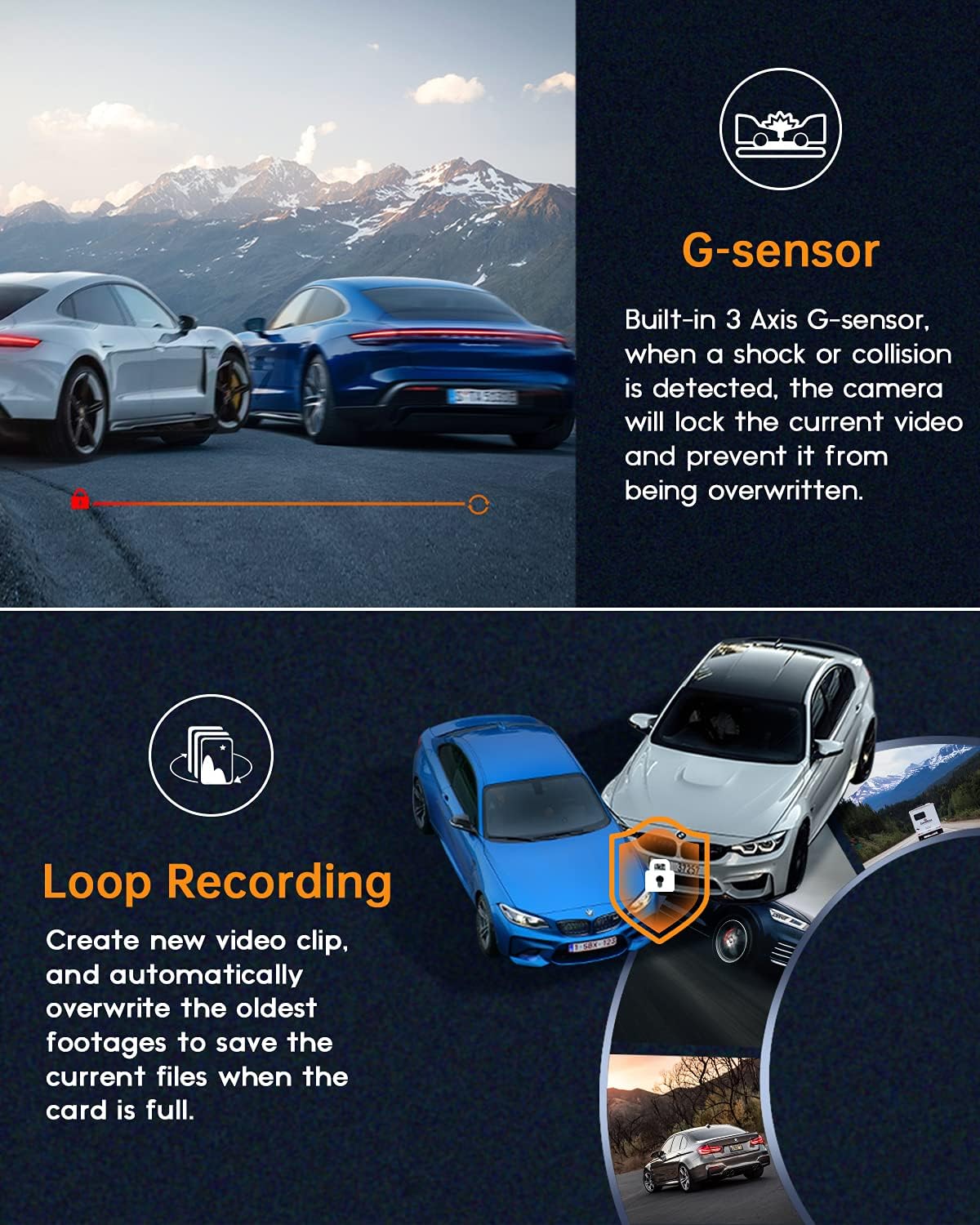
Figure 5.4.1: Loop Recording process.

Figure 5.4.2: Continuous recording.
5.5 Monitor d’estacionament
When the vehicle is parked and the dash cam is connected to a continuous power source (e.g., hardwired kit, sold separately), the parking monitor feature will activate. If the collision sensor is triggered, the dash cam will automatically power on and record a short video for evidence, then power off again.
5.6 Visió nocturna i WDR
The dash cam utilizes a GC CMOS sensor with a large f/1.8 aperture and WDR (Wide Dynamic Range) technology to enhance video clarity in various lighting conditions, especially at night. WDR balances exposure to capture details in both bright and dark areas simultaneously.
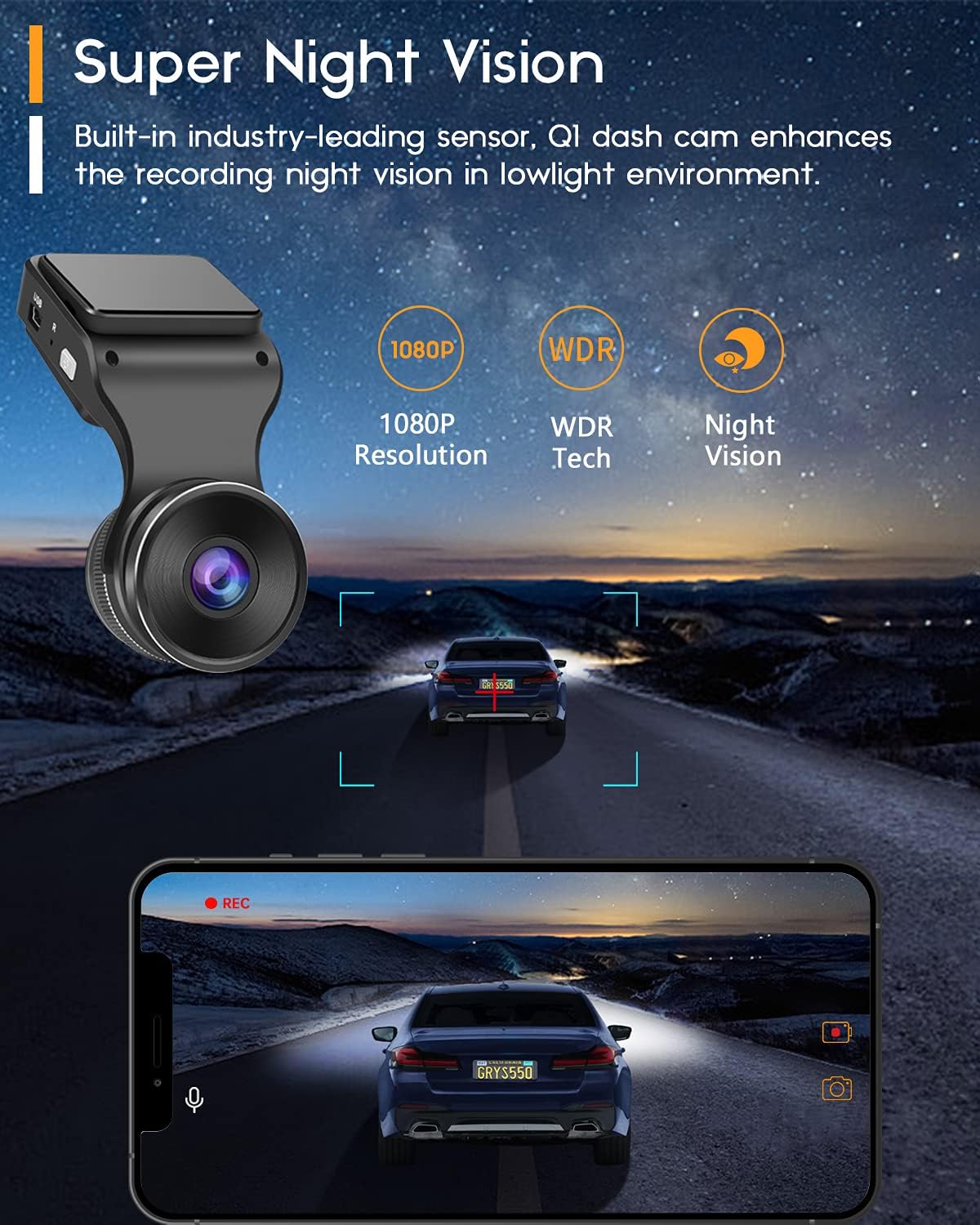
Figure 5.6.1: Super Night Vision capability.
Figure 5.6.2: Enhanced night recording.

Figure 5.6.3: WDR in action.
6. Manteniment
- Neteja de la lent: Use a soft, lint-free cloth to gently wipe the camera lens. Avoid abrasive materials or harsh chemicals that could scratch the lens.
- Manteniment de la targeta SD: It is recommended to format the SD card periodically (e.g., once a month) using the dash cam's settings menu or a computer. This helps maintain optimal recording performance and prevents data corruption. Back up any important footage abans de formatar.
- Temperatura de funcionament: Avoid exposing the dash cam to extreme temperatures for prolonged periods, as this can affect battery life and device performance.
7. Solució De Problemes
| Problema | Possible causa/solució |
|---|---|
| La càmera del salpicader no s'encén. |
|
| Recording is not starting or stopping. |
|
| Vídeo footage és borrós o poc clar. |
|
| Problemes de connexió Wi-Fi amb l'aplicació. |
|
| La càmera del salpicader es bloqueja o falla. |
|
8. Especificacions
| Característica | Detall |
|---|---|
| Número de model | Navycrest_Q1 |
| Resolució de captura de vídeo | 1440p (2K QHD) |
| Resolució de fixes efectius | 20 MP |
| Tecnologia de sensors òptics | CMOS |
| Mida de la pantalla | 1.5 polzades |
| Tecnologia de visualització | LCD |
| Gran Angular | 170 graus |
| Abertura | f/1.8 |
| Connectivitat | Wi-Fi de 2.4 GHz integrat |
| Característiques especials | G-Sensor, Loop Recording, Parking Monitor, WDR, Night Vision |
| Font d'alimentació | 12 Volts (Car Charger) |
| Dimensions del producte | 10.5 x 5.5 x 3 cm; 6 g (Product); 5.5L x 3W x 10.5H centimetres (Package) |
| Bateries | 1 bateria de polímer de liti (inclosa) |
| Fabricant | navycrest |
9. Garantia i Suport
navycrest provides dedicated customer support for your Q1 Dash Cam.
- Suport tècnic: We offer 7*24 technical support. Please expect a response within 24 hours for any inquiries or issues.
- Informació de la garantia: For detailed warranty terms and conditions, please refer to the warranty card included in your package or visit the official navycrest weblloc.
- Informació de contacte: For support, please refer to the contact details provided on the product packaging or the official navycrest weblloc.


