Introducció
This manual provides comprehensive instructions for the installation, use, and maintenance of your Belkin UltraGlass Screen Protector. Designed for iPhone 14 Plus and iPhone 13 Pro Max, this screen protector offers enhanced durability and clarity. Please read these instructions carefully before installation to ensure optimal performance and protection for your device.
Què s'inclou
Your Belkin UltraGlass Screen Protector package includes the following items:
- 1 x Belkin iPhone 13 Pro Max UltraGlass Antimicrobial-Treated Screen Protector
- 1 x Easy Align Tray
- 1 x drap de neteja
- 1 x Dust Removal Sticker

Image: Contents of the Belkin UltraGlass screen protector kit, including the screen protector, Easy Align Tray, cleaning cloth, and dust removal sticker.
Guia d'instal·lació
Follow these steps for a precise and bubble-free installation of your screen protector.
1. Preparació
- Ensure your work surface is clean and free of dust to prevent particles from getting trapped under the screen protector.
- Remove any existing case or screen protector from your iPhone.
2. Clean Your Device Screen
- Use the included microfiber cloth to thoroughly clean your iPhone screen. Gently wipe away any oil, smudges, or fingerprints.
- Use the dust removal sticker to pick up any remaining dust particles from the screen. Ensure all areas, including the edges, are free of dust.

Image: A hand using a dust removal sticker to clean an iPhone screen, ensuring no particles remain before screen protector application.
3. Position the Easy Align Tray
- Remove the clear plastic insert from the Easy Align Tray and discard it.
- Place your iPhone into the Easy Align Tray, ensuring it sits securely.

Image: An iPhone placed securely within the Easy Align Tray, ready for screen protector application.
4. Apply the Screen Protector
- While holding the screen protector, remove the liner by pulling the number 1 tab downwards.
- Align the screen protector with your phone using the Easy Align Tray and carefully lower it from top to bottom. Ensure the green line on the number 2 tab aligns with the white arrows of the tray as you reach the bottom.
- Once aligned, swipe your finger along the center of the screen to initiate adhesion and push out any initial air bubbles.
- Pull the clear number 2 tab upwards to remove the remaining lining.
5. Elimina les bombolles d'aire
- Remove your phone from the Easy Align Tray.
- Use the microfiber cloth to gently but firmly push out any remaining air bubbles towards the closest edge of the screen.
Guia de vídeo d'instal·lació
Video: Official Belkin video demonstrating the step-by-step installation process of the UltraGlass Screen Protector using the Easy Align Tray.
Característiques del producte
The Belkin UltraGlass Screen Protector offers several key features:
- High Scratch Protection: The UltraGlass top layer provides a high level of scratch protection.
- Esborra la pantalla: Protects your screen from discoloration with an antimicrobial treatment, maintaining clarity.
- Ajust de precisió: Designed for a perfect fit with iPhone 14 Plus and iPhone 13 Pro Max, compatible with most cases.
- Double Ion-Exchanged Glass: Strengthened glass offers superior resistance and protection.
- Aplicació fàcil: Patented Easy Align Tray ensures a simple and accurate at-home application.

Image: Diagram illustrating the Ultra Defense features of the Belkin screen protector: up to 2X stronger, impact protection, scratch guard, touch sensitive, and anti-fingerprint.

Image: An iPhone with the screen protector installed, shown in a pocket with keys and coins, demonstrating its scratch-proof capability.
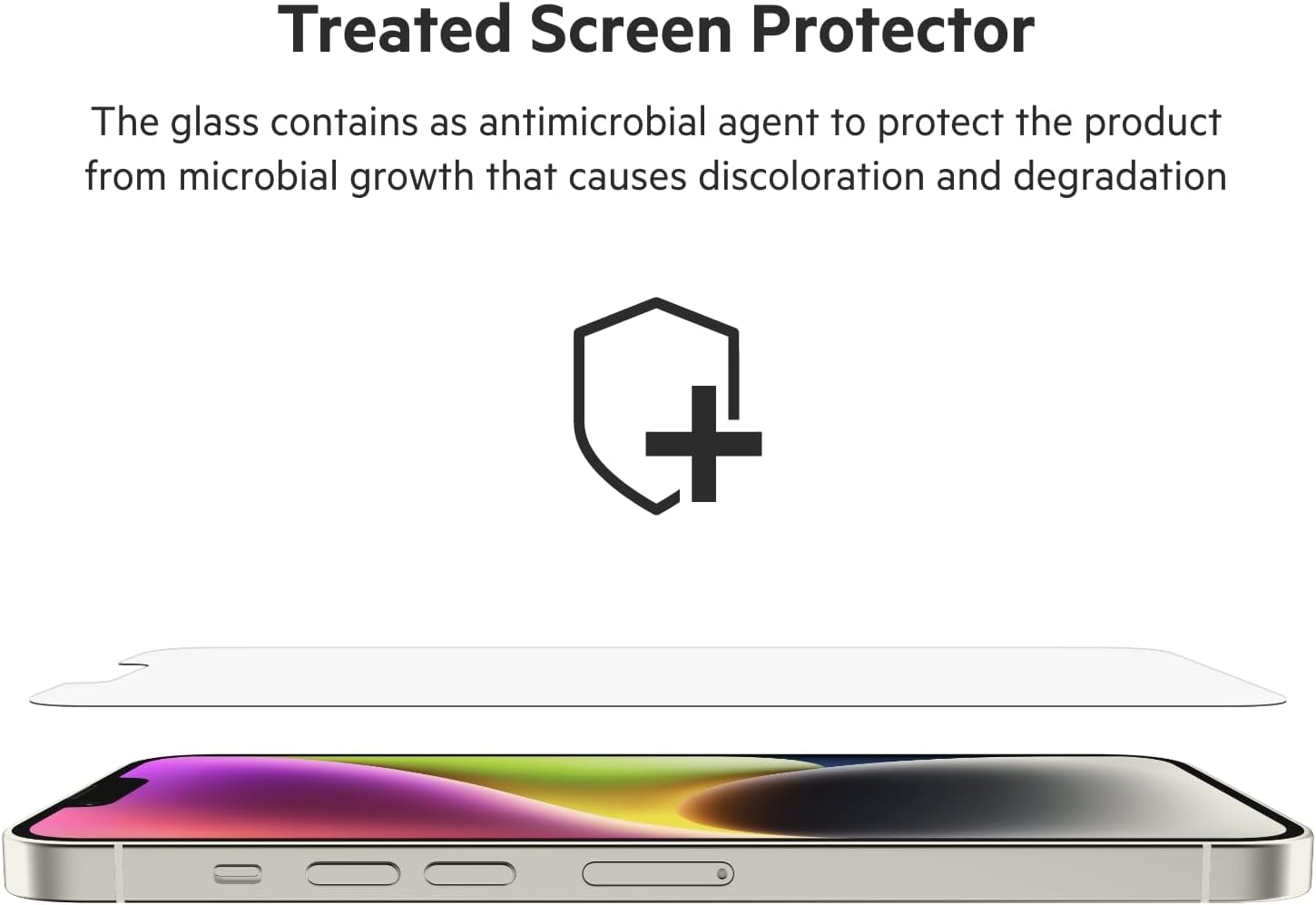
Image: Close-up of an iPhone screen with the UltraGlass protector, showcasing its crystal clarity and vibrant display.
Especificacions
| Atribut | Detall |
|---|---|
| Número de model | OVA079zz |
| Dispositius compatibles | iPhone 14 Plus, iPhone 13 Pro Max |
| Material | UltraGlass |
| Duresa de l'article | Extra hard |
| Característiques especials | Anti-Fingerprint, Double ion-exchange strengthened glass, Scratch Resistant, Tear Resistant |
| Color | Transparent |
| Nivell de resistència a l'aigua | Resistent a l'aigua |
| Pes de l'article | 0.353 unces |
| Dimensions del producte | 3.5" de llargada x 0.7" d'amplada |
Manteniment
To maintain the clarity and effectiveness of your Belkin UltraGlass Screen Protector, follow these simple maintenance tips:
- Neteja regular: Use a soft, lint-free cloth (like the included microfiber cloth) to gently wipe the screen protector. For stubborn smudges, slightly dampNetegeu el drap amb aigua o un netejador de pantalles segur.
- Eviteu productes químics durs: Do not use abrasive cleaners, alcohol, or ammonia-based solutions, as these can damage the screen protector's coating.
- Evitar rascades: While the screen protector is highly scratch-resistant, avoid placing your phone face down on rough surfaces or in pockets with sharp objects.
Resolució de problemes
Si teniu problemes durant o després de la instal·lació, consulteu les solucions habituals següents:
- Bombolles d'aire: Small bubbles often disappear within 24-48 hours. For larger bubbles, use the microfiber cloth to gently push them towards the nearest edge. If a bubble persists due to a dust particle, you may need to carefully lift a corner of the protector with a piece of tape, remove the dust with another piece of tape, and reapply.
- Desalineació: If the screen protector is significantly misaligned immediately after application, it may be possible to gently lift it and reapply. However, this increases the risk of dust or damage. Ensure careful alignment during the initial application using the Easy Align Tray.
- Dust Under Protector: Dust particles are the most common cause of persistent bubbles. Ensure your screen is meticulously clean before application. If dust is trapped, refer to the air bubble removal tip above.
- Sensibilitat tàctil reduïda: Ensure the screen protector is fully adhered without any gaps or large bubbles. If issues persist, verify your phone's touch sensitivity settings.
Garantia i Suport
Belkin products are designed for quality and durability. Many Belkin screen protectors, including the UltraGlass series, come with a lifetime warranty. For specific warranty details and to register your product, please visit the official Belkin weblloc.
For further assistance, technical support, or to inquire about warranty claims, please contact Belkin Customer Support through their official weblloc web o canals de contacte.
Official Belkin Weblloc: www.belkin.com


