1. Introducció
This manual provides detailed instructions for the setup, operation, and maintenance of your JLab Go Air Pop True Wireless Bluetooth Earbuds. Please read this guide thoroughly to ensure optimal performance and longevity of your device.
2. Què s'inclou
- Auriculars sense fils JLab Go Air Pop True
- Estoig de càrrega amb cable de càrrega USB integrat
- 3 Sets of Gel Ear Tips (Small, Medium, Large)
- JLab Two Year Warranty Information

Image: Contents of the JLab Go Air Pop package, including earbuds, charging case, and various ear tip sizes.
3. Producte acabatview

Image: The JLab Go Air Pop earbuds and their charging case. The earbuds feature a compact design with touch-sensitive surfaces. The charging case is small and portable.

Image: The compact charging case fits easily in the palm of a hand, emphasizing its portability.
4. Configuració
4.1 Càrrega de la funda i els auriculars
Before first use, fully charge the earbuds and charging case. The case features an integrated USB charging cable for convenience.
- Locate the integrated USB cable at the bottom of the charging case.
- Plug the USB cable into a USB-A power source (e.g., computer, wall adapter).
- The indicator light on the case will show charging status. A solid red light indicates charging, and a solid blue light indicates fully charged.
- Col·loca els auriculars a l'estoig de càrrega. Els auriculars començaran a carregar-se automàticament.

Image: The charging case with its built-in USB cable, ready to be plugged into a power source. This design eliminates the need for a separate charging cable.
Video: This video demonstrates the charging process of the JLab Go Air Pop earbuds using the integrated USB cable and shows the earbuds being placed into the charging case.
4.2 Vinculació Bluetooth
- Remove the earbuds from the charging case. They will automatically enter pairing mode (indicated by a flashing blue/white light on one earbud).
- Open your device's Bluetooth settings and select "JLab Go Air Pop" from the list of available devices.
- Once connected, you will hear a voice prompt "Bluetooth Connected" and the light on the earbud will turn solid blue.
Video: This video illustrates the pairing process and highlights the dual connect feature, allowing users to use either earbud independently.
4.3 Col·locació dels auriculars
For optimal sound quality and comfort, select the correct size of gel ear tips. Experiment with the three provided sizes (Small, Medium, Large) to find the best fit for your ears.
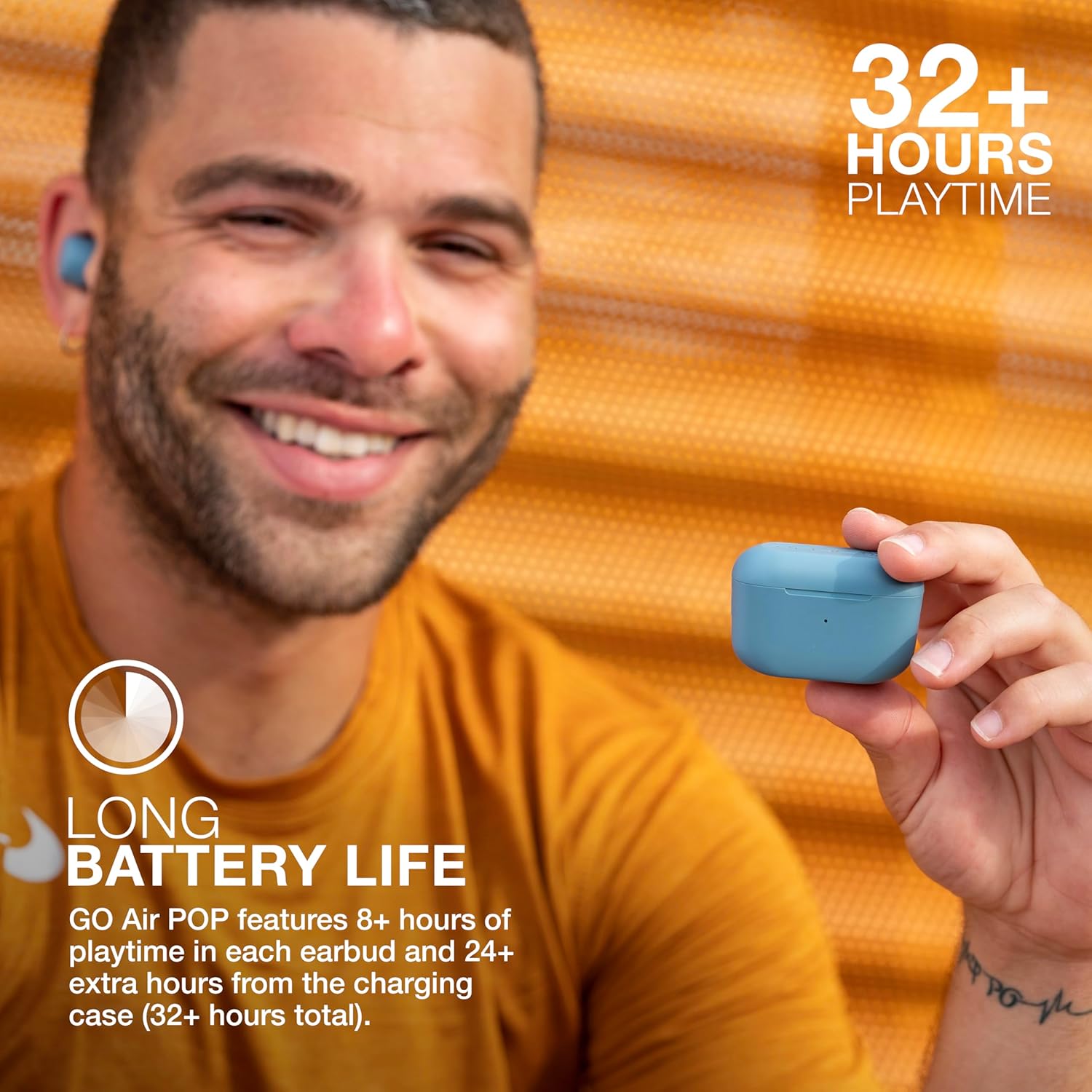
Image: A person wearing a JLab Go Air Pop earbud, demonstrating a proper fit. A snug fit is crucial for sound isolation and comfort.
5. Instruccions de funcionament
5.1 Controls tàctils
The JLab Go Air Pop earbuds feature intuitive touch controls on each earbud. A few taps allow you to manage audio playback, calls, and activate your smart assistant.
- Reproduir/pausa: Un sol toc a qualsevol dels auriculars.
- Pujar el volum: Toqueu l'auricular dret dues vegades.
- Baixar el volum: Toqueu l'auricular esquerre dues vegades.
- Seguiment endavant: Tap and hold the right earbud for 1+ second.
- Pista cap enrere: Tap and hold the left earbud for 1+ second.
- Respondre/penjar la trucada: Un sol toc a qualsevol dels auriculars.
- Rebutja la trucada: Tap and hold either earbud for 1+ second.
- Activate Smart Assistant: Toqueu tres vegades qualsevol dels auriculars.

Image: A hand interacting with the touch-sensitive surface of an earbud, demonstrating how to use the touch controls for various functions.
5.2 EQ3 Sound Modes
Customize your listening experience with three Equalizer (EQ3) sound modes: JLab Signature, Balanced, and Bass Boost. You can switch between these modes directly from the earbuds without needing an app.
- Signatura JLab: Ampveus i baix lified.
- Equilibrat: Fins i tot so per a podcasts i música clàssica.
- Intensificació dels sons més greus: Ampbaix i subgravs lificats.
To cycle through EQ3 settings, triple tap the right earbud.
5.3 Connexió dual
The JLab Go Air Pop earbuds support Dual Connect technology, allowing you to use either earbud independently or both together. This is ideal for situations where you need to remain aware of your surroundings or extend battery life by using one earbud at a time.

Image: The earbuds in their charging case, illustrating the ability to use them individually or as a pair.
6. Manteniment
6.1 Neteja
Una neteja regular ajuda a mantenir la qualitat del so i la higiene.
- Netegeu suaument els auriculars i l'estoig de càrrega amb un drap suau, sec i sense borrissol.
- Traieu les puntes de les orelles i netegeu-les amb aigua i sabó suau, i després eixugueu-les bé abans de tornar-les a col·locar.
- Feu servir un bastonet de cotó sec per netejar acuradament els contactes de càrrega tant dels auriculars com de l'interior de la funda.
6.2 Emmagatzematge
When not in use, store your earbuds in their charging case to protect them and keep them charged. Avoid exposing the earbuds or case to extreme temperatures, humidity, or liquids.
7. Solució De Problemes
- Auriculars que no s'emparellan: Ensure both earbuds are fully charged. Place them back in the case, close the lid, then open it and remove them to re-initiate pairing mode. Check your device's Bluetooth settings to forget previous connections and try pairing again.
- Només un auricular reprodueix àudio: Place both earbuds back in the charging case. Remove them simultaneously. If the issue persists, perform a factory reset (refer to JLab's official support for specific steps).
- Problemes de càrrega: Verify the integrated USB cable is securely connected to a working power source. Ensure the charging contacts on the earbuds and case are clean and free of debris.
- Volum baix o qualitat de so deficient: Adjust the earbud fit and try different sized ear tips. Clean the ear tips and earbud nozzles. Cycle through the EQ3 sound modes to see if a different setting improves the audio.
8. Especificacions
| Característica | Especificació |
|---|---|
| Nom del model | Go Air Pop |
| Tecnologia de connectivitat | Bluetooth, Sense fil |
| Versió Bluetooth | 5.1 |
| Durada de la bateria | 32 Hours (8+ hours in earbuds, 24+ hours from case) |
| Temps de càrrega | 2 hores |
| Nivell de resistència a l'aigua | Resistent a l'aigua (IPX4) |
| Mida del controlador d'àudio | 8 mil·límetres |
| Resposta de freqüència | 20 kHz |
| Tipus de control | Volume Control (Touch) |
| Característica especial | Micròfon inclòs |
| Pes de l'article | 0.3 grams (auriculars) |
| Pes de la maleta de transport | 59 grams |
9. Garantia i Suport
Your JLab Go Air Pop True Wireless Bluetooth Earbuds come with a JLab Two Year Warranty. For detailed warranty information, product registration, or further support, please visit the official JLab weblloc web o consulteu la targeta de garantia inclosa al paquet.
També podeu visitar el Botiga JLab a Amazon per a més productes i recursos de suport.


