Introducció
Welcome to the user manual for your Soundcore Life Q35 Multi Mode Active Noise Cancelling Headphones. These headphones are designed to provide an immersive audio experience with advanced noise cancellation, high-resolution sound, and comfortable wear for extended periods. This manual will guide you through the setup, operation, maintenance, and troubleshooting of your device.

Figure 1: Soundcore Life Q35 Headphones (Pink)
Què hi ha a la caixa
Upon unboxing your Soundcore Life Q35 headphones, please ensure all the following components are present:
- Soundcore Life Q35 Headphones
- Cable de càrrega USB-C
- Cable auxiliar de 3.5 mm
- Estoig de viatge
- Manual d'usuari (aquest document)
Guia de configuració
1. Carregant els auriculars
Before first use, fully charge your Life Q35 headphones. Connect the provided USB-C charging cable to the charging port on the headphones and a compatible USB power source. The LED indicator will show charging status and turn off when fully charged. A full charge provides up to 40 hours of playtime.

Figura 2: Ubicació del port de càrrega
2. Emparellament Bluetooth
- Assegureu-vos que els auriculars estiguin apagats.
- Press and hold the Power button for 3 seconds until the LED indicator flashes blue, indicating pairing mode.
- On your device (smartphone, tablet, laptop), enable Bluetooth and search for "Soundcore Life Q35" in the list of available devices.
- Select "Soundcore Life Q35" to connect. The LED will turn solid blue when connected.

Figura 3: Procés d'emparellament Bluetooth
3. Soundcore App Installation
For enhanced control and customization, download the Soundcore app from your device's app store. The app allows you to switch between noise cancelling modes, customize EQ settings, and access additional features.

Figure 4: Soundcore App Interface
Funcionament dels auriculars
Controls bàsics
The Soundcore Life Q35 headphones feature intuitive controls located on the earcups for easy management of audio playback, calls, and noise cancellation settings.
- Botó d'encesa: Manteniu premut per encendre/apagar.
- Botons de volum: Press + or - to adjust volume.
- Botó multifunció: Reproduir/pausar música, respondre/finalitzar trucades.
- Botó NC: Cycle through Noise Cancellation modes.
LDAC Technology for Hi-Res Audio
The Life Q35 headphones support LDAC technology, which transmits up to 3 times more data than standard Bluetooth codecs. This ensures a lossless transfer of audio, allowing you to hear every minute detail in your music, providing both Hi-Res Audio and Hi-Res Audio Wireless certified sound quality.

Figure 5: Enjoy Incredible Detail with LDAC

Figure 6: LDAC vs. SBC Bitrate Comparison
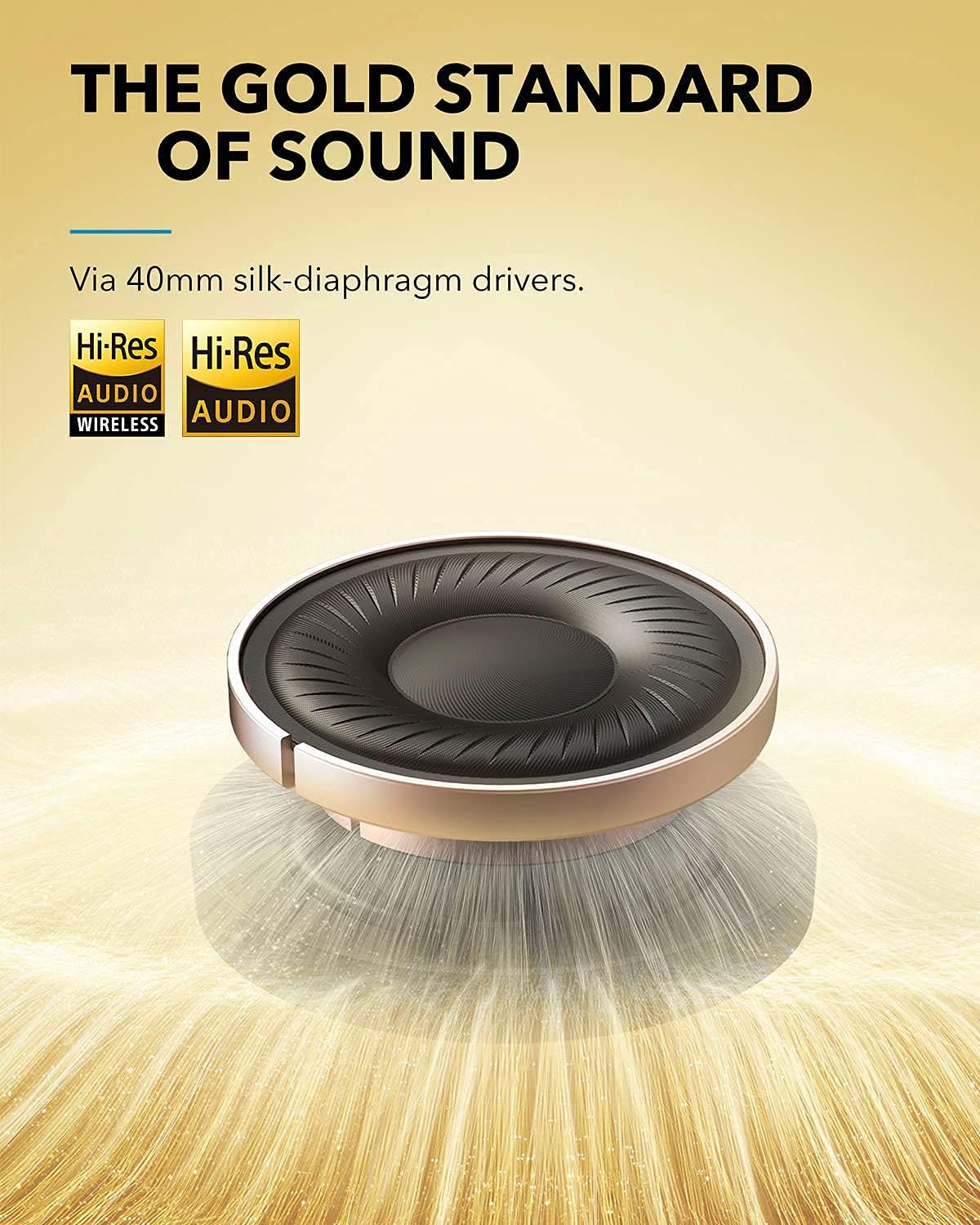
Figure 7: Gold Standard of Sound with Silk-Diaphragm Drivers
Multi-Mode Active Noise Cancelling (ANC)
The Life Q35 headphones feature advanced active noise cancelling with multiple modes to suit your environment. Two microphones on each earcup detect and filter out distracting noises.
- Mode de transport: Ideal for minimizing low-frequency sounds like airplane engines or train noise.
- Mode exterior: Reduces ambient noise such as traffic and wind, while allowing you to remain aware of your surroundings.
- Mode interior: Optimized for reducing voices and mid-frequency sounds common in offices or cafes.

Figure 8: Advanced Active Noise Cancelling Modes

Figure 9: Transport Mode in use

Figure 10: Outdoor Mode in use
Auto-Pause Audio
The Life Q35 headphones feature a built-in sensor that detects when they are removed from your ears. This sensor automatically pauses the audio playback and resumes it when the headphones are put back on.

Figure 11: Auto-Pause Audio Feature
AI-Enhanced Calls
Equipped with AI-enhanced microphones, the Life Q35 headphones ensure clearer and more precise voice pickup during calls, reducing background noise for improved communication.
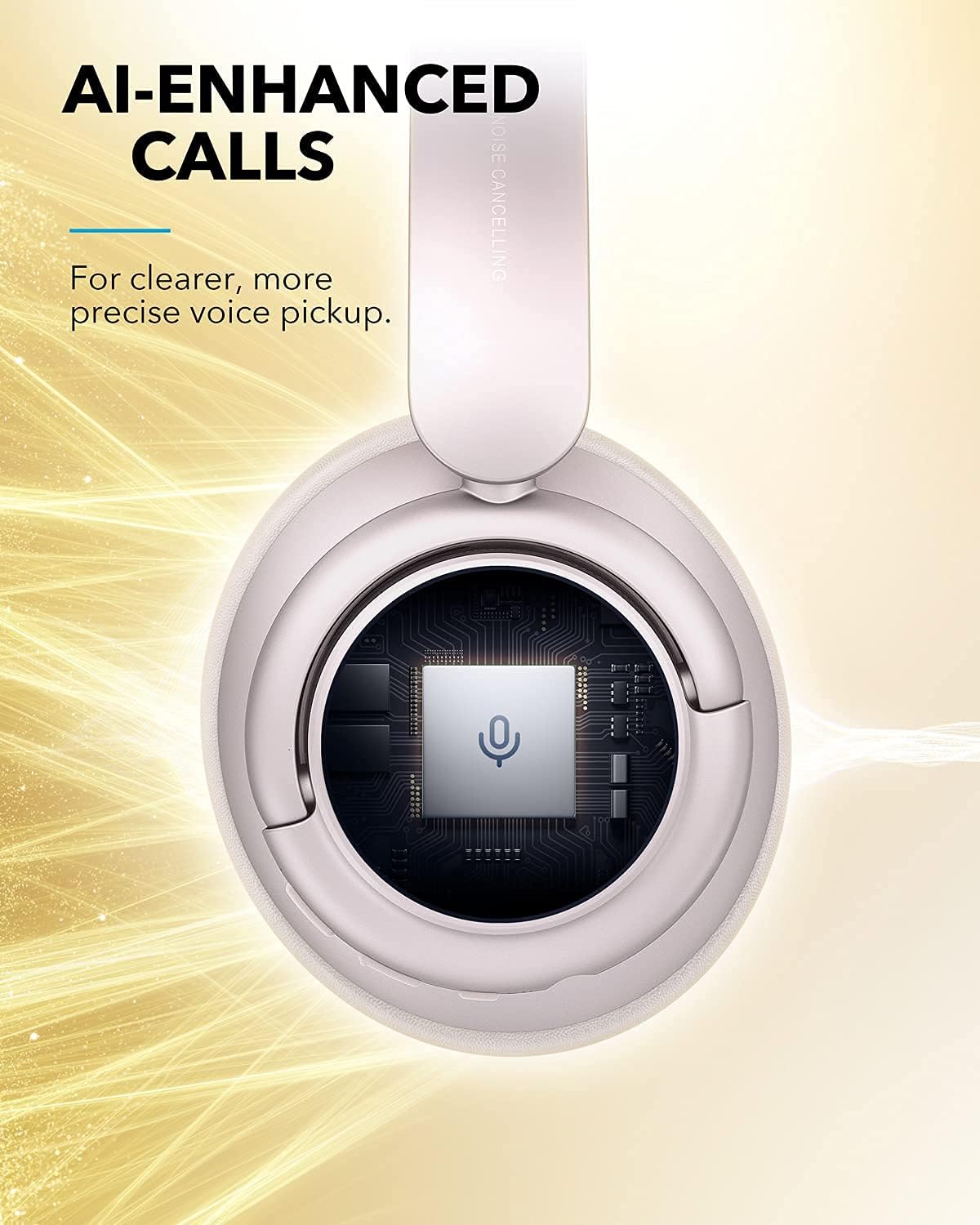
Figure 12: AI-Enhanced Call Technology
Comoditat i portabilitat
The Life Q35 headphones are designed for all-day wear with a lightweight build and memory foam padded earcups and headband. They are also foldable for easy storage in the included travel case.

Figure 13: Tailored for Comfort

Figure 14: Compact Storage in Travel Case
Manteniment
Proper maintenance ensures the longevity and optimal performance of your Soundcore Life Q35 headphones.
- Neteja: Feu servir un drap suau i sec per netejar els auriculars i la diadema. Eviteu utilitzar productes químics agressius o materials abrasius.
- Emmagatzematge: When not in use, store the headphones in their provided travel case to protect them from dust, scratches, and impacts.
- Cura de la bateria: To preserve battery life, avoid fully discharging the headphones frequently. Charge them regularly, even if not in constant use. Store in a cool, dry place.
- Eviteu la humitat: The headphones are not water-resistant. Keep them away from liquids and high humidity.
Resolució de problemes
If you encounter issues with your Soundcore Life Q35 headphones, refer to the following common problems and solutions:
Sense alimentació / No es pot encendre
- Assegureu-vos que els auriculars estiguin completament carregats. Connecteu-los a una font d'alimentació i comproveu l'indicador de càrrega.
- Proveu d'utilitzar un cable USB-C i un adaptador de corrent diferents.
No es pot vincular amb el dispositiu
- Assegureu-vos que els auriculars estiguin en mode d'emparellament (el LED parpelleja en blau).
- Desactiva i torna a activar el Bluetooth al dispositiu.
- Forget "Soundcore Life Q35" from your device's Bluetooth list and try pairing again.
- Ensure your device is within 1 meter of the headphones during pairing.
Sound Quality Issues / Intermittent Connection
- Apropa't al dispositiu connectat per reduir les interferències.
- Avoid obstacles between the headphones and your device (e.g., walls, large metal objects).
- Prova de desconnectar i tornar a connectar la connexió Bluetooth.
- Ensure no other strong wireless signals are interfering (e.g., Wi-Fi routers, other Bluetooth devices).
Auto-Pause Feature is Too Sensitive or Not Working
- Ensure the headphones are worn correctly and securely on your ears.
- Clean the sensor area on the earcups with a soft, dry cloth to remove any debris that might be obstructing it.
- If the issue persists, you may be able to adjust the sensitivity or disable this feature via the Soundcore app.
Reinicialització dels auriculars
If the above steps do not resolve the issue, you can perform a factory reset. Refer to the Soundcore app or the official Soundcore support website for specific instructions on how to reset your Life Q35 headphones, as the exact procedure may vary.
Especificacions
| Característica | Detall |
|---|---|
| Marca | Soundcore |
| Nom del model | Life Q35 (A3027051-F0) |
| Tecnologia de connectivitat | Sense fil (Bluetooth) |
| Versió Bluetooth | 4.0 |
| Interval Bluetooth | 10 metres |
| Tipus de controlador d'àudio | Dynamic Driver (Silk-diaphragm) |
| Control de soroll | Active Noise Cancellation (Multi-Mode) |
| Durada de la bateria | Fins a 40 hores |
| Conector d'auriculars | 3.5 mm Jack |
| Factor de forma | Sobre l'orella |
| Material | Metall, plàstic |
| Pes de l'article | 0.634 unces |
| Dimensions del producte | 7.68 x 7.09 x 3.07 polzades |
| Característiques especials | Lightweight, Microphone Included, Noise Cancellation, Wireless, LDAC, Auto-Pause |
Garantia i Suport
Soundcore products are backed by a limited warranty. For detailed warranty information, product registration, and technical support, please visit the official Soundcore weblloc web o poseu-vos en contacte amb el servei d'atenció al client. Conserveu el comprovant de compra per a reclamacions de garantia.
Assistència en línia: Soundcore Support Page


