1. Introducció
Thank you for choosing the ddpai Mini 5 Dash Cam. This manual provides essential information for the proper installation, operation, and maintenance of your device. Please read it carefully before use and retain it for future reference.
Contingut del paquet
Ensure all items listed below are present in your package. If any item is missing or damaged, please contact customer support.
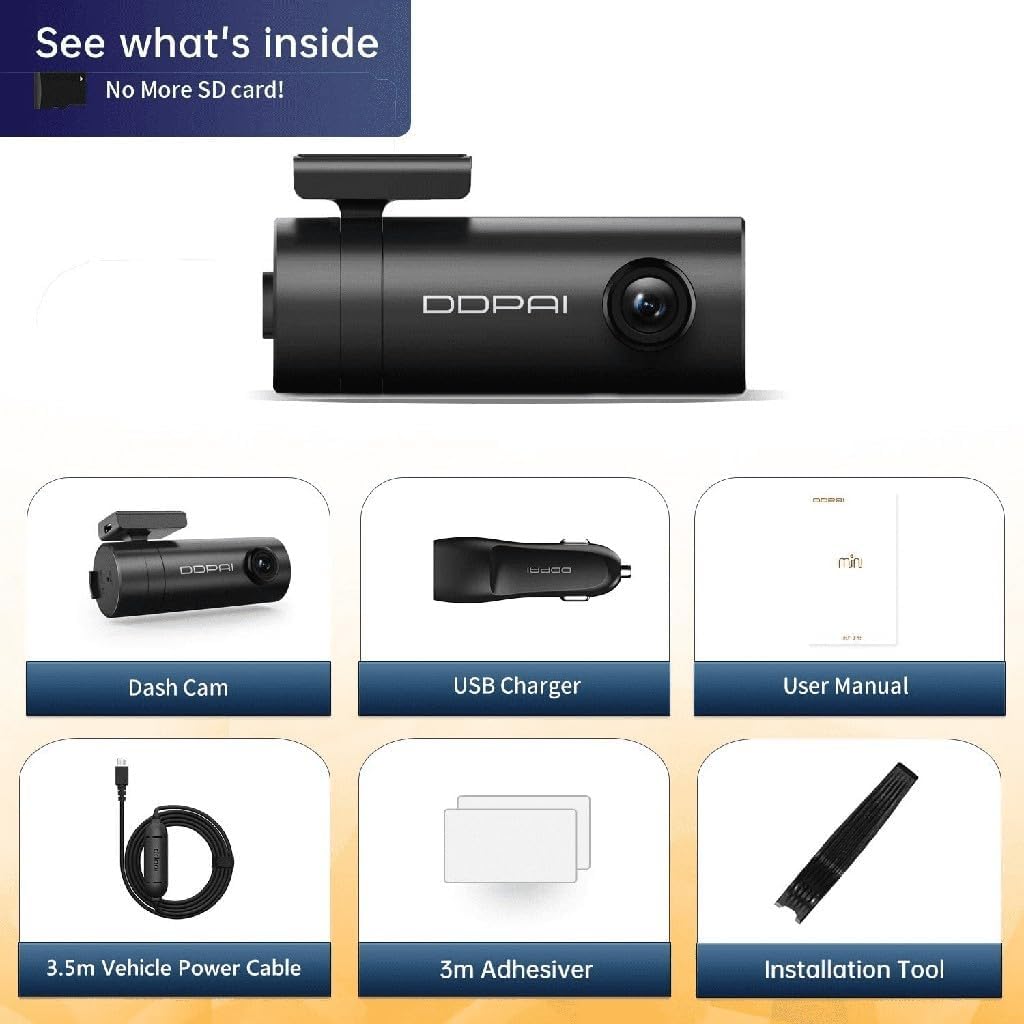
Imatge 1.1: Package Contents. This image displays the ddpai Mini 5 Dash Cam, a USB charger, the user manual, a 3.5m vehicle power cable, 3m adhesive pads, and an installation tool.
- ddpai Mini 5 Dash Cam
- Carregador de cotxe USB
- Manual d'usuari (aquest document)
- Cable d'alimentació del vehicle de 3.5 m
- 3m Adhesive Pads
- Eina d'instal·lació
2. Informació de seguretat
Si us plau, observeu les següents pautes de seguretat per evitar danys al dispositiu o lesions personals:
- No intenteu desmuntar, reparar o modificar el dispositiu. Això pot anul·lar la garantia i plantejar riscos per a la seguretat.
- Ensure the device is securely mounted and does not obstruct the driver's view o interferir amb els controls del vehicle.
- Use only the provided power cable and charger. Using incompatible accessories may cause damage or fire.
- Avoid exposing the device to extreme temperatures, direct sunlight for prolonged periods, or excessive moisture. The operating temperature range is -20°C to 70°C.
- Mantingueu la lent neta per garantir gravacions nítides.
- Do not operate the device while driving. Adjust settings only when the vehicle is safely parked.
3. Producte acabatview
The ddpai Mini 5 is a compact and intelligent dash camera designed to record your journeys in high definition and provide enhanced vehicle security features.
Característiques clau
- Gravació Full HD de 1080p: Captures clear video at 30 frames per second.
- Lent giratòria de 330°: Allows for flexible adjustment of the recording angle.
- 140° d'ample View Angle: Covers multiple lanes of traffic.
- Wi-Fi integrat: Connects to your smartphone for easy video management and settings adjustment via the ddpai app.
- Sensor G (detecció de col·lisions): Automatically detects impacts and locks the current recording to prevent overwriting.
- Mode d'aparcament 24 hores: Monitors your vehicle even when parked, with motion and collision detection (requires optional hardwire kit).
- Supervisió nocturna: Enhanced low-light performance for clear nighttime recordings.
- Enregistrament en bucle: Registra contínuament, sobreescrivint els aliments més anticstage quan la targeta de memòria estigui plena.
- Built-in Super Capacitor: Provides reliable power in extreme temperatures and offers a longer lifespan compared to traditional batteries.
- Disseny discret: Compact form factor allows for unobtrusive installation behind the rearview mirall.
- Supports up to 128GB Storage: Ample storage for extended recording.
Característiques visuals

Imatge 3.1: S'han acabat les funcions clauview. This image highlights the 1080p resolution, 330° rotatable lens, emergency lock function, support for up to 128GB storage, 140° view angle, and super capacitor for reliable power.
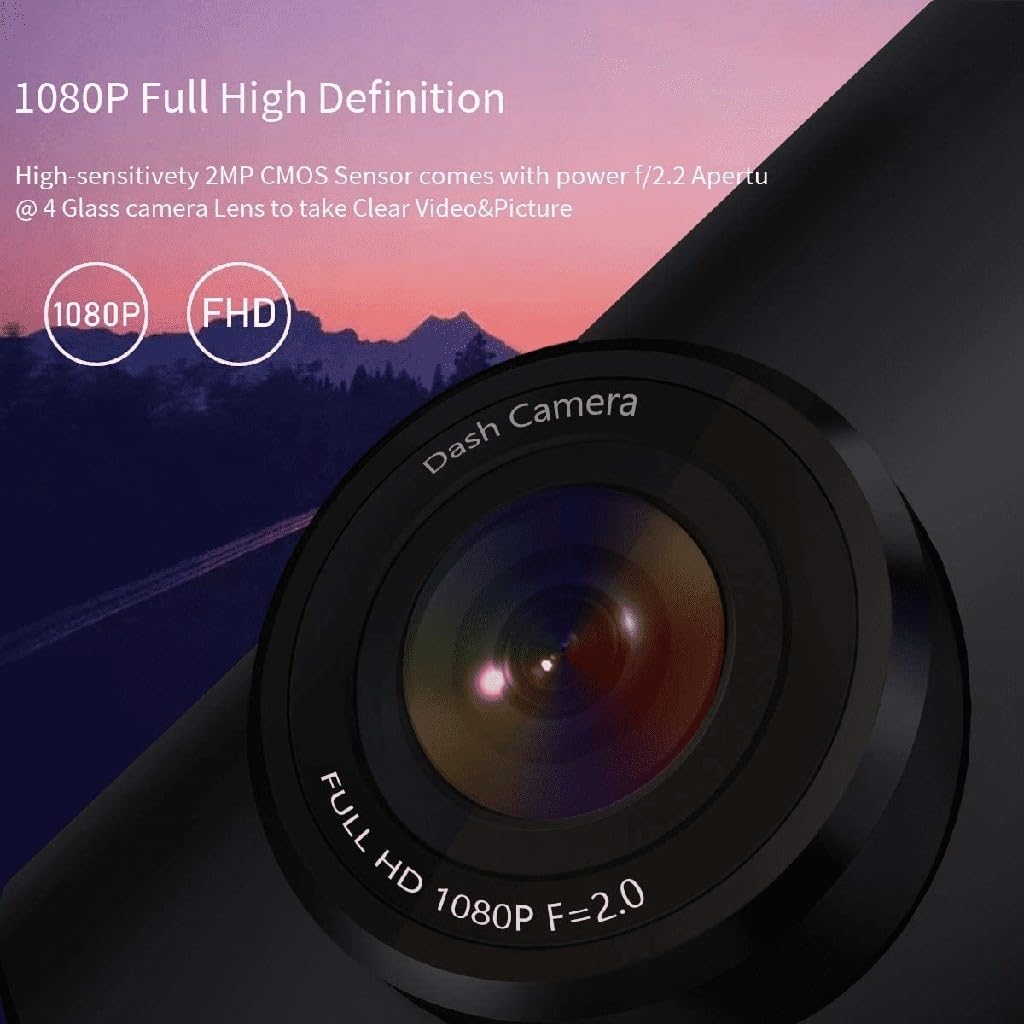
Imatge 3.2: 1080p Full High Definition. This image shows a close-up of the dash cam lens, emphasizing its 1080p Full HD recording capability with an f/2.0 aperture for clear video and pictures.
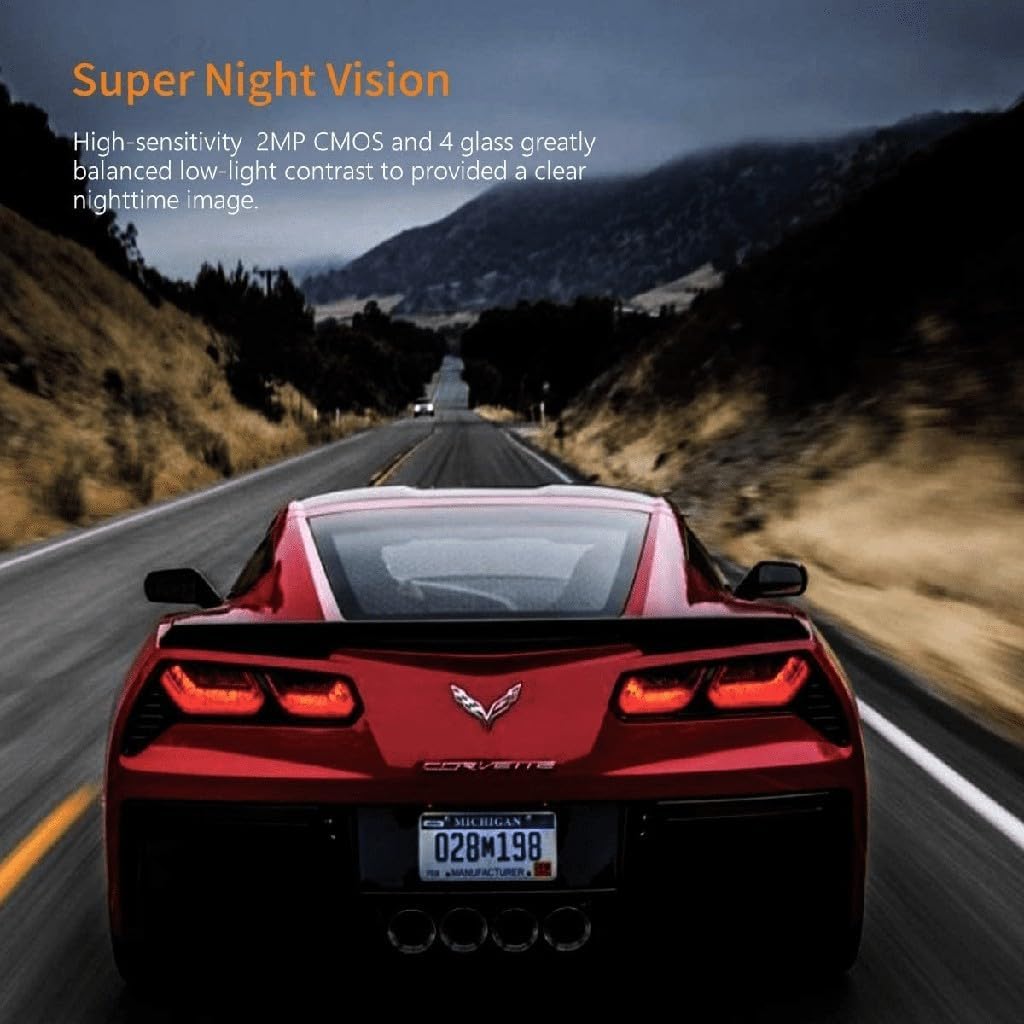
Imatge 3.3: Super Night Vision. This image demonstrates the dash cam's ability to capture clear images in low-light conditions, thanks to its high-sensitivity 2MP CMOS sensor and 4-glass lens.
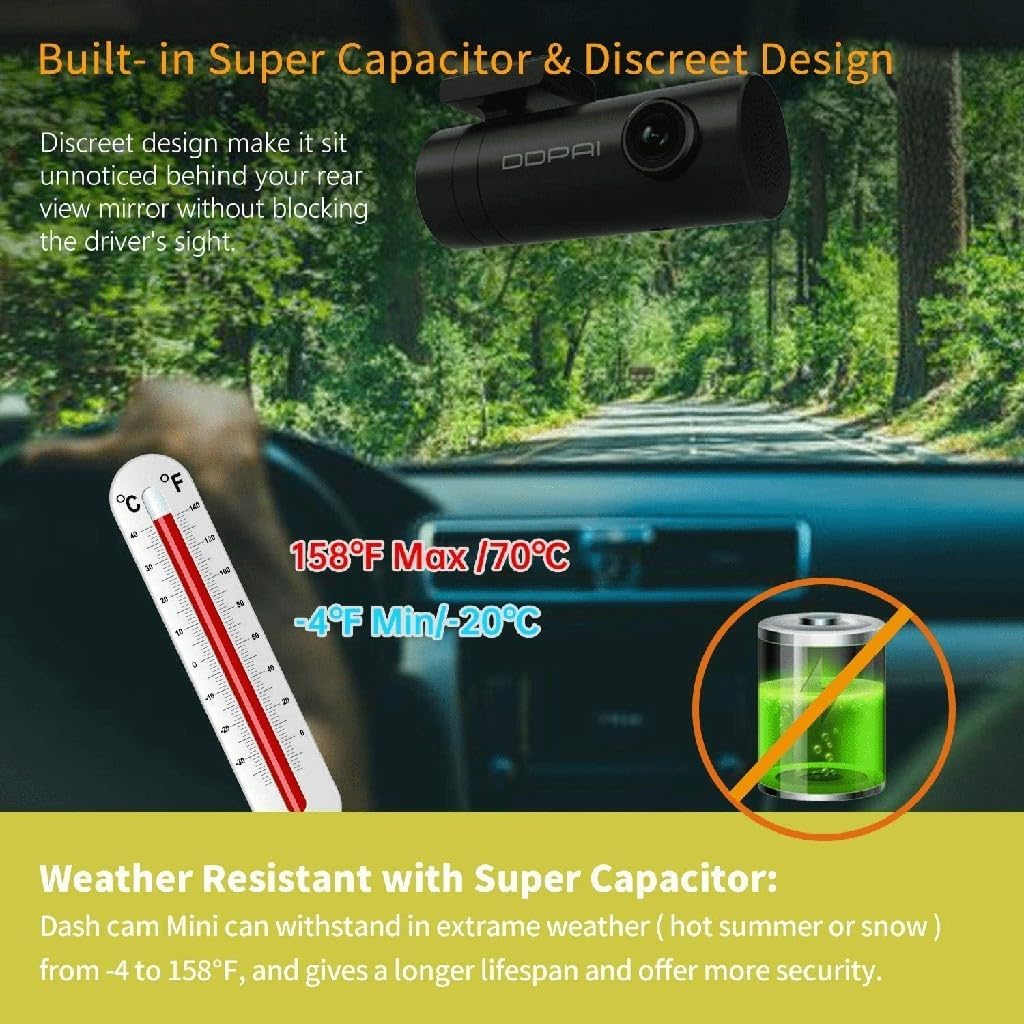
Imatge 3.4: Built-in Super Capacitor & Discreet Design. This image illustrates the compact design of the dash cam, allowing it to be mounted unobtrusively. It also highlights the weather resistance provided by the super capacitor, capable of operating from -20°C to 70°C.
4. Configuració
4.1 Instal·lació
- Trieu una ubicació: Select a position on your windshield, preferably behind the rearview mirall, que no t'obstrueixi view or interfere with airbags. The discreet design of the Mini 5 allows for minimal visibility.
- Neteja el parabrisa: Assegureu-vos que la zona escollida del parabrisa estigui neta i seca.
- Attach the Adhesive Mount: Peel off the protective film from one side of the 3m adhesive pad and apply it to the dash cam mount. Then, peel off the other side and firmly press the mount onto the windshield for at least 30 seconds.
- Ajusta l'angle de la lent: Once mounted, rotate the camera body to achieve the desired recording angle. The 330° rotatable lens allows for flexible positioning.
4.2 Connexió d'alimentació
- Connect the 3.5m vehicle power cable to the dash cam's power input port.
- Route the power cable along the edge of the windshield and dashboard to the vehicle's 12V power outlet (cigarette lighter socket). Use the included installation tool to tuck the cable neatly.
- Plug the USB car charger into the 12V power outlet and connect the power cable to the charger.
- The dash cam will power on automatically when the vehicle's ignition is turned on.
4.3 Initial Configuration (via ddpai App)
- Download the 'ddpai' app from your smartphone's app store (iOS or Android).
- Turn on the dash cam. The Wi-Fi indicator light will illuminate.
- On your smartphone, go to Wi-Fi settings and connect to the ddpai dash cam's Wi-Fi network (e.g., 'ddpai_Mini5_XXXX'). The default password is '1234567890'.
- Open the ddpai app. The app will automatically connect to the dash cam.
- Follow the on-screen prompts to set the date, time, and other preferences.
5. Instruccions de funcionament
5.1 Enregistrament bàsic
Once powered on, the ddpai Mini 5 will automatically begin continuous loop recording. Video files are saved in segments (e.g., 1, 3, or 5 minutes) to the internal storage. When the storage is full, the oldest unprotected files seran sobreescrits pels nous enregistraments.
5.2 Sensor G (bloqueig d'emergència per accident)
The built-in G-sensor detects sudden impacts or collisions. When an event is detected, the current video segment is automatically locked and saved to a separate folder, preventing it from being overwritten by loop recording. This ensures critical evidence is preserved.

Imatge 5.1: Emergency Accident Lock. This image illustrates how the 3-axis Gravity Sensor detects collisions and automatically protects important video clips from being overwritten, securing crucial evidence.
5.3 Mode d'aparcament les 24 hores
For continuous surveillance when your vehicle is parked, the ddpai Mini 5 offers a 24-hour parking mode. This feature requires a separate hardwire kit (ASIN: B074KDXCX1) to be installed, providing constant power to the dash cam.
- Detecció de moviment: The camera will automatically wake up and record if it detects movement around your vehicle.
- Detecció de col·lisions: If an impact is detected while parked, the camera will automatically record the event.

Imatge 5.2: 24 Hours Parking Mode & G Sensor. This image explains the 24-hour parking mode, which includes motion detection (auto wake up and record movement) and collision detection (auto detect impact and record even when the dash cam is off). Note that this mode requires an external hardwire kit, sold separately.
5.4 Managing Recordings via App
Connect your smartphone to the dash cam's Wi-Fi network and use the ddpai app to:
- View viu footage de la càmera.
- Navega i reprodueix vídeos gravats.
- Download important video clips to your phone.
- Adjust camera settings (e.g., resolution, G-sensor sensitivity, parking mode settings).
6. Manteniment
6.1 Neteja de la lent
Regularly clean the camera lens with a soft, lint-free cloth to ensure clear video quality. Avoid using abrasive cleaners or solvents.
6.2 actualitzacions de microprogramari
Check the ddpai app periodically for available firmware updates. Keeping your dash cam's firmware up-to-date ensures optimal performance and access to new features.
6.3 Gestió d'emmagatzematge
While loop recording manages storage automatically, it is recommended to periodically review and delete unnecessary locked files from the app to free up space, especially if you have many emergency recordings.
7. Solució De Problemes
If you encounter issues with your ddpai Mini 5 Dash Cam, refer to the following common problems and solutions:
| Problema | Possible causa/solució |
|---|---|
| La càmera del salpicader no s'encén. |
|
| No es pot connectar a la Wi-Fi. |
|
| Vídeo footage és borrós o poc clar. |
|
| Recordings are not saving or loop recording is not working. |
|
| Parking mode is not working. |
|
8. Especificacions
| Característica | Detall |
|---|---|
| Marca | ddpai |
| Nom del model | Mini 5 |
| Resolució | 1080p Full HD (1920 x 1080) @ 30fps |
| Lent | f/2.2 Aperture, 4-Glass Lens, 330° Rotatable |
| View Angle | 140° |
| Connectivitat | Wi-Fi, USB |
| Característiques especials | Built-in Display, Built-in WiFi, App Control, G-Sensor (Accelerometer), Loop Recording, 24-Hour Parking Mode (requires hardwire kit), Super Night Vision, Super Capacitor |
| Suport d'emmagatzematge | Up to 128GB (internal storage) |
| Temperatura de funcionament | -20 °C a 70 °C (-4 °F a 158 °F) |
| Tipus de servei del vehicle | Cotxe |
9. Garantia i Suport
The ddpai Mini 5 Dash Cam comes with a standard manufacturer's warranty. Please refer to the warranty card included in your package or visit the official ddpai weblloc web per obtenir informació detallada sobre els termes i condicions de la garantia.
For technical support, troubleshooting assistance, or warranty claims, please contact ddpai customer service through their official weblloc web o la informació de contacte que es proporciona a l'embalatge del producte.


