Introducció
This manual provides comprehensive instructions for the setup, operation, maintenance, and troubleshooting of your VIVIBRIGHT D5000 Projector. The D5000 is a Full HD 1080P projector with 600 ANSI Lumens brightness, 15000:1 contrast, and support for 4K video input. It features bidirectional Bluetooth 5.1 and WiFi screen mirroring for versatile connectivity.

Image: The VIVIBRIGHT D5000 Projector creating an immersive home theater experience.
Contingut del paquet
En desembalar, comproveu que hi hagi tots els elements que s'enumeren a continuació:
- VIVIBRIGHT D5000 Projector
- Control remot
- Cable d'alimentació
- Bossa de transport portàtil
- Pantalla de projector de 100 polzades
- Manual d'usuari (aquest document)

Image: All components included in the VIVIBRIGHT D5000 projector package.
Configuració
Col·locació inicial
Col·loqueu el projector sobre una superfície estable i plana. Assegureu-vos que hi hagi una ventilació adequada al voltant del dispositiu. Per a una òptima viewing, position the projector directly in front of your screen or wall.
Connexió d'alimentació
- Connecteu el cable d'alimentació al port d'entrada d'alimentació del projector.
- Connecteu l'altre extrem del cable d'alimentació a una presa de corrent estàndard.
- Premeu el botó d'encesa del projector o del comandament a distància per encendre el dispositiu.
Enfocament i correcció Keystone
Adjust the image clarity and shape using the focus and keystone correction rings located on the projector. The focus ring sharpens the image, while keystone correction adjusts the image to be rectangular if the projector is not perfectly perpendicular to the screen.

Image: Adjusting focus and keystone correction for a clear, rectangular image.
Instruccions de funcionament
Opcions de connectivitat
The VIVIBRIGHT D5000 offers multiple ways to connect your devices:
- HDMI: Connect gaming consoles (PS4, PS5, Xbox), laptops, TV sticks, or Blu-ray players. The projector has two HDMI ports.
- USB: Connect USB drives for media playback. Two USB ports are available.
- VGA: Connecteu ordinadors o portàtils més antics.
- Àudio de 3.5 mm: Connecteu altaveus externs o auriculars.

Image: Various connectivity options for gaming and other devices.

Image: The projector's versatile connectivity supports various setups and media sources.
Reflex de pantalla sense fil (WiFi)
The D5000 supports WiFi screen mirroring, allowing you to project content from your iOS or Android phone, tablet, or laptop without additional adapters.
- Ensure your projector and mobile device are connected to the same WiFi network.
- Seleccioneu l'opció "Screen Mirroring" o "Wireless Display" al menú del projector.
- On your mobile device, activate screen mirroring (e.g., AirPlay for iOS, Smart View/Cast for Android) and select the VIVIBRIGHT D5000 from the list of available devices.
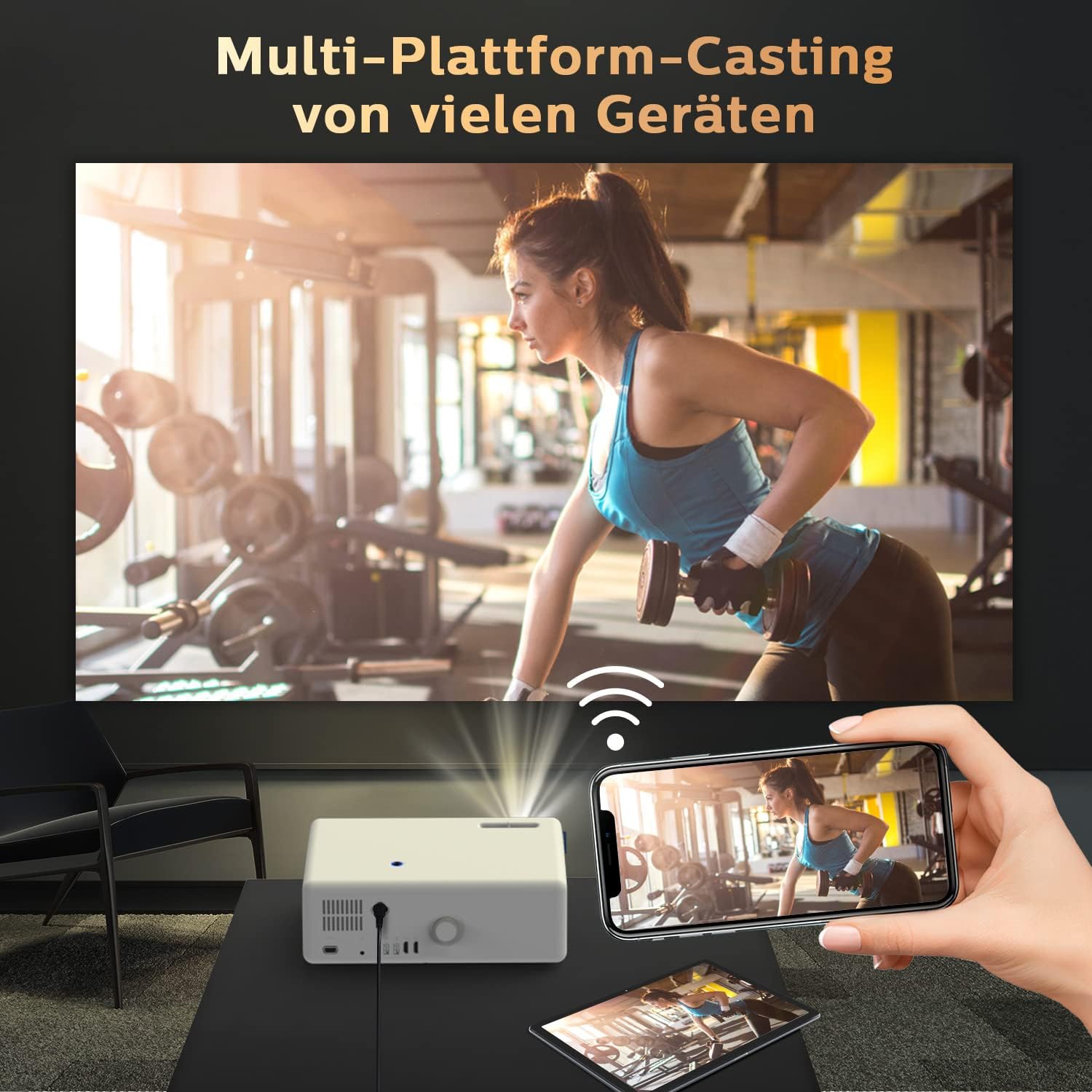
Image: Seamless multi-platform casting from mobile devices to the projector.
Connexió d'àudio Bluetooth
The D5000 features bidirectional Bluetooth 5.1, allowing it to connect to external Bluetooth speakers or act as a Bluetooth speaker for your phone.
- Connexió a altaveus externs: Go to the Bluetooth settings on the projector, enable Bluetooth, and pair with your desired Bluetooth speaker, headset, or AirPods.
- Using as a Bluetooth Speaker: Enable Bluetooth on the projector and your mobile device. Cerca the projector on your phone's Bluetooth settings and connect to it to play audio through the projector's built-in 10W stereo speakers.

Image: Connecting the projector to an external Bluetooth speaker for enhanced audio.

Image: Bidirectional Bluetooth technology for flexible audio connections.
Manteniment
Neteja del projector
- Lent: Feu servir un drap suau i sense borrissol dissenyat específicament per a lents òptiques. No utilitzeu productes de neteja ni draps abrasius.
- Casing: Netegeu l'exterior amb un drap suau i sec. Per a marques difícils, feu un drap lleugerament sec.amp Es pot fer servir un drap, però assegureu-vos que no entri humitat a l'aparell.
- Ports de ventilació: Regularly check and clean the ventilation ports to prevent dust buildup, which can affect performance and lifespan. Use a soft brush or compressed air.
Emmagatzematge
When not in use for extended periods, store the projector in its portable carrying bag in a cool, dry place, away from direct sunlight and extreme temperatures.
Resolució de problemes
| Problema | Causa possible | Solució |
|---|---|---|
| No es mostra cap imatge | Power cable loose; incorrect input source; device not powered on. | Check power connection; select correct input (HDMI, USB, VGA); ensure connected device is on. |
| Imatge borrosa | Out of focus; incorrect keystone adjustment. | Adjust the focus ring; adjust keystone correction. |
| Sense so | Volume too low; incorrect audio output selected; Bluetooth not paired. | Increase volume; check audio settings on projector and source device; re-pair Bluetooth device. |
| WiFi screen mirroring not working | Devices not on same network; WiFi signal weak; device compatibility issue. | Ensure both devices are on the same 2.4GHz/5GHz WiFi network; move closer to router; try a different device. |
| Soroll fort del ventilador | Normal operation; blocked ventilation. | Ensure ventilation ports are clear; this is normal for projectors to dissipate heat. |
Especificacions
- Marca: VIVIBRILL
- Model: D5000
- Resolució nativa: 1920 x 1080p Full HD
- Resolució compatible: Vídeo 4K
- Brillantor: 600 lúmens ANSI
- Relació de contrast: 15000:1
- Connectivitat: 2x HDMI, 2x USB, 1x VGA, 3.5mm Audio, WiFi, Bluetooth 5.1
- Tipus de visualització: LCD
- Dimensions del producte: 32 x 23 x 11 cm
- Pes de l'article: 4.83 quilos
- Consum d'energia: 150 watts
- Ús recomanat: Home Cinema

Image: Demonstrating the superior visual performance of the VIVIBRIGHT D5000.

Image: Highlighting the incredible brightness of the VIVIBRIGHT D5000.

Imatge: Showcasing the amazing clarity of the VIVIBRIGHT D5000.

Image: Illustrating the extreme color performance of the VIVIBRIGHT D5000.

Image: Key features of the VIVIBRIGHT D5000, including its lens, speaker, and screen mirroring capabilities.
Garantia i Suport
The VIVIBRIGHT D5000 Projector comes with a 2 any de garantia. VIVIBRIGHT also offers lifetime professional technical support for this product.
For any questions, technical assistance, or warranty claims, please contact VIVIBRIGHT customer support. Response is typically within 24 hours.

Image: The VIVIBRIGHT D5000 Projector, highlighting its key wireless features.


