Logitech M650

Manual d'instruccions del ratolí sense fil Logitech Signature M650

Model: M650

Introducció

The Logitech Wireless Mouse Signature M650 is designed to enhance comfort and productivity with its advanced features. This manual provides essential information for setting up, operating, and maintaining your mouse, ensuring a seamless user experience.

Logitech Signature M650 Wireless Mouse in Off White
The Logitech Signature M650 Wireless Mouse in Off White, showcasing el seu disseny ergonòmic.
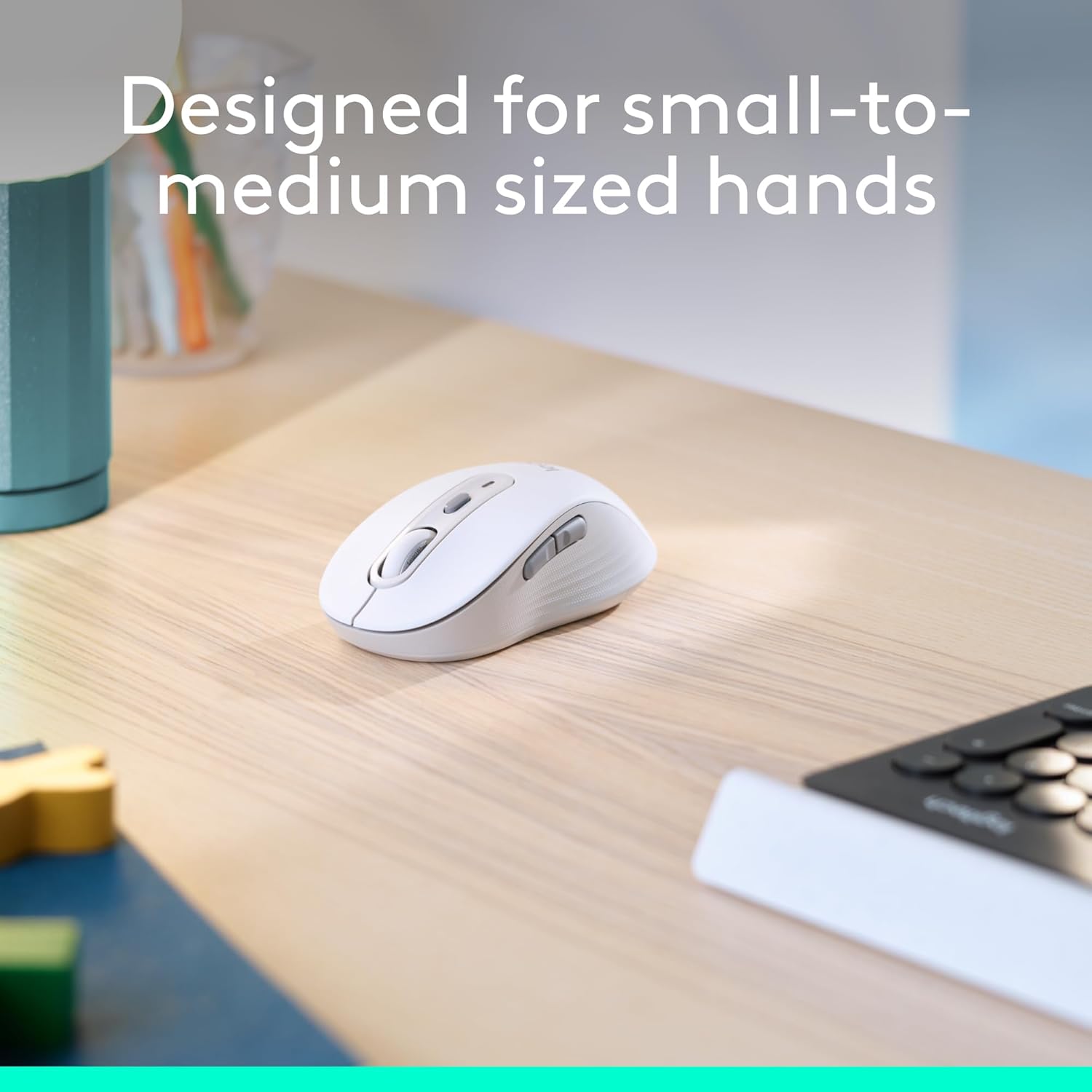
Logitech Signature M650 mouse designed for small to medium hands
The Logitech Signature M650 mouse, specifically designed for small to medium sized hands for optimal comfort.
Close-up of Logitech Signature M650 showing rubber side grips
Primer pla view of the Logitech Signature M650 highlighting the comfort shape and textured rubber side grips.

Configuració

Follow these steps to quickly set up your Logitech Wireless Mouse Signature M650.

1. Instal·lació de la bateria

  1. Localitzeu el compartiment de la bateria a la part inferior del ratolí.
  2. Traieu la coberta.
  3. Insert the included AA battery, ensuring correct polarity.
  4. Substituïu la tapa del compartiment de la bateria.
Logitech Signature M650 packaging showing the mouse and USB receiver
The Logitech Signature M650 packaging, indicating the inclusion of a USB receiver and battery.

2. Opcions de connectivitat

Your M650 mouse offers two ways to connect to your device:

  • Receptor USB Logi Bolt: The receiver is stored inside the battery compartment. Plug it into an available USB port on your computer. The mouse should connect automatically.
  • Bluetooth de baixa energia: Activate Bluetooth on your device. Turn on the mouse and press the connect button on the underside to enter pairing mode. Select 'Logi M650' from your device's Bluetooth settings.
Logitech Signature M650 mouse with Bluetooth and Logi Bolt USB receiver icons
The Logitech Signature M650 mouse illustrating its dual connectivity options: Bluetooth and Logi Bolt USB receiver.
Logitech Signature M650 mouse with Windows 11 compatibility message
The Logitech Signature M650 mouse is fully compatible with Windows 11, ensuring broad usability.
A detailed video demonstrating the features and setup of the Logitech Signature M650 mouse.

Instruccions de funcionament

Desplaçament amb la roda intel·ligent

The SmartWheel provides two scrolling modes:

  • Line-by-line precision: For detailed navigation in documents or spreadsheets.
  • Super-fast free spin: Flick the wheel for rapid scrolling through long web pages or large files.
Logitech Signature M650 mouse highlighting the SmartWheel for precision and speed scrolling
The SmartWheel on the Logitech Signature M650 offers both precision and speed scrolling capabilities.
A video demonstrating the innovative SmartWheel feature of the Logitech Signature M650 mouse.

Botons laterals personalitzables

The two side buttons can be customized using Logitech Options+ software (available on Windows and macOS) to perform your favorite shortcuts, such as back/forward navigation or copy/paste functions.

Screenshot of Logitech Options+ software showing customizable buttons for M650 mouse
Customize the side buttons of your Logitech Signature M650 mouse using Logitech Options+ software for personalized shortcuts.

Clics silenciosos

The mouse features SilentTouch technology, reducing click noise by 90% compared to traditional mice, allowing for a quieter work environment.

Woman using Logitech Signature M650 mouse with '90% less clicking noise' text
Experience a quieter workspace with the Logitech Signature M650, featuring 90% less clicking noise.
Una review video of the Logitech Wireless Mouse, demonstrating its features and quiet operation.

Manteniment

Durada de la bateria

The Logitech Signature M650 is designed for extended use, offering up to 24 months of battery life on a single AA battery. Battery life may vary based on user and computing conditions.

Neteja

To clean your mouse, use a soft, damp tela. Eviteu productes químics agressius o materials abrasius.

Resolució de problemes

If you experience issues with your mouse, try the following:

  • Ensure the mouse is powered on and the battery is correctly installed.
  • Verify that the Logi Bolt USB receiver is securely plugged into a working USB port, or that your device's Bluetooth is enabled and the mouse is paired.
  • Try connecting the mouse to a different USB port or a different device to isolate the issue.
  • If using Bluetooth, try unpairing and re-pairing the mouse.

Especificacions

CaracterísticaDetall
MarcaLogitech
Número de model910-006252
Tecnologia de connectivitatBluetooth, receptor USB Logi Bolt
Tecnologia de detecció de movimentÒptic
Característiques especialsLightweight, Portable, Silent Clicks (SilentTouch), Wireless, Customizable Buttons, SmartWheel
Plataforma de maquinariLinux, Mac, PC
Compatibilitat de sistemes operatiusChrome OS, Linux, Windows
Pes de l'article3.57 unces
Dimensions del producte4.22 x 2.43 x 0.1 polzades
ColorBlanques
Font d'alimentacióAlimentat per piles (1 pila AA inclosa)
Durada mitjana de la bateria24 mesos
Annotated diagram of Logitech Signature M650 features
An annotated diagram highlighting key features of the Logitech Signature M650 mouse, including SmartWheel, silent clicking, customizable side buttons, comfort shape, 24-month battery life, and Bluetooth connectivity.

Garantia i Suport

For warranty information, technical support, or to download the Logitech Options+ software for button customization, please visit the official Logitech support website. The mouse is designed for long-lasting performance, with an average battery life of 24 months.

Documents relacionats - M650

Preview Guia d'inici de Logitech Signature M650
Una guia completa per configurar i utilitzar el ratolí sense fil Logitech Signature M650, que inclou l'emparellament, la instal·lació del programari, la personalització dels botons i informació sobre la bateria.
Preview Fitxa tècnica del ratolí sense fil Logitech M240 for Business: característiques, especificacions i compatibilitat
Fitxa tècnica completa del ratolí sense fil Logitech M240 for Business. Detalla característiques com ara Logi Bolt, Silent Touch, bateria de 18 mesos, especificacions del producte, compatibilitat i certificacions mediambientals.
Preview Guia d'inici de Logitech MX Master 3S
Una guia completa per configurar i utilitzar el ratolí sense fil Logitech MX Master 3S, que cobreix la configuració detallada, l'emparellament amb diversos ordinadors, la personalització dels botons, els controls gestuals i la gestió de la bateria.
Preview Ratolí Logitech Signature M750/M750L: Guia de configuració, característiques i ús
Guia completa per configurar i utilitzar els ratolins Logitech Signature M750 i M750L, que inclou l'emparellament Bluetooth i LogiBolt, la funcionalitat SmartWheel, els controls gestuals, Logitech Flow i informació sobre la bateria.
Preview Guia d'usuari i configuració del ratolí ergonòmic vertical Logitech LIFT
Guia completa per configurar, connectar i utilitzar el ratolí ergonòmic vertical Logitech LIFT. Aprèn sobre les seves funcions com ara SmartWheel, Easy-Switch i Logitech Flow.
Preview Guia de configuració del ratolí sense fil Logitech M750 i M650
Una guia per configurar els ratolins sense fil Logitech M750 i M650 mitjançant Bluetooth o LogiBolt, incloses les descàrregues de programari i l'assistència.