1. Introducció
Thank you for choosing the MINLOVE PJ118S Native 1080P WiFi Bluetooth Projector with Built-in DVD Player. This projector is designed to provide a versatile and immersive home theater experience, offering high-definition visuals, robust connectivity, and the convenience of an integrated DVD player. This manual will guide you through the setup, operation, maintenance, and troubleshooting of your new device.

Figure 1.1: MINLOVE PJ118S Projector highlighting its key features.
2. Què hi ha a la caixa
Si us plau, comproveu el contingut del paquet per assegurar-vos que hi hagi tots els elements:
- Projector (x1)
- Bossa de transport (x1)
- Comandament a distància (x1)
- Trípode (x1)
- Cable AV (x1)
- Cable HDMI (x1)
- Cable d'alimentació (x1)
- Projector Lens Cover (x1)
- Manual d'usuari (x1)
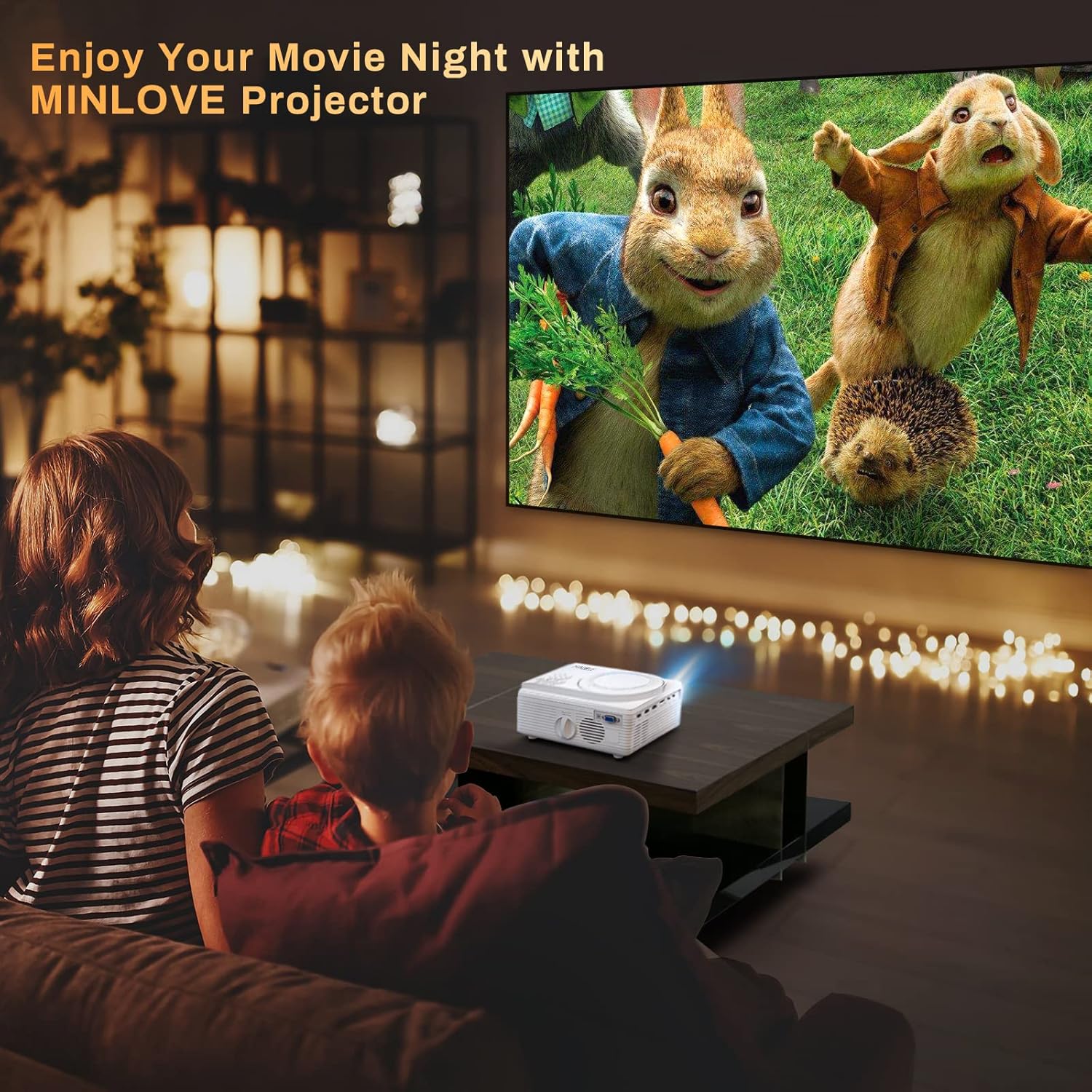
Figure 2.1: All items included in the MINLOVE PJ118S Projector package.
3. Guia de configuració
3.1 Desembalatge i col·locació
- Traieu amb cura el projector i tots els accessoris de l'embalatge.
- Col·loqueu el projector sobre una superfície estable i plana. Per a una òptima viewing, position it directly in front of your projection screen or wall.
- Ensure there is adequate ventilation around the projector to prevent overheating.
3.2 Connexió d'alimentació
- Connecteu el cable d'alimentació al port d'entrada d'alimentació del projector.
- Connecteu l'altre extrem del cable d'alimentació a una presa de corrent estàndard.
3.3 Lens Cap Removal
Before powering on the projector, ensure you remove the lens cap.

Figure 3.1: Remove the lens cap before operating the projector.
3.4 Ajust de l'enfocament i la distorsió trapezoidal
After powering on, adjust the focus and keystone correction for a clear, rectangular image.
- Anell de focus: Gireu l'anell d'enfocament de la lent del projector fins que la imatge aparegui nítida i clara.
- Correcció Keystone: Use the keystone adjustment knob (usually located near the lens) to correct any trapezoidal distortion, ensuring the image is perfectly rectangular. The projector supports ±15° keystone correction.

Figure 3.2: Adjusting keystone correction for a perfect image.
4. Instruccions de funcionament
4.1 Funcionament bàsic
Use the included remote control or the buttons on the projector to navigate menus, select input sources, and adjust settings.
4.2 Built-in DVD Player
The MINLOVE PJ118S features an integrated DVD player, allowing you to play your favorite discs directly.
- Open the DVD tray located on top of the projector.
- Gently place a DVD or CD onto the spindle, ensuring it is seated correctly.
- Close the DVD tray. The projector will automatically detect the disc and begin playback.

Figure 4.1: The projector's built-in DVD player in action.
Connectivitat sense fil 4.3 (WiFi i Bluetooth)
The projector supports WiFi for screen mirroring and Bluetooth for audio output.
4.3.1 WiFi & Screen Mirroring
Connect your iOS or Android device wirelessly to mirror its screen content.
- For iOS Devices (Airplay Mode):
- Connect your iPhone/iPad to the projector's WiFi network (e.g., "MINLOVE-xxx").
- On your iPhone/iPad, open Control Center and tap "Screen Mirroring".
- Select "MINLOVE-xxx" from the list of devices.
- For Android Devices (Miracast Mode):
- On your Android phone, enable the "Miracast Function" (or similar, e.g., "Wireless Display", "Smart View").
- Select "MINLOVE-xxx" from the available devices.

Figure 4.2: Screen mirroring setup for iOS and Android devices.
4.3.2 Connexió Bluetooth
Connecteu altaveus o auriculars Bluetooth externs per a un àudio millorat.
- Assegureu-vos que el dispositiu d'àudio Bluetooth estigui en mode d'emparellament.
- Al projector, navegueu fins a la configuració de Bluetooth.
- Seleccioneu el dispositiu de la llista per emparellar-lo.

Figure 4.3: Connecting Bluetooth audio devices.
4.4 Connexió de dispositius externs
The projector offers multiple ports for connecting various devices:
- HDMI (x2): Connect TV Box, Chromebook, PC, Laptop, Tablet, Blue-ray DVD player, Game Consoles (PS5, Xbox).
- USB: Connect USB Flash Drives for media playback.
- DE: Connecteu els dispositius més antics amb el cable AV inclòs.
- VGA: Connect computers or laptops.
- Targeta micro SD: Insert Micro SD cards for media playback (supports up to 32GB; 64GB high-speed flash memory cards are not supported).

Figure 4.4: Various input ports and compatible devices.
4.5 Audio Settings for Fire TV Stick
If using a Fire TV Stick, you may need to adjust audio settings for optimal sound output, especially for copyrighted content.
- Click the "Setting" button on your Fire TV Stick remote.
- Choose "Display & Audio".
- Click "Audio".
- Click "Surround Sound", then select "PCM".
Note: Due to Netflix copyright protection, the sound of some Netflix videos may not play normally. Turning off Dolby sound (by selecting PCM) can resolve this. The WiFi feature does not support copyrighted smartphone apps such as Netflix, Amazon Prime Video, and Hulu directly; these can be played via HDMI connection.

Figure 4.5: Steps to adjust Fire TV Stick audio settings.
5. Manteniment
Un manteniment adequat garanteix la longevitat i el rendiment òptim del vostre projector.
- Neteja de la lent: Use a soft, lint-free cloth specifically designed for optical lenses. Do not use abrasive cleaners or cloths that could scratch the lens.
- Neteja del cos del projector: Wipe the exterior with a soft, dry cloth. For stubborn dirt, a slightly damp es pot fer servir un drap, seguit d'un de sec.
- Ventilació: Regularly check that the ventilation ports are clear of dust and debris to ensure proper airflow and prevent overheating.
- Emmagatzematge: When not in use for extended periods, store the projector in its carrying bag in a cool, dry place, away from direct sunlight and extreme temperatures.
6. Solució De Problemes
Si teniu problemes amb el projector, consulteu els problemes i solucions més comuns següents:
| Problema | Causa possible | Solució |
|---|---|---|
| Sense imatge o imatge borrosa | Lens cap on, out of focus, incorrect keystone, incorrect input source. | Remove lens cap, adjust focus ring, adjust keystone, select correct input source. |
| Sense so ni so baix | Volume too low, incorrect audio output settings, incompatible audio format (e.g., Dolby for Netflix). | Increase volume, check projector's audio settings, adjust external device audio settings (e.g., Fire TV Stick to PCM), connect external speakers. |
| WiFi/Screen Mirroring issues | Incorrect network connection, device compatibility, app copyright restrictions. | Ensure correct WiFi connection, verify device compatibility, use HDMI for copyrighted streaming apps. |
| Sobreescalfament del projector | Ventilació bloquejada, ús prolongat. | Ensure vents are clear, turn off projector and allow to cool, operate in a well-ventilated area. |
| El comandament a distància no funciona | Dead batteries, obstruction, too far from projector. | Replace batteries, remove obstructions, ensure line of sight to IR receiver. |
7. Especificacions
| Característica | Detall |
|---|---|
| Número de model | PJ118S |
| Resolució nativa | 1920 x 1080p (Full HD) |
| Brillantor | 8000 Lumens (approx. 75% higher than similar projectors) |
| Relació de contrast | 10000:1 |
| Tecnologia de connectivitat | Wi-Fi, Bluetooth 5.0 |
| Ports d'entrada | 2x HDMI, USB, AV, VGA, Micro SD Card |
| Característiques incorporades | DVD Player, Stereo Speaker |
| Max Projection Screen Size | 250 polzades |
| Correcció de pedra clau | ±15° |
| Lamp La vida | Fins a 60,000 hores |
| Pes de l'article | 5.19 lliures |
| Dimensions del producte | 8.67 x 7.3 x 3.9 polzades |
8. Garantia i Suport
The MINLOVE PJ118S Projector comes with a 1 any de garantia. For any questions, technical assistance, or support, please contact our customer service team. We offer 7*24 after-sales service to provide satisfactory solutions as soon as possible.
For additional resources, you may refer to the official user manual PDF: MINLOVE PJ118S User Manual (PDF)


