1. Introducció
This manual provides detailed instructions for the setup, operation, and maintenance of your Artlii Enjoy 2 Mini Portable Projector and its accompanying 120-inch portable projection screen. Please read this manual thoroughly before use to ensure proper functionality and to maximize your viewexperiència.
2. Contingut del paquet
Verifiqueu que tots els elements que s'enumeren a continuació s'inclouen al vostre paquet. Si falta algun element o hi ha algun malmès, poseu-vos en contacte amb l'atenció al client.
- Artlii Enjoy 2 Mini Portable Projector
- 120-inch Portable Projection Screen
- Screen Stand Components (poles, connectors, bases)
- Carrying Bag for Screen
- Adaptador d'alimentació
- Control remot
- Manual d'usuari (aquest document)

Imatge: Més deview of the Artlii Enjoy 2 Mini Portable Projector and its 120-inch screen components, including the projector unit, screen fabric, frame poles, and stand bases.
3. Configuració
3.1 Projector Setup
- Col·locació: Position the projector on a stable, flat surface. Ensure adequate ventilation around the unit.
- Connexió d'alimentació: Connect the power adapter to the projector's power input port and then plug it into a power outlet.
- Encès: Premeu el botó d'encesa del projector o del comandament a distància per encendre el dispositiu.

Image: The Artlii Enjoy 2 projector positioned on a shelf, demonstrating a typical indoor placement scenario.
3.2 120-inch Portable Screen Setup
Follow these steps to assemble your 120-inch portable projection screen. The process is designed for quick and easy assembly, typically within 5 minutes.
- Connect Cross Bars: Assemble the horizontal bracket cross bars by connecting Tube A, Tube B, Tube C, and Tube A as shown in the diagram.
- Connect Vertical Bars: Attach the vertical bracket bars by connecting Tube A, Tube B, and Tube D to the bases.
- Attach Screen Fabric: Carefully slide the screen fabric onto the vertical racket bars.
- Install Elbows: Secure the two elbow connectors to form the top corners of the frame.
- Install Curtain Hooks: Attach the curtain hooks to the screen fabric grommets and hang them on the assembled frame.
- Secure with Ground Nails and Water Bag: For outdoor use, utilize the provided ground nails and counterweight water bag to enhance stability against wind.

Image: A visual guide illustrating the six steps for assembling the 120-inch portable projector screen, from connecting poles to securing it with ground nails and a water bag.
4. Instruccions de funcionament
4.1 Funcionament bàsic
- Encès/apagat: Feu servir el botó d'engegada del projector o del comandament a distància.
- Ajust del focus: Rotate the focus ring on the projector lens until the image is clear.
- Correcció Keystone: Adjust the keystone dial to correct trapezoidal distortion if the projector is not perfectly perpendicular to the screen. The projector supports ±15° keystone correction.
- Funció de zoom: Use the zoom function in the projector's menu to adjust the image size from 60% to 100% without moving the projector.

Image: Visual representation of the projector's compact size, keystone correction capability (±15°), and digital zoom function (60% to 100%).
4.2 Connectivitat
The Artlii Enjoy 2 projector offers multiple connectivity options for various devices.
- Wireless WiFi Screen Mirroring:
Connect your iOS or Android smartphone wirelessly to the projector to mirror your screen. Navigate to the projector's input menu, select "Screen Mirroring," and follow the on-screen instructions to connect your device via WiFi.
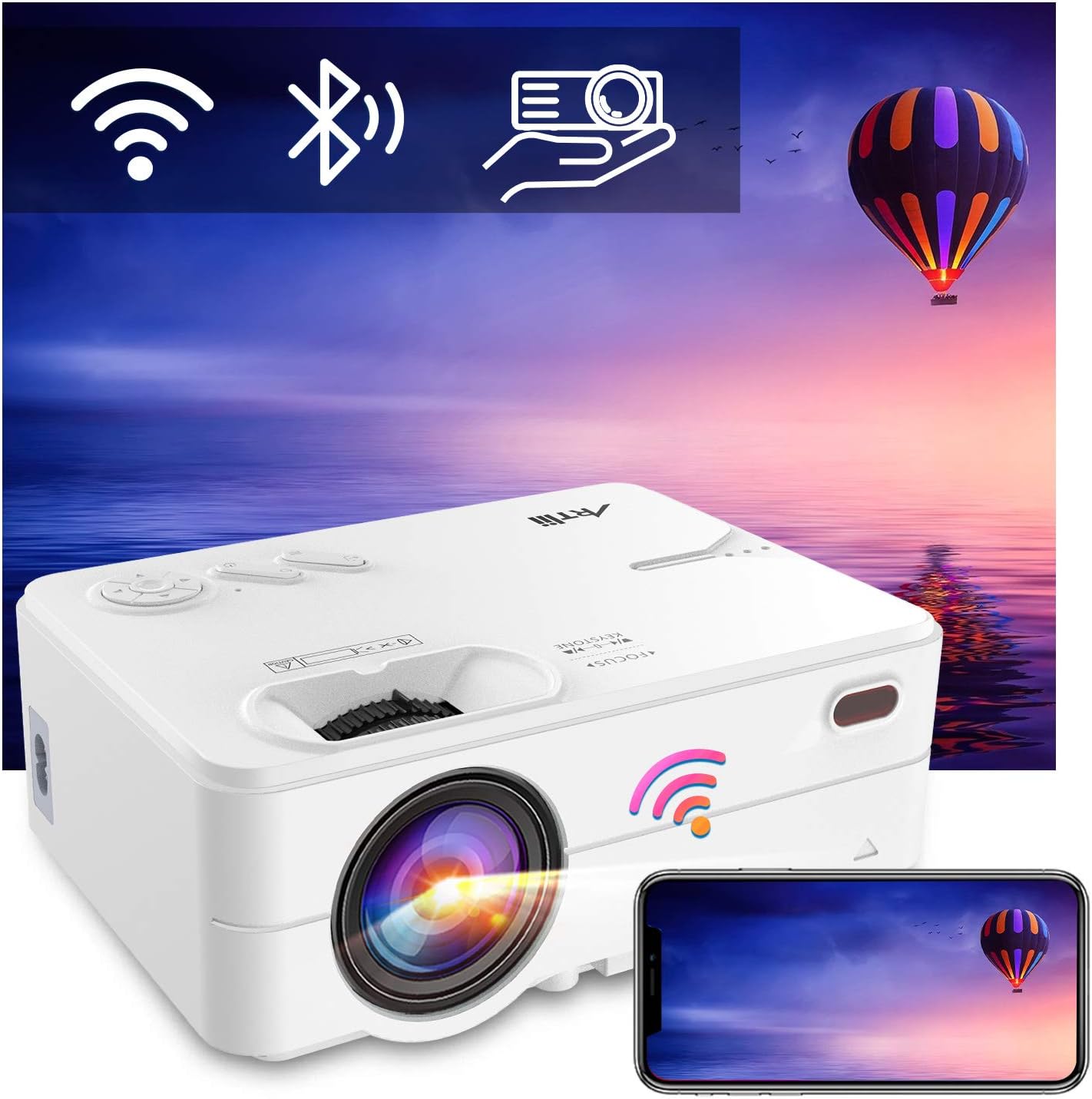
Image: The Artlii Enjoy 2 projector displaying icons for WiFi, Bluetooth, and screen mirroring, with a smartphone mirroring its display to the projector.
- Connexió d'àudio Bluetooth:
Pair the projector with external Bluetooth speakers or headphones for enhanced audio. Go to the projector's settings, enable Bluetooth, and select your desired audio device from the list to connect.

Image: The Artlii Enjoy 2 projector wirelessly connected via Bluetooth to both headphones and an external speaker, illustrating its audio output flexibility.
- Connexions per cable:
The projector typically includes ports for HDMI and USB devices. Connect your laptop, gaming console, USB drive, or other compatible devices using the appropriate cables.
5. Manteniment
- Neteja de la lent: Feu servir un drap suau i sense borrissol dissenyat específicament per a lents òptiques. Eviteu materials abrasius o productes químics agressius.
- Neteja del cos del projector: Netegeu l'exterior amb un drap suau i sec. No utilitzeu productes de neteja líquids directament sobre el projector.
- Cura de la pantalla: The 120-inch screen is made of wrinkle-free polyester fiber and can be cleaned with a damp cloth. It will not deform after hand washing.
- Emmagatzematge: When not in use, store the projector and screen in a cool, dry place, preferably in their original packaging or the provided carrying bag.

Image: A family loading the portable carrying bag for the Artlii projector screen into a car, highlighting its ease of transport and storage.
6. Solució De Problemes
| Problema | Causa possible | Solució |
|---|---|---|
| No hi ha imatge a la pantalla | Power not connected; input source incorrect; lens cap on. | Ensure power is connected. Select correct input source. Remove lens cap. |
| Imatge borrosa | Focus not adjusted; keystone not corrected. | Adjust the focus ring. Use keystone correction. |
| Sense so | Volume too low; external audio device not connected/paired. | Increase volume. Check Bluetooth connection or wired audio connection. |
| WiFi/Bluetooth connection issues | Interference; incorrect pairing steps. | Ensure devices are within range. Re-attempt pairing process. Check for firmware updates. |
7. Especificacions
| Característica | Detall |
|---|---|
| Marca | ARTlii |
| Model | Gaudeix 2 |
| Resolució nativa | 1280x720P (Supports 1080P) |
| Tecnologia de connectivitat | WiFi, Bluetooth |
| Característiques especials | Built-In Wi-Fi, Portable, Wireless |
| Tipus d'altaveu | Built-In, Stereo (5W dual HiFi with SRS) |
| Usos recomanats | Tabletop Mount, Indoor/Outdoor Movies |
| Projector Screen Size | Diagonal de 120 polzades |
| Projector Screen Aspect Ratio | 16:9 |
| Projector Screen Material | Natural Polyester Fiber (Wrinkle-Free) |
8. Garantia i Suport
ARTlii is committed to optimizing product quality and enhancing user experience. If you encounter any problems while using your Artlii Enjoy 2 projector or screen, please contact our dedicated after-sales support team. We are available to assist you.
For support, please visit the official ARTlii store or contact customer service through your purchase platform.

Image: The ARTlii brand logo, representing the company's commitment to user satisfaction and simple connections.


