1. Producte acabatview
The Johgee WiFi Watering Computer (Model SOFIA) is an intelligent irrigation system designed to automate garden watering. It connects to your home WiFi network via a hub, allowing for remote control and scheduling through a dedicated mobile application. This device supports various watering modes, including time-based and cyclic irrigation, and features a rain delay function to conserve water.
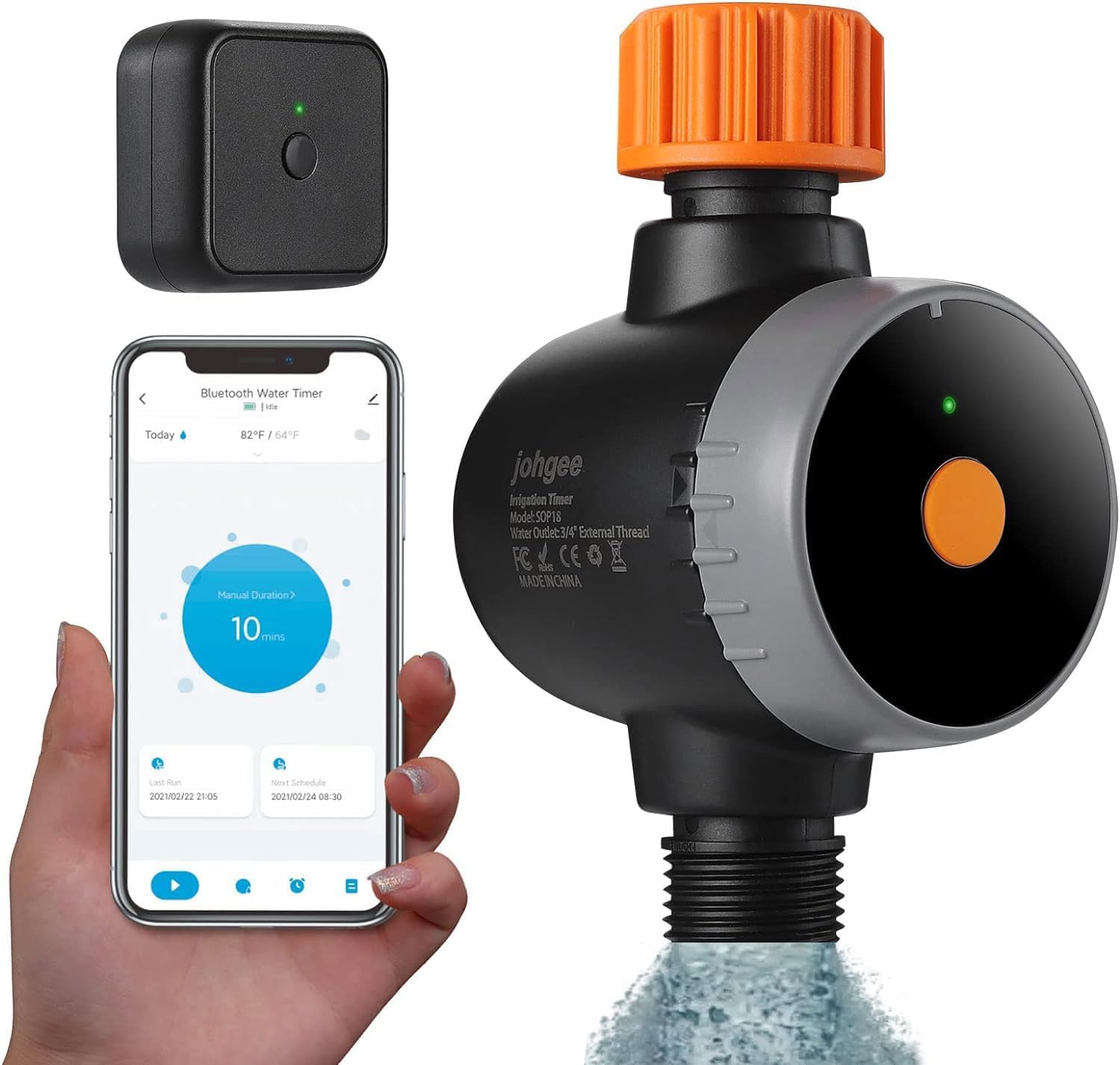
Figure 1: Johgee WiFi Watering Computer, showing the main unit, the WiFi hub, and the mobile application interface.

Figure 2: What's in the box? Includes the Smart Water Timer, WiFi Hub, 1/2" inlet adapter, threaded connector, and instruction manual.
2. Configuració i instal·lació
2.1. Components i connexions
Ensure all components are present as listed in the "What's in the box?" section. The watering computer connects directly to your outdoor faucet, and the WiFi hub connects to an indoor power outlet.

Figure 3: Installation diagram illustrating the use of 5mm O-ring for USA-type 3/4" hose faucet and 3mm O-ring with 1/2" adapter for EU-type 2/1" hose faucet. The 360° rotating connector allows for easy tightening.
To prevent leaks, ensure the irrigation timer is securely attached to the faucet and hose. If necessary, add a rubber washer and thread seal tape (PTFE tape) to the connections.
2.2. App and WiFi Hub Connection
- Descarrega l'aplicació Smart Life: Download "Smart Life" from the App Store (iOS) or Google Play (Android). Create an account if you don't have one.
- Connect the WiFi Hub: Plug the WiFi hub into an indoor power outlet located near your smart watering timer.
- Install Batteries in Water Timer: Insert two AA batteries into the water timer.
- Activa el Bluetooth i el WiFi: On your smartphone, ensure both Bluetooth and WiFi are enabled. The device supports 2.4 GHz WiFi networks only.
- Add Device in App (Hub): Open the Smart Life app, log in, and tap "Add Device" or the "+" icon. Choose "Gateway Control" > "Socket Gateway (BLE)".
- Vincula el concentrador WiFi: Press the button on the WiFi hub until the green indicator flashes rapidly. Follow the app prompts to pair the hub.
- Add Device in App (Timer): With the 2 AA batteries in the timer, press the button on the water timer until its green indicator flashes rapidly. In the app, click "Add Device" again.
- Program Your Timer: Wait for the connection to reach 100%. Once connected, you can program your watering schedule via the app.

Figure 4: The optimal range between the smart watering timer and the WiFi hub is within 10 meters (32.8 feet) in an open area.
3. Instruccions de funcionament
3.1. Smart Watering System
Once connected to your 2.4 GHz WiFi network, you can easily program and manage your irrigation schedule anytime, anywhere, using the Smart Life app. The app also allows for voice control via Alexa.

Figure 5: Remote control of the watering system is possible anytime and anywhere via the WiFi app, enhancing smart living.
3.2. Watering Modes
The irrigator offers two primary watering modes:
- Time-based Irrigation: Set specific start times, durations, and frequencies for watering.
- Reg cíclic: Configure the irrigation time and soak time within a specified period. This mode is useful for allowing water to penetrate the soil effectively.

Figure 6: The app allows for easy watering schedule setup, enabling watering on minutes, hours, or specific days of the week.

Figure 7: Automatic irrigation can be scheduled regularly, for example, at 10:00 (when working), 6:00 (when sleeping), or 16:00 (when traveling).
3.3. Funció de retard per pluja
The rain delay feature allows you to skip irrigation for 24, 48, or 72 hours if the weather forecast indicates rain. This helps conserve water and prevents overwatering.

Figure 8: The rain delay mode allows postponing watering for 24h, 48h, or 72h. The device also features an IPX5 waterproof rating.
3.4. Reg manual
You can manually activate watering without disturbing the programmed schedule. This is useful for quick, on-demand watering.
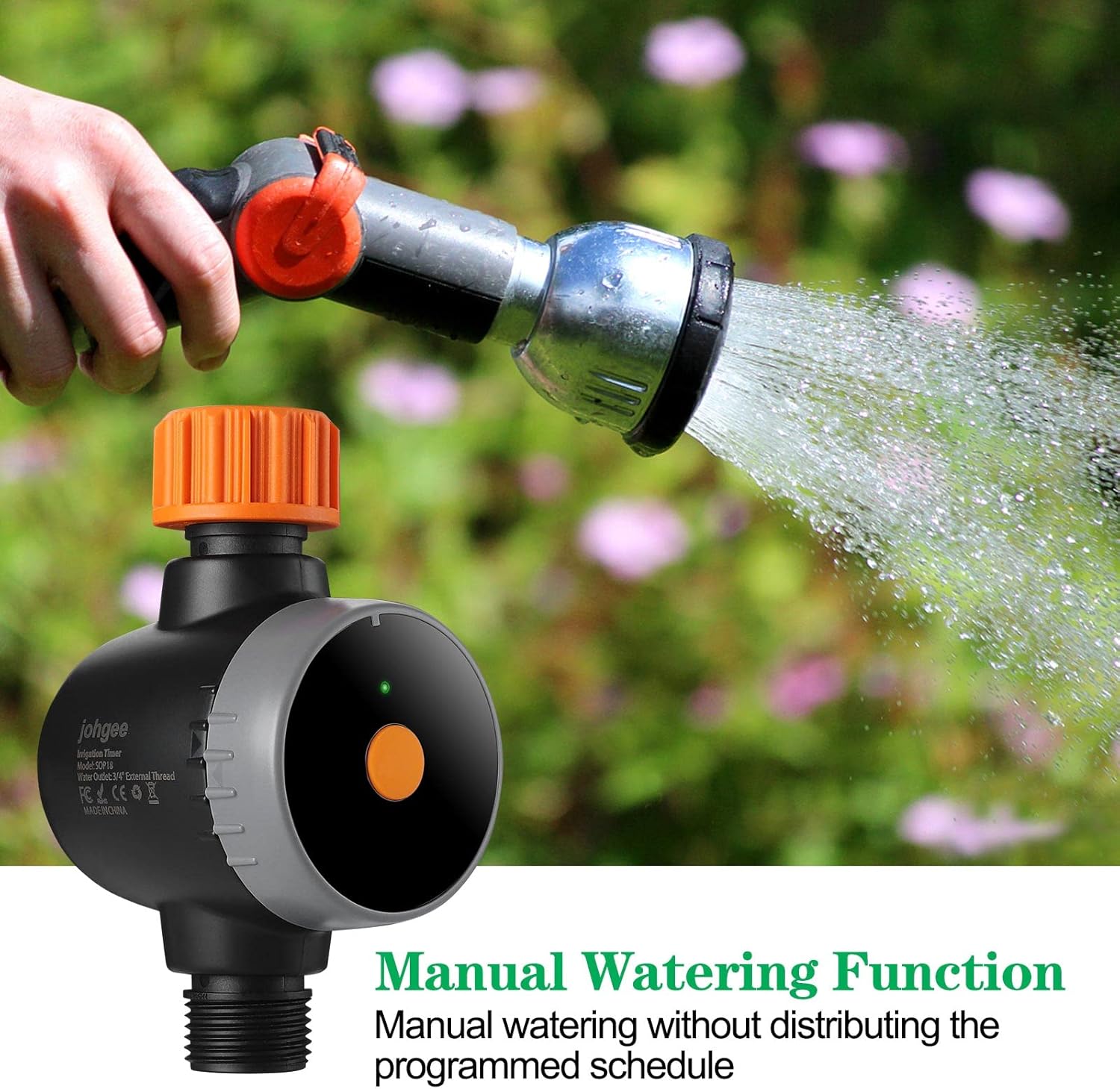
Figure 9: The manual watering function allows for immediate watering without affecting the pre-set schedule.
4. Manteniment
- Prevenció de fuites: Regularly check all connections for tightness. Ensure rubber washers and thread seal tape are properly installed to prevent water leakage.
- Substitució de la bateria: If the power level is low, replace the two AA batteries promptly. Ensure the water timer is dry before replacing batteries.
- Manipulació i emmagatzematge: Handle the irrigation timer carefully to avoid impacts. Do not leave the device outdoors during winter without proper protection or storage to prevent damage from freezing temperatures.
5. Solució De Problemes
| Problema | Causa possible | Solució |
|---|---|---|
| El dispositiu no es connecta a la xarxa Wi-Fi. | Incorrect WiFi frequency; WiFi hub too far from timer; temporary connection issue. | Ensure your WiFi is 2.4 GHz. Place the WiFi hub within 10 meters (32.8 feet) of the timer in an open area. Wait 5-10 seconds for the device to reconnect if it enters sleep mode. |
| Water leakage at connections. | Loose connection; missing or damaged rubber washer/seal tape. | Tighten all connections securely. Ensure rubber washers and thread seal tape are properly installed. Replace if damaged. |
| Timer not operating as scheduled. | Low battery power; incorrect schedule settings in app; device in sleep mode. | Replace AA batteries. Verify schedule settings in the Smart Life app. Allow 5-10 seconds for the device to wake from sleep mode. |
6. Especificacions
| Característica | Detall |
|---|---|
| Marca | johgee |
| Model | SOFIA |
| Material | Cautxú |
| Color | Multicolor |
| Dimensions del paquet | 15.5 x 10.6 x 7.7 cm; 440 g |
| Piles necessàries | No (but uses 2 AA batteries for the timer unit) |
| Interval de pressió d'aigua | 7.2 psi a 116 psi |
| Suport WiFi | Només a 2.4 GHz |
| Classificació impermeable | IPX5 |
7. Garantia i Suport
Specific warranty information and direct customer support contact details are not provided in the available product data. Please refer to the product packaging or the seller's information on the purchase platform for details regarding warranty coverage and customer support.


