1. Introducció
Thank you for choosing the Winees 4MP Dual-Band WiFi Outdoor Security Camera. This manual provides essential information for the proper installation, configuration, and operation of your security camera. Please read this manual thoroughly before use and retain it for future reference.
2. Informació de seguretat
- Assegureu-vos que l'adaptador de corrent sigui adequat per a la vostra xarxa elèctrica local.
- No exposeu la càmera a temperatures extremes, humitat ni ambients corrosius.
- Eviteu col·locar la càmera a prop de camps electromagnètics forts.
- Installation should be performed by qualified personnel if working at heights or with electrical connections.
- Mantingueu la càmera i els seus accessoris fora de l'abast dels nens.
- Utilitzeu només accessoris aprovats pel fabricant.
3. Contingut del paquet
Verifiqueu que tots els elements siguin presents al vostre paquet:
- Winees 4MP Outdoor Security Camera
- Adaptador d'alimentació (12 V/1 A)
- Cable Ethernet
- Suport de muntatge
- Mounting Screw Kit (screws, wall plugs)
- Rain Protection Kit for Connectors
- Plantilla de perforació
- Manual d'usuari
4. Producte acabatview
The Winees FS01 camera features a robust metal housing designed for outdoor use. It includes a lens, integrated spotlight, microphone, speaker, and various sensors for optimal performance.


5. Configuració
5.1 Instal·lació de l'aplicació i creació del compte
- Download the "AiDot" app from your device's App Store (iOS) or Google Play Store (Android).
- Open the AiDot app and create a new account or log in if you already have one.

5.2 Instal·lació de la càmera
The camera is designed for wall mounting. Use the provided drilling template and screw kit for secure installation.
- Choose a suitable outdoor location for optimal coverage, ensuring a stable surface for mounting.
- Use the drilling template to mark the screw positions.
- Perfora forats i insereix tacs de paret si cal.
- Fixeu el suport de muntatge a la paret amb els cargols.
- Secure the camera to the bracket and adjust the angle as needed.
5.3 Connexió de xarxa
The camera supports both 2.4GHz/5GHz WiFi and wired LAN connections.
- Encès: Connecteu la càmera a l'adaptador d'alimentació i connecteu-la a una presa de corrent.
- Afegeix un dispositiu a l'aplicació: In the AiDot app, tap the "+" icon to add a new device. Select "Spotlight Cam" and follow the on-screen instructions.
- Connexió WiFi: If prompted, select your preferred WiFi network (2.4GHz or 5GHz) and enter the password. The camera will connect automatically.
- Wired LAN Connection: Alternatively, connect an Ethernet cable from your router to the camera's LAN port. The app should detect the camera automatically. Use the provided rain protection kit for the connectors if installing outdoors.

6. Funcionament de la càmera
6.1 Viu View i Enregistrament
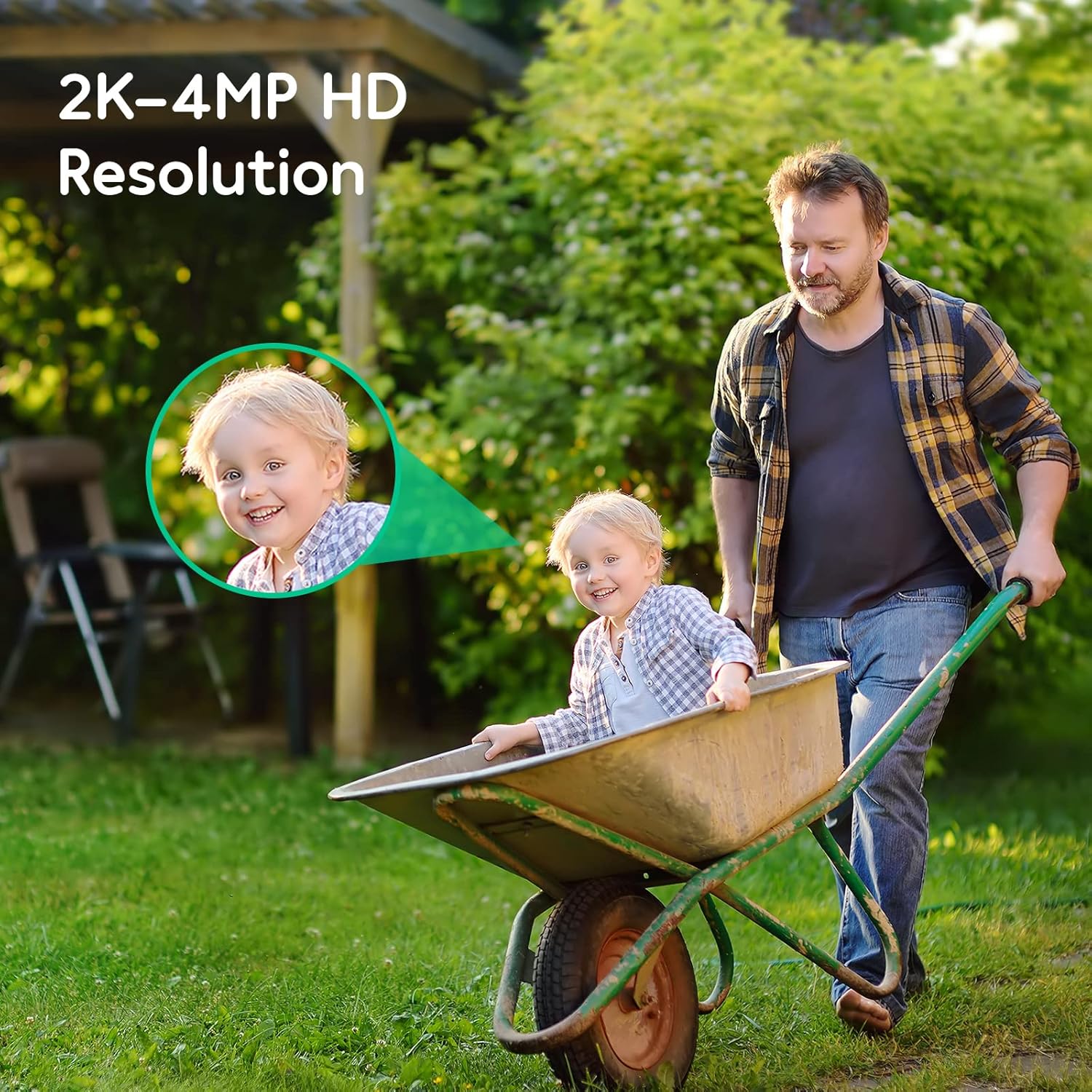
Access the live video feed through the AiDot app. You can switch between SD and HD quality for viewing. The camera records events based on detection settings.
6.2 Motion Detection and AI Features
The camera is equipped with advanced AI for precise detection:
- Detecció humana: Identifica figures humanes.
- Detecció de paquets: Recognizes packages left at your door.
- Detecció de vehicles: Detecta els vehicles que entren o surten de la zona monitoritzada.
- Glass Break Detection: Alerts you to the sound of breaking glass.
- Smoke/CO Alarm Sound Detection: Notifies you if smoke or carbon monoxide alarms are triggered.
Configure detection zones and sensitivity settings within the AiDot app to minimize false alarms.

Visió nocturna en color 6.3 amb focus
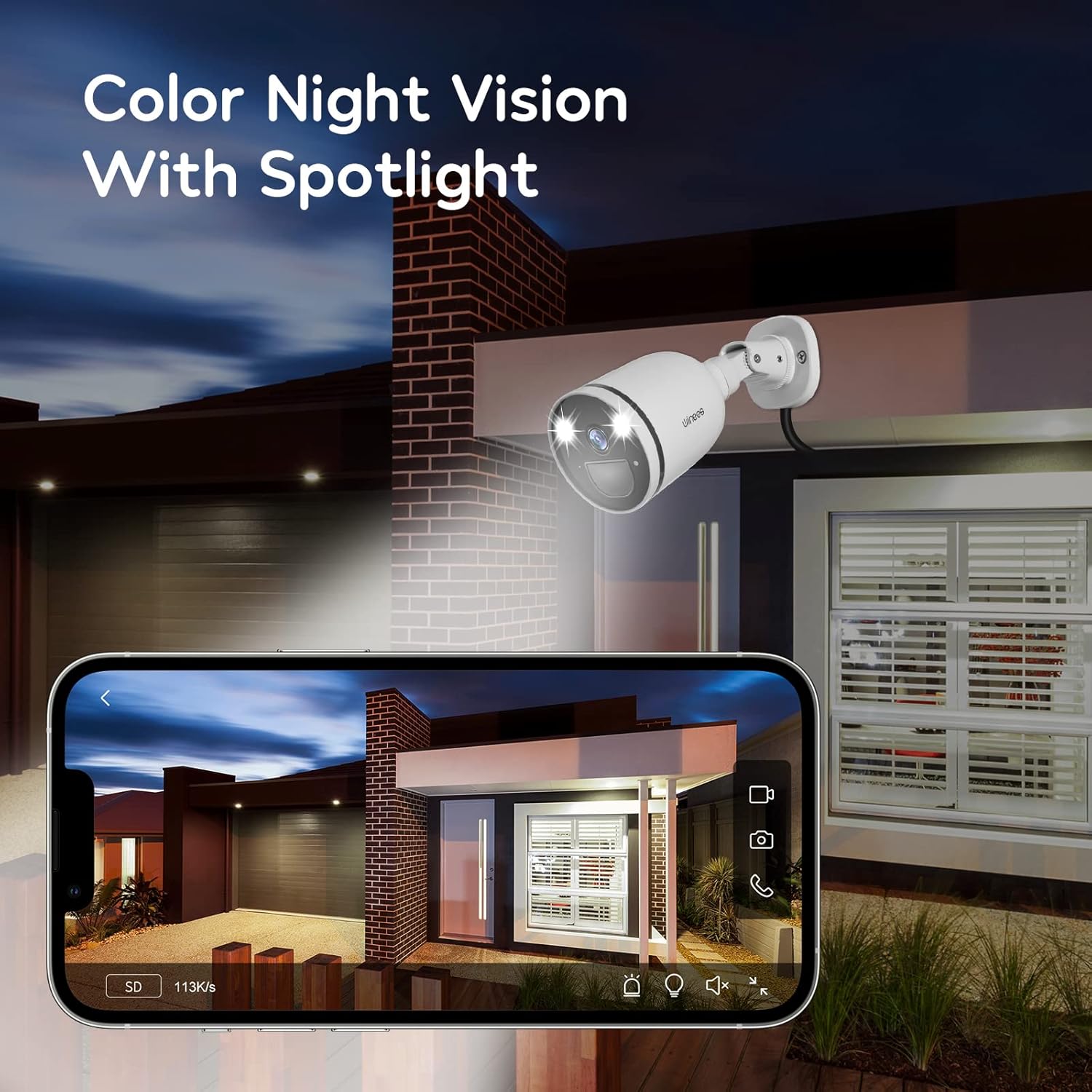
The integrated 6000K 300 lumens spotlight activates upon event detection, providing full-color video even in low-light conditions. The 8X digital zoom allows for closer inspection of details.
6.4 Àudio bidireccional
Utilize the built-in microphone and speaker for real-time two-way communication through the AiDot app. This allows you to speak to visitors or deter intruders.

6.5 Opcions d'emmagatzematge
Recorded video can be stored using two methods:
- Targeta micro SD: Supports up to 128GB (not included). Insert the card into the designated slot on the camera.
- Emmagatzematge al núvol: A secure cloud service is available, often with a free trial period (e.g., 1 month). Refer to the AiDot app for details on subscription plans.

6.6 Integració d'Alexa
The camera is compatible with Amazon Alexa. Follow the instructions in the AiDot app to link your camera with your Alexa account for voice control and viewen dispositius compatibles.
7. Manteniment
- Neteja: Netegeu suaument la lent i el cos de la càmera amb un drap suau iamp tela. No utilitzeu productes químics aggressivs ni netejadors abrasius.
- Actualitzacions de firmware: Regularly check the AiDot app for available firmware updates to ensure optimal performance and security.
- Inspecció del cable: Periodically inspect power and network cables for any signs of wear or damage, especially in outdoor installations.
8. Solució De Problemes
- Camera Not Connecting to WiFi:
- Ensure your WiFi network is 2.4GHz or 5GHz and the password is correct.
- Move the camera closer to the router to improve signal strength.
- Try connecting via Ethernet cable for initial setup if WiFi connection fails.
- Reset the camera to factory settings and try setup again.
- Sense notificacions:
- Check app notification settings on your smartphone and within the AiDot app.
- Ensure motion detection is enabled and sensitivity is adjusted correctly.
- Mala qualitat d'imatge:
- Netegeu la lent de la càmera.
- Ensure sufficient lighting for optimal night vision.
- Check network stability; a weak connection can affect streaming quality.
- Problemes d'àudio bidireccional:
- Ensure microphone and speaker permissions are granted to the AiDot app on your phone.
- Check volume settings in the app and on your phone.
9. Especificacions
| Característica | Especificació |
|---|---|
| Model | FS01 (WP27001121) |
| Resolució de vídeo | 4 MP (2K QHD) |
| Viewangle ing | 110 graus |
| Connectivitat sense fil | Wi-Fi de 2.4 GHz/5 GHz |
| Connectivitat per cable | Ethernet (LAN) |
| Visió nocturna | Color Night Vision with Spotlight |
| Brillantor del focus | Max 6000K, 300 Lumens |
| Zoom digital | 8X |
| Àudio | Àudio bidireccional (micròfon i altaveu integrats) |
| Detecció d'IA | Human, Package, Vehicle, Glass Break, Smoke/CO Alarm Sound |
| Opcions d'emmagatzematge | Targeta Micro SD (fins a 128 GB), emmagatzematge al núvol |
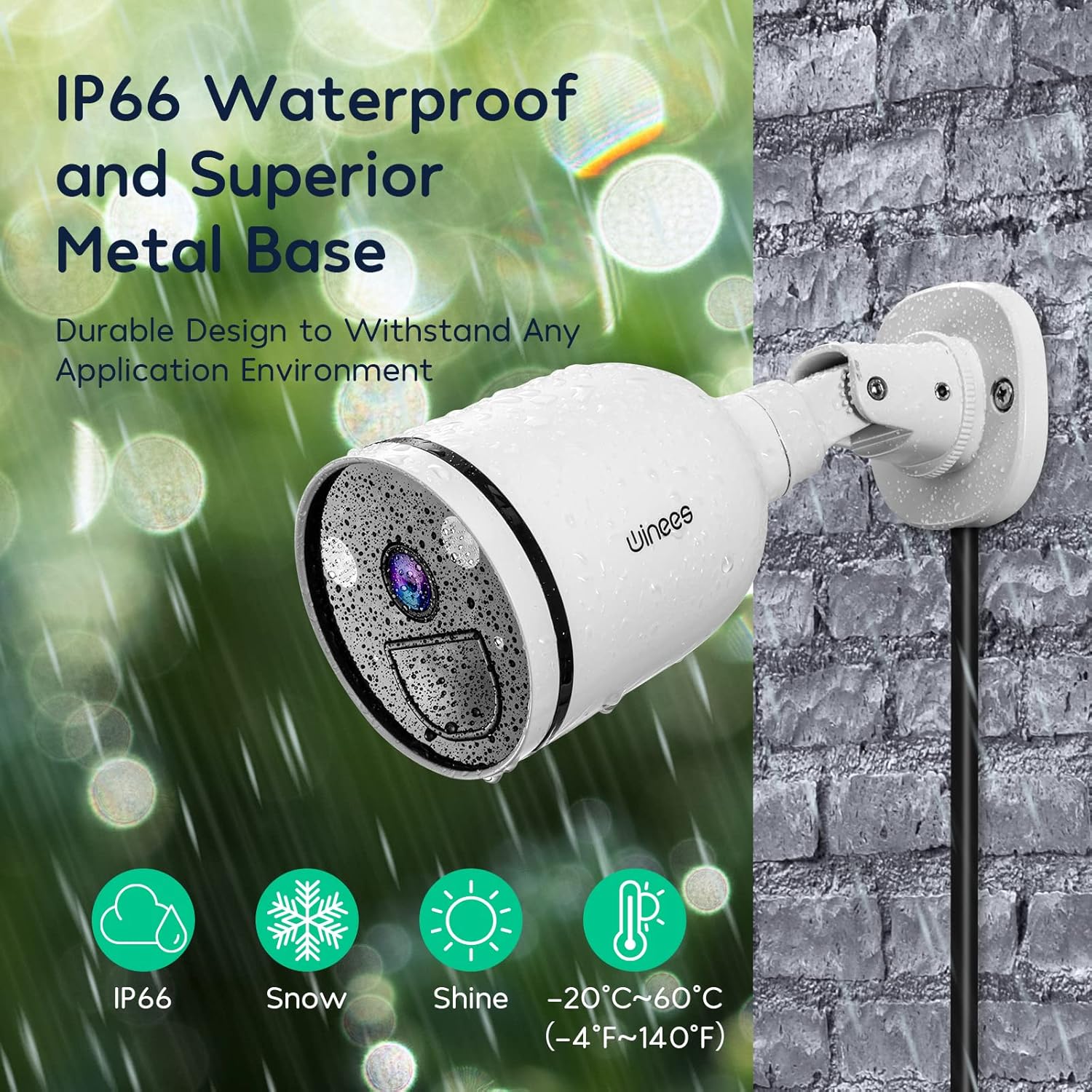
| Resistència a la intempèrie | Impermeable IP66 |
| Temperatura de funcionament | -20 °C a 60 °C (-4 °F a 140 °F) |
| Material | Metall |
| Font d'alimentació | 12V DC / 1A (Adapter Included) |
| Dimensions (L x A x A) | 25.4 x 5.1 x 6.9 cm (aprox.) |
| Pes | 620 grams (aprox.) |
| Compatibilitat | Amazon Alexa, Smartphone (AiDot App) |
10. Garantia i Suport
Winees products typically come with a standard manufacturer's warranty. Please refer to the warranty card included in your package or visit the official Winees weblloc web per obtenir informació detallada sobre els termes i condicions de la garantia.
For technical support, troubleshooting assistance, or any product-related inquiries, please contact Winees customer service through the AiDot app or the official Winees support channels. Have your product model (FS01) and purchase information ready when contacting support.


