1. Introducció
Gràcies per la compraasing the Edifier X3s True Wireless Stereo Earbuds. This manual provides detailed instructions on how to set up, operate, and maintain your earbuds to ensure optimal performance and longevity. Please read this manual thoroughly before use.

Image: The Edifier X3s earbuds, one removed from the open charging case, showcasing el seu disseny compacte.
2. Contingut del paquet
- Edifier X3s True Wireless Earbuds (Left and Right)
- Estoig de càrrega
- Cable de càrrega USB
- Puntes per a les orelles (diverses mides)
- Manual d'usuari
3. Configuració
3.1 Càrrega dels auriculars i l'estoig
Abans del primer ús, carregueu completament els auriculars i l'estoig de càrrega.
- Col·loca els auriculars a l'estoig de càrrega. Assegura't que estiguin correctament col·locats; els indicadors lluminosos dels auriculars s'il·luminaran.
- Connect the charging case to a power source using the provided USB cable. The indicator light on the charging case will show charging status.
- A full charge for the charging case typically takes approximately 8 hours. The earbuds will charge automatically when placed in the case.
3.2 Vinculació Bluetooth
Follow these steps to pair your Edifier X3s earbuds with your device:
- Assegureu-vos que els auriculars estiguin carregats.
- Obre l'estoig de càrrega. Els auriculars entraran automàticament en mode d'emparellament, cosa que s'indicarà amb una llum intermitent als auriculars.
- Al dispositiu (telèfon intel·ligent, tauleta, etc.), activeu el Bluetooth i cerqueu dispositius nous.
- Select "EDIFIER X3s" from the list of available devices.
- Un cop connectat, una indicació de veu confirmarà l'emparellament correcte i els llums indicadors dels auriculars s'apagaran.
Els auriculars admeten TrueWireless Mirroring, allowing seamless switching between single and dual earbud use.
4. Instruccions de funcionament
4.1 Controls tàctils
The Edifier X3s earbuds feature intuitive touch controls on each earbud. Refer to the diagram below for specific functions:

Image: A diagram illustrating the touch control functions for the left and right Edifier X3s earbuds.
- Single Tap (L/R): Play/Pause music, Answer an Incoming Call
- Double Tap (L): Cançó anterior
- Double Tap (R): Següent Cançó
- Triple Tap (L): Switch On Game Mode
- Triple Tap (R): Activa l'Assistent de veu
- Long Press for 2-3 Seconds (L/R): Hang Up/Reject a Call
- Long Press (L): Baixa el volum
- Long Press (R): Puja el volum
4.2 Mode de joc
To enhance your gaming experience, the Edifier X3s features a dedicated Game Mode. Triple-tap the esquerra earbud to activate or deactivate Game Mode. This mode optimizes audio-visual synchronization for gaming.
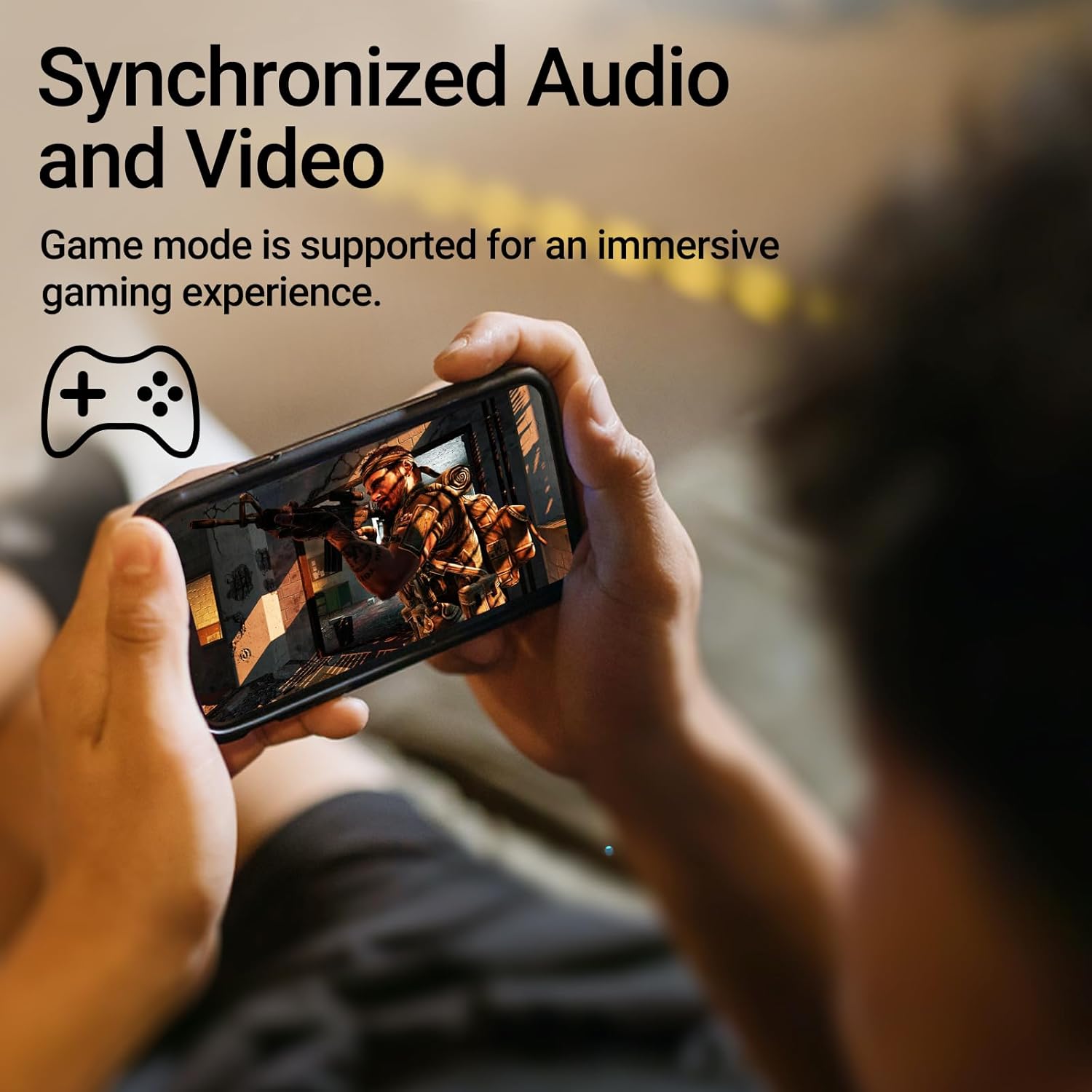
Image: A person holding a smartphone, playing a game, with the text "Synchronized Audio and Video. Game mode is supported for an immersive gaming experience."
5. Característiques clau
- True Wireless Experience: Bluetooth V5.2 with Qualcomm aptX audio decoding for high-fidelity sound and stable connections.
- Temps de joc ampliat: Up to 28 hours of total playtime, with 8 hours from the earbuds and an additional 20 hours from the charging case.
- Superior Call Clarity: Equipped with Qualcomm cVc 8.0 noise cancellation technology for crystal clear calls.
- IP55 Rated Protection: Dust and water resistance make these earbuds suitable for outdoor activities and various weather conditions.
- Disseny còmode i lleuger: Weighing only 62g, these earbuds provide a secure and comfortable fit for extended wear.

Image: A close-up of the Qualcomm aptX QCC3040 chip, highlighting Bluetooth V5.2 with aptX audio decoding for lossless audio transmission.

Image: Hands holding the Edifier X3s charging case, with an overlay indicating "Up to 28 hours of playback in total: 8 hours (earbuds), 20 hours (charging case)".

Image: A graphic illustrating cVc 8.0 noise reduction, showing how ambient noise is reduced while voice remains clear during calls.

Image: A woman exercising, with an overlay indicating "Dust and water resistant. Feel free to use them at the gym or on a rainy day. IP55-Rated."
6. Manteniment
6.1 Neteja
- Netegeu regularment els auriculars i l'estoig de càrrega amb un drap suau, sec i sense borrissol.
- Traieu les puntes de les orelles i netegeu-les amb aigua i sabó suau si cal. Assegureu-vos que estiguin completament seques abans de tornar-les a col·locar.
- Feu servir un bastonet de cotó per netejar suaument els contactes de càrrega tant dels auriculars com de la funda.
6.2 Emmagatzematge
- Quan no els utilitzeu, guardeu els auriculars a la seva funda de càrrega per protegir-los i mantenir-los carregats.
- Emmagatzemar en un lloc fresc i sec, allunyat de temperatures extremes i de la llum solar directa.
6.3 Resistència a l'aigua i la pols
The earbuds are IP55 rated, meaning they are protected against dust ingress and low-pressure water jets from any direction. While they can withstand sweat and light rain, they are not designed for submersion in water. Do not use them while swimming or showering.
7. Solució De Problemes
- Auriculars que no s'emparellan: Assegura't que tots dos auriculars estiguin a l'estoig de càrrega i, a continuació, obre la tapa per iniciar el mode d'emparellament. Comprova la configuració de Bluetooth del dispositiu i intenta tornar-lo a connectar.
- Només funciona un auricular: Torna a col·locar els dos auriculars a l'estoig de càrrega, tanca la tapa, espera uns segons i torna-la a obrir. Sovint això els torna a sincronitzar.
- Sense so: Check the volume level on both your device and the earbuds. Ensure the earbuds are properly paired and connected.
- Problemes de càrrega: Verify that the charging cable is securely connected and the power source is active. Clean the charging contacts on the earbuds and case.
- Qualitat de trucada baixa: Ensure the earbuds are clean and positioned correctly in your ears. Check for any obstructions to the microphone.
8. Especificacions
- Model: EDIFIER X3S
- Connectivitat: Sense fil (Bluetooth V5.2)
- Descodificació d'àudio: Qualcomm APTX
- Cancel·lació de soroll: Qualcomm cVc 8.0 (for calls)
- Temps de joc: Earbuds: 8 hours, Total with Charging Case: 28 hours
- Temps de càrrega (cas): Aproximadament 8 hores
- Resistència a l'aigua/pols: Classificació IP55
- Mètode de control: Toca
- Pes: 62 grams (total)
- Material: Polycarbonate (PC), Thermoplastic Elastomer (TPE)
- Dispositius compatibles: Smartphones, Gaming Devices, Tablets
9. Garantia i Suport
For warranty information and customer support, please refer to the warranty card included with your product or visit the official Edifier weblloc web. Conserveu el comprovant de compra per a qualsevol reclamació de garantia.


