1. Introducció
Thank you for choosing the MOVSSOU E7 Active Noise Cancelling Headphones. These headphones are designed to provide a superior audio experience with advanced noise cancellation, deep bass, and comfortable wear. This manual will guide you through the setup, operation, and maintenance of your new headphones.
2. Què hi ha a la caixa
- 1 x MOVSSOU E7 Active Noise Cancelling Headphones
- 1 x Power Cable (USB charging cable)
- 1 x Audio Cable (3.5mm AUX cable)
- 1 x Manual d'usuari
3. Producte acabatview
Familiarize yourself with the various parts and controls of your MOVSSOU E7 headphones.

Image: MOVSSOU E7 Active Noise Cancelling Headphones in purple. This image displays the overall design of the headphones.

Image: Key features of the MOVSSOU E7 headphones, highlighting Active Noise Cancelling, 30 hours of battery life, and a built-in microphone.
Controls i Ports
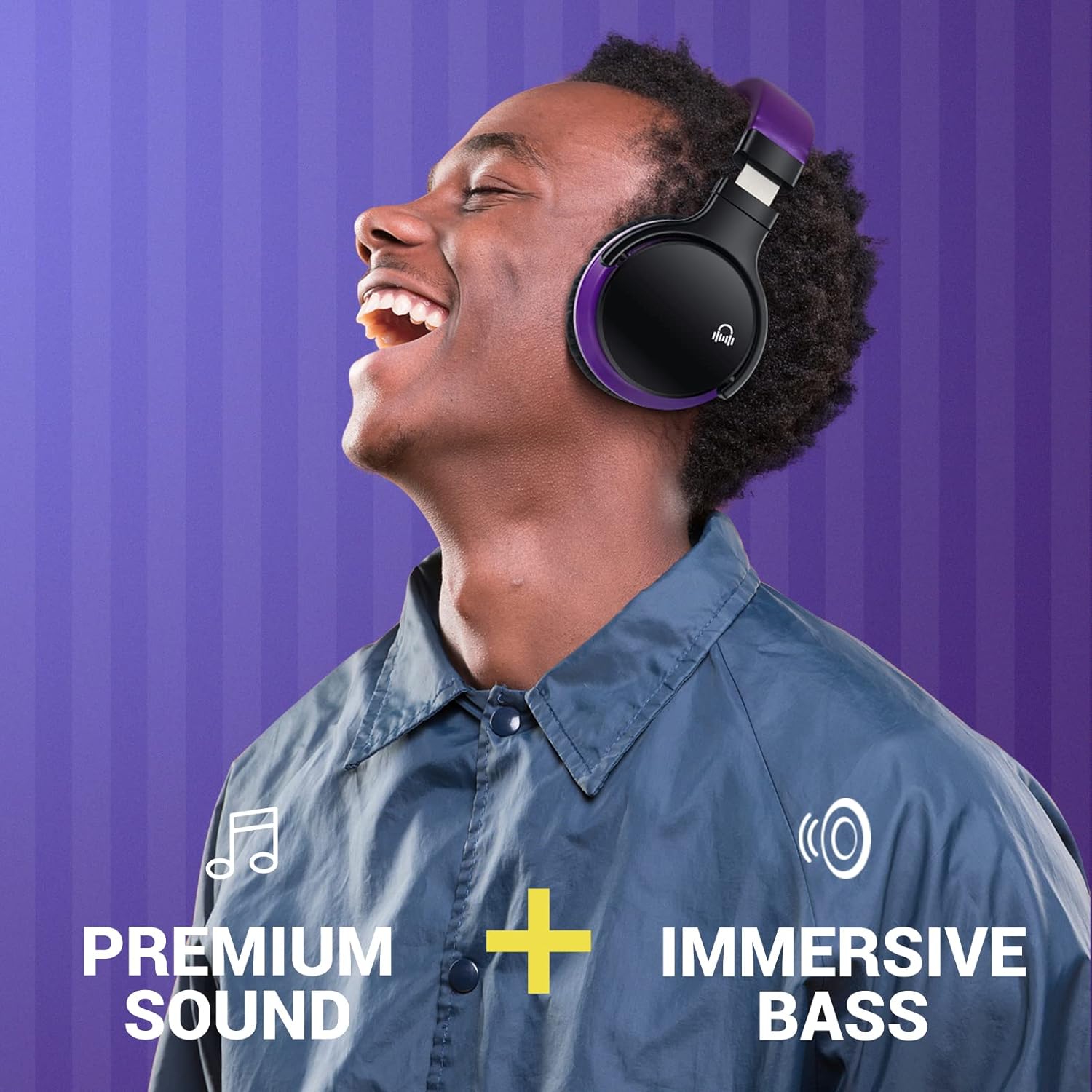
Image: A close-up of the right earcup, illustrating the control buttons for power, volume, and ANC, along with the charging port and 3.5mm audio jack.
- Botó d'encesa: Manteniu premut per encendre/apagar.
- Botó ANC: Activates or deactivates Active Noise Cancelling.
- Puja el volum (+): Augmenta el volum.
- Baixar el volum (-): Disminueix el volum.
- Botó multifunció (MFB): Reproduir/pausar música, respondre/finalitzar trucades.
- Micròfon: Per trucades mans lliures.
- Port de càrrega USB: Per carregar els auriculars.
- Conector d'àudio de 3.5 mm: Per a connexió amb cable.
4. Configuració
4.1 Càrrega dels auriculars
- Connecteu el cable de càrrega USB proporcionat al port de càrrega dels auriculars.
- Connecteu l'altre extrem del cable USB a un adaptador de corrent USB (no inclòs) o al port USB d'un ordinador.
- L'indicador LED es mostrarà en vermell durant la càrrega i s'apagarà quan estigui completament carregat.
- Una càrrega completa sol trigar aproximadament 2-3 hores.

Image: The MOVSSOU E7 headphones with an overlay indicating 30 hours of playtime, emphasizing battery endurance.
4.2 Vinculació Bluetooth
- Assegureu-vos que els auriculars estiguin completament carregats.
- Manteniu premut el botó Botó d'engegada for 3-5 seconds until the LED indicator flashes blue and red alternately. This indicates pairing mode.
- Al dispositiu (telèfon intel·ligent, tauleta, ordinador), activeu el Bluetooth.
- Cerca available Bluetooth devices and select "MOVSSOU E7" from the list.
- Un cop connectat, l'indicador LED parpellejarà blau lentament.
- Si se us demana una contrasenya, introduïu "0000".

Image: An illustration showing the MOVSSOU E7 headphones connecting to various devices like phones, tablets, laptops, desktops, and TVs, highlighting Bluetooth 5.0 connectivity.
4.3 Connexió per cable (mode AUX)
You can use the headphones with the provided 3.5mm audio cable when the battery is low or with non-Bluetooth devices.
- Connecteu un extrem del cable d'àudio de 3.5 mm al connector d'àudio dels auriculars.
- Connecteu l'altre extrem a la sortida d'àudio de 3.5 mm del vostre dispositiu.
- In wired mode, Bluetooth and ANC functions may operate differently or be unavailable depending on the headphone's power status.
5. Instruccions de funcionament
5.1 Encès/Apagat
- Encès: Manteniu premut el botó Botó d'engegada for 3 seconds. The LED indicator will flash blue.
- Apagar: Manteniu premut el botó Botó d'engegada for 3 seconds. The LED indicator will flash red and then turn off.
5.2 Cancel·lació activa de soroll (ANC)
- Premeu el botó Botó ANC to activate Active Noise Cancelling. The ANC indicator light will turn green.
- Premeu el botó Botó ANC again to deactivate Active Noise Cancelling. The ANC indicator light will turn off.
Video: An official product video demonstrating the features of the MOVSSOU E7 Active Noise Cancelling Headphones, including sound quality and noise cancellation capabilities.
5.3 Reproducció de música
- Reproduir/pausa: Premeu el botó MFB una vegada.
- Pista següent: Manteniu premut el botó Puja el volum (+) botó.
- Pista anterior: Manteniu premut el botó Baixar el volum (-) botó.
5.4 Gestió de trucades
- Respondre/Finalitzar la trucada: Premeu el botó MFB una vegada.
- Rebutja la trucada: Manteniu premut el botó MFB durant 2 segons.
- Torna a marcar l'últim número: Premeu dues vegades el botó MFB.

Image: A person wearing the MOVSSOU E7 headphones, demonstrating the clear hands-free calling feature with the built-in microphone.
5.5 Control de volum
- Augmenta el volum: Premeu el botó Puja el volum (+) botó.
- Disminueix el volum: Premeu el botó Baixar el volum (-) botó.
6. Manteniment
To ensure the longevity and optimal performance of your MOVSSOU E7 headphones, follow these maintenance guidelines:
- Mantingueu els auriculars nets netejant-los amb un drap suau i sec.
- Eviteu exposar els auriculars a temperatures extremes, humitat o llum solar directa.
- Do not immerse the headphones in water or any liquids. They are not water-resistant.
- Guardeu els auriculars en un lloc fresc i sec quan no els feu servir.
- Eviteu deixar caure els auriculars ni sotmetre'ls a impactes forts.
- Carregueu els auriculars regularment, fins i tot si no els feu servir amb freqüència, per mantenir la bateria en bon estat.
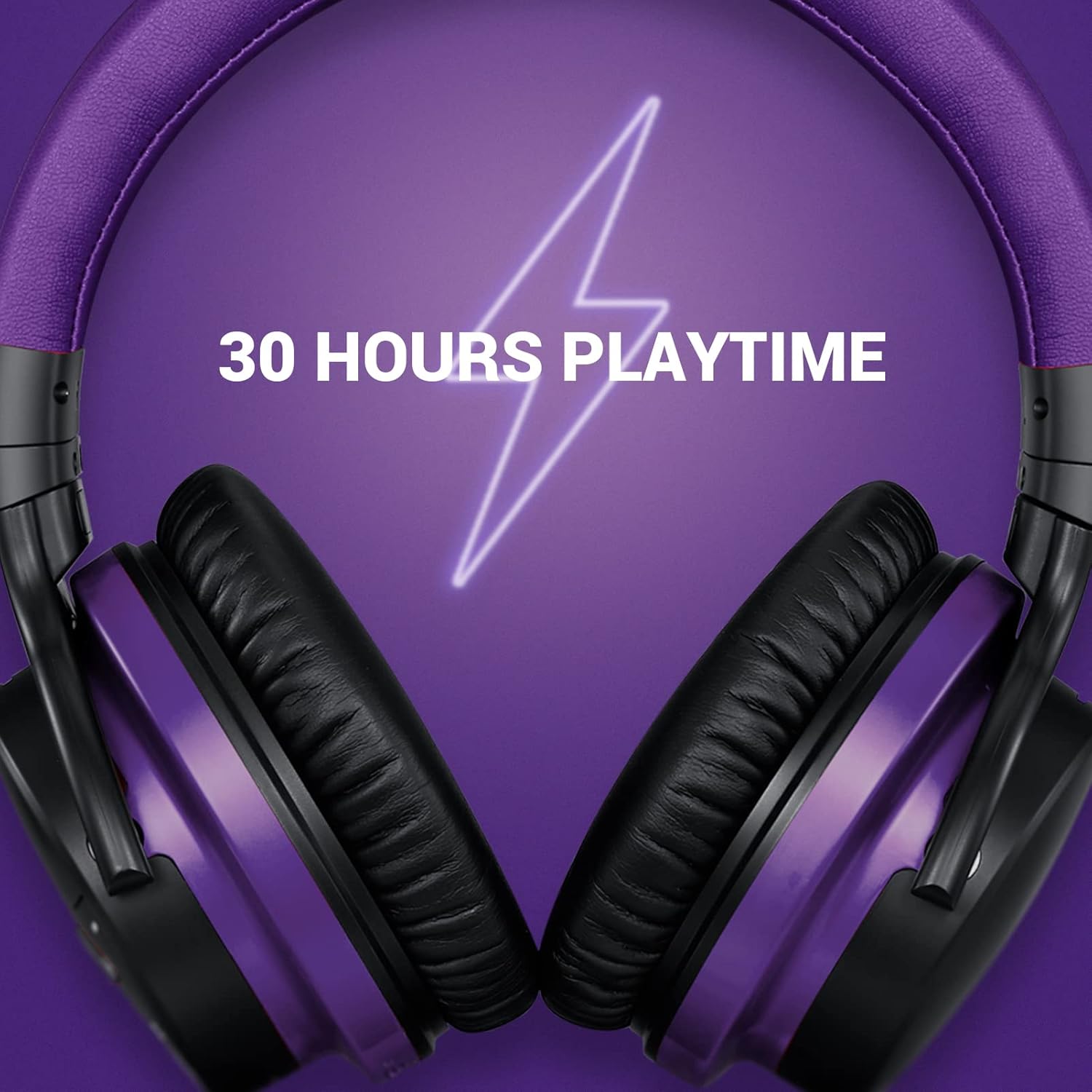
Imatge: Una imatge detallada view of the soft, pressure-relieving earpads of the MOVSSOU E7 headphones, designed for extended comfort.
7. Solució De Problemes
Si teniu problemes amb els auriculars, consulteu els problemes i solucions més comuns següents:
| Problema | Causa possible | Solució |
|---|---|---|
| Els auriculars no s'engeguen. | Bateria baixa. | Carregueu els auriculars completament. |
| No es pot emparellar amb el dispositiu. | Auriculars no en mode d'emparellament; Bluetooth desactivat al dispositiu; dispositiu massa lluny. | Assegureu-vos que els auriculars estiguin en mode d'emparellament (parpellejant en vermell/blau). Activeu el Bluetooth al dispositiu. Acosteu el dispositiu als auriculars (a menys de 10 metres). |
| Sense so o amb un volum baix. | Volume too low; incorrect audio source; loose cable (wired mode). | Increase volume on headphones and device. Check if the correct audio output is selected on your device. Ensure 3.5mm cable is securely connected. |
| L'ANC no funciona eficaçment. | ANC not activated; type of noise. | Press the ANC button to activate (green light). ANC is most effective for low and mid-frequency constant noises. |
| Mala qualitat de trucada. | Microphone obstruction; weak Bluetooth connection. | Ensure microphone is not covered. Move closer to your device for a stronger connection. |
8. Especificacions
| Nom del model | Auriculars sense fil E7 amb cancel·lació de soroll |
| Marca | MOVSSOU |
| Tecnologia de connectivitat | Bluetooth 5.0, Sense fil |
| Tecnologia de comunicació sense fils | Bluetooth |
| Col·locació de l'orella | Sobre l'orella |
| Control de soroll | Cancel·lació activa del soroll |
| Durada de la bateria | Fins a 30 hores |
| Resposta de freqüència | 20 Hz - 20 kHz |
| Tipus de control | Noise Control, Voice Control, Call Control, Volume Control |
| Dispositius compatibles | Windows, Mobile, Android, iOS |
| Pes de l'article | 1.05 lliures (aprox. 476 g) |
| Nivell de resistència a l'aigua | No resistent a l'aigua |
9. Informació de seguretat
Please read and follow these safety guidelines to prevent injury or damage:
- Peces petites. No per a nens menors de 3 anys.
- Do not use the headphones at high volume for extended periods to avoid hearing damage.
- No utilitzeu els auriculars en situacions on la impossibilitat d'escoltar els sons ambientals pugui ser perillosa (per exemple, conduir, anar amb bicicleta o caminar pel trànsit).
- Avoid disassembling, repairing, or modifying the product yourself. This may cause fire, electric shock, or complete damage to the product.
- Dispose of batteries according to local regulations. Do not dispose of them in household waste.
10. Garantia i Suport
MOVSSOU products are designed and manufactured to the highest quality standards. For warranty information, technical support, or customer service inquiries, please refer to the contact information provided with your purchase or visit the official MOVSSOU weblloc.


