1. Introducció
This manual provides essential information for the setup, operation, and maintenance of your LG 65-Inch Class UQ7570 Series 4K Smart TV. Featuring an a5 Gen5 AI Processor, webOS 22, and integrated streaming capabilities, this television delivers an enhanced viewexperiència. Llegiu atentament aquest manual abans d'utilitzar el televisor per garantir-ne un funcionament correcte i segur.
2. Què hi ha a la caixa
En desembalar, assegureu-vos que hi hagi tots els elements següents:
- LG 65-Inch UQ7570 Series 4K Smart TV
- Comandament a distància estàndard
- Piles de comandament a distància (AAA)
- Suport (2 peces)
- Cable d'alimentació
- Guia d'inici ràpid
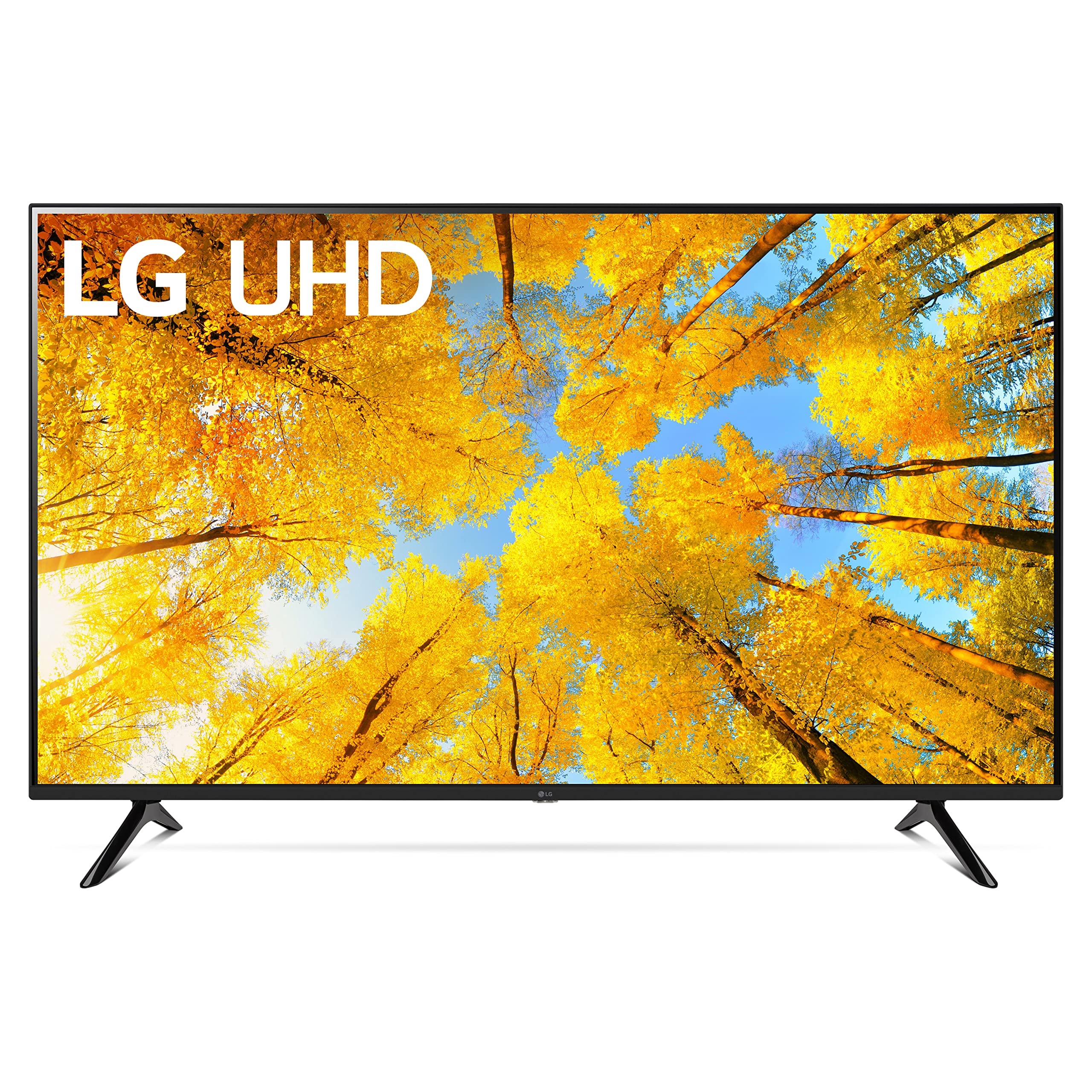
Figure 2.1: Contents of the box and TV dimensions. The TV measures 57.1 inches wide, 35.4 inches high (with stand), and 11.9 inches deep (with stand footprint).
3. Configuració
3.1 Col·locació del suport
- Col·loqueu amb cura la pantalla del televisor amb la pantalla cap avall sobre una superfície suau i plana per evitar que es faci malbé.
- Align the stand pieces with the mounting holes on the bottom of the TV.
- Fixeu el suport amb els cargols proporcionats. Assegureu-vos que estiguin ben ajustats.

Figure 3.1: Detail of the TV stand attachment.
3.2 Connexió de dispositius externs
Your LG UQ7570 TV offers multiple connectivity options:
- HDMI: Connect gaming consoles, Blu-ray players, or cable/satellite boxes to the HDMI IN ports. This model supports eARC/ARC on HDMI 2.
- USB: Use the USB IN port for media playback from USB drives.
- Ethernet (LAN): For a stable internet connection, connect an Ethernet cable to the LAN port.
- Sortida d'àudio digital òptica: Connecteu-lo a una barra de so o a un receptor d'àudio per obtenir un so millorat.
- Entrada d'antena/cable: Connecteu l'antena o el cable de televisió.
- Bluetooth: Wirelessly connect compatible audio devices or accessories.

Figure 3.2: HDMI and USB ports for external device connections.

Figure 3.3: Optical Digital Audio Out and LAN ports for audio and wired internet.
3.3 Engegada i configuració inicial
- Connecteu el cable d'alimentació al televisor i després a una presa de corrent.
- Premeu el botó d'engegada del comandament a distància per encendre el televisor.
- Seguiu les instruccions que apareixen a la pantalla per completar la configuració inicial, inclosa la selecció d'idioma, la connexió de xarxa (Wi-Fi o Ethernet) i l'escaneig de canals.
4. Funcionament del televisor
4.1 Ús del comandament a distància
The included remote control provides easy access to all TV functions. It features dedicated buttons for popular streaming services and LG Channels.

Figure 4.1: LG Standard Remote Control.
4.2 Navegació webOS 22
webOS 22 offers a customizable and intuitive interface:
- Tauler de control d'inici: Access connected devices, smart home features, and personalized recommendations.
- Aplicacions: Find your favorite streaming services like Netflix, Prime Video, Apple TV app, Disney+, and HBO Max. You can also download additional apps from the LG Content Store.
- Canals LG: Enjoy over 300 free LG Channels covering various genres.
4.3 Configuració d'imatge i so
Adjust picture and sound to your preference via the settings menu:
- Mode d'imatge: Select from various presets (e.g., Vivid, Standard, Cinema, Game Optimizer, Filmmaker Mode) or customize settings like brightness, contrast, and color.
- Mode de so: Choose sound presets (e.g., Standard, Cinema, AI Sound) or connect external audio systems.
5. Característiques clau
- Processador d'IA a5 Gen5: Enhances picture and sound quality through artificial intelligence, including 4K upscaling.
- webOS 22: Offers a personalized viewing experience with individual accounts and tailored recommendations for each family member.
- Transmissió definitiva: Provides built-in access to major streaming platforms and instant access to over 300 free LG Channels.
- Optimitzador de jocs: Centralizes all game settings for quick adjustments, ensuring an optimal gaming experience.
6. Especificacions
| Característica | Descripció |
|---|---|
| Marca | LG |
| Número de model | 65UQ7570PUJ |
| Mida de la pantalla | 65 polzades |
| Tecnologia de visualització | 4K UHD |
| Resolució | 4K |
| Freqüència d'actualització | 60 Hz |
| Processador | a5 Gen5 AI Processor |
| Sistema operatiu | webOS 22 |
| Tecnologia de connectivitat | Bluetooth, Ethernet, HDMI, USB, Wi-Fi |
| Dimensions del producte (amb suport) | 11.9 "P x 57.1" W x 35.4" H |
| Pes de l'article | 37 lliures |
| Característiques especials | a5 Gen5 AI Processor; Active HDR; Filmmaker Mode; Game Optimizer; Home Dashboard; 4K Upscaling; TV Sound Mode Share; Magic Explorer; Next Picks; Cloud Gaming |
7. Manteniment
Per garantir la longevitat i el rendiment òptim del vostre televisor LG, seguiu aquestes pautes de manteniment:
- Neteja de la pantalla: Netegeu suaument la pantalla amb un drap de microfibra suau i sec. Per a marques difícils, netegeu lleugerament.ampNetegeu el drap amb aigua o una solució de neteja específica per a pantalles (no ruixeu directament sobre la pantalla).
- Neteja del marc: Feu servir un drap suau i sec per netejar el marc del televisor.
- Ventilació: Assegureu-vos que hi hagi un flux d'aire adequat al voltant del televisor mantenint les reixetes de ventilació lliures d'obstruccions.
- Apagar: Unplug the TV from the power outlet during electrical storms or when leaving it unused for extended periods.
8. Solució De Problemes
Si teniu problemes amb el televisor, consulteu les solucions habituals següents:
- Sense energia: Assegureu-vos que el cable d'alimentació estigui connectat correctament tant al televisor com a la presa de corrent. Proveu una altra presa de corrent.
- Sense imatge/so: Verify that the correct input source is selected. Check all cable connections (HDMI, optical, etc.) for looseness.
- Desconnexió Wi-Fi: Reinicieu el router i el mòdem. Aneu a la configuració de xarxa del televisor i torneu a connectar-vos a la xarxa Wi-Fi. Assegureu-vos que el televisor estigui dins de l'abast del router.
- El comandament remot no respon: Replace the AAA batteries in the remote control. Ensure there are no obstructions between the remote and the TV's IR receiver.
- Picture Colors Seem Off: Navigate to the Picture Settings menu and try different Picture Modes (e.g., Standard, Vivid). Adjust individual settings like color, tint, and sharpness as needed. Ensure any external devices are also configured for optimal color output.
- Apps Not Working/Slow: Ensure your TV's software is up to date. Check your internet connection speed. Try restarting the TV.
9. Garantia i assistència
Your LG 65-Inch UQ7570 Series 4K Smart TV is covered by a manufacturer's warranty. For detailed warranty information, including terms, conditions, and registration, please refer to the warranty card included in your product packaging or visit the official LG website. For technical support, troubleshooting assistance, or service requests, please contact LG Customer Service through their official channels.