Introducció
This manual provides essential instructions for the setup, operation, and maintenance of your MODDEDZONE Carbon Custom Controller for Nintendo PRO Switch. This controller is an authentic Nintendo PRO Switch controller, professionally customized with a unique carbon design shell. Each unit undergoes quality testing before shipment.
Nota important: This package includes the custom original controller only. Cables or other accessories are not included and must be acquired separately if needed.
Instruccions de configuració
1. Desembalatge
Carefully remove the controller from its packaging. Inspect the controller for any visible damage.
2. Càrrega del controlador
The controller requires 1 Lithium Ion battery (included and pre-installed). To charge the controller, connect a compatible USB-C cable (not included) to the USB-C port on the top of the controller and the other end to a Nintendo Switch dock or a USB power source.
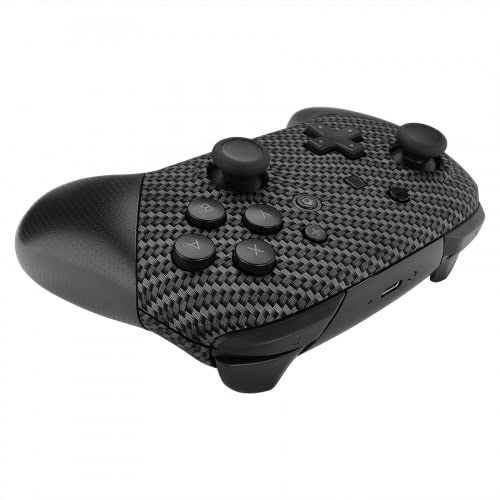
Imatge: Superior view of the controller, highlighting the USB-C charging port.
3. Emparellament amb Nintendo Switch
- From the Nintendo Switch HOME Menu, select "Controllers".
- Seleccioneu "Canvia l'adherència/l'ordre".
- While the screen displays "Press L + R on the controller", press and hold the SYNC Button on the top of the MODDEDZONE controller for a few seconds. The player indicator lights will begin to flash.
- Un cop emparellat, els indicadors lluminosos del jugador corresponents al número de controlador romandran encesos.
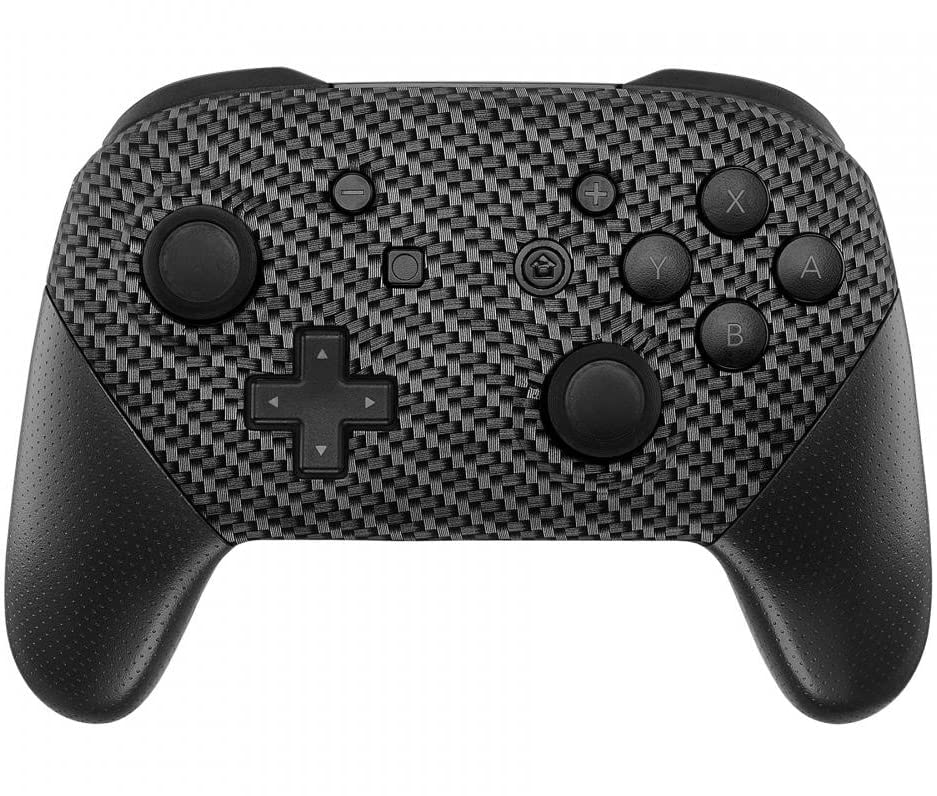
Imatge: Frontal view of the controller, showing buttons and joysticks.
Funcionament del controlador
The MODDEDZONE Carbon Custom Controller functions identically to a standard Nintendo Switch PRO Controller. It features all standard buttons, joysticks, and triggers for gameplay.
- Joystick esquerre: Control de moviment i càmera.
- Joystick dret: Control de la càmera i apuntament.
- Coixinet direccional (D-Pad): Menu navigation and specific in-game actions.
- Botons A/B/X/Y: Action buttons for various in-game commands.
- Botons E/D: Botons a l'espatlla.
- Botons ZL/ZR: Botons de disparador.
- Botó Menys (-): Access in-game menus or specific functions.
- Botó més (+): Access in-game menus or specific functions.
- Botó d'inici: Return to the Nintendo Switch HOME Menu.
- Botó de captura: Take screenshots or record video clips.
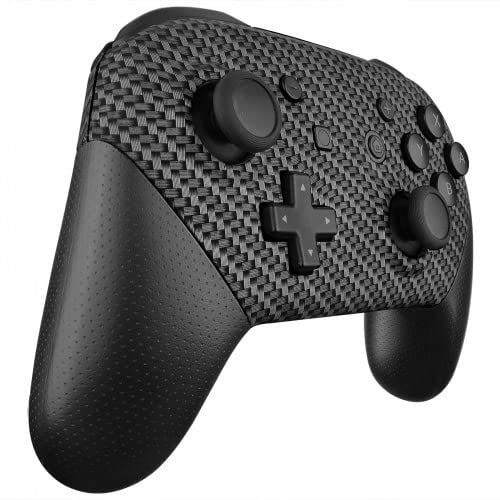
Image: Left angled view of the controller, showing the left joystick, D-pad, and shoulder buttons.
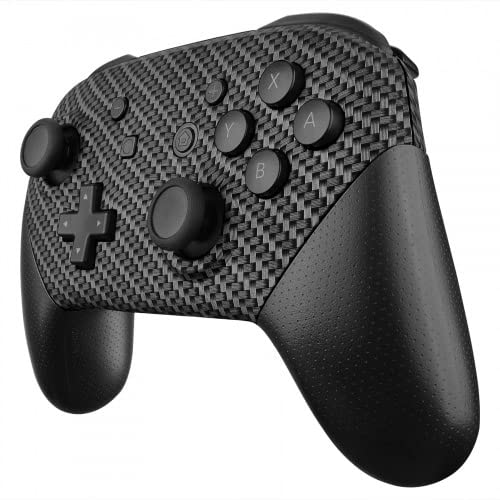
Image: Right angled view of the controller, showing the right joystick, A/B/X/Y buttons, and shoulder buttons.
Cura i Manteniment
- Neteja: Feu servir un drap suau i sec per netejar el controlador. Per a la brutícia persistent, fregueu lleugerament.ampRenta el drap amb aigua. Evita productes químics agressius o netejadors abrasius.
- Emmagatzematge: Guardeu el controlador en un lloc fresc i sec, allunyat de la llum solar directa i de temperatures extremes.
- Manipulació: Avoid dropping the controller or subjecting it to strong impacts. Do not attempt to disassemble the controller, as this may void any applicable warranty.
- Cura de la bateria: If the controller will not be used for an extended period, ensure it is fully charged before storage and periodically recharged to maintain battery health.
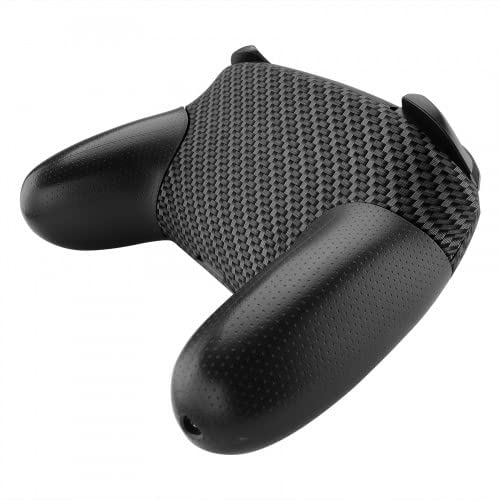
Imatge: Enrere view of the controller, showing the textured grips.
Resolució de problemes
| Problema | Possible solució |
|---|---|
| El controlador no s'encén. | Ensure the controller is charged. Connect it to a power source using a USB-C cable. |
| Controller does not pair with Nintendo Switch. |
|
| Els botons o els joysticks no responen. |
|
| El controlador es desconnecta sovint. |
|
Especificacions del producte
- Marca: MODDEDZONE
- Model: Carbon Custom Controller
- ASIN: B09S2KL84Z
- Compatibilitat: Nintendo Switch
- Font d'alimentació: 1 Lithium Ion battery (required, included)
- Connectivitat: Sense fil (Bluetooth)
- Pes de l'article: 12.8 unces (aproximadament 362 grams)
- Dimensions del paquet: 8 x 6 x 3 polzades (aprox. 20.3 x 15.2 x 7.6 cm)
- Fabricant: ModdedZone
- Data de primera disponibilitat: 2 de febrer de 2022
Garantia i Suport
For warranty information and technical support, please refer to the documentation provided with your purchase or contact MODDEDZONE directly through their official channels. Unauthorized modification or disassembly of the controller may void the product warranty.
Per a més ajuda, podeu visitar el MODDEDZONE Store on Amazon.


