1. Producte acabatview
The ZIOCOM 2-in-1 Wireless Bluetooth Transmitter/Receiver is a versatile audio adapter designed to enhance your audio experience by adding Bluetooth capabilities to non-Bluetooth devices. It functions as both a transmitter (TX mode) to send audio from your TV, PC, or MP3 player to Bluetooth headphones or speakers, and a receiver (RX mode) to stream audio from your smartphone or tablet to wired speakers, car stereos, or home sound systems. Featuring Bluetooth 5.0 and aptX Low Latency technology, it ensures high-quality audio with minimal delay.

Figure 1: ZIOCOM 2-in-1 Wireless Bluetooth Transmitter/Receiver and accessories.
Contingut del paquet:
- ZIOCOM 2-in-1 Bluetooth Transmitter/Receiver (BH045B)
- Cable d'àudio de 3.5 mm
- Cable d'àudio RCA a 3.5 mm
- Cable de càrrega USB
- Manual d'usuari

Figure 2: Package contents including the device, various cables, and user manual.
2. Disseny i controls del dispositiu

Figure 3: Device layout with key components labeled.
- Botó multifunció: Power On/Off, Play/Pause, Answer/End/Reject Calls, Redial.
- Volume Up/Previous Song Button: Increase volume, navigate to previous track.
- Volume Down/Next Song Button: Decrease volume, navigate to next track.
- Botó de sincronització: Inicia el mode d'emparellament Bluetooth.
- TX/RX Switch: Alterna entre els modes transmissor i receptor.
- Llum indicadora: Mostra l'estat del dispositiu (emparellament, connectat, carregant).
- Microcorporat: For hands-free calling in RX mode.
- Port de càrrega tipus C: Per carregar la bateria interna.
- Port AUX: 3.5mm audio input/output.
3. Configuració i càrrega
Càrrega inicial:
Before first use, fully charge the device. Connect the supplied USB charging cable to the Type-C charging port on the adapter and the other end to a USB power source (e.g., computer USB port, USB wall adapter). The indicator light will show charging status and turn off when fully charged. A full charge takes approximately 2 hours.
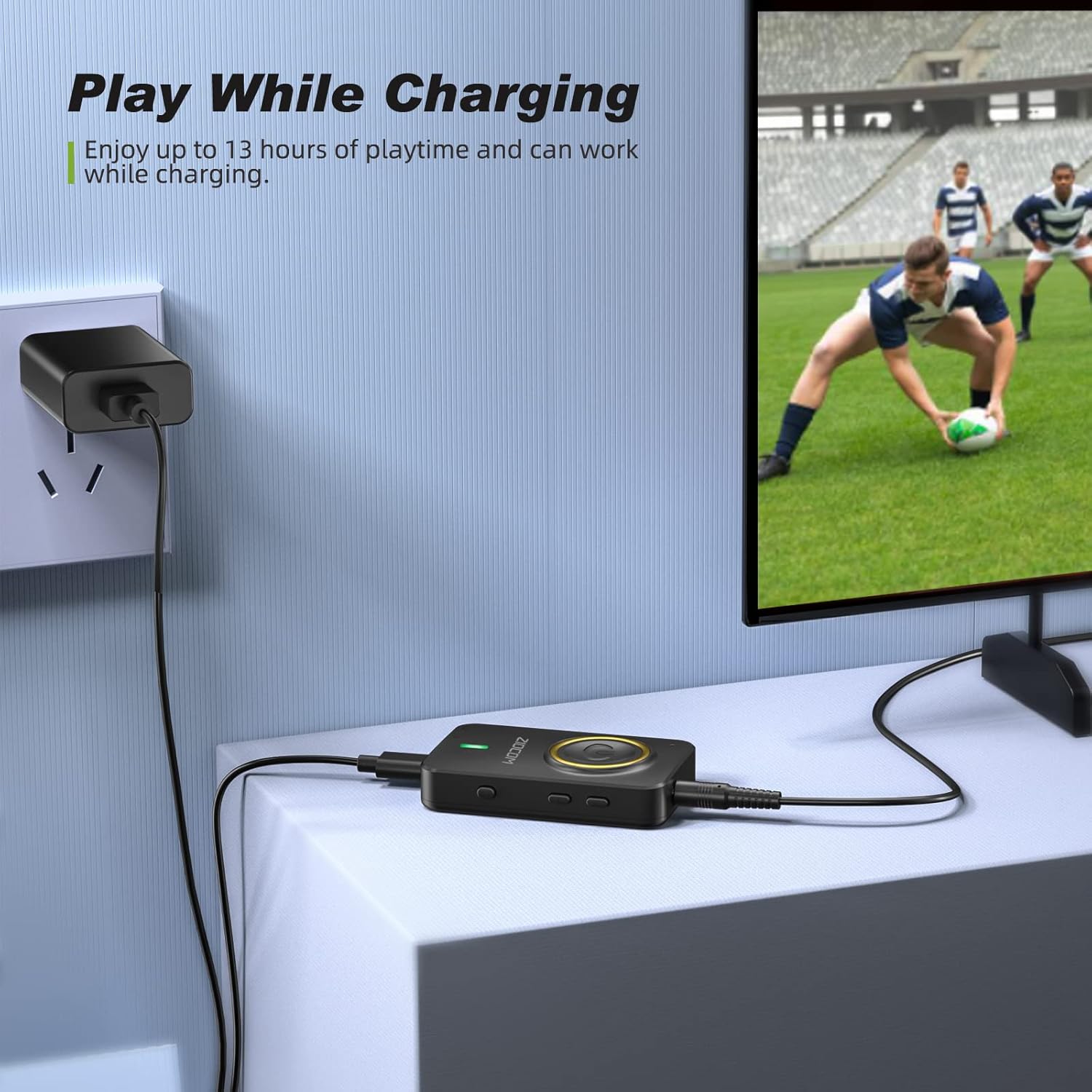
Figure 4: The device can be used while charging, providing extended playtime.
Encès/apagat:
- Encès: Press and hold the Multifunction Button for 3 seconds until the indicator light turns on.
- Apagar: Press and hold the Multifunction Button for 3 seconds until the indicator light turns off.
4. Modes de funcionament
The ZIOCOM adapter supports two primary operating modes: Transmitter (TX) and Receiver (RX). Use the Interruptor TX/RX on the side of the device to select the desired mode.

Figura 5: Mésview of Transmitter (TX) and Receiver (RX) modes.
4.1. Mode transmissor (TX)
In TX mode, the adapter transmits audio from non-Bluetooth devices (e.g., TV, PC, MP3 player) to Bluetooth-enabled headphones or speakers.
Setup for TX Mode:
- Canvia el dispositiu a TX mode using the TX/RX switch.
- Connect the ZIOCOM adapter to your audio source (TV, PC, MP3 player) using the 3.5mm audio cable or the RCA to 3.5mm audio cable. Plug the 3.5mm end into the adapter's AUX port and the other end into the audio output port of your source device.
- Power on the adapter. It will automatically enter pairing mode, indicated by a rapidly flashing blue light.
- Place your Bluetooth headphones or speaker into pairing mode.
- The adapter will automatically search for and connect to nearby Bluetooth devices. Once connected, the indicator light will turn solid blue.

Figure 6: Enjoying low latency audio from TV in TX mode. (Note: Your receiving device must also support aptX Low Latency for optimal performance.)
Dual-Link in TX Mode:
The adapter can connect to two Bluetooth headphones/speakers simultaneously in TX mode.
- Connecteu el primer dispositiu Bluetooth tal com s'ha descrit anteriorment.
- Once the first device is connected, press the Botó d'aparellament on the ZIOCOM adapter. The indicator light will flash rapidly again.
- Put the second Bluetooth headphone/speaker into pairing mode.
- The adapter will connect to the second device. Both devices will now receive audio simultaneously.

Figure 7: Dual-link feature allowing two Bluetooth headphones to connect to a TV.
4.2. Mode receptor (RX)
In RX mode, the adapter receives audio from Bluetooth-enabled devices (e.g., smartphones, tablets) and plays it through wired speakers, car stereos, or home sound systems.
Setup for RX Mode:
- Canvia el dispositiu a RX mode using the TX/RX switch.
- Connect the ZIOCOM adapter to your wired audio system (speakers, car stereo) using the 3.5mm audio cable or the RCA to 3.5mm audio cable. Plug the 3.5mm end into the adapter's AUX port and the other end into the audio input port of your wired system.
- Power on the adapter. It will automatically enter pairing mode, indicated by a rapidly flashing blue light.
- Al vostre telèfon intel·ligent o tauleta, activeu el Bluetooth i cerqueu
Documents relacionats - BH045B

Manual d'usuari del transmissor i receptor Bluetooth ZIOCOM BT5804F
Exploreu el transmissor i receptor Bluetooth ZIOCOM BT5804F. Aquest manual d'usuari proporciona instruccions detallades, especificacions i funcions de l'adaptador d'àudio, incloent-hi la baixa latència aptX i el mode Bypass.
Guia d'usuari del transmissor receptor ZIOCOM BT5809 Bluetooth 5.0
Guia d'usuari completa per al ZIOCOM BT5809, un dispositiu transmissor, receptor i bypass sense fil Bluetooth 5.0 de llarg abast. Aprèn sobre les especificacions del producte, la configuració, els modes de funcionament (receptor, transmissor, bypass), l'emparellament, la resolució de problemes i la informació sobre la garantia.
Manual d'usuari de l'adaptador auxiliar Bluetooth ZIOCOM RC02
Manual d'usuari de l'adaptador auxiliar Bluetooth ZIOCOM RC02. Aprèn sobre les especificacions del producte, com emparellar i utilitzar el dispositiu per a la transmissió d'àudio sense fil i trucades mans lliures, resolució de problemes i manteniment. Compatible amb equips d'àudio per a cotxes i sistemes d'àudio domèstics.
Manual d'usuari del transmissor receptor ZIOCOM BT4853C Bluetooth 5.0
Manual d'usuari del transmissor i receptor Bluetooth 5.0 ZIOCOM BT4853C. Proporciona instruccions sobre la configuració, el funcionament en modes TX i RX, l'emparellament, el control de volum i la resolució de problemes d'aquest adaptador d'àudio sense fil.
Manual d'usuari del receptor d'àudio Bluetooth de 30 pins ZIOCOM LS01 SOUL 3
Manual d'usuari del ZIOCOM LS01 SOUL 3, un receptor d'àudio Bluetooth de 30 pins. Proporciona instruccions detallades sobre especificacions, engegada/apagada, connexió mitjançant Aux de 30 pins o 3.5 mm, emparellament amb dos dispositius, alertes de bateria baixa i informació de contacte d'assistència.
Manual d'usuari de l'adaptador Bluetooth ZIOCOM BT4871
Aquest manual proporciona instruccions per utilitzar l'adaptador Bluetooth de 30 pins ZIOCOM BT4871 per actualitzar els altaveus Bose iPod SoundDock i altres altaveus de base de 30 pins. Cobreix la configuració, la connexió, la resolució de problemes i les especificacions del producte.