Introducció
Gràcies per la compraasing the Silverlit FLYBOTIC Mini Drone UFO. This drone is designed for easy, gesture-controlled indoor flight, offering interactive fun with obstacle detection and 360-degree looping capabilities. Please read this manual carefully before use to ensure safe and optimal operation.
Avís: Not suitable for children under 5 years. Use under adult supervision. This drone is recommended for indoor use only.
Contingut del paquet
- FLYBOTIC Mini Drone UFO (Model 60113)
- 1 x 3.7V, 150mAh Li-Po Battery (integrated)
- Cable de càrrega USB
- Manual d'instruccions (aquest document)

Image: The product packaging for the FLYBOTIC Mini Drone UFO, showing the drone and its features.
Configuració
1. Càrrega del dron
- Locate the charging port on the drone.
- Connect the supplied USB charging cable to the drone's charging port.
- Connecteu l'altre extrem del cable USB a un port USB amb alimentació (per exemple, un ordinador o un adaptador de paret USB).
- The drone's indicator light will show charging status (refer to drone's specific light behavior for full/charging).
- Charging time is approximately 40 minutes. Do not overcharge.
2. Encès / apagat
- To power on, locate the power switch on the drone and slide it to the 'ON' position. The drone's lights will illuminate.
- Per apagar-lo, feu lliscar l'interruptor d'alimentació a la posició "OFF".
Instruccions de funcionament
The FLYBOTIC Mini Drone UFO is controlled by hand gestures and is designed for indoor use only. Ensure you have sufficient clear space before operating.
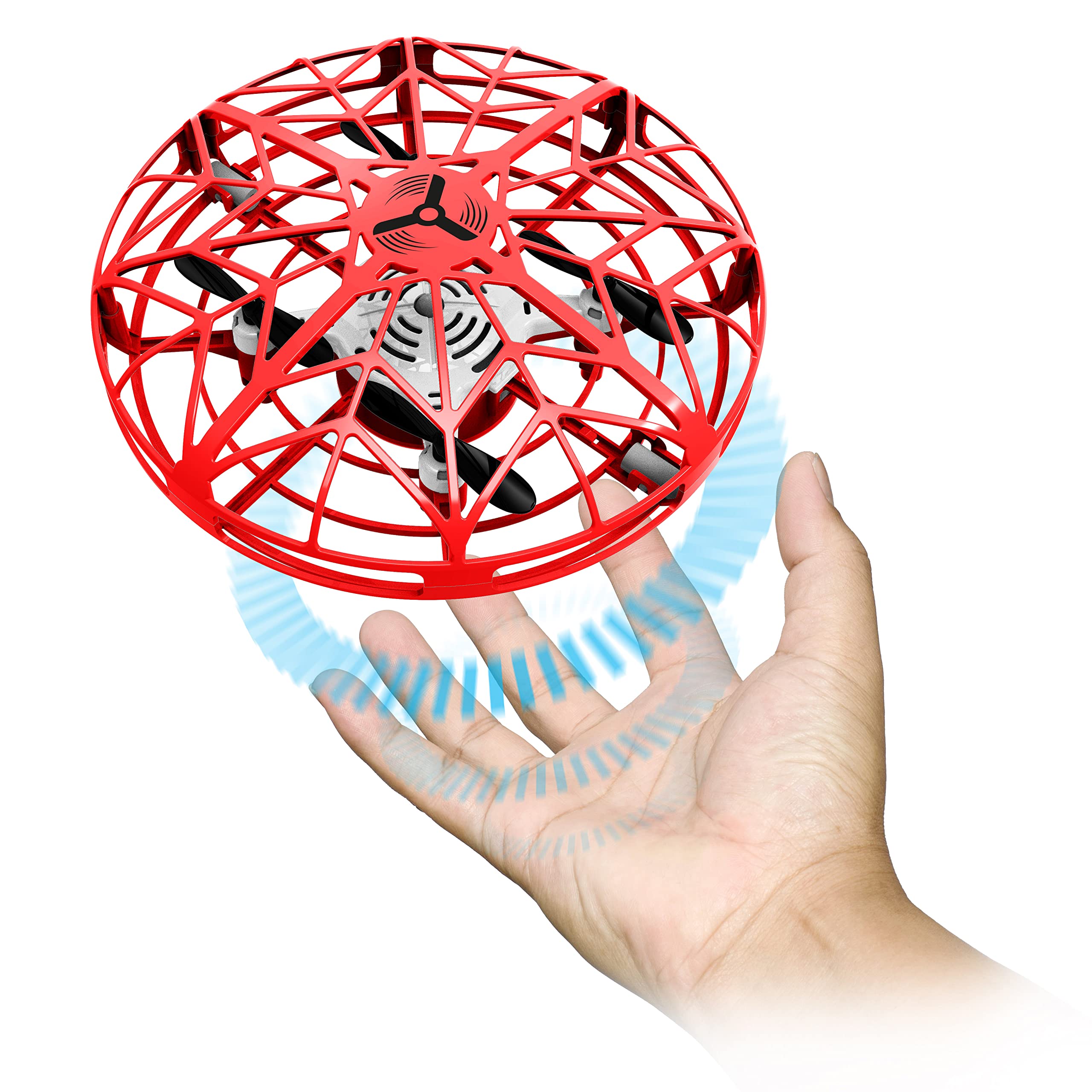
Image: The red FLYBOTIC Mini Drone UFO, showcasing its protective cage design.
1. Initial Launch and Hover Mode
- With the drone powered on, hold it gently in your hand.
- Release the drone into the air. It will automatically stabilize and enter hover mode, maintaining a steady altitude.
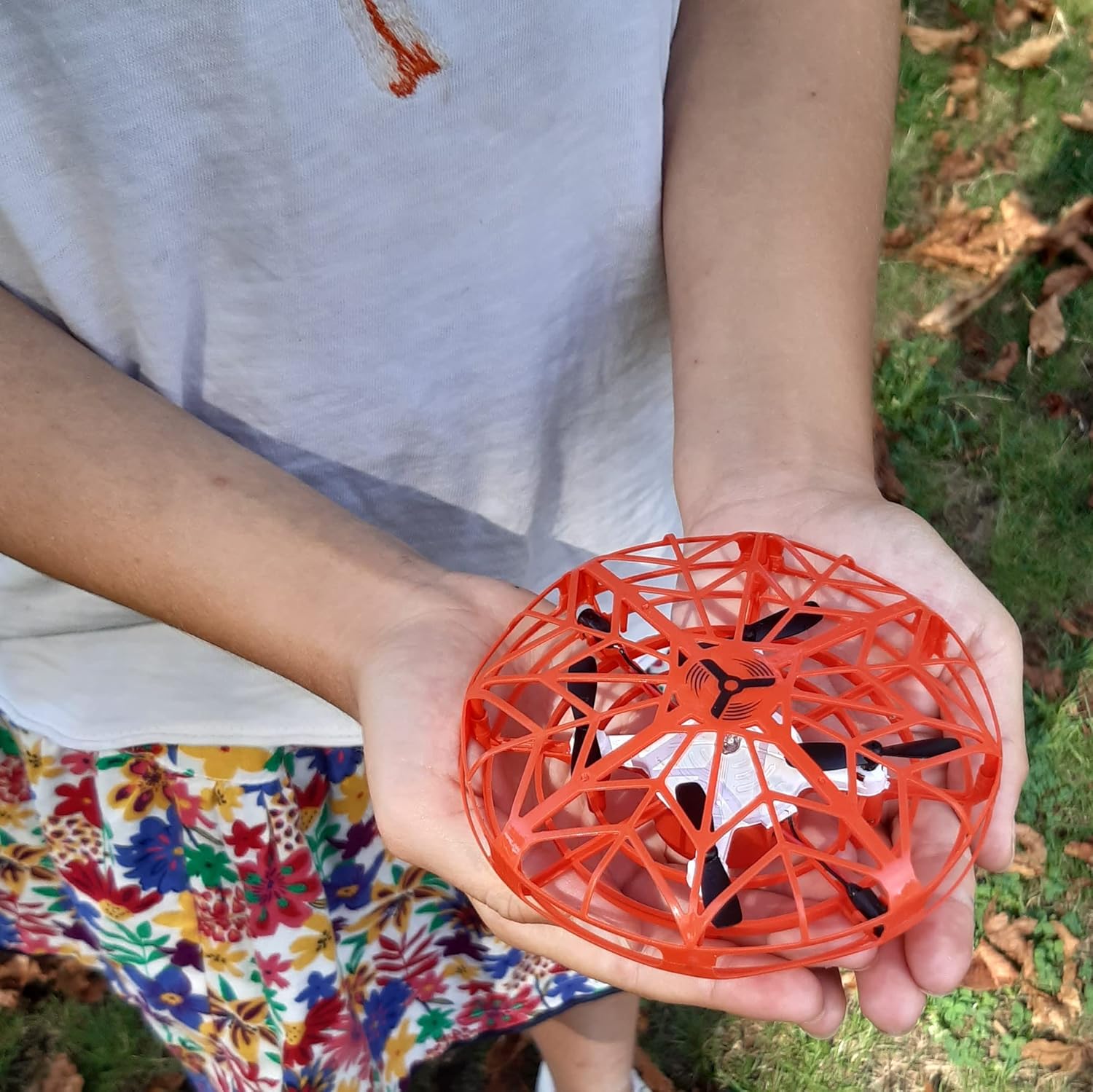
Image: A person's hands gently holding the FLYBOTIC Mini Drone UFO, ready for launch.
2. Control de gestos
- To make the drone ascend: Position your hand or an object a few centimeters directly below the drone. The drone will rise and then return to hover mode.
- To make the drone move forward: Position your hand on the side of the drone. It will move in the opposite direction of your hand.
- Experiment with hand positions around the drone to guide its flight path.
3. Detecció d'obstacles
The drone is equipped with sensors that detect obstacles. If it approaches an obstacle, it will automatically move in the opposite direction to avoid collision. This feature helps protect the drone and surrounding objects during flight.
4. 360° Looping Mode
- While the drone is in flight, quickly pass both hands on either side of the drone.
- The drone's lights will begin to flash in multiple colors, indicating that looping mode is activated.
- Place your hand or an object directly under the drone, and it will perform a 360-degree loop.

Image: A child interacting with the FLYBOTIC Mini Drone UFO. Note: This drone is recommended for indoor use only.
Manteniment
- Neteja: Gently wipe the drone with a clean, dry cloth. Do not use water or chemical cleaners.
- Emmagatzematge: Guardeu el dron en un lloc fresc i sec, allunyat de la llum solar directa quan no l'utilitzeu.
- Cura de la bateria: To prolong battery life, avoid completely draining the battery and recharge it regularly. Do not store with a fully depleted battery for extended periods.
- Hèlixs: Check propellers for any damage or debris before each flight. Replace if necessary.
Resolució de problemes
| Problema | Causa possible | Solució |
|---|---|---|
| El dron no s'encén. | La bateria està esgotada. | Charge the drone's battery using the supplied USB cable. |
| Drone does not fly or flies erratically. | Low battery; Damaged propellers; Obstruction in propellers; Incorrect launch technique. | Ensure battery is fully charged. Check propellers for damage or debris and clear if necessary. Ensure drone is released gently into the air for initial hover. |
| Drone does not respond to gestures. | Sensors are obstructed; Insufficient light; Gesture not recognized. | Ensure sensors are clean and unobstructed. Operate in a well-lit area. Practice gestures to ensure proper recognition. |
| Drone flies too high or hits the ceiling. | Over-sensitive to upward gesture; Operating in a small space. | Adjust hand position for upward gesture to be less direct. Ensure adequate indoor space for flight. |
Especificacions
- Model: 60113 (UFO)
- Marca: Silverlit
- Dimensions (L x A x A): 11.5 x 11.5 x 5 cm
- Pes: 100 grams
- Bateria: 1 x 3.7V, 150mAh Li-Po (integrated)
- Temps de càrrega: Uns 40 minuts
- Temps de joc: Uns 5 minuts
- Interval: Aproximadament 8 metres
- Connectivitat: USB (per carregar)
- Característiques especials: Gesture Control, Obstacle Avoidance, 360° Looping, Hover Mode
- Edat recomanada: 5 anys i més
- Entorn d'ús: Només a l'interior
Garantia i Suport
For warranty information or technical support, please refer to the documentation included with your purchase or contact Silverlit customer service directly. Contact details can typically be found on the product packaging or the official Silverlit weblloc.
Visit the official Silverlit weblloc per a més informació.


