Introducció
This manual provides detailed instructions for the setup, operation, and maintenance of your j5create USB-C 4K Triple Display Hub (JCD397). Please read this manual thoroughly to ensure proper usage and to maximize the performance of your device. The JCD397 is designed to expand the connectivity of compatible USB-C laptops, offering multiple display outputs, high-speed USB ports, a card reader, and Ethernet connectivity.

Image: The j5create USB-C 4K Triple Display Hub (JCD397) in Space Gray, featuring its compact design and integrated USB-C cable.
Característiques del producte
The j5create JCD397 offers a comprehensive set of features to enhance your workstation:
- Sortida de triple pantalla: Supports dual or triple 4K display configurations via two HDMI ports and one DisplayPort, compatible with USB-C laptops featuring DisplayPort 1.4 and Multi-Stream Transport (MST).
- High Refresh Rate Support: Extend one display up to 3840 x 2160 @ 60Hz, or achieve higher refresh rates like 2560 x 1440 @ 144Hz via HDMI or 1920 x 1080 @ 240Hz via DisplayPort on Windows OS.
- USB SuperSpeed 10 Gbps Ports: Includes two USB-C and one USB Type-A port for connecting peripherals or downstream charging, offering data transfer speeds up to 10 Gbps.
- SD & microSD 4.0 Card Reader: Integrated memory card reader/writer for managing media files with UHS-II support, providing data transfer speeds up to 312 MB/s.
- Gigabit Ethernet: Proporciona una connexió de xarxa per cable estable.
- Entrega d'energia 3.0: Supports up to 100W pass-through charging to power the connected peripherals and charge your host laptop using a USB-C power adapter.

Imatge: Una imatge superior view of the j5create JCD397 hub connected to a laptop, illustrating all available ports in use, including USB-A, USB-C, HDMI, DisplayPort, SD/microSD, and Gigabit Ethernet.
Instruccions de configuració
- Connecta't al dispositiu amfitrió: Plug the integrated USB-C cable of the JCD397 into a compatible USB-C port on your laptop. Ensure your laptop's USB-C port supports DisplayPort 1.4 and Multi-Stream Transport (MST) for full functionality.
- Connexió d'alimentació (opcional però recomanada): For optimal performance and to charge your laptop, connect your laptop's USB-C power adapter (up to 100W) to the USB-C Power Delivery port on the JCD397.
- Connecta les pantalles:
- For HDMI displays, connect HDMI cables from your monitors to the two HDMI ports on the JCD397.
- For DisplayPort displays, connect a DisplayPort cable from your monitor to the DisplayPort on the JCD397.
Nota: Display configurations and extended desktop functionality vary by operating system. Refer to the 'Operating' section for details.
- Connecteu els perifèrics USB: Plug your USB-A and USB-C devices (e.g., mouse, keyboard, external hard drive) into the respective USB 10Gbps ports on the JCD397.
- Connecteu-vos a la xarxa: For a wired internet connection, connect an Ethernet cable from your router or modem to the Gigabit Ethernet port on the JCD397.
- Inserir targetes de memòria: Insert SD or microSD cards into the designated slots for data access.

Image: A diagram illustrating triple display configurations for both Windows (extended mode) and Mac (mirrored mode) using the j5create JCD397 hub.
Instruccions de funcionament
Configuració de la pantalla
- Sistema operatiu Windows: The JCD397 supports Multi-Stream Transport (MST) on Windows, allowing for an extended desktop across up to three external 4K displays. Adjust display settings in your operating system to configure extended or mirrored modes.
- macOS: When using extended mode on macOS, all connected external displays will show the same content (mirroring). macOS does not support MST for extended displays across multiple external monitors via a single USB-C port.
Transferència de dades USB
The USB-A and USB-C 10Gbps ports provide high-speed data transfer for compatible devices. Ensure your connected devices and cables support USB 3.2 Gen 2 for optimal performance.
Card Reader Usage
Insert your SD or microSD card into the appropriate slot. The card will appear as a removable drive on your computer, allowing you to access and transfer files. The card reader supports UHS-II for fast data access.
Lliurament d'energia
When a USB-C power adapter is connected to the PD port, the JCD397 will pass through up to 100W of power to charge your host laptop and power connected peripherals. Ensure your power adapter meets the required wattage per al teu ordinador portàtil.
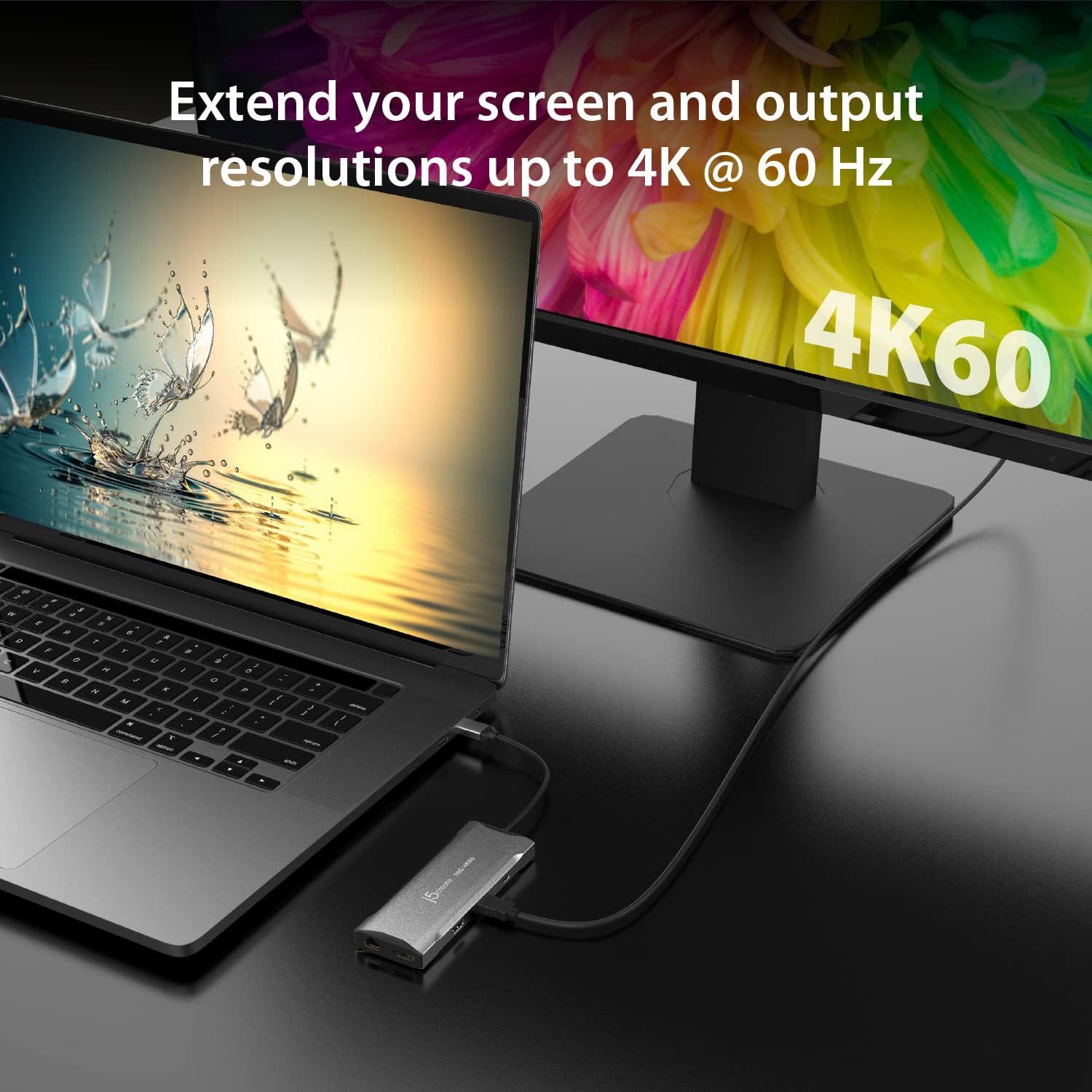
Image: A laptop connected to an external monitor displaying 4K resolution at 60Hz, demonstrating the video output capability of the JCD397 hub.
Manteniment
To ensure the longevity and optimal performance of your j5create JCD397, follow these maintenance guidelines:
- Neteja: Use a soft, dry cloth to clean the exterior of the hub. Avoid using liquid cleaners or solvents, as they may damage the device.
- Emmagatzematge: Guardeu el concentrador en un lloc fresc i sec, allunyat de la llum solar directa i de temperatures extremes.
- Manipulació: Avoid dropping or subjecting the device to strong impacts. Do not attempt to disassemble the hub, as this will void the warranty.
- Cura del cable: No doblegueu ni doblegueu excessivament el cable USB-C integrat.
Resolució de problemes
If you encounter issues with your JCD397, please refer to the following common problems and solutions:
- Sense sortida de pantalla:
- Ensure the USB-C cable from the hub is securely connected to your laptop.
- Verify that your laptop's USB-C port supports DisplayPort Alternate Mode (Alt Mode) and Multi-Stream Transport (MST).
- Check that display cables (HDMI/DP) are firmly connected to both the hub and the monitors.
- Confirm that your monitors are powered on and set to the correct input source.
- For macOS users, remember that external displays will mirror each other in extended mode.
- Transferència de dades USB lenta:
- Ensure your connected USB devices and cables are USB 3.2 Gen 2 compatible for 10Gbps speeds.
- Avoid connecting high-power devices to multiple USB ports simultaneously without external power to the hub.
- Laptop Not Charging via PD:
- Verify that your USB-C power adapter is connected to the PD port on the hub.
- Assegureu-vos que l'adaptador de corrent proporcioni prou aiguatage for your laptop (up to 100W supported by the hub).
- Confirm your laptop's USB-C port supports Power Delivery input.
- Problemes de connexió Ethernet:
- Comproveu la connexió del cable Ethernet tant al concentrador com al vostre encaminador/mòdem.
- Verifiqueu la configuració de xarxa a l'ordinador.
- El centre té una sensació càlida:
- It is normal for the hub to become warm during operation, especially when multiple ports are in use or when charging. Ensure adequate ventilation around the device. If it becomes excessively hot, disconnect it and contact support.
Especificacions
| Característica | Especificació |
|---|---|
| Model | JCD397 |
| Dimensions del producte | 2.17 x 5.83 x 0.67 polzades |
| Pes de l'article | 0.32 unces |
| Marca | j5crear |
| Color | Gris espacial |
| Interfície del maquinari | USB |
| Sortides de visualització | 2x HDMI, 1x DisplayPort (4K @ 60Hz max) |
| Ports de dades USB | 2x USB-C 10Gbps, 1x USB Type-A 10Gbps |
| Lliurament d'energia | Up to 100W Pass-Through |
| Ethernet | Gigabit Ethernet |
| Lector de targetes | SD & microSD 4.0 (UHS-II, up to 312 MB/s) |
| Dispositius compatibles | Laptops with USB-C (DisplayPort 1.4 & MST support recommended) |
Garantia i Suport
j5create products are designed for reliability and performance. For information regarding warranty coverage, please refer to the warranty card included with your product or visit the official j5create website. If you require technical assistance or have questions not covered in this manual, please contact j5create customer support.
Informació de contacte:
Please refer to the j5create official website for the most current support contact details, including phone numbers and email addresses.


