Introducció
Welcome to the user manual for your VIMGO P10 Smart Projector. This guide provides essential information for setting up, operating, and maintaining your projector to ensure optimal performance and longevity.
Instruccions importants de seguretat
- Llegiu totes les instruccions abans d'utilitzar.
- No exposeu el projector a la pluja ni a la humitat.
- No bloquejar les obertures de ventilació.
- Utilitzeu només accessoris/accessoris especificats pel fabricant.
- Demaneu tot el servei a personal de servei qualificat.
Què hi ha a la caixa
The VIMGO P10 Smart Projector package typically includes:
- VIMGO P10 Smart Projector Unit
- Control remot
- Adaptador d'alimentació
- HDMI Cable (Possible)
- USB Cable (Possible)
- Manual d'usuari (Aquest document)
Producte acabatview
Familiarize yourself with the various parts of your VIMGO P10 Smart Projector.

Panell frontal
- Lent de projecció: Emits the image.
- Sensor d'enfocament: Assists with automatic focus adjustment.
Panell posterior
- Entrada d'alimentació: Connecta l'adaptador de corrent.
- Port HDMI: Connects to external devices like laptops, gaming consoles.
- Port USB: Es connecta a dispositius d'emmagatzematge USB.
- Sortida d'àudio: Per connectar altaveus externs o auriculars.
Panell superior
- Botó d'encesa: Encén/apaga el projector.
- Llums indicadores: Show power status and other operational modes.
Panells laterals
- Reixes de ventilació: Assegureu-vos que el flux d'aire sigui adequat per a la refrigeració.
Configuració inicial
1. Col·locació
Position the projector on a stable, flat surface. Ensure there are no obstructions to the projection path or ventilation.

The ideal projection size ranges from 40 to 120 inches. Refer to the table below for approximate projection distances:
| Mida de projecció | Distància aproximada |
|---|---|
| 40 polzades | 4 peus |
| 80 polzades | 8 peus |
| 120 polzades | 11.5 peus |
2. Connexió d'alimentació
Connecteu l'adaptador de corrent al port d'entrada d'alimentació del projector i, a continuació, endolleu l'adaptador a una presa de corrent.
3. Control remot
Insert two AAA batteries (not included) into the remote control, observing polarity.
4. Encès
Premeu el botó d'encesa del projector o del comandament a distància per encendre el dispositiu.
5. Enfocament i correcció Keystone
The projector features remote focus and digital keystone correction to ensure a clear and rectangular image.
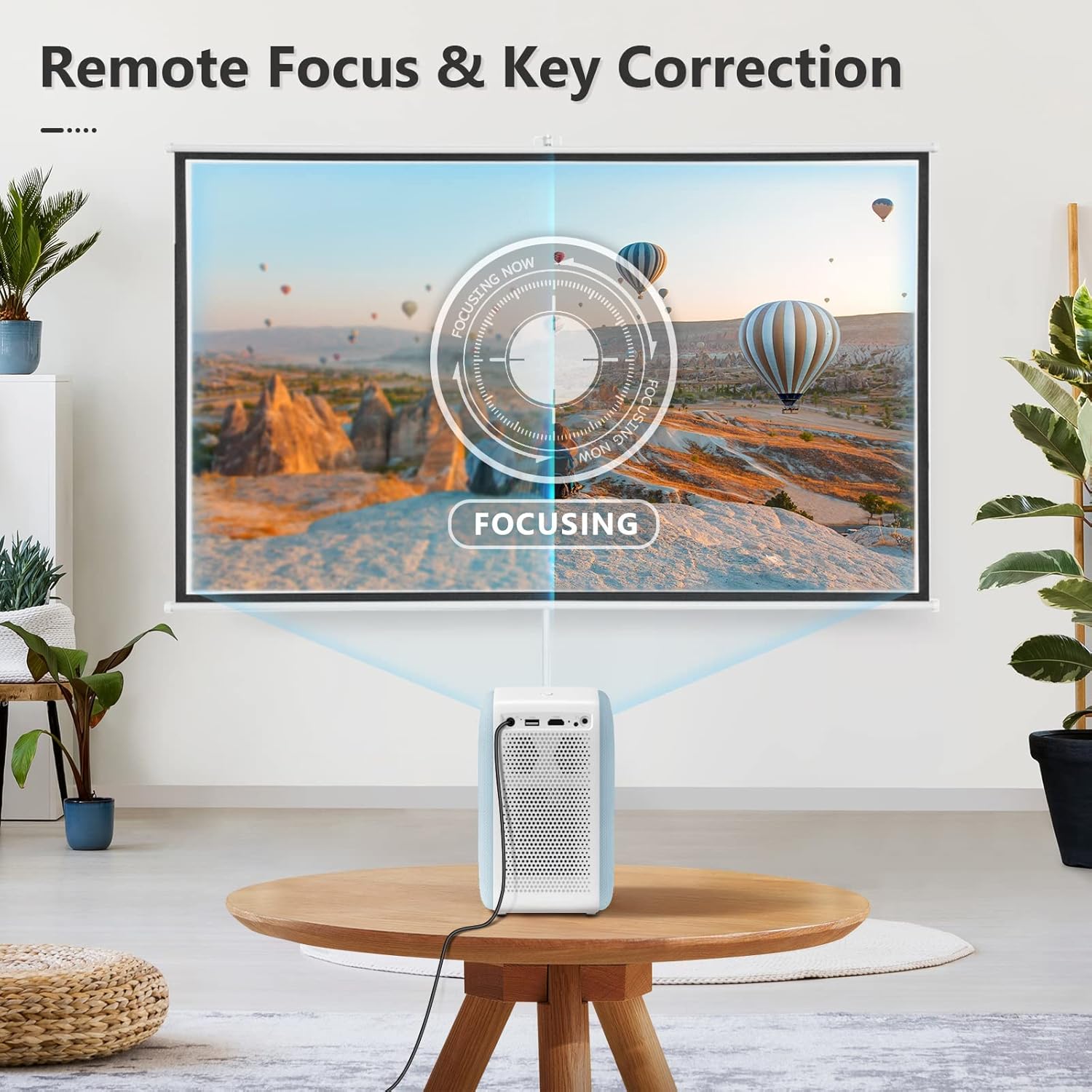
- Focus: Use the focus buttons on the remote control to sharpen the image.
- Correcció Keystone: If the projected image appears trapezoidal, use the keystone correction settings in the menu to adjust it into a perfect rectangle. This projector supports digital keystone correction.
Operating Your Projector
1. Navegació
The VIMGO P10 runs on an Android OS, providing a smart interface. Use the remote control's directional buttons and 'OK' button to navigate through menus and select options.
2. Connectivitat de xarxa
Connexió Wi-Fi
- Des de la pantalla d'inici, navegueu fins a Configuració.
- Seleccioneu Xarxa i Internet.
- Enceneu Wi-Fi and select your desired network from the list.
- Introduïu la contrasenya si se us demana i connecteu-vos.
Connexió Bluetooth
Connecteu altaveus o auriculars Bluetooth externs per a un àudio millorat.
- Vés a Configuració i seleccioneu Dispositius connectats or Bluetooth.
- Enceneu Bluetooth i cerca els dispositius disponibles.
- Seleccioneu el dispositiu Bluetooth de la llista per emparellar-lo.
3. Fonts d'entrada
Select the desired input source from the home screen or input menu.
- HDMI: Connect external devices such as laptops, gaming consoles, or streaming sticks.
- USB: Connecteu unitats USB per reproduir contingut multimèdia files directament.
- Aplicacions: Utilize pre-installed or downloaded applications (e.g., streaming services) via the Android OS.
4. Reproducció multimèdia
The projector supports various media formats. For optimal experience, ensure your media files are compatible with Android OS playback.
5. Configuració d'àudio
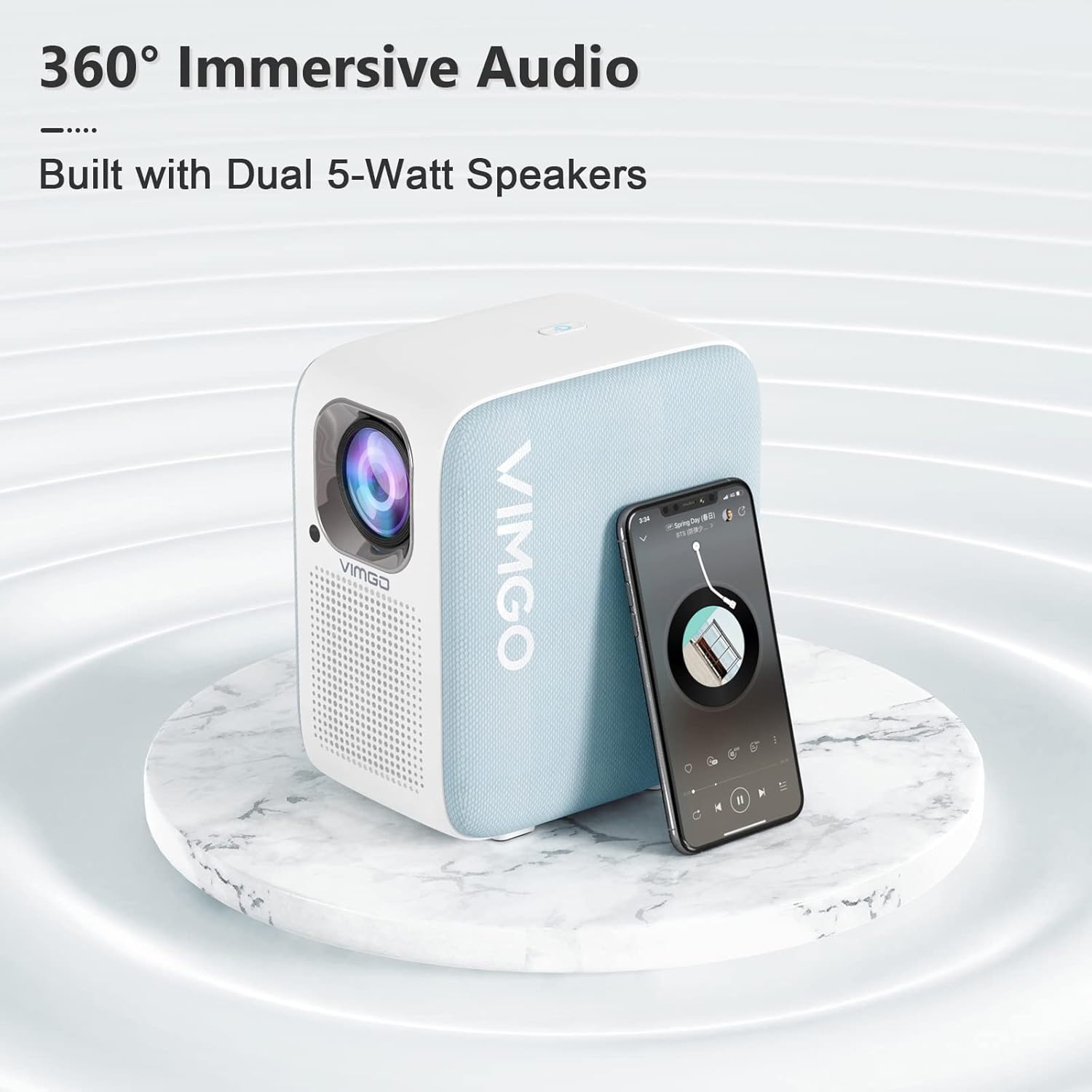
The projector is equipped with built-in speakers. You can adjust the volume using the remote control. For a more immersive experience, connect external audio devices via Bluetooth or the audio output port.
Manteniment i cura
1. Neteja
Keep the projector clean to ensure optimal performance and longevity.

- Exterior: Netegeu l'exterior amb un drap suau i sec. No utilitzeu productes de neteja abrasius ni dissolvents.
- Lent: Gently clean the lens with a lens cleaning cloth. Avoid touching the lens directly with your fingers.
- Ventilació: Ensure the ventilation grilles are free from dust and debris. The projector has a fully sealed dustproof design to minimize internal dust accumulation.
2. Emmagatzematge
Quan no l'utilitzeu durant períodes prolongats, guardeu el projector en un lloc fresc i sec, allunyat de la llum solar directa i de temperatures extremes.
Resolució de problemes
If you encounter issues with your VIMGO P10 Smart Projector, refer to the following common problems and solutions:
| Problema | Causa possible | Solució |
|---|---|---|
| Sense poder | Cable d'alimentació desconnectat; Problema amb la presa de corrent. | Assegureu-vos que el cable d'alimentació estigui ben connectat. Proveu una altra presa de corrent. |
| Sense imatge | Incorrect input source; Device not connected properly. | Select the correct input source (HDMI, USB). Check cable connections. |
| Imatge borrosa | Out of focus; Incorrect keystone correction. | Adjust focus using the remote. Apply keystone correction if the image is trapezoidal. |
| Sense so | Volume too low; Muted; External audio device not connected. | Increase volume. Check if muted. Ensure external audio devices are properly connected or paired via Bluetooth. |
| El control remot no respon | Low batteries; Obstruction between remote and projector. | Replace batteries. Ensure clear line of sight to the projector's IR receiver. |
| Problemes de connexió Wi-Fi | Incorrect password; Router issues; Signal interference. | Verify Wi-Fi password. Restart your router. Move projector closer to the router or reduce interference. Reset network settings on the projector if necessary. |
Especificacions tècniques
| Característica | Detall |
|---|---|
| Marca | VIMGO |
| Número de model | Potència 10 |
| Resolució de visualització | 1920 x 1080 (1080P natiu) |
| Brillantor | 300 lúmens ANSI |
| Sistema operatiu | SO Android |
| Tecnologia de connectivitat | HDMI, USB, Wi-Fi (5G), Bluetooth |
| Característiques especials | Built-In Speaker, Dust-Proof, Digital Keystone Correction, Lightweight |
| Pes de l'article | 5.83 lliures |
| Dimensions del producte | 7.17 x 5.04 x 8.19 polzades |
| Ús recomanat | Home Cinema |
| Diagonal de pantalla visible | 120 polzades / 305 cm |
Garantia i assistència al client
VIMGO offers a 2-year warranty for the P10 Smart Projector, as mentioned in customer reviews. For warranty claims, technical assistance, or any product-related inquiries, please contact VIMGO customer support through their official weblloc web o la informació de contacte proporcionada amb la compra.
For further assistance, you may visit the official VIMGO store on Amazon: VIMGO Store.


