1. Introducció
This manual provides essential information for the safe and efficient operation of your CHiQ L32H7SX Smart LED TV. Please read it thoroughly before using the product and retain it for future reference.

Image: The CHiQ L32H7SX Smart LED TV, displaying a vibrant image on its screen.
2. Informació de seguretat
Always adhere to the following safety precautions to prevent electric shock, fire, or damage to the product:
- No exposeu el televisor a la pluja o la humitat.
- Assegureu-vos una ventilació adequada al voltant del televisor.
- No obstruïu les obertures de ventilació amb objectes com ara diaris, estovalles, cortines, etc.
- No col·loqueu el televisor sobre un carretó, suport, trípode, suport o taula inestable.
- Desendolleu el televisor durant tempestes o quan no l'utilitzeu durant períodes prolongats.
- Demaneu tot el servei a personal de servei qualificat.
3. Contingut del paquet
Verifiqueu que tots els elements siguin presents al paquet:
- CHiQ L32H7SX Smart LED TV
- Control remot
- Moble per a TV (2 peces)
- Cargols per a suport de TV
- Cable d'alimentació
- Manual d'usuari (aquest document)
4. Configuració
4.1 Fixació del suport de TV
- Col·loqueu amb cura el televisor cara avall sobre una superfície suau i neta per evitar que es facin malbé la pantalla.
- Alineeu cada peça del suport amb les ranures corresponents de la part inferior del televisor.
- Fixeu els suports amb els cargols proporcionats.

Image: Technical drawing illustrating the dimensions of the CHiQ L32H7SX TV, including width, height, and depth with and without the stand.
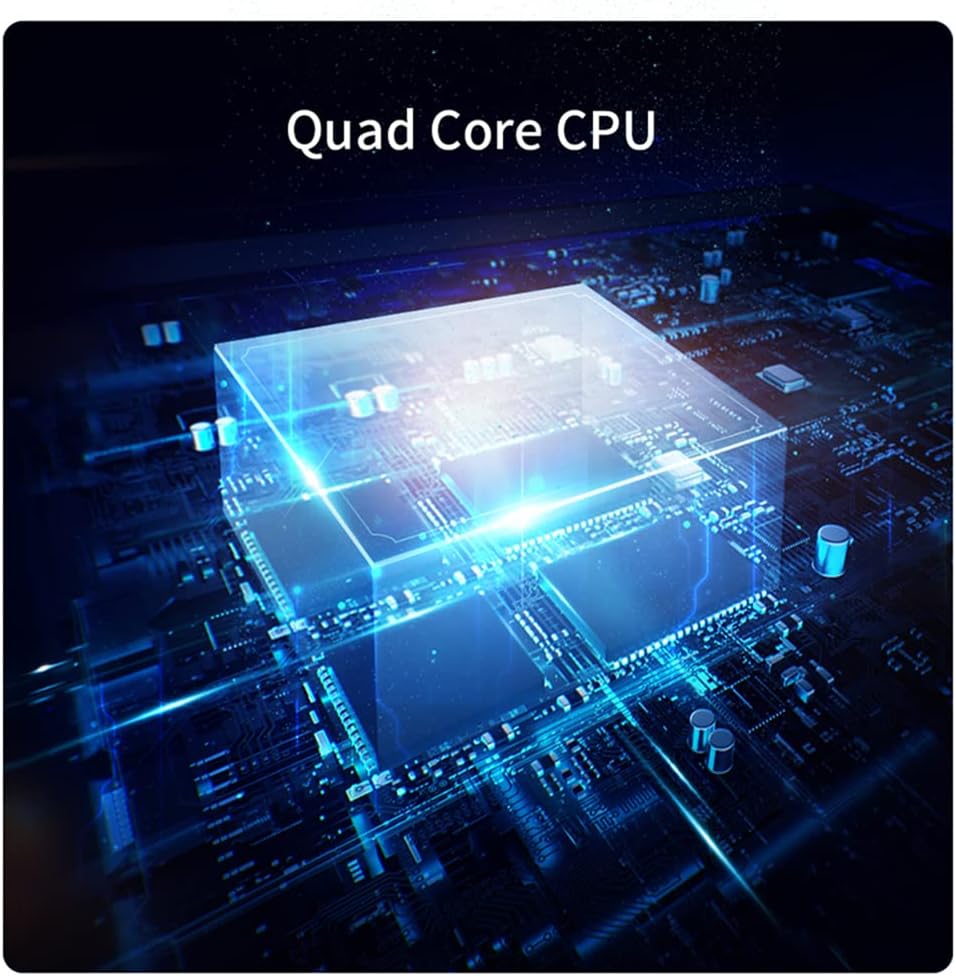
Image: The CHiQ L32H7SX TV positioned on a wooden entertainment unit, showcasing its design with the attached stand.
4.2 Muntatge a la paret (opcional)
If you choose to wall mount your TV, ensure you use a compatible VESA mount and follow the mount manufacturer's instructions. Professional installation is recommended.

Image: The CHiQ L32H7SX TV securely mounted on a wall, presenting a clean, minimalist setup above a wooden cabinet.
4.3 Connexió de potència
Connecteu el cable d'alimentació a l'entrada d'alimentació del televisor i després a una presa de corrent. El televisor entrarà en mode d'espera.
4.4 Configuració inicial
Upon first power-on, the TV will guide you through initial setup steps, including language selection, network connection (Wi-Fi or Ethernet), and Google account sign-in for Smart TV features.
5. Funcionament del televisor
5.1 Controls bàsics
- Potència: Press the power button on the remote or TV to turn on/off or enter standby.
- Volum: Use the Volume +/- buttons to adjust audio level.
- Canal: Use the Channel +/- buttons to change channels.
- Font: Press the Source button to select input sources (HDMI, AV, USB, etc.).
- Navegació: Feu servir el botó direccional i el botó D'acord per navegar pels menús.
5.2 Característiques del televisor intel·ligent
Your CHiQ L32H7SX TV runs on Android TV, providing access to a wide range of applications and services.
- Assistent de Google: Feu servir ordres de veu per cercar contingut, controlar dispositius domèstics intel·ligents i obtenir informació.
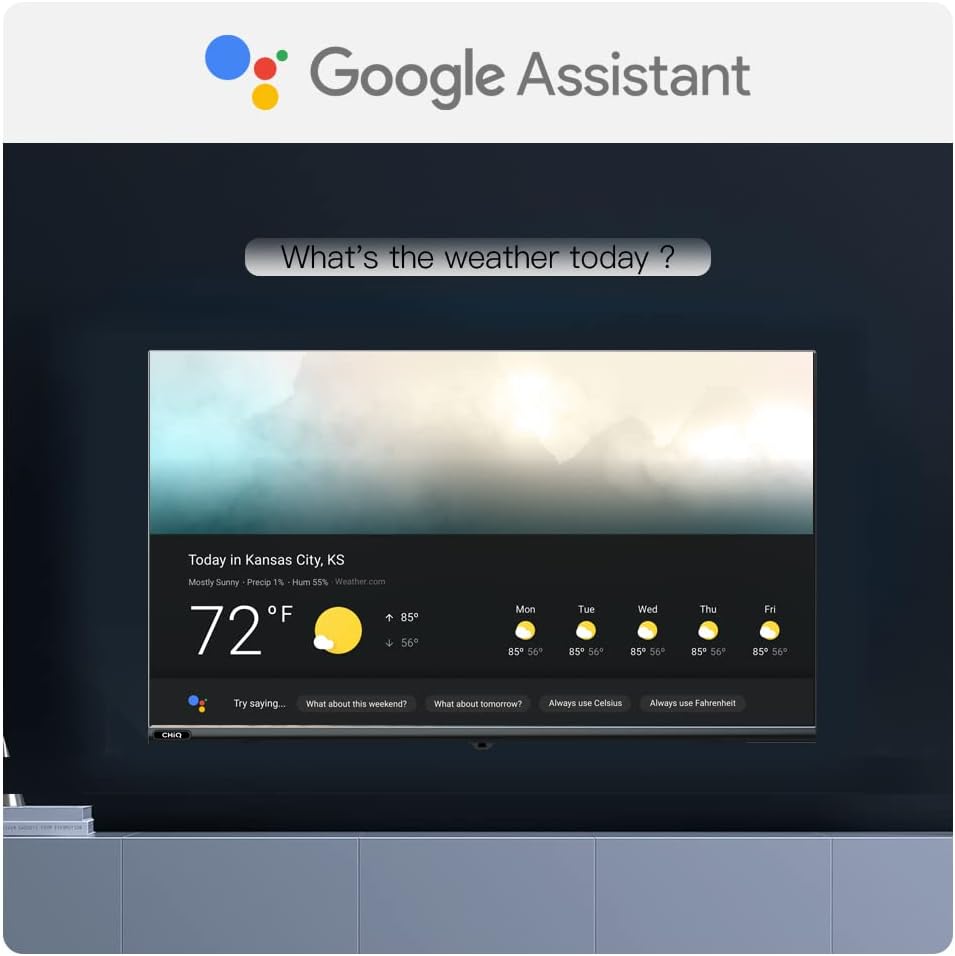
Image: The Google Assistant logo prominently displayed, with a TV screen below showing a weather forecast, demonstrating voice command capabilities.
- Aplicacions preinstal·lades: Enjoy popular streaming services like Netflix and Amazon Prime Video.

Image: A dark background with the logos of Netflix, YouTube, and Amazon Prime Video, indicating supported streaming services.
- Google Play Store: Download additional apps, games, and content from the Google Play Store.

Image: A visual representation of the Android 9 Pie interface, showcasing a grid of popular application icons available through Google Play.
- Replica de pantalla: Cast content from your compatible mobile devices to the TV.

Image: A smartphone displaying a soccer match, with the same content mirrored onto a larger TV screen, illustrating the screen mirroring feature.
5.3 Picture and Audio Enhancements
- HDR10: Experience enhanced contrast and color with HDR10 content.
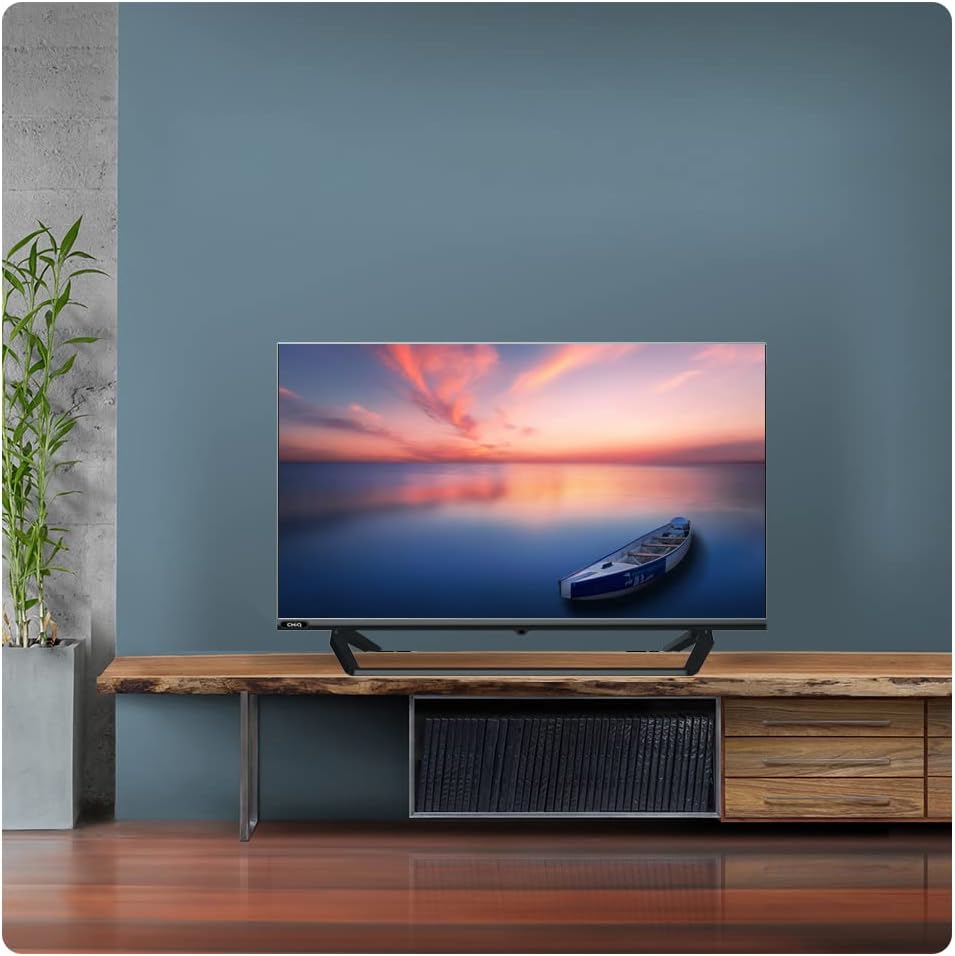
Image: A split image demonstrating the visual difference between HDR10 and non-HDR content, highlighting improved detail and color in the HDR10 section.

Image: A side-by-side comparison showing the enhanced visual quality of HDR10 compared to a standard image.
- Dolby Audio: Enjoy rich, clear, and powerful sound.

Image: The Dolby Audio logo positioned above a TV screen displaying a serene waterfall scene, emphasizing the immersive sound experience.

Image: A close-up of audio equalizer sliders with the Dolby Audio logo, indicating professional sound adjustment capabilities.
5.4 Rendiment
- Quad Core CPU: Ensures smooth performance and quick app loading.

Imatge: Una imatge detallada view of a Quad Core CPU chip embedded on a circuit board, highlighting the TV's processing power.

Image: A stylized image of a processor chip on a circuit board, representing the TV's internal processing capabilities.

Image: A TV screen displaying a vibrant, colorful image of various fruits, showcasing the display's ability to render rich colors.
5.5 Connectivitat
El televisor ofereix diverses opcions de connectivitat:
- HDMI: Connect external devices like game consoles, Blu-ray players, or set-top boxes.
- USB: Reprodueix contingut multimèdia files de unitats USB.
- Bluetooth: Connecteu auriculars o altaveus sense fil.
- Wi-Fi/Ethernet: Connect to your home network for internet access.

Imatge: Un primer pla view of the rear panel of the TV, showing various input ports such as HDMI, USB, and AV connections.
6. Manteniment
6.1 Neteja del televisor
- Desendolla sempre el televisor abans de netejar-lo.
- Feu servir un drap suau i sec per netejar la pantalla i la carcassa.
- For stubborn marks, use a screen cleaner specifically designed for TVs, applied to the cloth, not directly to the screen.
- Eviteu utilitzar netejadors abrasius, ceres o dissolvents.
6.2 Emmagatzematge
If storing the TV for an extended period, ensure it is kept in a cool, dry place, away from direct sunlight and extreme temperatures. Use the original packaging if available.
7. Solució De Problemes
Abans de contactar amb l'atenció al client, prova les solucions següents per a problemes comuns:
| Problema | Possible causa/solució |
|---|---|
| Sense poder | Comproveu si el cable d'alimentació està ben connectat al televisor i a la presa de corrent. Proveu la presa de corrent amb un altre dispositiu. |
| Sense imatge / Sense so | Assegureu-vos que heu seleccionat la font d'entrada correcta. Comproveu les connexions dels cables als dispositius externs. |
| El control remot no funciona | Canvieu les piles. Assegureu-vos que no hi hagi obstruccions entre el comandament a distància i el sensor d'infrarojos del televisor. |
| Problemes de connexió Wi-Fi | Restart your router and TV. Ensure the TV is within range of your Wi-Fi signal. |
| Les aplicacions no es carreguen / Rendiment lent | Check internet connection. Clear app cache or reinstall the app. Restart the TV. |
8. Especificacions
Below are the key technical specifications for the CHiQ L32H7SX Smart LED TV:
| Característica | Valor |
|---|---|
| Marca | XiQ |
| Any model | 2018 |
| Dimensions del producte | 72.43 x 42.5 x 8.42 cm; 5.92 kg |
| Installed Flash Memory Capacity | 8 GB |
| Interfície del maquinari | Bluetooth, HDMI, USB |
| Resolució de l'escàner | 1080p |
| Altres característiques | DLNA, Internet |
| Tecnologia de visualització | LED |
| Mida de la pantalla | 32 polzades |
| Resolució de pantalla | 1366 x 768 píxels |
| Resolució màxima | 720p |
| Tipus de connector | Bluetooth, HDMI, USB, Wi-Fi |
| Compatibilitat de muntatge | Suport de taula |
| Serveis d'Internet compatibles | Amazon Prime Video, Google Assistant, Netflix |

Image: Official product information sheet detailing various specifications and energy efficiency data for the CHiQ L32H7SX TV.

Image: The EU Energy Label for the CHiQ L32H7SX TV, indicating its energy efficiency class F and power consumption. For more details, visit the official EPREL database: https://eprel.ec.europa.eu/qr/458057
9. Garantia i Suport
For warranty information and customer support, please refer to the warranty card included with your product or visit the official CHiQ weblloc web. Conserveu el comprovant de compra per a reclamacions de garantia.
Assistència en línia: Visit the CHiQ official website for FAQs, software updates, and contact information.


