Introducció
Welcome to the Tesvor Robot Vacuum user manual. This guide provides detailed instructions on how to set up, operate, maintain, and troubleshoot your new Tesvor Robot Vacuum with Lidar Navigation. Designed for efficient cleaning of hard floors and suitable for homes with pets, this robotic vacuum cleaner offers powerful suction and smart features to keep your living space tidy.

Image: The Tesvor Robot Vacuum S6 Black, a sleek, round robotic vacuum cleaner with a lidar sensor on top, shown next to a smartphone displaying its mapping capabilities.
Característiques principals:
- Succió potent: Equipped with 2700 Pa suction and dual spinning edge brushes for effective debris and pet hair removal.
- Lidar Mapping: Advanced laser sensors map your home for precise navigation and efficient cleaning paths.
- Long-Lasting & Self-Charging: Up to 100 minutes runtime, automatically recharges and resumes cleaning.
- Z-shape Route: Optimizes cleaning efficiency and speed.
- Control intel·ligent d'aplicacions: Manage cleaning modes, schedules, zone cleaning, and no-go zones via the Tesvor App (2.4Ghz Wi-Fi compatible).
Configuració
Què inclou:

Image: All components included with the Tesvor Robot Vacuum: the robot vacuum itself, charging base, power adapter, remote control, cleaning tool, extra high-performance filters, and four side brushes.
En desembalar, assegureu-vos que hi hagi tots els components:
- Robot Aspirador
- Remote Control (2 AAA batteries required, not included)
- Base de càrrega
- Adaptador d'alimentació
- Eina de neteja
- Joc addicional de filtres d'alt rendiment
- 4 raspalls laterals
- Guia d'usuari
Passos de configuració inicials:
- Charging Base Placement: Col·loca la base de càrrega contra una paret en una zona oberta, assegurant-te que no hi hagi obstacles a menys d'1 metre (3 peus) als costats i a 2 metres (6 peus) davant de la base. Connecta l'adaptador de corrent a la base de càrrega i endolla'l a una presa de corrent.
- Instal·leu els raspalls laterals: Attach the side brushes to the corresponding posts on the bottom of the robot vacuum until they click into place.
- Càrrec inicial: Place the robot vacuum onto the charging base. Ensure the charging contacts on the robot align with those on the base. The indicator light on the robot will show charging status. Fully charge the robot before first use (approximately 4-5 hours).
- Download Tesvor App: Cerca "Tesvor" in your mobile app store (iOS or Android) and download the official application.
- Connecta't a Wi-Fi: Open the Tesvor App and follow the on-screen instructions to connect your robot vacuum to your home Wi-Fi network. Nota: The robot is only compatible with 2.4Ghz Wi-Fi networks.
Instruccions de funcionament
Començant una neteja:
Once fully charged and connected to the app, you can initiate cleaning in several ways:
- Inici manual: Press the power button on the robot or the "Clean" button on the remote control.
- Control de l'aplicació: Use the Tesvor App to start, pause, or stop cleaning.
- Neteja programada: Set up cleaning schedules through the Tesvor App for automated cleaning.
Lidar Navigation and Mapping:
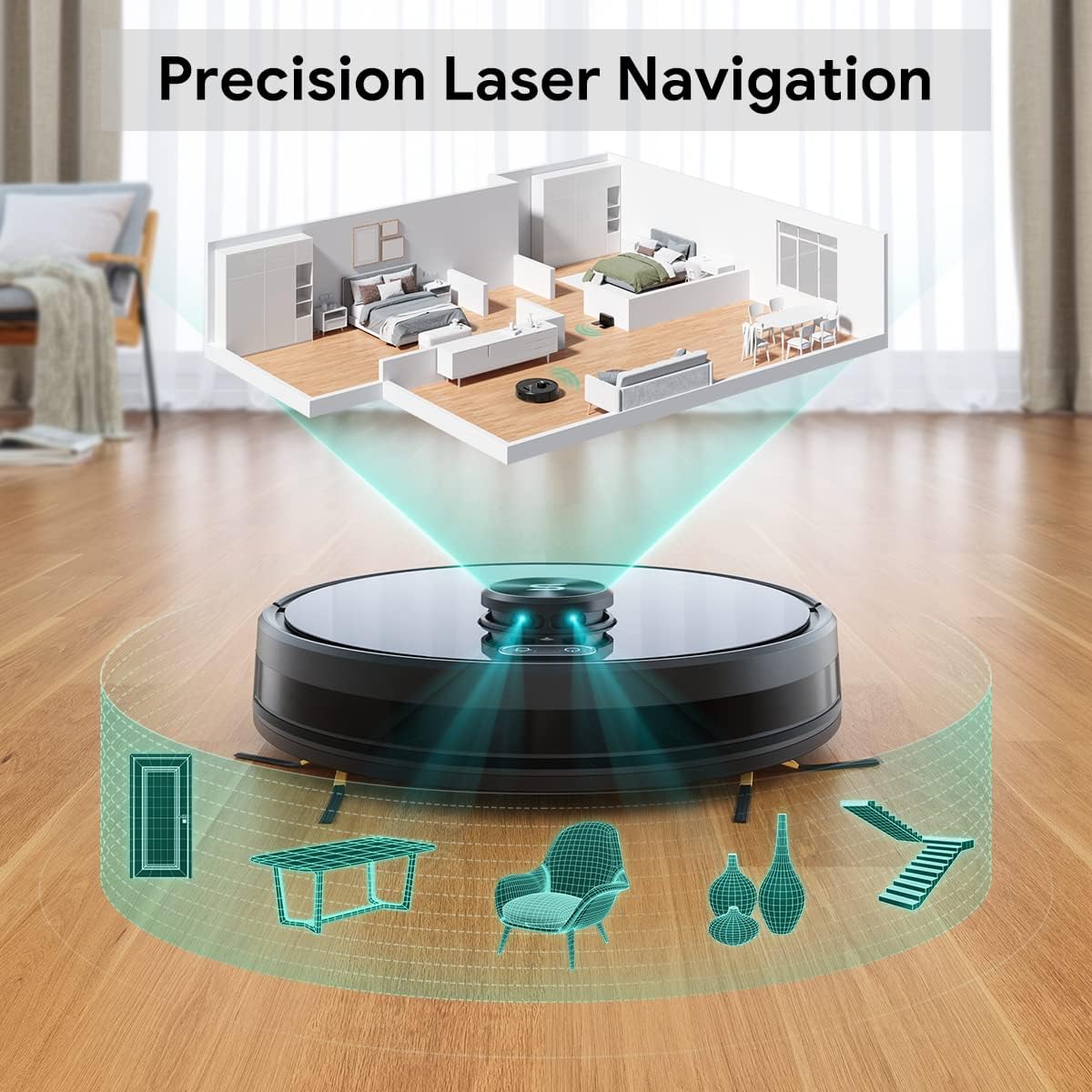
Image: A diagram illustrating the Tesvor Robot Vacuum's lidar navigation system, showing laser beams mapping out a room with furniture and walls.
The Tesvor Robot Vacuum utilizes advanced LiDAR sensors to create a precise map of your home. This allows it to navigate efficiently, avoid obstacles, and clean systematically. The more it cleans, the more accurately it learns your home's layout.
Modes i característiques de neteja:
- Z-shape Route: The robot follows an optimized Z-shaped cleaning pattern to ensure thorough coverage and efficiency.

Image: The Tesvor Robot Vacuum cleaning a tiled floor, with a green path indicating its efficient Z-shaped cleaning route.
- Zones prohibides i murs invisibles: Through the Tesvor App, you can define specific areas the robot should avoid, such as pet bowls or delicate furniture.

Image: The Tesvor Robot Vacuum operating near a bed, with a blue grid indicating an "invisible wall" or "no-go zone" preventing it from entering a specific area.
- Succió potent: The 2700Pa suction power effectively picks up dirt, dust, and pet hair from various floor types.
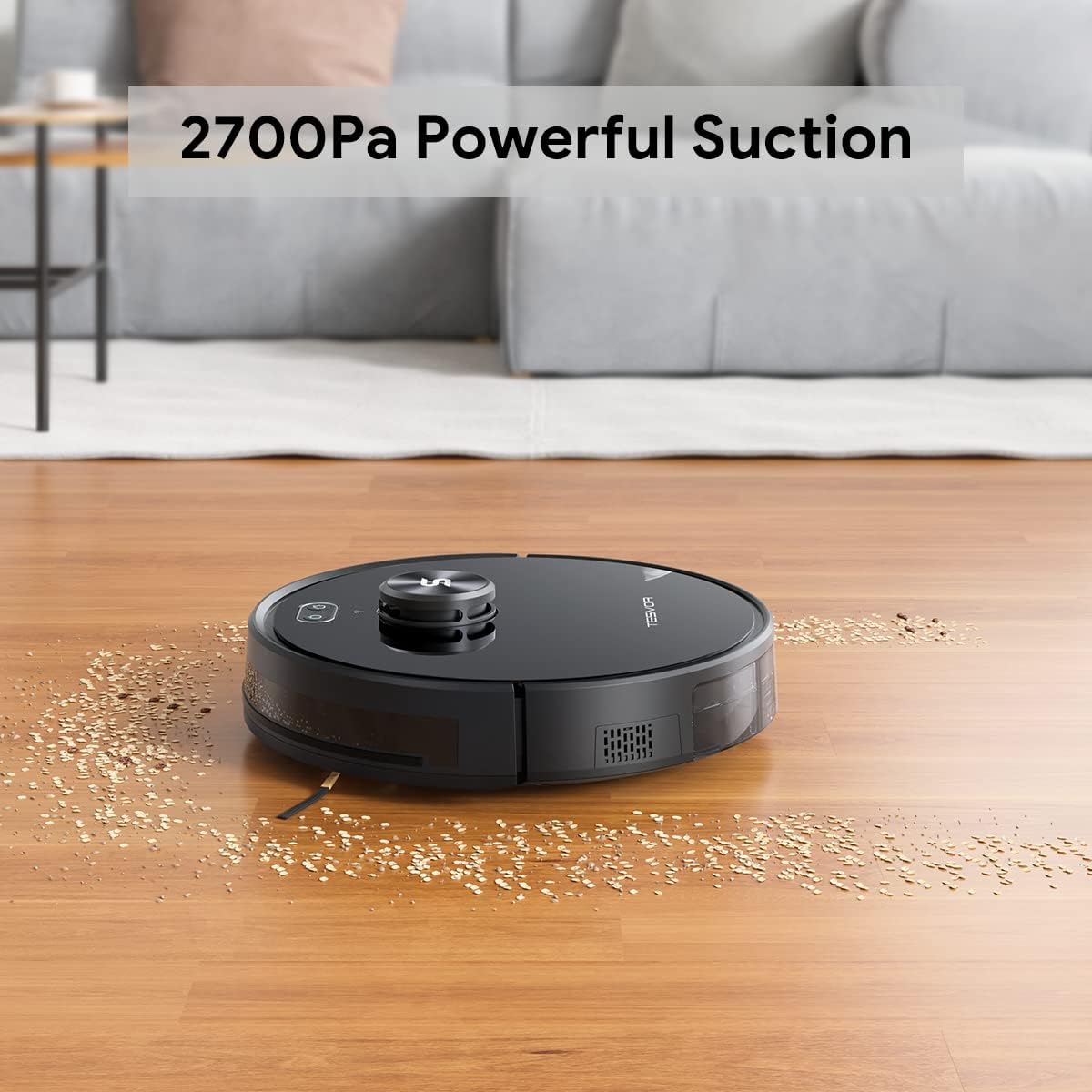
Image: The Tesvor Robot Vacuum cleaning a wooden floor, effectively picking up scattered debris, demonstrating its powerful suction.
- Càrrega automàtica: When the battery runs low, the robot will automatically return to its charging base. Once recharged, it will resume cleaning from where it left off.
- Tesvor App Control: The app provides comprehensive control over your robot vacuum.

Image: A hand holding a smartphone displaying the Tesvor App interface, showing options for schedules, real-time map, no-go zones, custom cleaning zones, and spot cleaning.
- Schedules: Set specific times for cleaning.
- Mapa en temps real: View the robot's cleaning path and mapped areas.
- No-go Zones: Define areas to avoid.
- Custom Cleaning Zone: Direct the robot to clean specific areas.
- Spot Cleaning: Focus cleaning on a particular dirty spot.
Manteniment
Regular maintenance ensures optimal performance and extends the lifespan of your Tesvor Robot Vacuum.
- Buidar el contenidor de pols:
The dust bin should be emptied after each cleaning cycle, especially in homes with pets or high traffic. Press the release button to remove the dust bin, open it, and discard collected debris. Close the bin securely and reinsert it into the robot.
- Neteja del filtre:
The high-performance filter inside the dust bin should be cleaned regularly. Tap the filter gently to remove dust, or use the provided cleaning tool. For best results, replace the filter every 1-3 months depending on usage.
- Neteja dels raspalls laterals:
Inspect the side brushes for tangled hair or debris. Carefully pull off any tangled material. If brushes are worn or damaged, replace them with new ones from the extra set provided.
- Cleaning Main Brush (if applicable):
Remove the main brush cover and lift out the main brush. Use the cleaning tool to cut and remove any tangled hair or fibers. Reinstall the main brush and cover.
- Neteja de sensors i contactes de càrrega:
Wipe the anti-drop sensors, wall sensors, and charging contacts on both the robot and the charging base with a clean, dry cloth. This ensures proper navigation and charging.
- Funció de fregar:
The Tesvor Robot Vacuum supports a mopping function, however, water tank accessories are sold separately. Please contact service@tesvor.com for more information on obtaining mopping accessories.
Resolució de problemes
If you encounter issues with your Tesvor Robot Vacuum, refer to the following common problems and solutions:
| Problema | Causa possible | Solució |
|---|---|---|
| El robot no s'encén ni es carrega. | Battery low or charging contacts are dirty/misaligned. | Ensure the robot is properly placed on the charging base. Clean charging contacts on both the robot and base. Check power adapter connection. |
| El robot es queda encallat sovint. | Obstacles, tangled brushes, or uneven surfaces. | Clear cables, small objects, and thick rugs from the cleaning path. Clean main and side brushes. Use no-go zones in the app for problematic areas. |
| Problemes de connexió de l'aplicació. | Incorrect Wi-Fi band (not 2.4Ghz), weak signal, or incorrect password. | Ensure your router is broadcasting a 2.4Ghz Wi-Fi signal. Move the robot closer to the router. Re-enter Wi-Fi password carefully. Restart the robot and your router. |
| Mal rendiment de neteja. | Full dust bin, dirty filter, or worn brushes. | Empty the dust bin. Clean or replace the filter. Clean or replace side and main brushes. |
| Robot falls down stairs. | Anti-drop sensors are dirty or obstructed. | Clean the anti-drop sensors located on the bottom of the robot with a dry cloth. Ensure there are no reflective surfaces near stairs that might interfere with sensors. |
For further assistance, please contact Tesvor customer support.
Especificacions
| Característica | Detall |
|---|---|
| Marca | Tesvor |
| Model | S6 Negre |
| Característica especial | LiDAR Navigation, No Go Zone |
| Potència d'aspiració | 2700 Pa |
| Tipus de filtre | Disc |
| Durada de la bateria | 100 minuts |
| Font d'alimentació | Funciona amb bateria |
| Mètode de control | Remote, App |
| Dispositius compatibles | Amazon Echo (Alexa), Assistent de Google |
| Factor de forma | Robòtica |
| Pes de l'article | 11.92 lliures |
| Dimensions del paquet | 19 x 17 x 6.5 polzades |
| Bateries | 1 bateria de ions de liti (inclosa) |
Garantia i Suport
Your Tesvor Robot Vacuum comes with a worry-free 12 mesos de garantia des de la data de compra. Aquesta garantia cobreix els defectes de fabricació i garanteix que el producte funcioni tal com està previst en condicions d'ús normal.
For technical support, warranty claims, or any inquiries regarding your product, please contact Tesvor customer service:
- Correu electrònic: service@tesvor.com
- Tesvor Store: Visita l'oficial Tesvor Store on Amazon per a més productes i informació.
Please have your product model and purchase information ready when contacting support to expedite the process.


