Producte acabatview
The PDP Wired Xbox Gaming Controller is designed for an enhanced gaming experience across multiple platforms. This controller features a durable wired connection, customizable controls, and integrated audio features, making it a versatile choice for serious gamers.
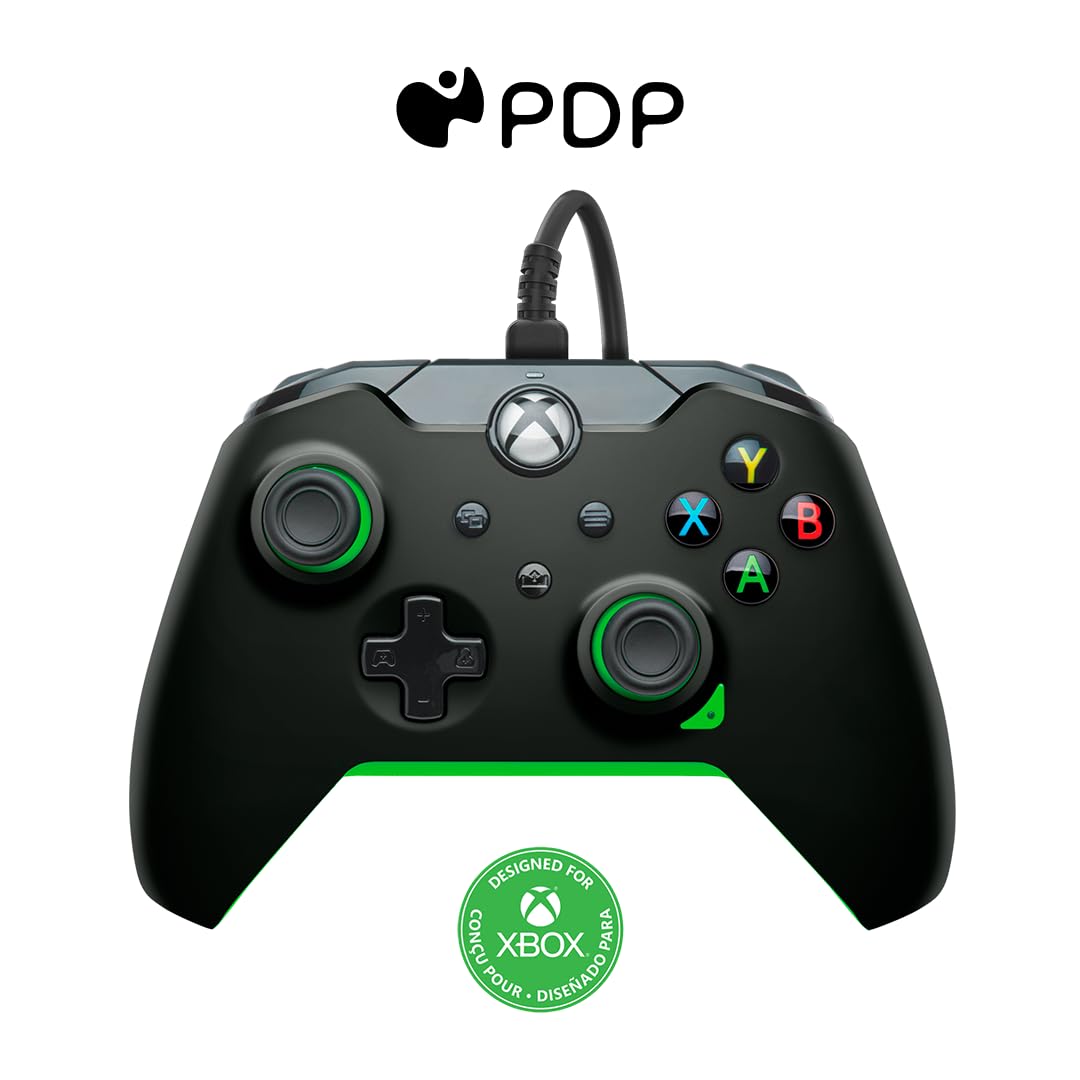
Imatge: Frontal view of the PDP Wired Xbox Gaming Controller in Neon Black.
This controller is officially licensed for Xbox Series X|S, Xbox One, and is also compatible with Windows 10/11 PCs. Its wired design ensures a stable connection without the need for batteries, providing uninterrupted gameplay.
Característiques clau
- Controls personalitzables: Utilize the free PDP Control Hub App to remap buttons, reconfigure triggers, and adjust dead zones to personalize your gameplay.

Image: Screenshot showing the PDP Control Hub App interface for controller customization.
- Integrated Audio Controls: Adjust game and chat audio volume directly using the controls located on the D-pad. The built-in 3.5mm audio jack allows for communication with teammates, and the mic can be muted by double-tapping the "Function" button.
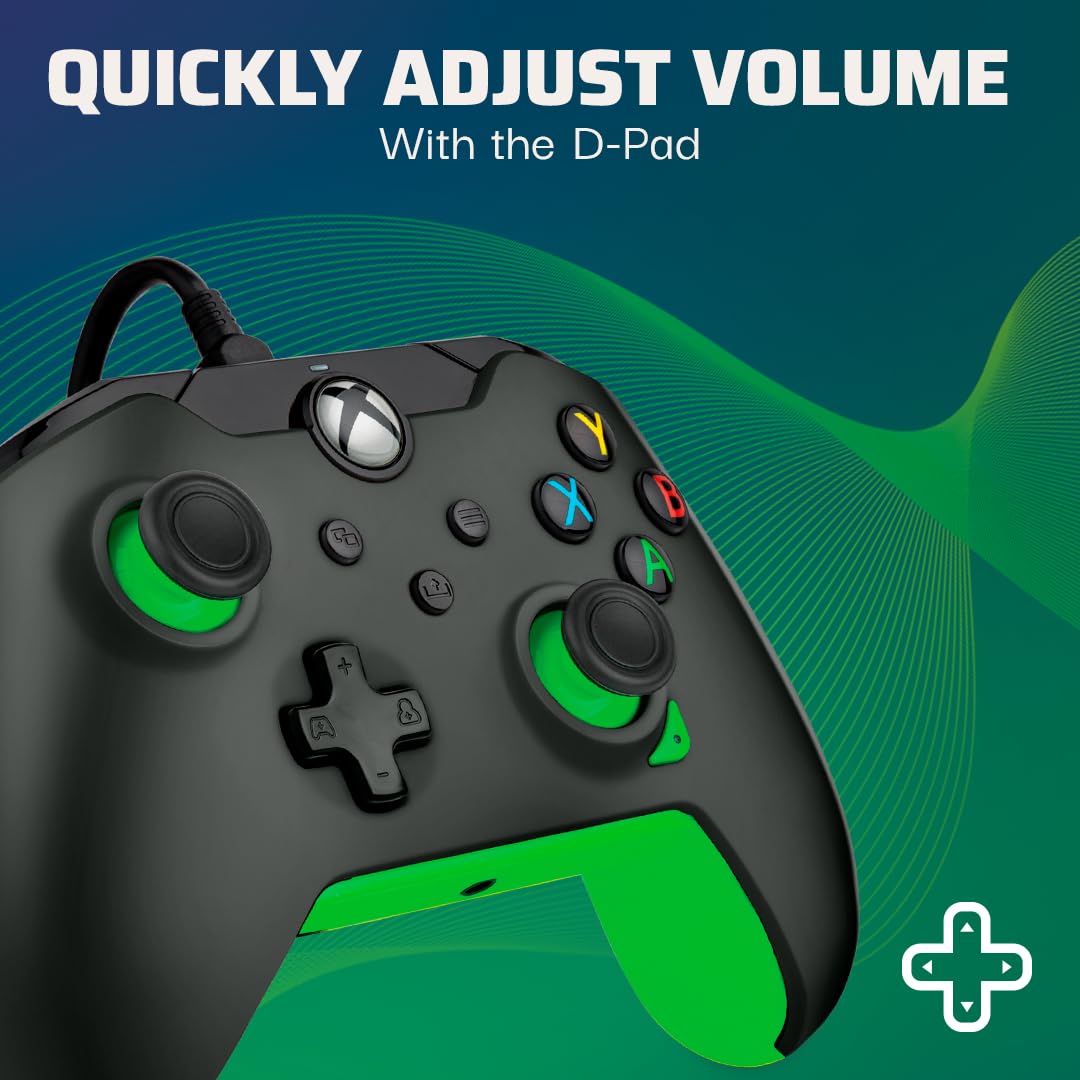
Image: Close-up of the controller's D-pad, highlighting the integrated audio controls.
- Botó dedicat per compartir: Easily capture and share your in-game images and videos with a dedicated share button.

Imatge: Detall view of the controller, showing the dedicated share button for capturing content.
- 8-Foot Detachable Cable: Proporciona ample room for comfortable gameplay and easy storage.
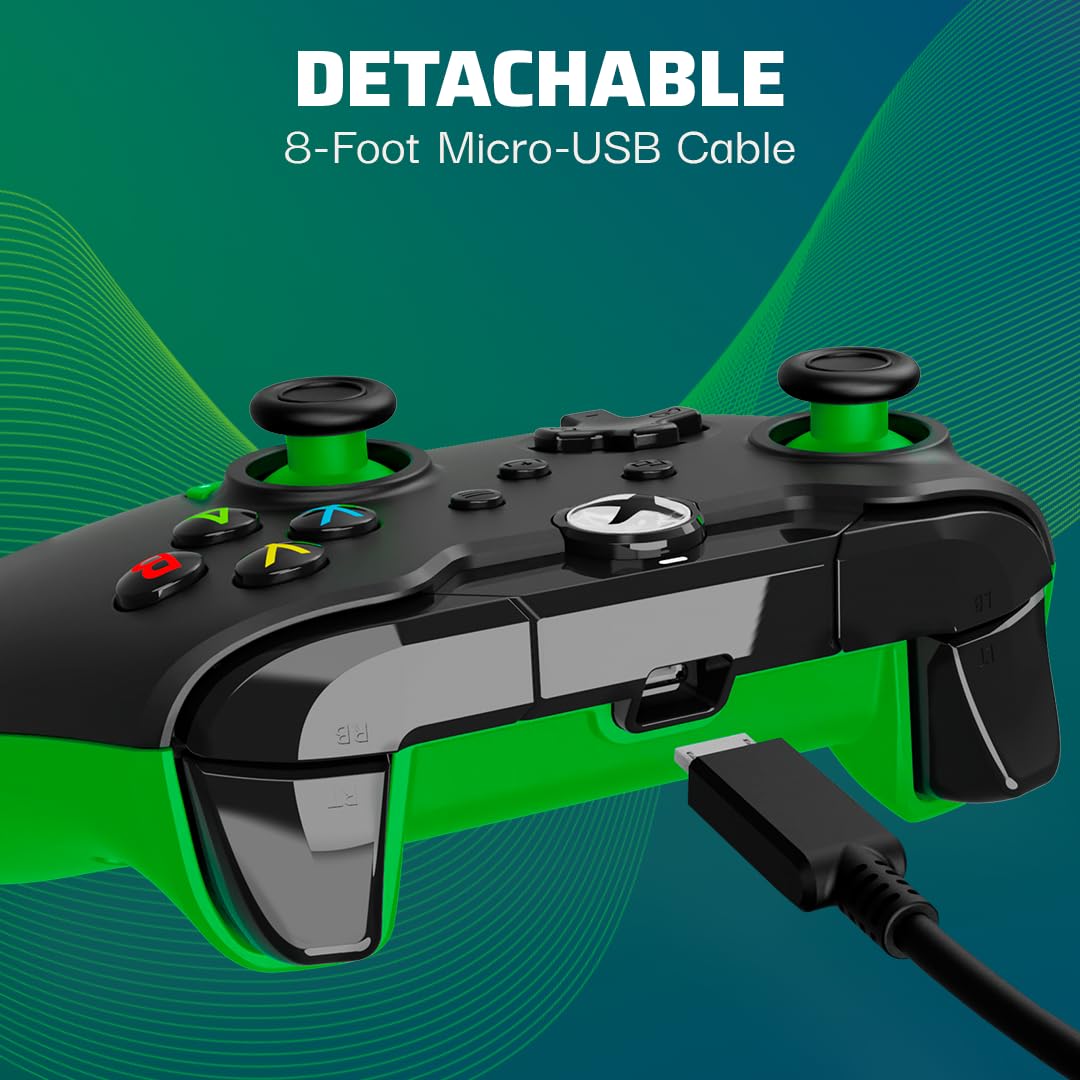
Image: The controller with its detachable 8-foot USB cable connected.
- Llicència oficial: Guaranteed compatibility and quality as an officially licensed Xbox product.

Image: The controller prominently displaying the "Officially Licensed by Xbox" branding.
Guia de configuració
- Connecteu el cable: Insert the detachable 8-foot USB cable into the port on the top of the controller.
- Connectar-se a la consola/PC: Plug the other end of the USB cable into an available USB port on your Xbox console (Xbox Series X|S, Xbox One) or Windows 10/11 PC.
- Encès: El comandament s'encendrà automàticament i es connectarà al dispositiu. El botó Xbox del comandament s'il·luminarà per indicar que la connexió s'ha realitzat correctament.
- Install PDP Control Hub App (Optional): For advanced customization, download and install the free PDP Control Hub App from the Microsoft Store on your Xbox or PC.
Instruccions de funcionament
Controls bàsics:
- Botó Xbox: Powers on the console/PC, opens the guide, and indicates connection status.
- Botons A, B, X, Y: Botons d'acció estàndard per a les ordres del joc.
- D-Pad: Directional input, also used for audio controls (see below).
- Manets analògics esquerre/dret: Per al moviment i el control de la càmera.
- Disparadors esquerra/dreta (LT/RT): Entrada analògica per a accions com l'acceleració o el tret.
- Para-xocs esquerre/dret (LB/RB): Digital input for various actions.
- View Botó: Obre el view menu or displays additional information.
- Botó de menú: Opens the menu or pauses the game.
- Botó Compartir: Captures screenshots or records game clips.
Controls d'àudio:
The D-pad on the controller features integrated audio controls for quick adjustments:
- Pujar/baixar el volum: Press the Function button (located below the Xbox button) and then press Up/Down on the D-pad to adjust game volume.
- Chat Mix: Press the Function button and then press Left/Right on the D-pad to adjust the balance between game audio and chat audio.
- Silenciació del micròfon: Double-tap the Function button to mute or unmute your microphone. The LED indicator on the controller will change to show mic status.
Using the PDP Control Hub App:
The PDP Control Hub App allows for advanced customization of your controller. Connect your controller to your Xbox or PC and launch the app to:
- Remap any button to a different function.
- Adjust trigger dead zones for precise input.
- Calibrate analog sticks and triggers.
- Estableix la intensitat de la vibració.
- Crea i desa un professional personalitzatfiles per a diferents jocs.
Manteniment
- Neteja: Feu servir un drap suau i sec per netejar el controlador. Per a la brutícia persistent, netegeu lleugerament.ampRenta el drap amb aigua. Evita utilitzar productes químics agressius o materials abrasius.
- Emmagatzematge: When not in use, store the controller in a clean, dry place away from direct sunlight and extreme temperatures. The detachable cable can be removed for easier storage.
- Cura del cable: Avoid sharp bends or kinks in the cable. Do not pull on the cable to disconnect it from the controller or console/PC; always grasp the connector.
Resolució de problemes
| Problema | Solució |
|---|---|
| Controller not responding/connecting. |
|
| Audio issues (no sound, mic not working). |
|
| Buttons/sticks not working correctly. |
|
Especificacions
| Característica | Detall |
|---|---|
| Número de model | 049-012-GG |
| Compatibilitat | Xbox Sèries X|S, Xbox One, PC amb Windows 10/11 |
| Tipus de connexió | Cablejat (cable USB desmuntable) |
| Longitud del cable | 8 peus (aprox. 2.4 metres) |
| Jack d'àudio | 3.5 mm |
| Dimensions (L x A x A) | 3.23 x 6.89 x 6.89 polzades |
| Pes | 12.17 unces (aproximadament 345 grams) |
| Fabricant | PDP |
| País d'origen | Xina |
Garantia i Suport
Per obtenir informació sobre la garantia i assistència tècnica, consulteu el PDP oficial. weblloc web o contacteu directament amb el servei d'atenció al client. Conserveu el comprovant de compra per a reclamacions de garantia.
Recursos en línia:
- Visit the Official PDP Store on Amazon
- For the latest drivers and the PDP Control Hub App, visit the Microsoft Store or the official PDP support page.
Nota: Les especificacions i les característiques del producte estan subjectes a canvis sense previ avís.


