Introducció
The Yottamaster U3A-B-10 SATA to USB 3.0 Adapter Cable provides a convenient solution for connecting 2.5-inch SATA SSDs and HDDs to your computer or other compatible devices via a USB 3.0 port. This adapter supports UASP for enhanced data transfer speeds and includes a silicone protective case for your drive. It is designed for easy access to data, system upgrades, file backups, and data recovery without the need for an enclosure installation.
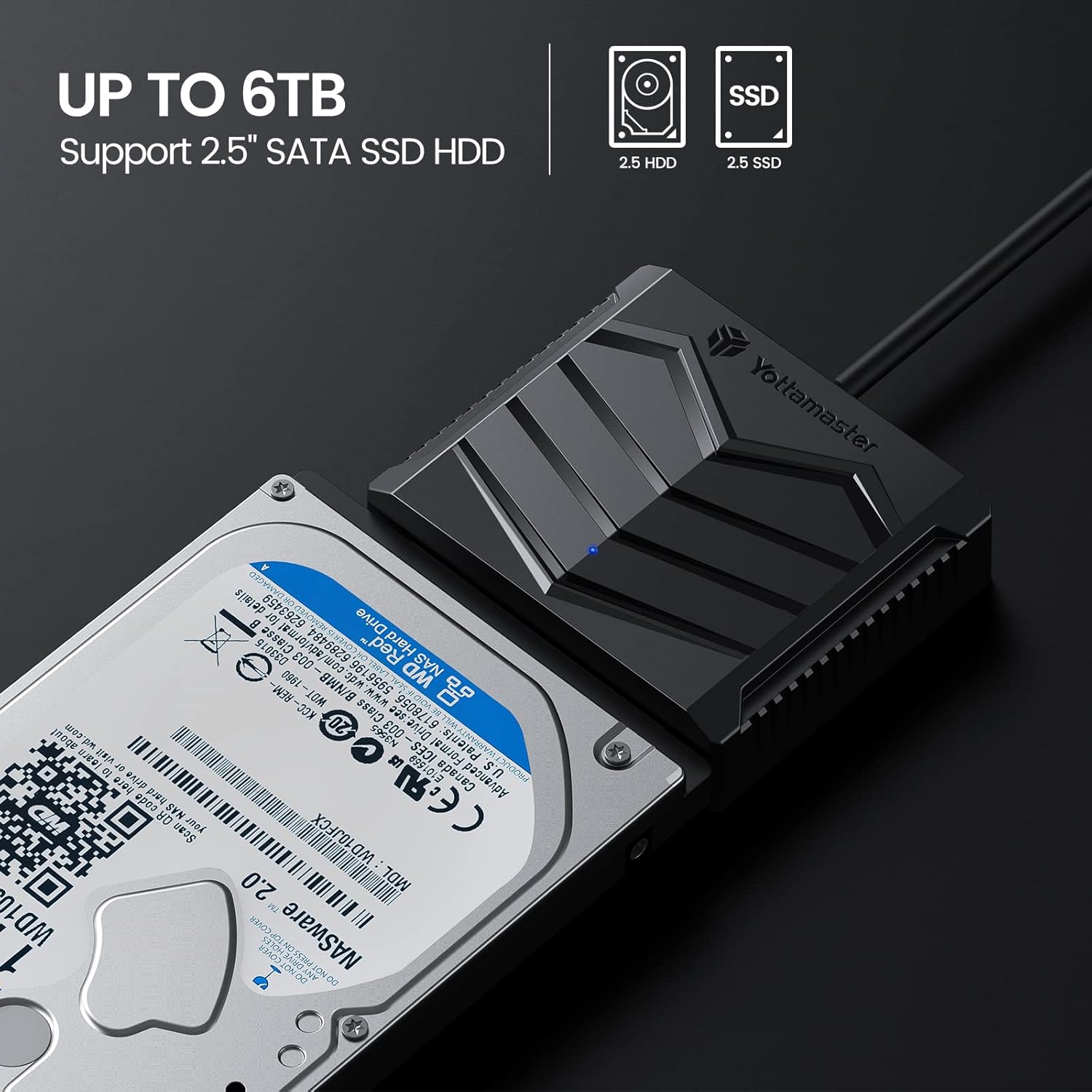
Image: Yottamaster SATA to USB 3.0 adapter connected to a 2.5-inch hard drive, illustrating its compatibility with 2.5-inch SATA SSDs and HDDs up to 6TB.
Contingut del paquet
- Yottamaster USB 3.0 to SATA Adapter Cable
- 2.5-inch Silicone Protective Case
- Manual d'usuari
Video: This video demonstrates the unboxing and basic setup of the Yottamaster SATA to USB 3.0 adapter cable and its accompanying 2.5-inch silicone protective case. It shows how to connect a 2.5-inch SSD or HDD to the adapter and place it within the protective case.
Instruccions de configuració
- Connect the SATA Drive: Identify the SATA data and power interface on the Yottamaster adapter. Carefully align your 2.5-inch SATA SSD or HDD with the adapter's interface and push it firmly until it is securely connected.
- (Optional) Install Protective Case: If desired, slide the connected hard drive and adapter into the provided 2.5-inch silicone protective case. The case offers all-round protection and helps absorb heat during operation.
- Connexió a l'ordinador: Plug the USB-A connector of the adapter cable into an available USB 3.0 port on your computer or other compatible device. The adapter is plug-and-play and does not require additional drivers for most operating systems.
- Auxiliary Power (if needed): For some high-power consuming drives or specific scenarios, the adapter features a 5V USB-C power input. If your drive requires additional power and is not detected or stable, connect a 5V USB-C power source (not included) to this port.
Once connected, your operating system should automatically detect the drive, making it ready for use.
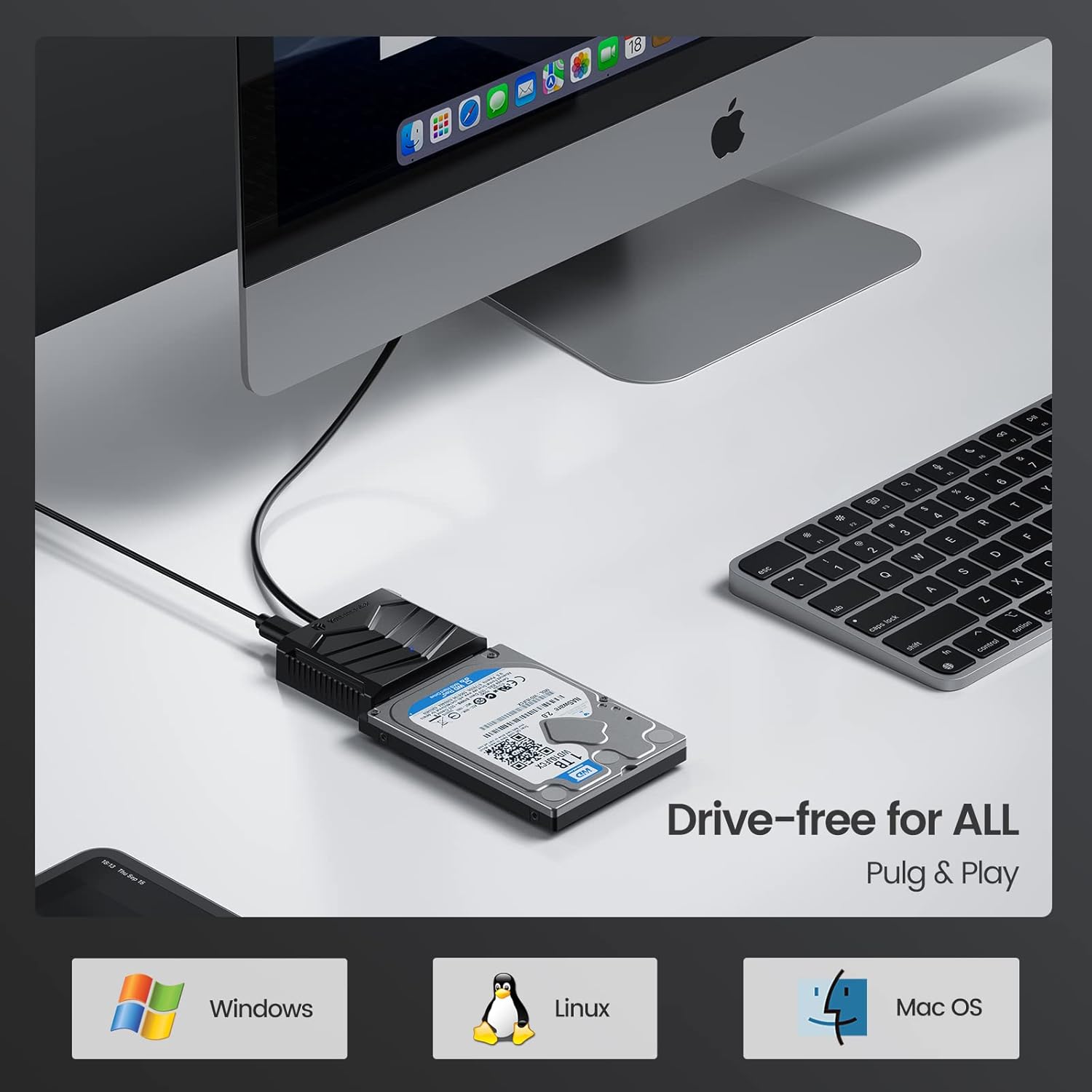
Image: Yottamaster adapter connected to a 2.5-inch hard drive and a desktop computer, demonstrating driver-free plug-and-play compatibility with Windows, Linux, and macOS.
Instruccions de funcionament
The Yottamaster SATA to USB 3.0 adapter is designed for straightforward operation:
- Transferència de dades: Once connected, the drive will appear as an external storage device on your computer. You can drag and drop files, copy, paste, and manage data as you would with any other external drive.
- Rendiment de velocitat: The adapter supports USB 3.0 speeds up to 5Gbps. When connected to a computer that supports UASP (USB Attached SCSI Protocol), you can experience up to 70% faster data transfer speeds compared to conventional USB 3.0.
- Indicador LED: A built-in LED indicator monitors the working status of the hard disk, providing visual feedback on activity.
- Mode de repòs automàtic: The adapter features an auto-sleep mode to conserve energy and extend the lifespan of your hard drive by putting it into a low-power state after a period of inactivity.
- Àmplia compatibilitat: This adapter is compatible with most 2.5-inch SATA HDD and SSD drives and works with USB-A equipped devices. It supports various operating systems including Windows 10, 8, 8.1, 7, Linux, and macOS.

Image: Close-up of the Yottamaster SATA to USB 3.0 adapter, emphasizing its 5Gbps Super Speed data transfer rate and UASP support.

Image: Yottamaster adapter connected to a 2.5-inch hard drive and a laptop, illustrating the auto-sleep mode for energy saving and extended drive life.
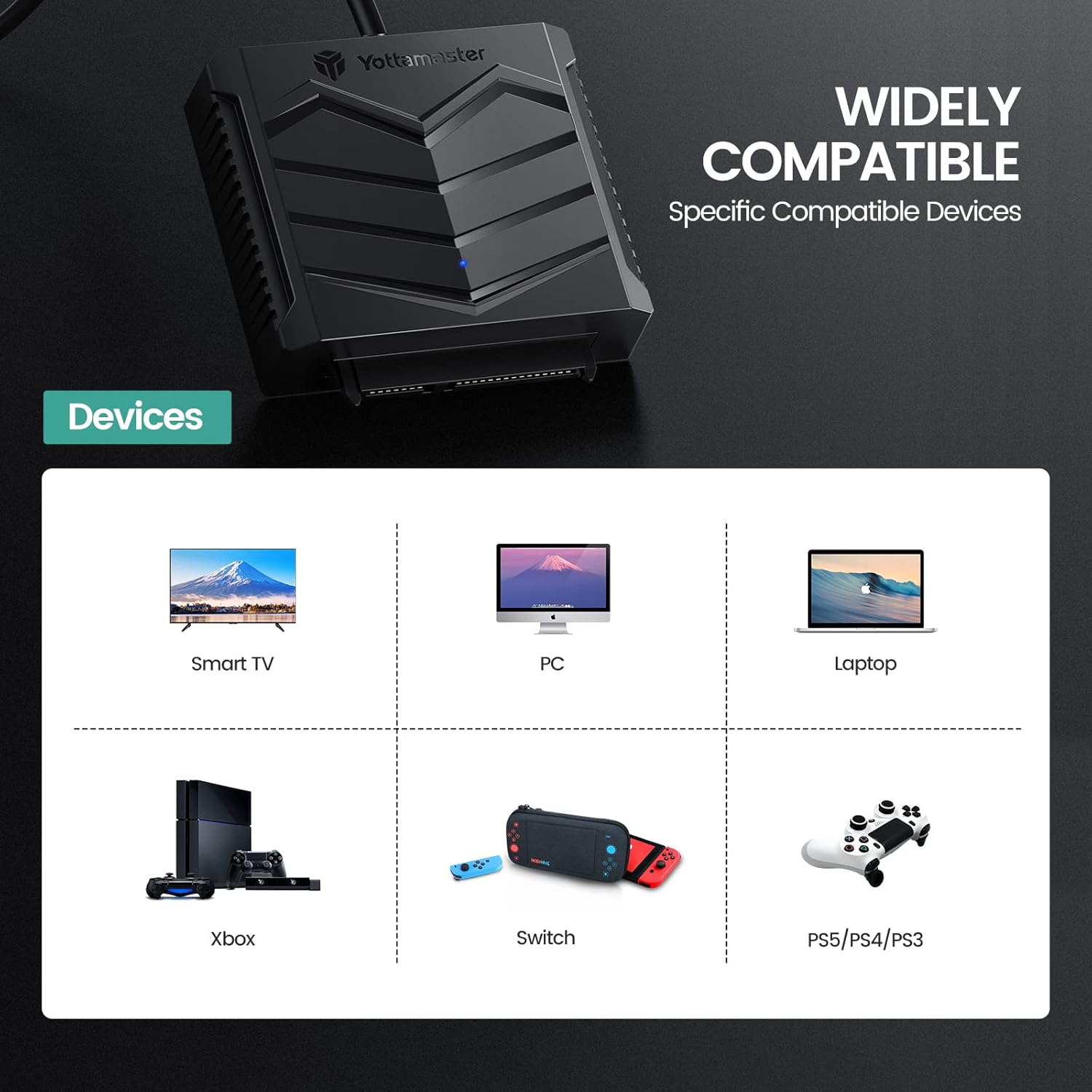
Image: Graphic displaying wide compatibility of the Yottamaster SATA to USB 3.0 adapter with devices such as Smart TVs, PCs, Laptops, Xbox, Nintendo Switch, and PlayStation consoles.
Manteniment
To ensure the longevity and optimal performance of your Yottamaster SATA to USB 3.0 adapter and silicone case, follow these maintenance guidelines:
- Neteja: Use a soft, dry cloth to clean the adapter and case. Avoid using liquid cleaners or solvents, as they may damage the components.
- Emmagatzematge: Store the adapter and case in a cool, dry place away from direct sunlight and extreme temperatures.
- Manipulació: Handle the adapter and connected drive with care to prevent physical damage. Avoid dropping or subjecting them to strong impacts.
- Cura del cable: Do not bend or crimp the cable excessively, as this can damage the internal wires.

Image: Diagram illustrating key features of the Yottamaster adapter: an LED indicator for status, a silicone protective case, and various cable length options.
Resolució de problemes
If you encounter issues with your Yottamaster SATA to USB 3.0 adapter, refer to the following common problems and solutions:
- Unitat no detectada:
- Ensure the SATA drive is securely connected to the adapter.
- Try connecting the USB-A cable to a different USB port on your computer.
- If using a desktop computer, try connecting to a USB port on the rear panel, which typically provides more stable power.
- For some drives, auxiliary power may be required. Connect a 5V USB-C power source to the adapter's USB-C port.
- Check Disk Management (Windows) or Disk Utility (macOS) to see if the drive is recognized but uninitialized or unformatted.
- Velocitats de transferència lentes:
- Ensure the adapter is connected to a USB 3.0 port on your computer. USB 2.0 ports will result in slower speeds.
- Verify that your operating system and hardware support UASP for optimal performance.
- Check the health of your SATA drive. A failing drive can cause slow transfers.
- Desconnexions intermitents:
- Assegureu-vos que totes les connexions siguin fermes.
- Prova un altre port USB o ordinador.
- Provide auxiliary power via the 5V USB-C port if not already doing so.
Especificacions
| Característica | Especificació |
|---|---|
| Número de model | U3A-B-10 |
| Factor de forma del disc dur | 2.5 polzades |
| Velocitat de transferència de dades | 5 gigabits per segon (USB 3.0) |
| Interfície del maquinari | USB, USB 3.0 |
| Dispositius compatibles | Laptop, PC, Smart TV, Xbox, Nintendo Switch, PlayStation |
| Plataforma de maquinari | Windows, Linux, macOS |
| Material | Copper (cable) |
| Pes de l'article | 6.4 unces |
| Dimensions del paquet | 7.87 x 4.37 x 1.65 polzades |
Garantia i suport
Yottamaster products are designed for reliability and performance. For detailed warranty information and technical support, please refer to the official Yottamaster weblloc web o contacteu directament amb el servei d'atenció al client. Conserveu el rebut de compra per a reclamacions de garantia.
Recursos en línia:
- Visita el Yottamaster Store on Amazon per a informació i actualitzacions del producte.


