Introducció
The Logitech Signature M650 L is a full-size wireless mouse designed for users with larger hands, offering enhanced comfort and productivity. It features silent clicks, customizable side buttons, and versatile connectivity options to suit various computing environments.

Figura 1: superior view of the Logitech Signature M650 L Wireless Mouse.
Característiques clau
- SmartWheel Scrolling: Provides line-by-line precision for documents and super-fast scrolling for long web pàgines.
- Ajust òptim: Ergonomically designed full-size mouse for larger hands, ensuring comfort during extended use.
- Confort millorat: Features a contoured shape, soft thumb area, and rubber side grips for a secure and comfortable hold.
- Connectivitat dual: Connects instantly via Bluetooth Low Energy or the Logi Bolt USB receiver.
- Tecnologia SilentTouch: Reduces click noise by 90% for a quieter working environment.
- Botons laterals personalitzables: Personalize side buttons with favorite shortcuts using Logitech Options+ software (available on Windows and macOS).
- Durada de la bateria ampliada: Operates for up to 24 months on a single AA battery (included).
- Compatibilitat multiplataforma: Seamlessly works with Windows, macOS, Linux, Chrome OS, iPadOS, and Android operating systems.
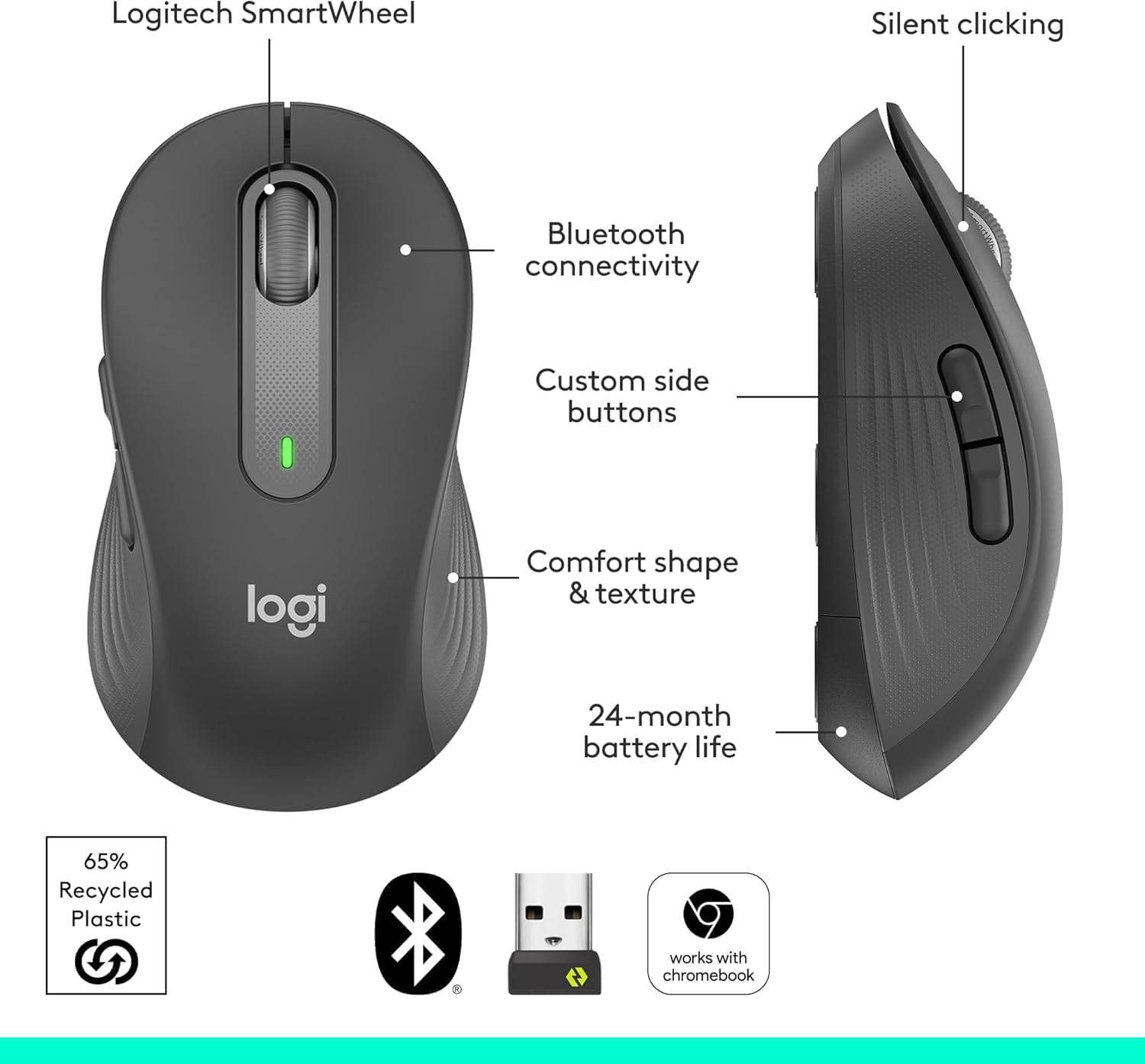
Figura 2: Mésview of key features including SmartWheel, silent clicking, Bluetooth, customizable buttons, comfort, and battery life.
Configuració
1. Instal·lació de la bateria
- Localitzeu la tapa del compartiment de la bateria a la part inferior del ratolí.
- Obriu la tapa per descobrir la ranura de la bateria.
- Inseriu la pila AA inclosa, assegurant-vos de la polaritat correcta (+/-).
- Tanqueu bé la tapa del compartiment de la bateria.
Figure 3: The underside of the mouse showing the battery compartment and USB receiver storage.
2. Opcions de connectivitat
2.1. Connexió del receptor USB Logi Bolt
- Remove the Logi Bolt USB receiver from its storage slot inside the battery compartment.
- Connecteu el receptor USB Logi Bolt a un port USB disponible de l'ordinador.
- Turn on the mouse using the power switch on the bottom. The mouse should automatically connect.
2.2. Bluetooth Low Energy Connection
- Enceneu el ratolí amb l'interruptor d'encesa a la part inferior.
- Press and hold the Bluetooth pairing button on the bottom of the mouse until the LED indicator starts blinking rapidly.
- On your computer or device, navigate to Bluetooth settings and select "Logitech M650 L" from the list of available devices to pair.
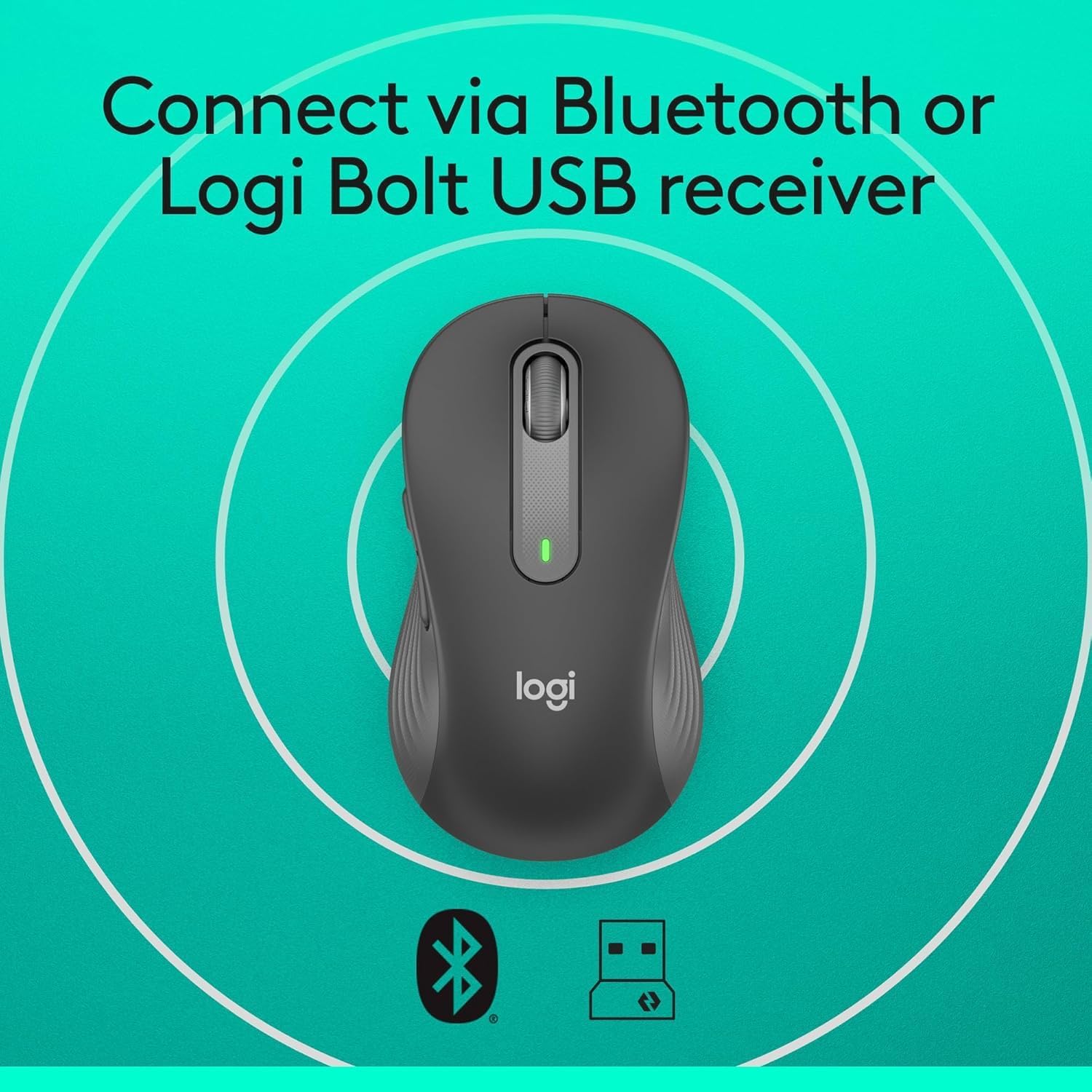
Figure 4: The mouse highlighting its dual connectivity options: Bluetooth and Logi Bolt USB receiver.
Instruccions de funcionament
1. Funcions bàsiques del ratolí
- Clic esquerre: Primary button for selecting items and interacting with software.
- Clic amb el botó dret: Botó secundari per a menús contextuals i opcions addicionals.
- Roda intel·ligent: Scroll up or down for navigation. The SmartWheel automatically switches between line-by-line precision and super-fast scrolling.

Figure 5: Close-up of the SmartWheel, demonstrating its dual-mode scrolling capability.
2. Botons laterals personalitzables
The two side buttons on the Logitech Signature M650 L can be customized to perform various functions, such as back/forward navigation or copy/paste. To customize these buttons:
- Download and install the Logitech Options+ software from the official Logitech weblloc.
- Open the Logitech Options+ software and select your M650 L mouse.
- Follow the on-screen instructions to assign desired shortcuts to the side buttons.

Figure 6: The customizable side buttons and an example of the Logitech Options+ software interface.
Manteniment
1. Substitució de la bateria
The Logitech Signature M650 L uses one AA battery. When the battery is low, the LED indicator on the mouse will flash red. To replace the battery, follow the installation steps outlined in the "Setup" section.
2. Neteja
To maintain optimal performance, regularly clean your mouse. Use a soft, lint-free cloth to wipe the exterior. For the optical sensor on the bottom, use a dry cotton swab to gently remove any dust or debris.
Resolució de problemes
1. Problemes de connectivitat
- Sense connexió (Logi Bolt): Ensure the Logi Bolt USB receiver is securely plugged into a working USB port. Try a different USB port.
- Sense connexió (Bluetooth): Verify that Bluetooth is enabled on your device. Re-initiate the Bluetooth pairing process as described in the "Setup" section.
- Connexió intermitent: Check the mouse battery level. Ensure the mouse is within range of your device (typically up to 10 meters). Avoid interference from other wireless devices.
2. Cursor Movement Irregularities
- Jumpy or Erratic Cursor: Clean the optical sensor on the bottom of the mouse. Ensure you are using the mouse on a suitable surface; highly reflective or uneven surfaces can affect tracking.
- Sense moviment del cursor: Check if the mouse is powered on and connected. Replace the battery if necessary.
Especificacions del producte
| Dimensions del producte | 4.65 x 2.58 x 1.63 polzades |
| Pes de l'article | 3.92 unces |
| Número de model de l'article | M650 L |
| Bateries | Necessites 1 piles AA (incloses) |
| Marca | Logitech |
| Tecnologia de connectivitat | Bluetooth, Radio Frequency (Logi Bolt USB receiver) |
| Característiques especials | Lightweight, Portable, Silent Clicks (SilentTouch), Wireless |
| Tecnologia de detecció de moviment | Òptic |
Garantia i Suport
Informació de la garantia
For detailed warranty information regarding your Logitech Signature M650 L Wireless Mouse, please refer to the official Logitech website or the warranty card included with your product. As a renewed product, it is eligible for replacement or refund under the Amazon Renewed Guarantee.
Atenció al client
Should you encounter any issues or require further assistance, please visit the Logitech support weblloc web per a preguntes freqüents, guies de resolució de problemes i opcions de contacte.


