1. Producte acabatview
The Cellularline Crystal TWS Bluetooth 5.0 Wireless Earbuds offer a high-quality audio experience with the convenience of wireless connectivity. Designed for comfort and stability, these earbuds feature Environmental Noise Cancellation (ENC) technology to ensure clear calls and immersive listening. The compact charging case provides extended battery life, making them ideal for daily use, music, and video games.

Image: The Crystal TWS wireless earbuds, one in the charging case and one outside, showcasing their sleek black design and the charging case with its indicator light.
2. Configuració inicial i aparellament
2.1 Càrrega dels auriculars i l'estoig
Before first use, ensure both the earbuds and the charging case are fully charged. The charging time for the earbuds is approximately 1.5 hours.
- Col·loqueu els auriculars a la caixa de càrrega.
- Connecteu la funda de càrrega a una font d'alimentació mitjançant el cable USB proporcionat.
- The indicator light on the case will show charging status and turn off when fully charged.
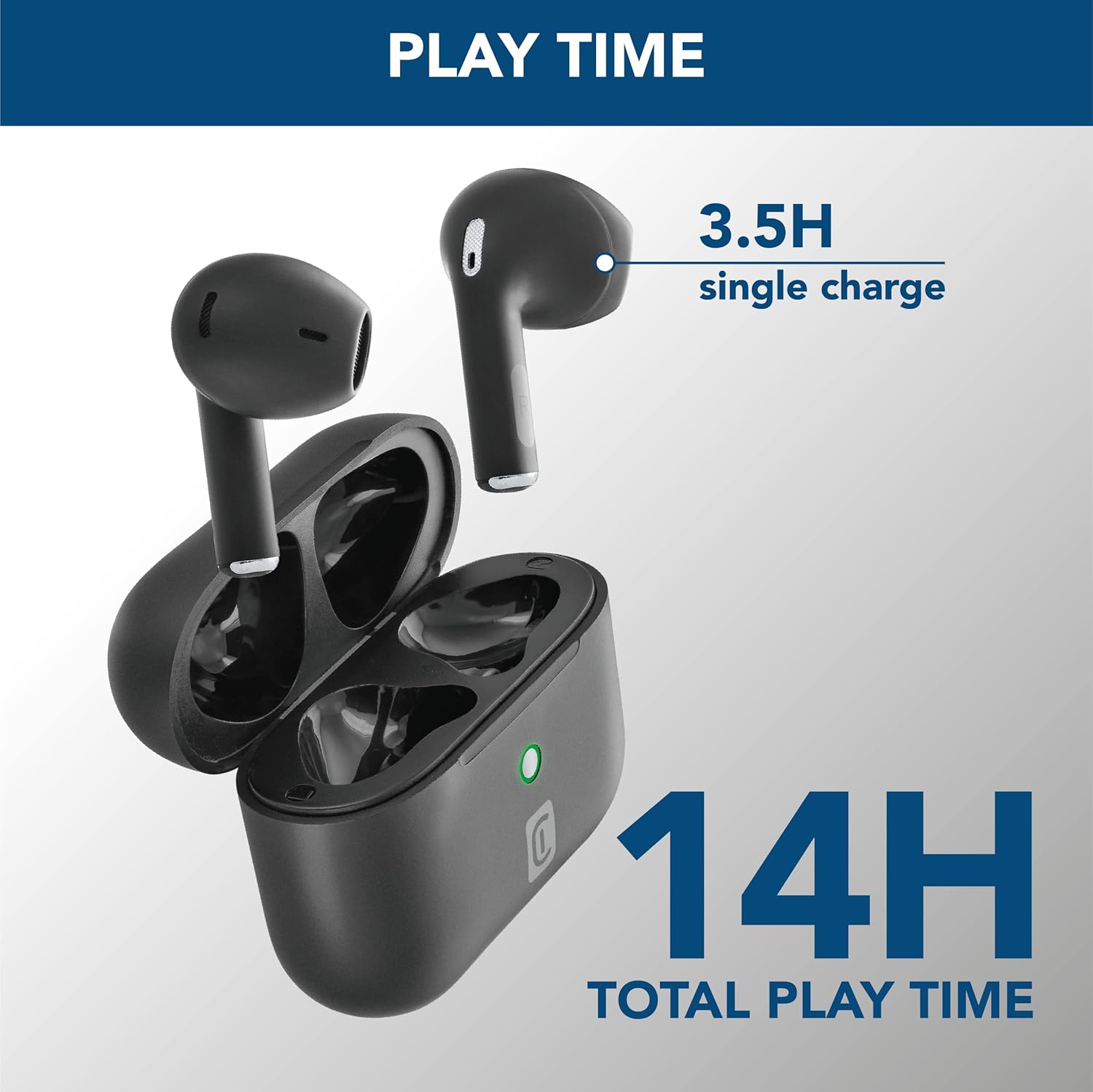
Image: The earbuds are shown inside their open charging case, with text indicating "3.5H single charge" and "14H total play time," illustrating the battery performance.
2.2 Vinculació Bluetooth
Follow these steps to pair your Crystal TWS earbuds with your device:
- Obre l'estoig de càrrega. Els auriculars entraran automàticament en mode d'emparellament.
- Al dispositiu (telèfon intel·ligent, tauleta, ordinador portàtil), activeu el Bluetooth.
- Cerca available Bluetooth devices and select "Crystal TWS" from the list.
- Un cop connectats, els auriculars indicaran que l'emparellament s'ha realitzat correctament (per exemple, una indicació de veu o un canvi de LED).
Note: The earbuds have a wireless range of up to 10 meters. For optimal connection, keep your device within this range.
3. Instruccions de funcionament
3.1 Com posar-se els auriculars
Insert the earbuds into your ears, ensuring a comfortable and secure fit. The ergonomic design provides comfort and stability for various activities.

Image: A person is shown wearing the Crystal TWS earbuds, demonstrating their comfortable and stable fit during use in a public setting.
3.2 Controls tàctils
The Crystal TWS earbuds feature touch controls for easy management of audio and calls:
| Acció | Funció |
|---|---|
| Toc únic (auricular esquerre/dret) | Reproduir/Pausar música, Respondre/Finalitzar trucada |
| Doble toc (auricular dret) | Pista següent |
| Doble toc (auricular esquerre) | Pista anterior |
| Triple toc (auricular esquerre/dret) | Activa l'Assistent de veu |
| Premda llarga (auricular esquerre/dret) | Rebutja la trucada |
3.3 Cancel·lació de soroll ambiental (ENC)
The built-in ENC technology actively reduces ambient noise during calls, ensuring your voice is clear to the person on the other end. This feature is automatically active during phone calls.

Image: A visual representation of Environmental Noise Cancellation, showing sound waves being reduced around the earbuds during a phone call displayed on a smartphone screen.
3.4 Low Latency for Video and Gaming
These earbuds are optimized for low latency, providing synchronized audio with video content and games. This ensures a smooth and immersive experience without noticeable delays between visuals and sound.
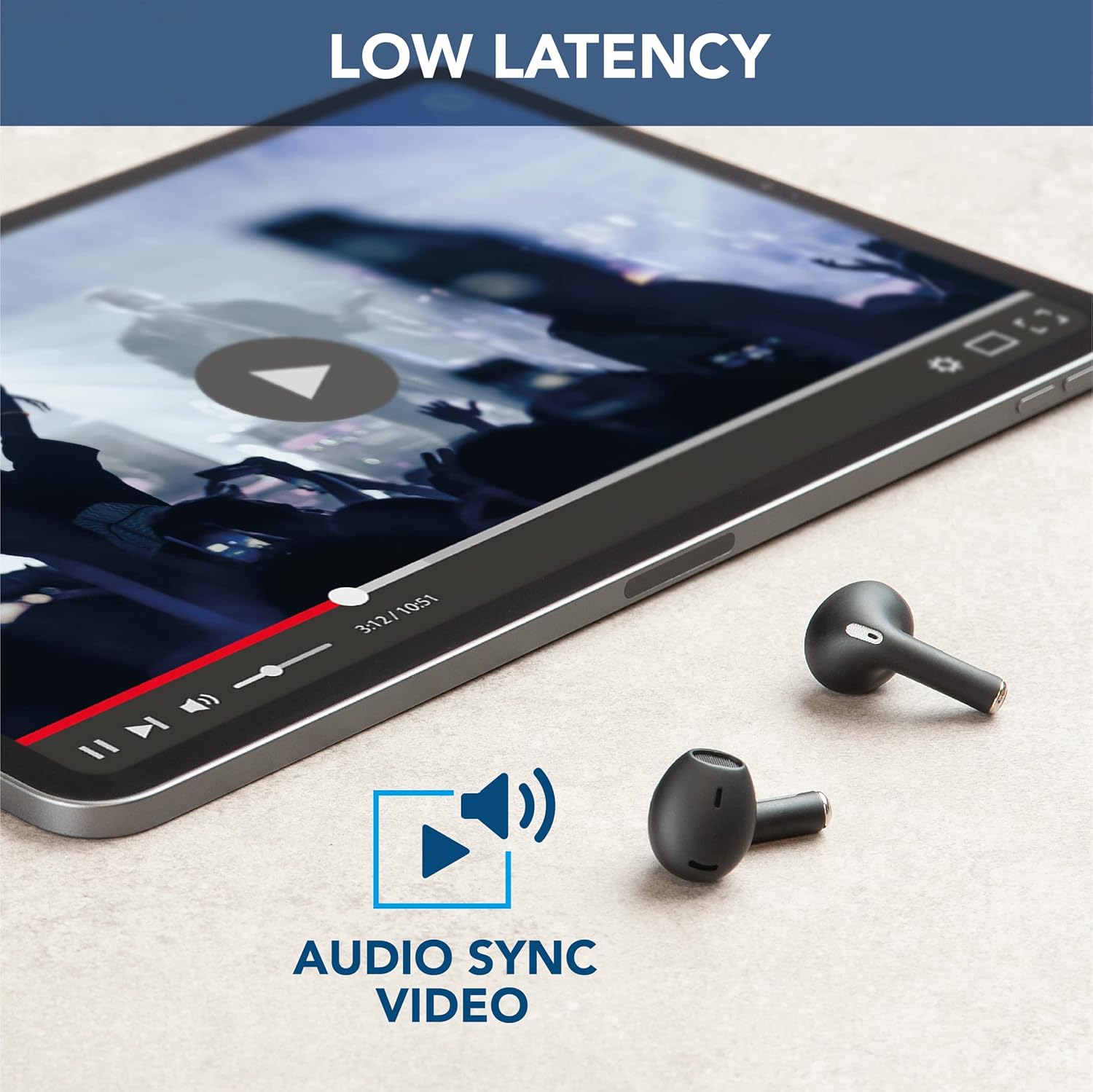
Image: The earbuds are placed next to a tablet displaying a video, accompanied by an "Audio Sync Video" icon, highlighting the low latency feature for synchronized audio and video playback.
4. Cura i Manteniment
- Neteja: Netegeu regularment els auriculars i l'estoig de càrrega amb un drap suau, sec i sense borrissol. No utilitzeu productes químics agressius ni materials abrasius.
- Emmagatzematge: Quan no els utilitzeu, guardeu els auriculars a la seva funda de càrrega per protegir-los de la pols i els danys.
- Cura de la bateria: Per allargar la durada de la bateria, evita descarregar completament els auriculars i la funda amb freqüència. Carrega'ls regularment, fins i tot si no els fas servir constantment.
- Resistència a l'aigua: Aquests auriculars són no resistent a l'aigua. Avoid exposure to water, moisture, or excessive humidity.
- Temperatura: Do not expose the product to extreme temperatures (hot or cold) as this can affect battery performance and product lifespan.
5. Solució De Problemes
| Problema | Causa possible | Solució |
|---|---|---|
| Els auriculars no s'aparellen | Bluetooth off on device, earbuds not in pairing mode, out of range. | Ensure Bluetooth is on. Place earbuds in case, close, then open to re-enter pairing mode. Move device closer to earbuds. |
| No hi ha so dels auriculars | Low battery, not connected, volume too low. | Charge earbuds. Reconnect to device. Increase volume on both earbuds and device. |
| Poor call quality / Noise during calls | Weak signal, excessive ambient noise. | Move to an area with less interference. Ensure earbuds are properly seated. ENC is active during calls to minimize noise. |
| Els auriculars no es carreguen | Charging cable faulty, dirty charging contacts, case battery empty. | Try a different USB cable. Clean charging contacts on earbuds and case. Charge the charging case. |
6. Especificacions del producte
| Característica | Detall |
|---|---|
| Nom del model | Crystal TWS |
| Número de model | BTCRYSTALTWSK |
| Tecnologia de connectivitat | Sense fil (Bluetooth 5.0) |
| abast sense fils | Fins a 10 metres |
| Factor de forma dels auriculars | In-orella |
| Control de soroll | Cancel·lació de soroll ambiental (ENC) |
| Temps de càrrega de la bateria | 1.5 hores |
| Talk Time (Single Charge) | 3.5 hores |
| Temps total de reproducció (amb estoig) | Fins a 14 hores |
| Interval de freqüència | 20 Hz - 20,000 Hz |
| Tipus de material | Plàstic |
| Pes de l'article | 100 grams |
| Color | Negre |
| Components inclosos | Estoig de càrrega sense fil |
| Nivell de resistència a l'aigua | No resistent a l'aigua |
7. Garantia i Suport
For warranty information and customer support, please refer to the official Cellularline weblloc web o contacteu directament amb el seu servei d'atenció al client. Conserveu el comprovant de compra per a qualsevol reclamació de garantia.
Assistència en línia: Visita www.cellularline.com for FAQs, product registration, and contact details.
Plans de protecció: Extended warranty options may be available from authorized retailers. For example, 1-year and 2-year extended protection plans are offered by Salama.
- • 1-Year Extended Warranty by Salama (Email Delivery)
- • 2-Year Extended Warranty by Salama (Email Delivery)


