Informació important de seguretat
Before using the DXQ Siluet Fitness S6900070 Elliptical Trainer, please read and understand all safety instructions. Failure to follow these instructions may result in injury or damage to the equipment.
- Consulteu un metge abans de començar qualsevol programa d'exercici.
- Mantingueu els nens i les mascotes lluny de l'equip durant el funcionament.
- Place the elliptical trainer on a stable, level surface. Ensure adequate space around the equipment.
- Wear appropriate exercise clothing and athletic footwear. Avoid loose clothing that could get caught in moving parts.
- The maximum user weight for this elliptical trainer is 100 kg (220 lliures).
- The maximum recommended usage frequency is 6 hores setmanals.
- Deixa de fer exercici immediatament si et sents dèbil, marejat o tens dolor.
- Inspect the equipment for loose parts or wear before each use. Do not use if damaged.
Producte acabatview
The DXQ Siluet Fitness S6900070 is a compact elliptical trainer designed for regular home use. It features a magnetic resistance system, a 5 kg flywheel, and an LCD monitor to track your workout progress.
Característiques principals:
- Resistència magnètica: Provides smooth and quiet operation with 8 manual resistance levels.
- 5 kg Flywheel: Located at the rear for consistent momentum.
- Monitor LCD: Displays 7 functions including Speed, Time, Distance, Calories, Scan, Pulse, and Odometer.
- Sensors de pols manual: Integrated into the handlebars for heart rate monitoring.
- Titular del dispositiu: Conveniently holds your mobile device or book.
- Rodes de transport: Two wheels for easy relocation of the equipment.
- Anti-slip Pedals: Ensure secure footing during your workout.
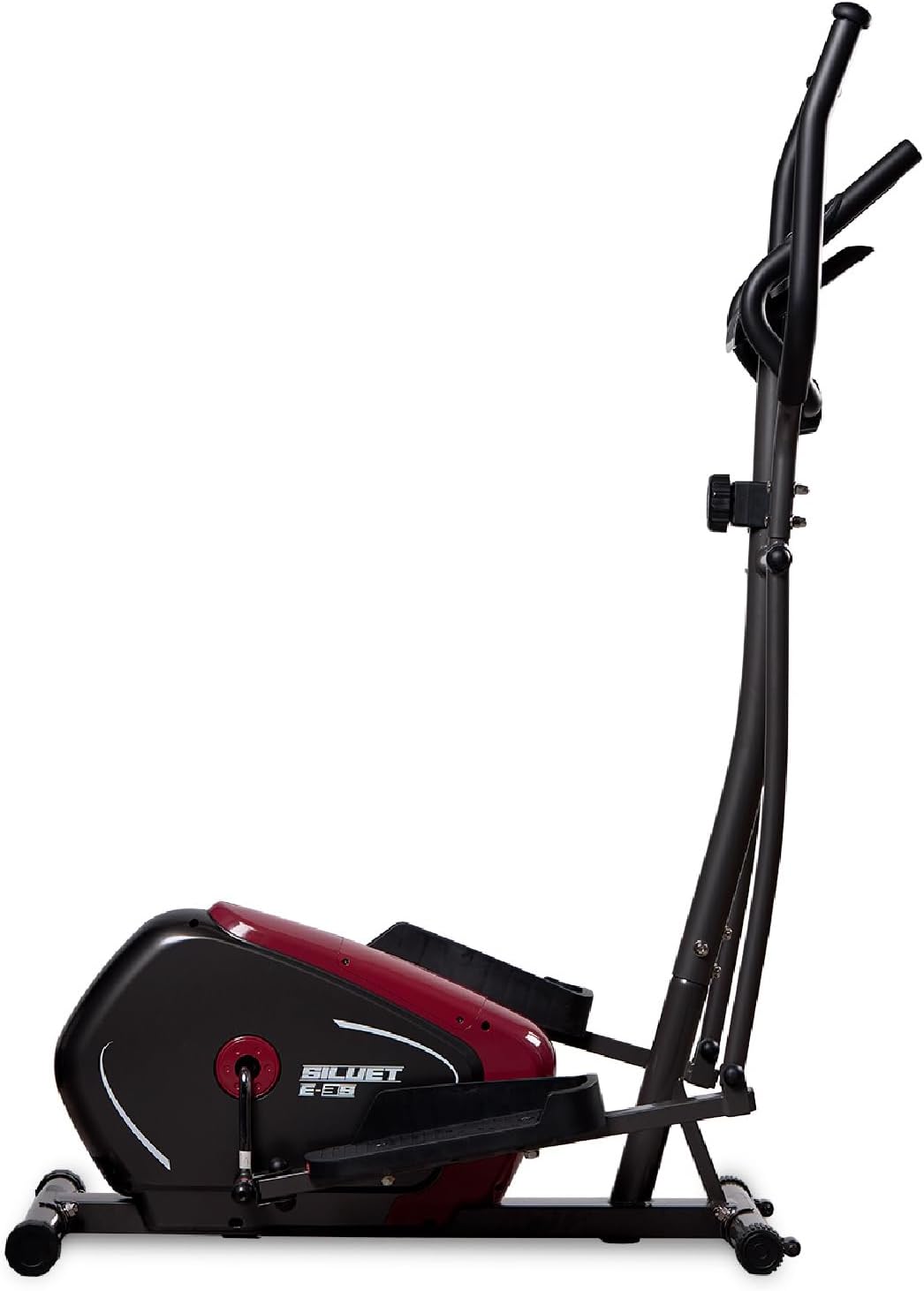
Figura 1: lateral view of the DXQ Siluet Fitness S6900070 Elliptical Trainer, showcasing its compact design and main structure.
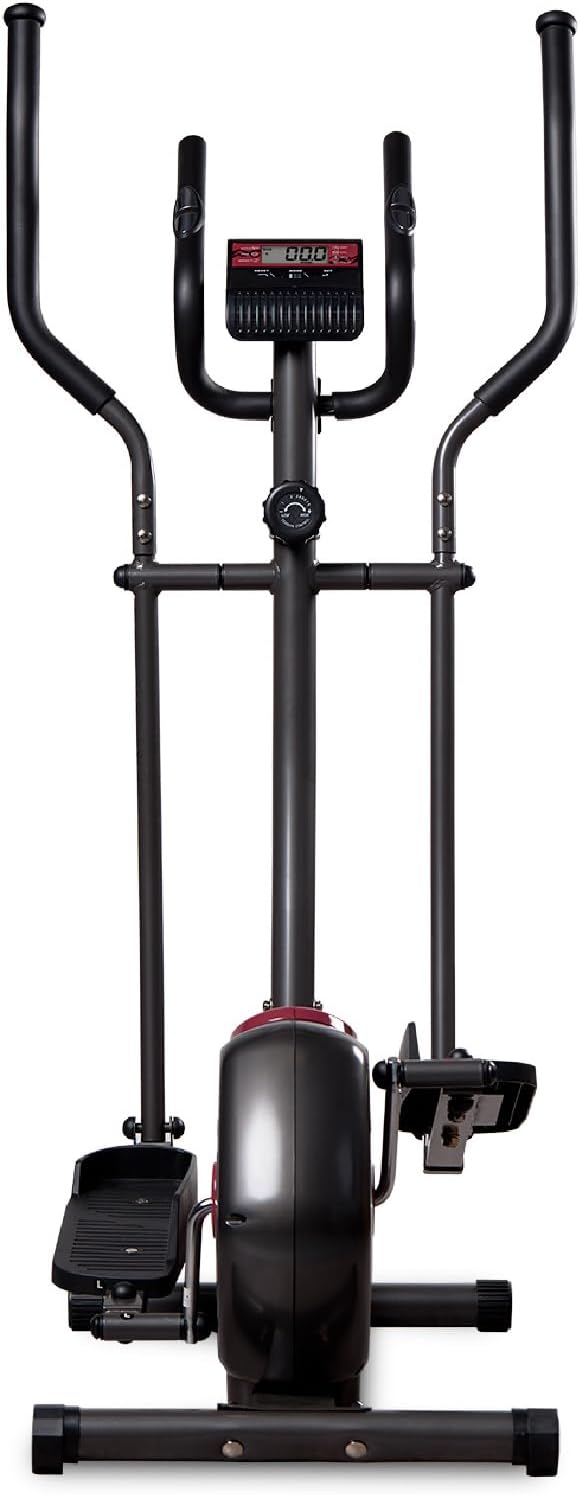
Figura 2: Frontal view of the elliptical trainer, highlighting the console and handlebars.
Muntatge i muntatge
The DXQ Siluet Fitness S6900070 Elliptical Trainer features a Plug&Run pre-assembly system, simplifying the setup process. Most major components are pre-assembled, requiring minimal final assembly.
Passos de muntatge:
- Desempaquetar components: Traieu amb cura totes les peces de l'embalatge. Col·loqueu-les sobre una superfície neta i plana.
- Connecteu els estabilitzadors: Fixeu les barres estabilitzadores davantera i posterior al xassís principal amb els cargols i les eines proporcionades.
- Instal·lar manillars: Connect the moving handlebars and fixed handlebars to the main upright post. Ensure all connections are tight.
- Mount Pedals: Attach the left and right pedals to their respective crank arms. Note that pedals are often marked 'L' and 'R'.
- Connecteu els cables de la consola: Carefully connect the sensor and pulse cables from the main frame to the back of the console. Mount the console onto its bracket.
- Comprovar l'estabilitat: Once assembled, ensure all bolts are securely tightened. Use the adjustable levelers on the base to ensure the elliptical is stable and does not wobble on uneven floors.

Figure 3: Diagram illustrating the assembled elliptical trainer with its approximate dimensions: 115.5 cm (length) x 75 cm (width) x 158 cm (height).
Instruccions de funcionament
Començar un entrenament:
- Step onto the anti-slip pedals, one foot at a time, ensuring you have a firm grip on the fixed handlebars for balance.
- Begin pedaling in a smooth, elliptical motion. You can hold either the fixed or moving handlebars.
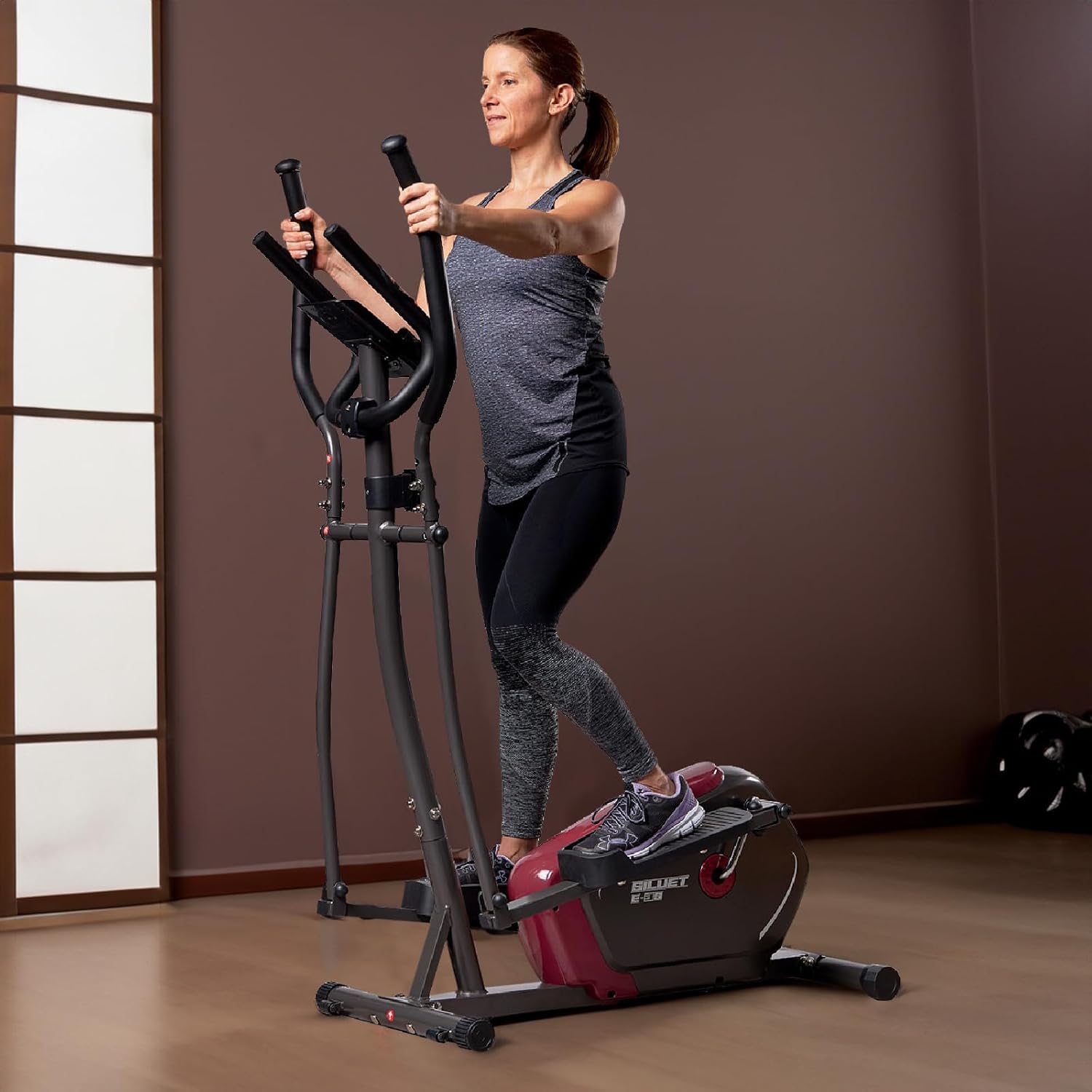
Figure 4: A user demonstrating proper form while exercising on the elliptical trainer, utilizing the moving handlebars.
Ajust de resistència:
The elliptical trainer features 8 levels of manual magnetic resistance. To adjust the intensity of your workout:
- Locate the resistance knob on the main upright post, below the console.
- Turn the knob clockwise to increase resistance (higher number for more intensity).
- Turn the knob counter-clockwise to decrease resistance (lower number for less intensity).
Funcions de la consola:
The LCD monitor tracks your workout data. It typically activates automatically when you start pedaling or press any button.

Figura 5: Detallada view of the LCD console, showing the display and control buttons (RESET, MODE, SET).
- Botó MODE: Press to cycle through the display functions:
- ESCANEAR: Automatically cycles through all functions every few seconds.
- HORA: Mostra la durada de l'entrenament actual.
- VELOCITAT: Shows your current workout speed.
- DISTÀNCIA: Displays the distance covered during your current workout.
- CALORIES: Estima les calories cremades durant l'entrenament.
- IMPULS: Shows your heart rate when holding the hand pulse sensors.
- ODÒMETRE: Mostra la distància total acumulada.
- Botó de reset: Press and hold to clear all current workout data (Time, Distance, Calories).
- Botó SET: Used for setting target values for Time, Distance, or Calories (refer to console specific instructions for detailed setting procedures).
Mesura del pols:
To measure your heart rate, firmly grasp the hand pulse sensors located on the fixed handlebars. Your pulse will be displayed on the console after a few seconds.
Ús del suport del dispositiu:
Place your mobile device or book securely in the integrated holder located above the console for entertainment or reading during your workout.
Manteniment
Un manteniment regular garanteix la longevitat i el funcionament segur de la teva màquina el·líptica.
- Neteja: Netegeu l'equipament amb anuncisamp drap després de cada ús per eliminar la suor i la pols. Eviteu productes de neteja o dissolvents abrasius.
- Inspecció: Comproveu periòdicament tots els cargols, femelles i peces mòbils per assegurar-vos que estiguin ben ajustats i que no estiguin desgastats. Estrenyeu qualsevol element de fixació solt.
- Lubricació: Moving joints may require occasional lubrication. Refer to specific product guidelines if unusual squeaking or friction occurs.
- Emmagatzematge: Store the elliptical trainer in a dry, cool place away from direct sunlight and moisture. Use the transport wheels to move the unit carefully.

Figure 6: A user tilting the elliptical trainer to engage the transport wheels, facilitating easy movement and storage.
Resolució de problemes
If you encounter issues with your elliptical trainer, refer to the following common problems and solutions:
| Problema | Causa possible | Solució |
|---|---|---|
| Console not displaying | Loose cable connection, dead batteries | Check all cable connections to the console. Replace console batteries (if applicable). |
| Sense canvi de resistència | Resistance cable disconnected or damaged, mechanism fault | Inspect the resistance cable connection to the knob and flywheel. Contact support if issue persists. |
| Soroll de grinyol o fregament | Loose bolts, lack of lubrication, worn parts | Tighten all visible bolts and nuts. Apply lubricant to moving joints if necessary. |
| Lectura de pols inexacta | Hands not firmly on sensors, dry hands | Ensure firm contact with both hand pulse sensors. Slightly moisten hands if they are too dry. |
Especificacions
Detailed technical specifications for the DXQ Siluet Fitness S6900070 Elliptical Trainer:
| Característica | Detall |
|---|---|
| Model | S6900070 |
| Marca | DXQ Siluet Fitness |
| Dimensions del producte (L x A x A) | 115.5 cm x 75 cm x 158 cm |
| Pes del producte | 30.5 kg |
| Pes màxim de l'usuari | 100 kg |
| Pes del volant | 5 kg |
| Sistema de resistència | Magnetic, Manual Control |
| Nivells de resistència | 8 graduated levels |
| Sistema de Transmissió | Cinturó Poly-V |
| Funcions de la consola | Speed, Time, Distance, Calories, Scan, Pulse, Odometer |
| Mesura del pols | Integrated Hand Pulse Sensors |
| Titular del dispositiu | Sí |
| Rodes de transport | Sí (2) |
| Ús recomanat | Regular, up to 6 hours/week |
| Main Material (as per specification) | Acrylic (Note: Typically refers to specific components, main frame is usually steel) |
Garantia i Suport
Specific warranty details for the DXQ Siluet Fitness S6900070 Elliptical Trainer may vary by region and retailer. Please retain your proof of purchase for any warranty claims.
For technical assistance, spare parts, or warranty inquiries, please contact your retailer or the manufacturer directly. Refer to the contact information provided with your purchase documentation.
