1. Introducció
This manual provides instructions for the installation and use of the Thermalright LGA 1700 CPU Contact Frame. This product is designed to replace the standard Independent Loading Mechanism (ILM) on Intel LGA 1700 motherboards to improve CPU contact with the cooler and mitigate potential CPU bending or warping issues associated with the stock mechanism.
2. Producte acabatview i Característiques
The Thermalright LGA 1700 CPU Contact Frame is an all-aluminum bracket engineered for enhanced thermal performance and CPU longevity.
- Compatibilitat: Specifically designed for Intel 12th, 13th, and 14th Generation LGA 1700 CPUs and compatible with H610, B660, Z690, and Z790 series chipsets. It replaces the original motherboard ILM, not a radiator buckle.
- Anti-Warping Design: Addresses the issue of CPU warping or bending under cooler pressure, providing uniform contact pressure across the CPU's Integrated Heat Spreader (IHS).
- Construcció duradora: Manufactured from all-aluminum using a CNC gold anodizing sandblasting process. The edges are oxidized for increased durability and scratch resistance.
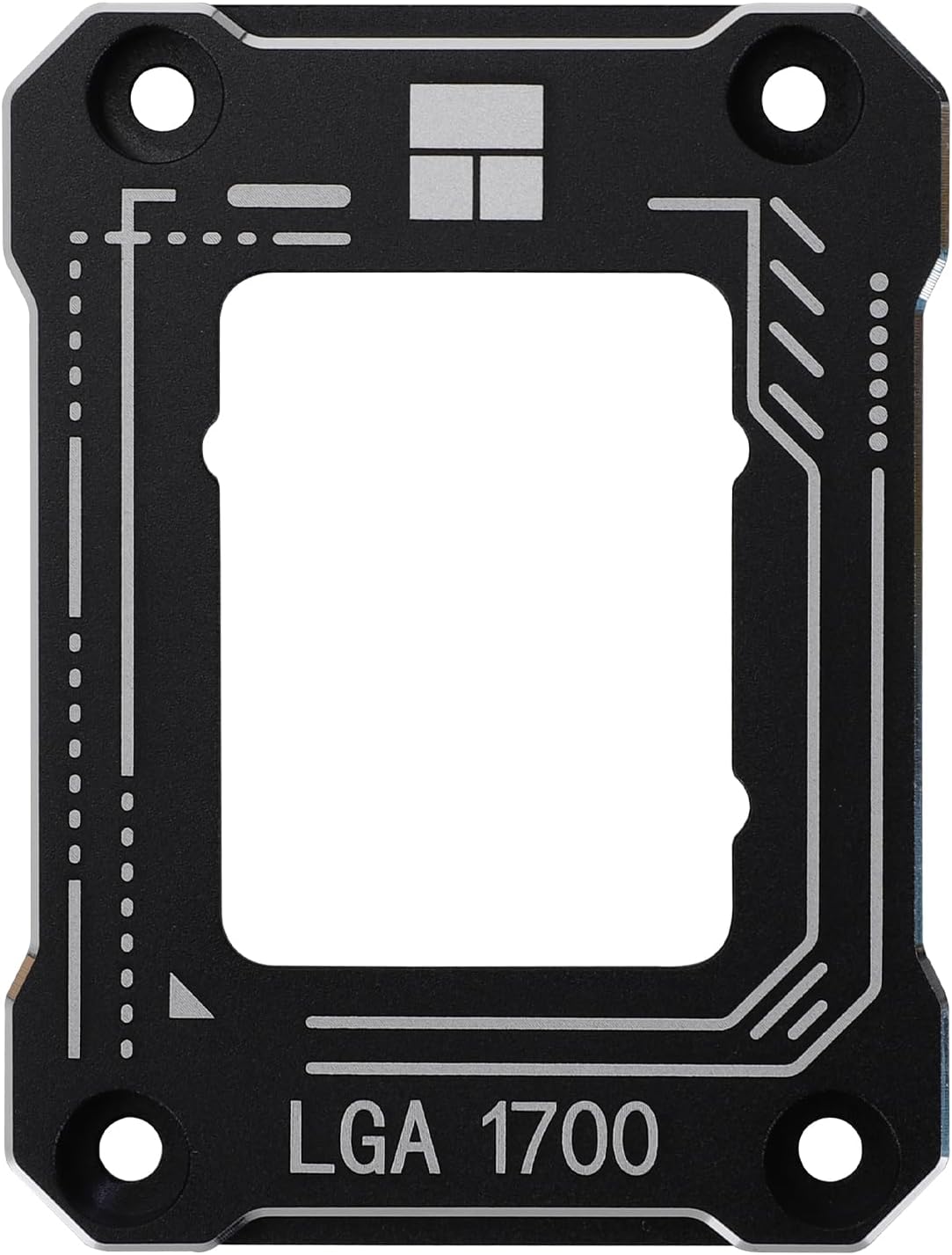
The Thermalright LGA 1700 CPU Contact Frame, designed to replace the stock Independent Loading Mechanism (ILM) for improved CPU contact and reduced bending.
3. Contingut del paquet
Verifiqueu que tots els elements siguin presents al paquet:
- 1 x Thermalright LGA 1700 CPU Contact Frame
- 1 x L-shaped Screwdriver
- 1 x TF7 Thermal Paste (12.8 W/m.k)
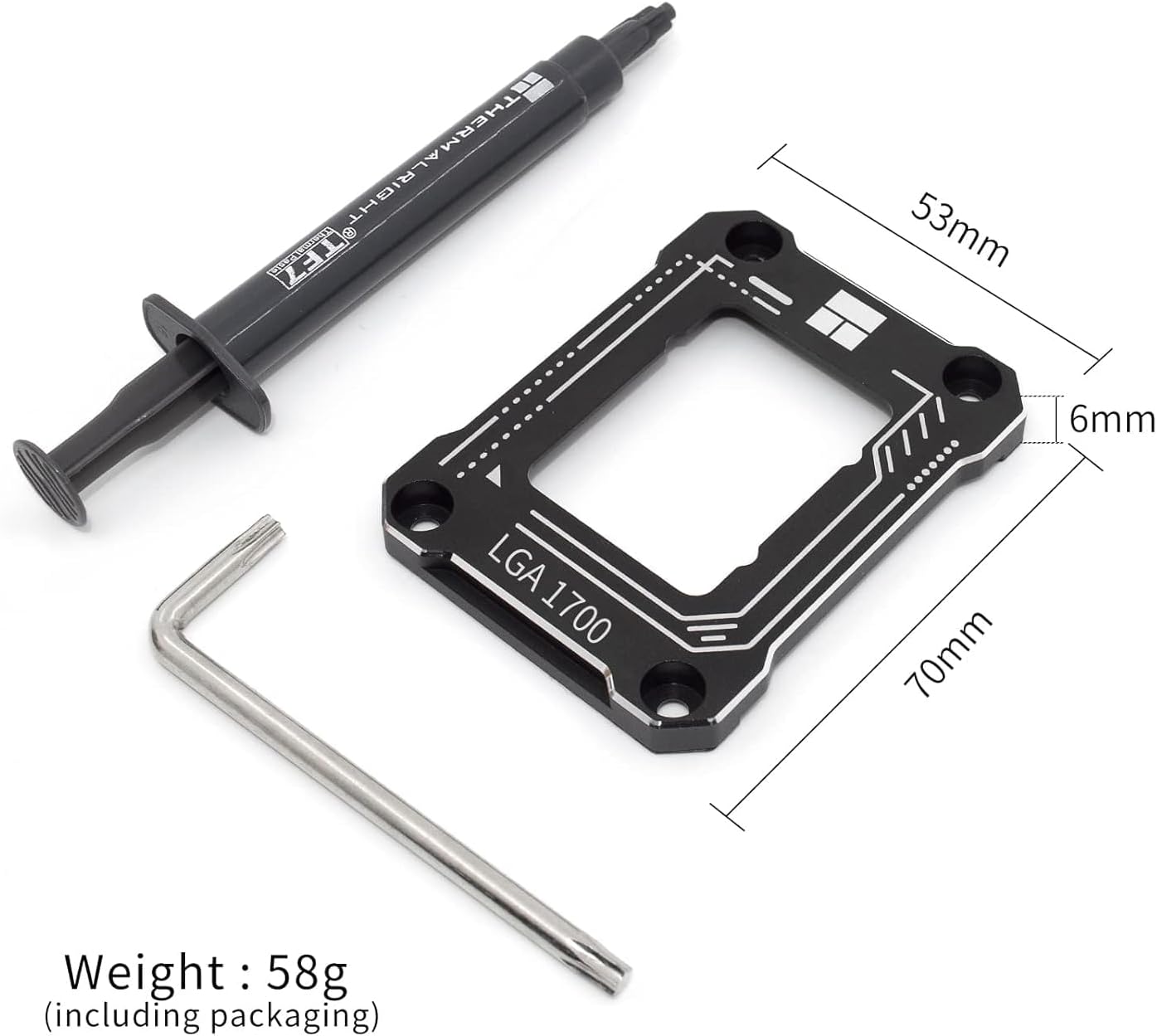
The CPU Contact Frame shown with its dimensions (53mm x 70mm x 6mm) and the included L-shaped screwdriver and TF7 thermal paste.
4. Informació de seguretat
Please read and understand the following safety precautions before installation:
- Always power off your computer and disconnect it from the power source before performing any hardware installation or maintenance.
- Discharge any static electricity from your body by touching a grounded metal object (e.g., your PC case) before handling components.
- Handle the CPU and motherboard socket with extreme care to avoid damaging delicate pins or components.
- Keep small parts, such as screws, out of reach of children.
5. Guia d'instal·lació
Follow these steps carefully to install the Thermalright LGA 1700 CPU Contact Frame. For visual guidance, refer to the official installation video below.
- Prepareu la placa base: Ensure your computer is powered off and unplugged. Place the CPU loosely into the LGA 1700 socket. This helps protect the fragile socket pins during the removal of the stock ILM.
- Remove Stock ILM: Use the included L-shaped screwdriver to carefully unscrew the four screws holding the stock Independent Loading Mechanism (ILM) in place. Keep these screws and the original backplate, as they may be needed for future use or warranty purposes.
- Position the Backplate: Ensure the insulated side of the socket backplate is facing the motherboard.
- Install Contact Frame: Place the Thermalright CPU Contact Frame over the CPU, aligning the screw holes with those on the motherboard.
- Assegureu el marc: Insert the four screws provided with the contact frame. When tightening, turn the screws counter-clockwise slightly until you feel a click, indicating the threads are aligned, to prevent cross-threading. Then, tighten each screw gradually in a diagonal pattern (e.g., top-left, bottom-right, top-right, bottom-left) until snug. Avoid overtightening; apply just enough torque to secure the frame firmly.
- Aplicar pasta tèrmica: Apply the included TF7 thermal paste to the CPU's IHS.
- Instal·leu el refrigerador de CPU: Instal·leu el refrigerador de la CPU segons les instruccions del fabricant.
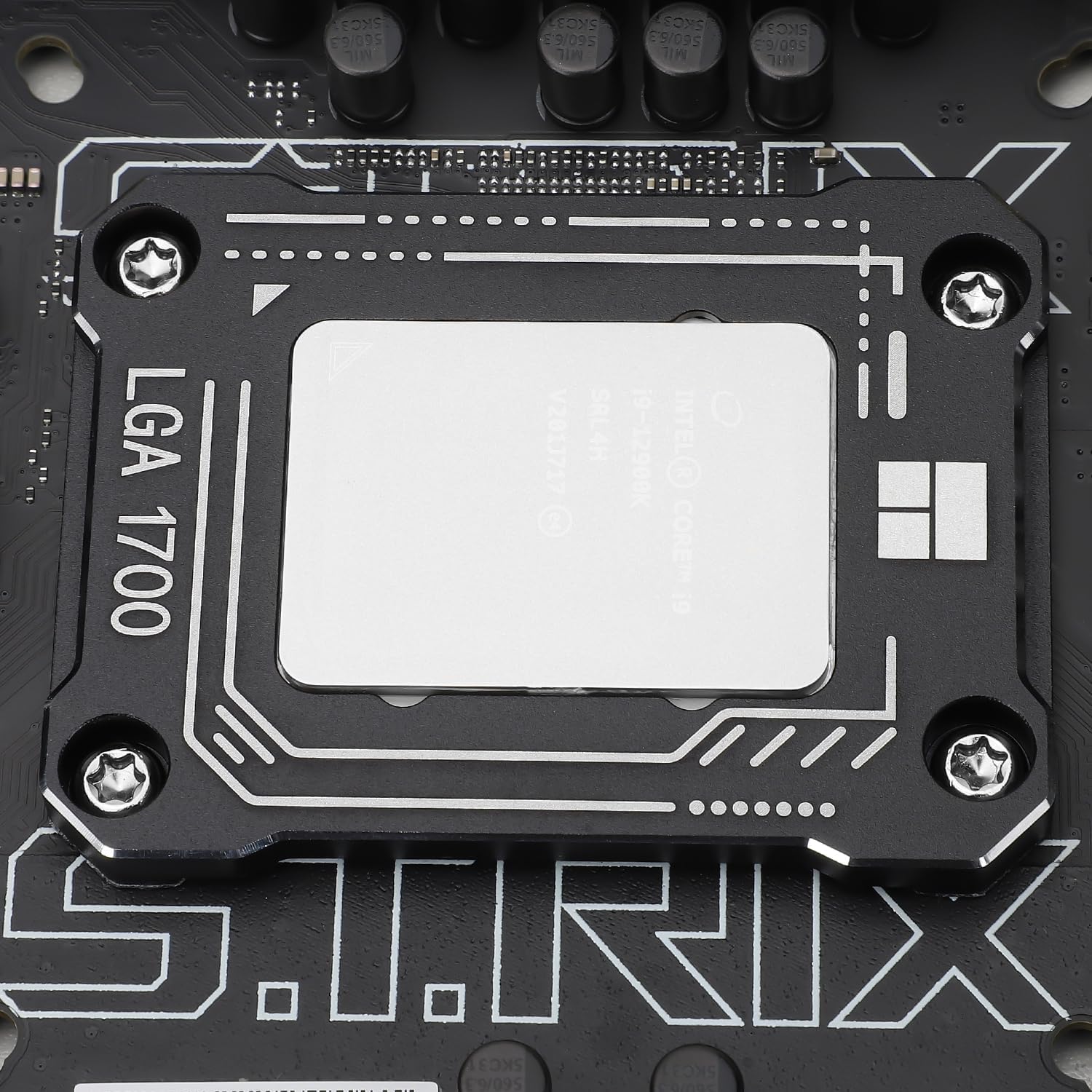
The Thermalright LGA 1700 CPU Contact Frame securely installed on a motherboard, holding an Intel CPU in place.
Guia de vídeo d'instal·lació
Official installation guide for the Thermalright LGA 1700 CPU Contact Frame, demonstrating the step-by-step process of removing the stock ILM and installing the contact frame.
6. Instruccions de funcionament
The Thermalright LGA 1700 CPU Contact Frame is a passive component and does not require any specific operating instructions after installation. Its function is to maintain optimal CPU contact and prevent bending, working in conjunction with your CPU cooler.
7. Manteniment
Once installed, the CPU Contact Frame requires no regular maintenance. If you need to remove your CPU or cooler, follow the installation steps in reverse. Ensure to clean off old thermal paste and apply new paste when reinstalling the cooler.
8. Solució De Problemes
- Temperatures altes de la CPU: Double-check that the contact frame is installed correctly and tightened evenly. Ensure sufficient thermal paste has been applied and your CPU cooler is properly seated.
- Inestabilitat del sistema: Verify that the CPU is correctly seated in the socket and that no pins were bent during installation. Ensure all screws are tightened appropriately, but not excessively.
- Danys físics: If any part of the contact frame or motherboard appears damaged, cease installation and contact Thermalright support.
9. Especificacions
| Especificació | Detall |
|---|---|
| Número de model | LGA1700-BCF-BLACK |
| Material | Metal (All-aluminum) |
| Tipus d'acabat | Surface Sand Blasting |
| Dimensions del producte (L x A x A) | 2.76 x 2.09 x 0.24 polzades (70 x 53 x 6 mm) |
| Pes de l'article | 0.32 unces (aproximadament 9 grams) |
| Compatibilitat | Intel LGA 1700 (12th, 13th, 14th Gen) |
| Included Thermal Paste | TF7 (12.8 W/m.k) |
10. Garantia i Suport
For warranty information and technical support, please refer to the official Thermalright weblloc web o poseu-vos en contacte amb el servei d'atenció al client. Conserveu el comprovant de compra per a reclamacions de garantia.
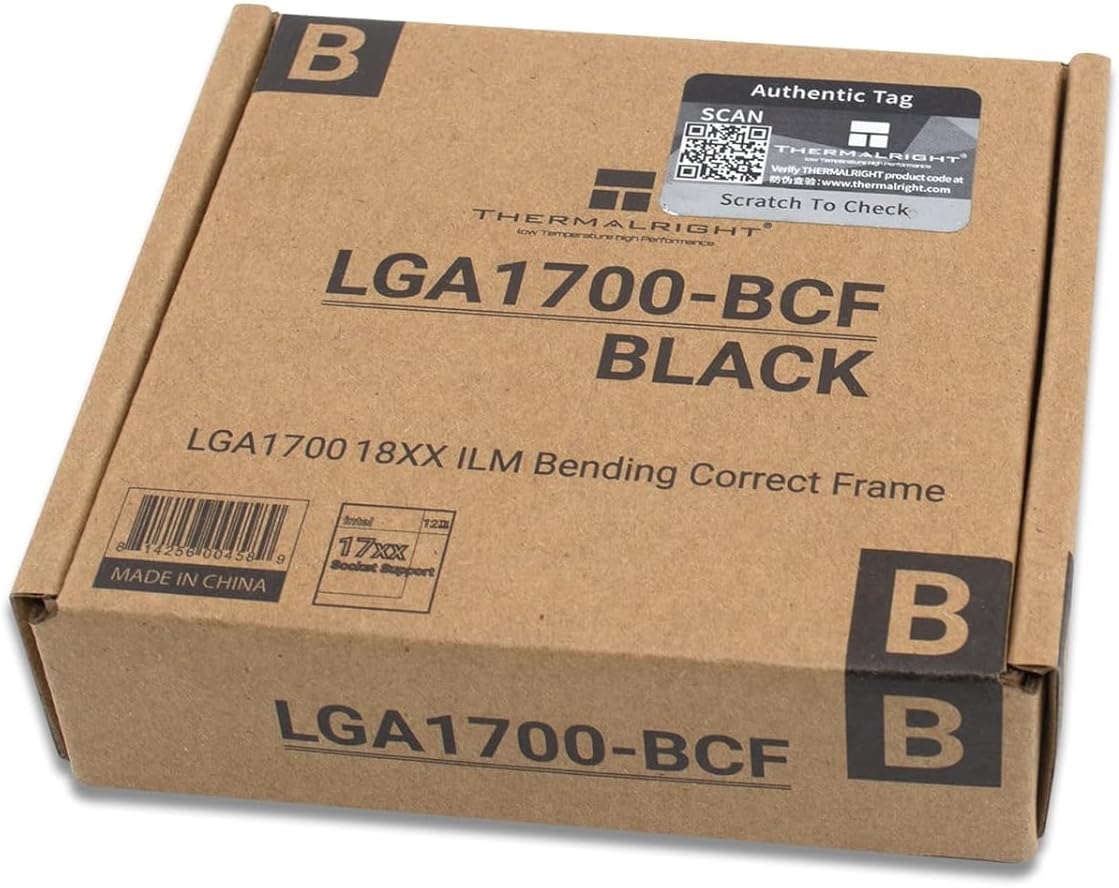
The retail packaging for the Thermalright LGA1700-BCF-BLACK CPU Contact Frame, showing product details and an authentic tag.


