1. Introducció
Thank you for choosing the Skyworth 55-inch 4K QLED Google TV, Model 55SUE9500. This manual provides essential information for the safe and efficient use of your television. Please read it thoroughly before operating the device and retain it for future reference.
This television features a 55-inch QLED 4K UHD display, Google TV operating system, Dolby Vision & HDR 10+ support, Google Assistant with far-field voice control, Dolby Atmos, DTS Virtual X, and built-in Chromecast. It is designed to deliver a high-quality viewing and smart home entertainment experience.
2. Informació de seguretat
Seguiu sempre les precaucions de seguretat següents per evitar descàrregues elèctriques, incendis o danys al televisor:
- No exposeu el televisor a la pluja o la humitat.
- No obriu el televisor casing; demaneu totes les tasques de manteniment a personal qualificat.
- Assegureu-vos una ventilació adequada al voltant del televisor.
- Feu servir només el cable d'alimentació que s'inclou amb el televisor.
- Mantingueu el televisor allunyat de la llum solar directa, de fonts de calor i de camps magnètics forts.
- Clean the TV with a soft, dry cloth. Avoid liquid cleaners.
3. Contingut del paquet
Verifiqueu que tots els elements siguin presents al paquet:
- Skyworth 55-inch 4K QLED Google TV (Model 55SUE9500)
- Control remot
- Cable d'alimentació
- Moble per a TV (2 peces)
- Cargols per a la instal·lació del suport
- Manual d'usuari (aquest document)
4. Producte acabatview
Davant View
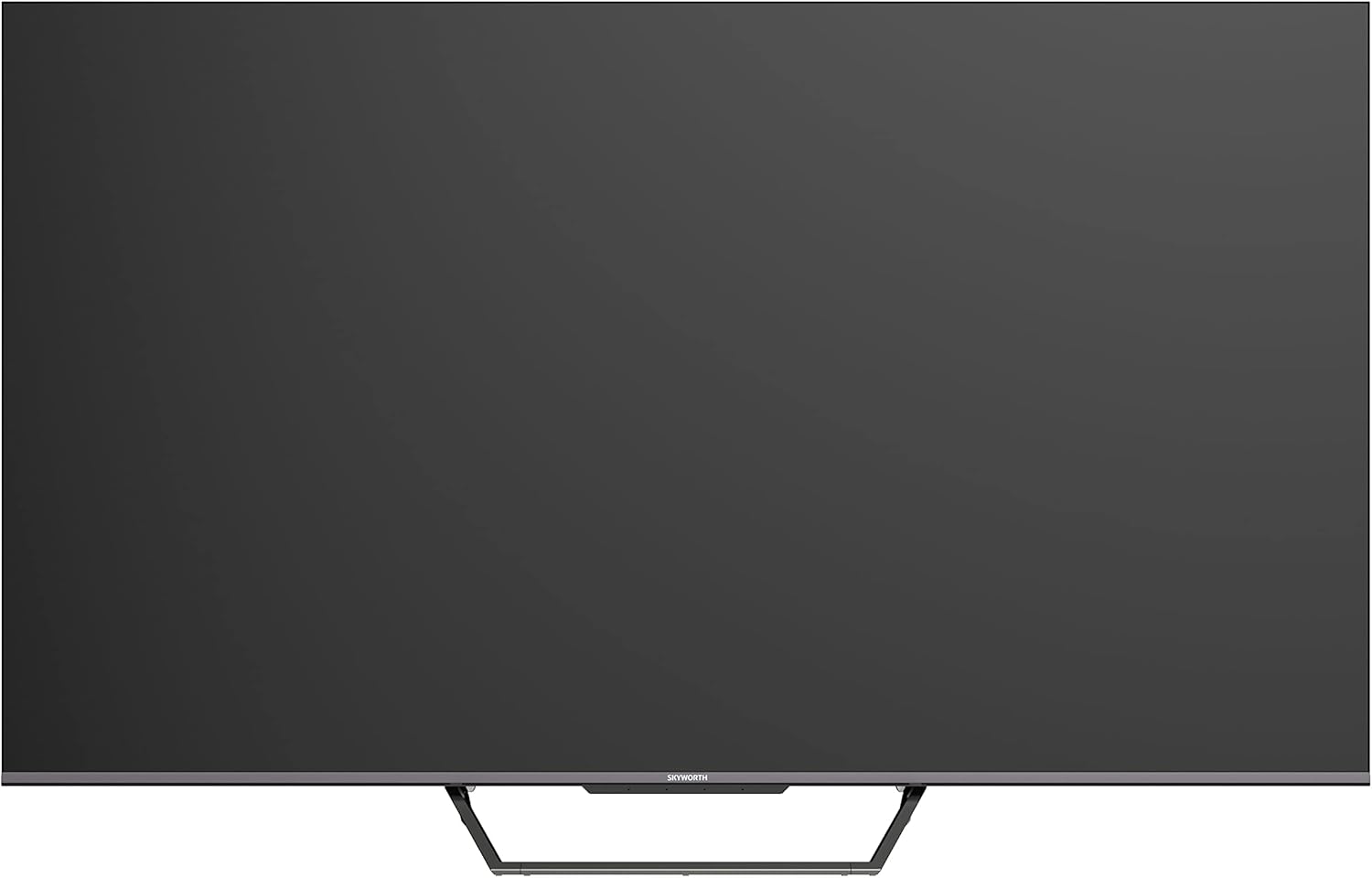
This image displays the front of the Skyworth 55-inch 4K QLED Google TV, showcasing its slim bezels and central stand design.
lateral View

Aquesta imatge mostra el lateral profile of the television, highlighting its thin design and the depth of the screen.
Enrere View

Aquesta imatge proporciona una view of the back panel of the TV, including the mounting points and general layout.
Ports d'entrada/sortida

This image details the various input and output ports located on the side/back of the television, including HDMI, USB, and other connectivity options.

The television offers multiple interfaces to meet various connectivity needs, including USB (x2), RF, AV IN, HDMI (x3), LAN, and Digital Out.
5. Configuració
5.1 Instal·lació de l'estand
Per instal·lar el suport de TV:
- Col·loqueu amb cura el televisor cara avall sobre una superfície suau i plana per evitar que es facin malbé la pantalla.
- Alineeu les peces del suport amb les ranures corresponents a la part inferior del televisor.
- Fixeu el suport amb els cargols proporcionats. Assegureu-vos que estiguin ben ajustats.

The TV features a unique U-shaped central base design, crafted with metal die-casting technology for stability.
5.2 Connexió de perifèrics
Connect your external devices (e.g., cable box, Blu-ray player, gaming console) to the appropriate HDMI or AV IN ports. For internet access, connect an Ethernet cable to the LAN port or use the built-in Wi-Fi.
5.3 Encès inicial
After connecting all necessary cables, plug the power cable into an electrical outlet. Press the power button on the remote control or the TV to turn it on. Follow the on-screen instructions to complete the initial setup, including network connection, Google account login, and channel scanning.
6. Instruccions de funcionament
6.1 Control remot
The remote control allows you to navigate the Google TV interface, adjust volume, change channels, and access smart features. Ensure batteries are correctly inserted.
6.2 Interfície de Google TV
Your TV runs on Google TV OS, providing a personalized content experience. The home screen displays recommended content, installed apps, and quick access to settings.

Google TV refines the Android TV experience with personalized content and tailored recommendations based on your viewhàbits i interessos.

Enjoy abundant resources with Google TV, including over 700,000 movies & TV series and millions of songs from platforms like Netflix, YouTube, and Prime Video.
6.3 Funcions intel·ligents
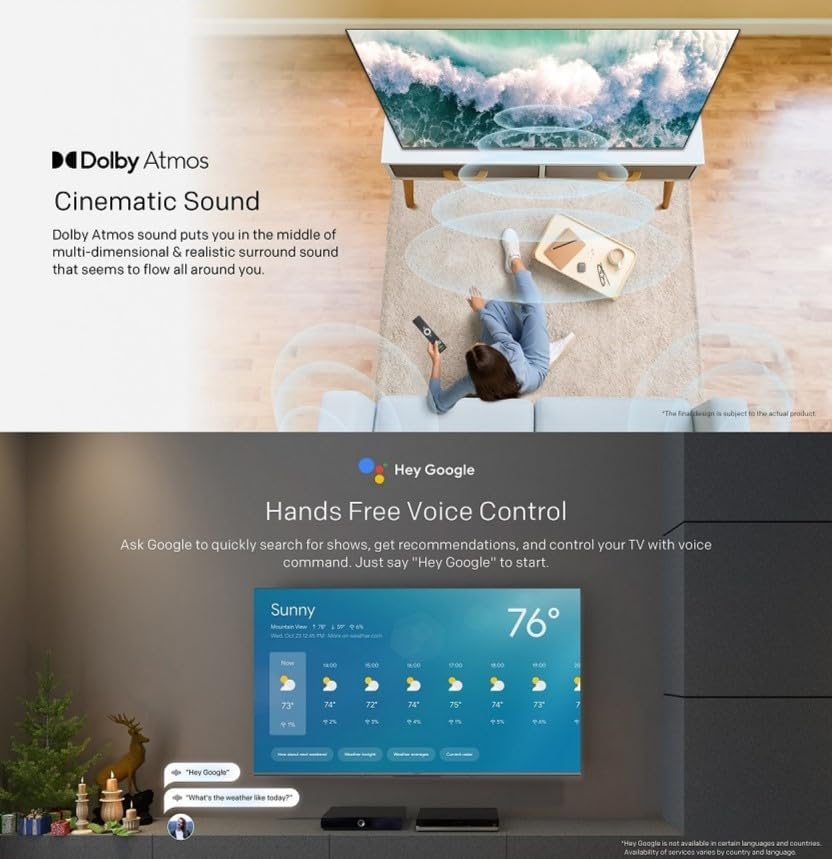
- Control de veu mans lliures: Use "Hey Google" to search for shows, get recommendations, and control your TV with your voice.
- Chromecast integrat: Easily cast content from your compatible mobile devices (Android and iOS) to the TV.
- Bidirectional Bluetooth: Connect Bluetooth headphones or speakers to the TV, or use the TV as a speaker for your mobile devices.
- Kids Care: Configura profiles for children with age-appropriate content recommendations and parental controls.
- Google Duo: Make video calls directly from your TV to connect with friends and family.
- Google Fotos: Share and view your memories on the big screen.

Ask Google to quickly search for shows, get recommendations, and control your TV using voice commands. Simply say "Hey Google" to activate.
The TV supports bidirectional Bluetooth, allowing connection to mobile phones and Bluetooth audio products for versatile sound options.

This image highlights key features such as Kids Care for child-friendly content, Google Duo for video calls, Google Photos for sharing memories, and Chromecast built-in for easy content casting.
6.4 Configuració d'imatge i so
Access the settings menu to customize picture and sound preferences.
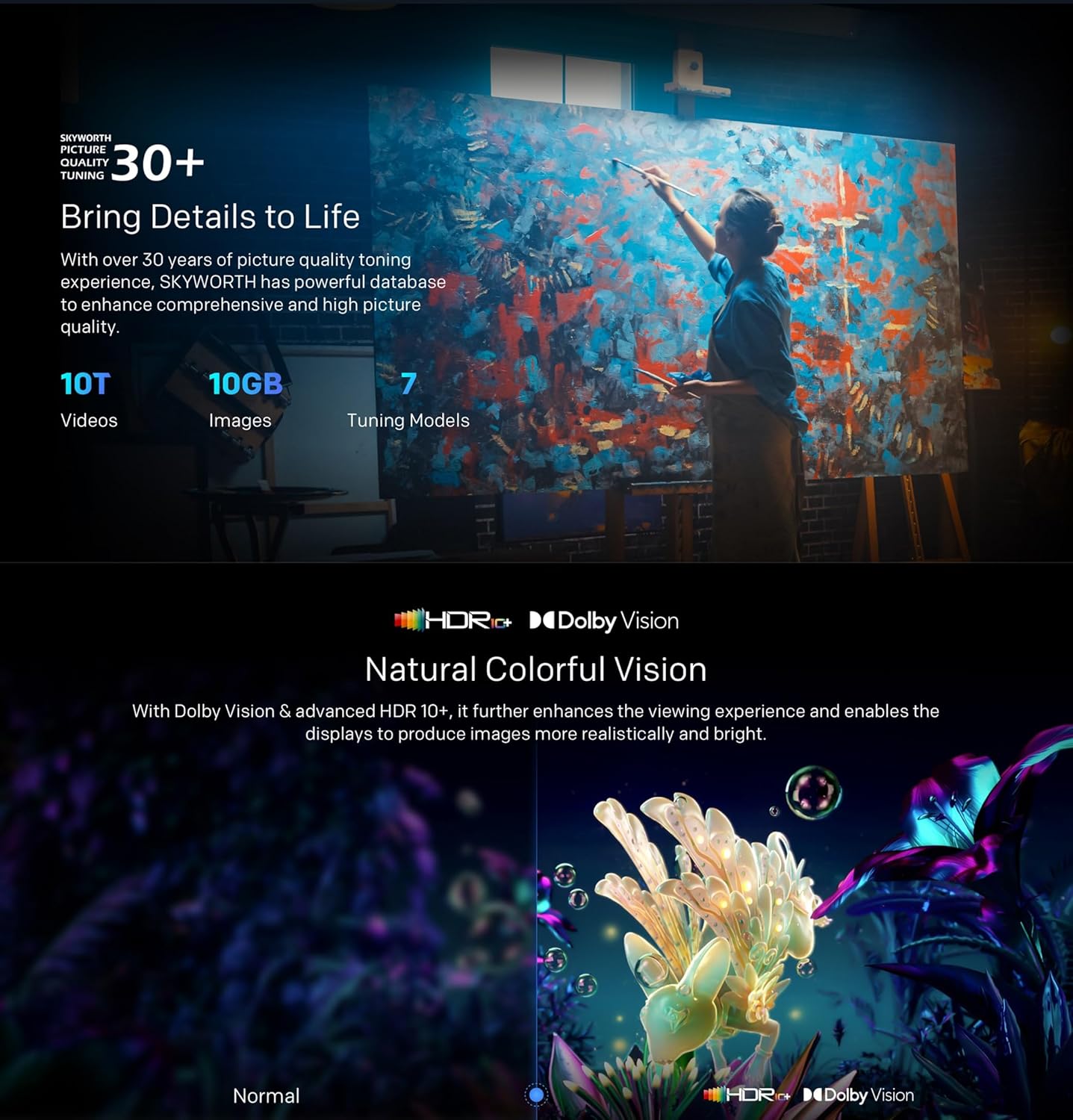
- QLED 4K UHD with Dolby Vision & HDR10+: Experience vibrant colors and enhanced contrast.
- Mode cineasta: Disables post-processing to preserve the original aspect ratios, colors, and frame rates as intended by the filmmaker.
- Dolby Atmos i DTS Virtual X: Enjoy immersive, multi-dimensional sound.
- Health Platform: Includes Eye Protection Mode, Night Mode, and Auto Volume Control for comfortable viewing.
- Sense parpelleig: Redueix la fatiga ocular minimitzant el parpelleig de la pantalla.

With Dolby Vision and advanced HDR10+, the TV enhances the viewing experience, producing images with greater realism and brightness.

Filmmaker Mode ensures a cinematic experience by disabling post-processing, preserving the director's original vision.
Dolby Atmos sound technology provides a multi-dimensional and realistic surround sound experience that flows around you.

The Health Platform allows you to choose comfort modes such as Eye Protection Mode, Night Mode, or Auto Volume Control for an optimized viewexperiència.

Flicker Free technology effectively reduces harm from rapid flickers by adapting direct current backlight, protecting your eye health.
7. Manteniment
7.1 Neteja
To clean the TV screen and casing:
- Unplug the TV from the power outlet before cleaning.
- Feu servir un drap suau i sense borrissol per netejar suaument la pantalla. Per a marques difícils, fregueu lleugerament.ampen the cloth with water or a specialized screen cleaner (ensure it's TV-safe).
- Netegeu el casinNetegeu amb un drap suau i sec. Eviteu productes de neteja o dissolvents abrasius.
7.2 Actualitzacions de programari
Your Google TV may receive automatic software updates. Ensure your TV is connected to the internet to receive these updates, which can improve performance and add new features. You can also manually check for updates in the settings menu.
8. Solució De Problemes
Si teniu problemes amb el televisor, consulteu les solucions habituals següents:
| Problema | Possible solució |
|---|---|
| Sense poder | Comproveu si el cable d'alimentació està ben connectat al televisor i a la presa de corrent. Proveu una altra presa de corrent. |
| No hi ha imatge, però hi ha so | Assegureu-vos que heu seleccionat la font d'entrada correcta. Comproveu les connexions dels cables als dispositius externs. |
| No hi ha so, però hi ha imatge | Check volume levels and mute settings. Verify audio cable connections. |
| El comandament a distància no funciona | Canvieu les piles. Assegureu-vos que no hi hagi obstruccions entre el comandament a distància i el sensor d'infrarojos del televisor. |
| Problemes de connexió Wi-Fi | Restart your router and the TV. Check network settings on the TV. Ensure the TV is within range of your Wi-Fi signal. |
Si el problema persisteix, poseu-vos en contacte amb l'atenció al client.
9. Especificacions
The following table outlines the key specifications for the Skyworth 55SUE9500 TV:
| Característica | Descripció |
|---|---|
| Número de model | 55SUE9500 |
| Mida de la pantalla | 55 polzades |
| Tecnologia de visualització | QLED |
| Resolució | 4K UHD (3840 x 2160) |
| Freqüència d'actualització | 60 Hz |
| Sistema operatiu | Google TV |
| Suport HDR | Dolby Vision, HDR10+ |
| Tecnologia d'àudio | Dolby Atmos, DTS Virtual X |
| Processador | Chameleon Extreme 2.0 |
| RAM | 2 GB |
| Emmagatzematge | 16 GB |
| Connectivitat | Wi-Fi, Bluetooth 5.1, Ethernet (LAN) |
| Ports | HDMI x3, USB x2, RF, AV IN, Digital Out |
| Característiques especials | Google Assistant, Chromecast Built-in, Game Mode, Flicker Free, Health Platform, Filmmaker Mode |
| Dimensions del producte (amb suport) | 122.5 x 77 x 26 cm (aprox.) |
| Pes (amb suport) | 12.2 kg (aprox.) |

This diagram provides detailed measurements of the television, including its width, height, and depth, both with and without the stand, along with the corresponding weights.
10. Garantia i Suport
10.1 Informació de la garantia
Your Skyworth 55-inch 4K QLED Google TV Model 55SUE9500 comes with a 2-year warranty. This warranty covers manufacturing defects and malfunctions under normal use. Please retain your proof of purchase for warranty claims. The warranty does not cover damage caused by misuse, accidents, unauthorized repairs, or acts of nature.
10.2 Atenció al client
For technical assistance, troubleshooting beyond this manual, or warranty service, please contact Skyworth customer support. Refer to the contact information provided in your product packaging or on the official Skyworth weblloc per a la vostra regió.


