1. Introducció
This manual provides detailed instructions for the installation, operation, and maintenance of your diymore 30A 12V/24V PWM Solar Charge Controller. This intelligent controller is designed to manage the power flow from your solar panel to your battery, ensuring efficient charging and protecting your battery from overcharge and over-discharge. It features a large LCD screen, dual USB outputs, and comprehensive 3-stage Gestió de càrrega PWM.
Característiques principals:
- Light control and time control discharge functionality.
- Compatible with lead-acid batteries (OPEN, AGM, GEL).
- 3-stage PWM charge management: direct charge, boost charge, and float charge.
- Dual MOS reverse current protection, low heat generation.
- Built-in overcurrent, short-circuit, open-circuit, and reverse connection protection.
- Dual USB output (5V/2A Max) for mobile phone charging.
- Automatic 12V/24V voltage identificació.
2. Informació i precaucions de seguretat
Please read all safety instructions carefully before installation and operation to prevent damage to the controller, battery, or other components.
- This solar charge controller is designed exclusively for bateries de plom-àcid (OPEN, AGM, GEL). Do not use it with other battery types, including lithium batteries or nickel-metal hydride batteries.
- The controller can only use photovoltaic panels as its power source. Do not use DC or other power sources as a power source.
- Ensure the battery has sufficient voltage for the controller to recognize its type (12V or 24V) during the first installation.
- Install the controller close to the battery to minimize voltage drop due to excessive wire length, which can affect accurate voltage detecció.
- The controller will generate heat during operation. Install it on a flat, well-ventilated surface to ensure proper heat dissipation.
- Always connect the components in the specified order to avoid damage.
3. Producte acabatview
Familiarize yourself with the components and display of the solar charge controller.

Figura 1: Frontal view of the diymore 30A 12V/24V PWM Solar Charge Controller, showing the LCD display, control buttons, and USB ports.
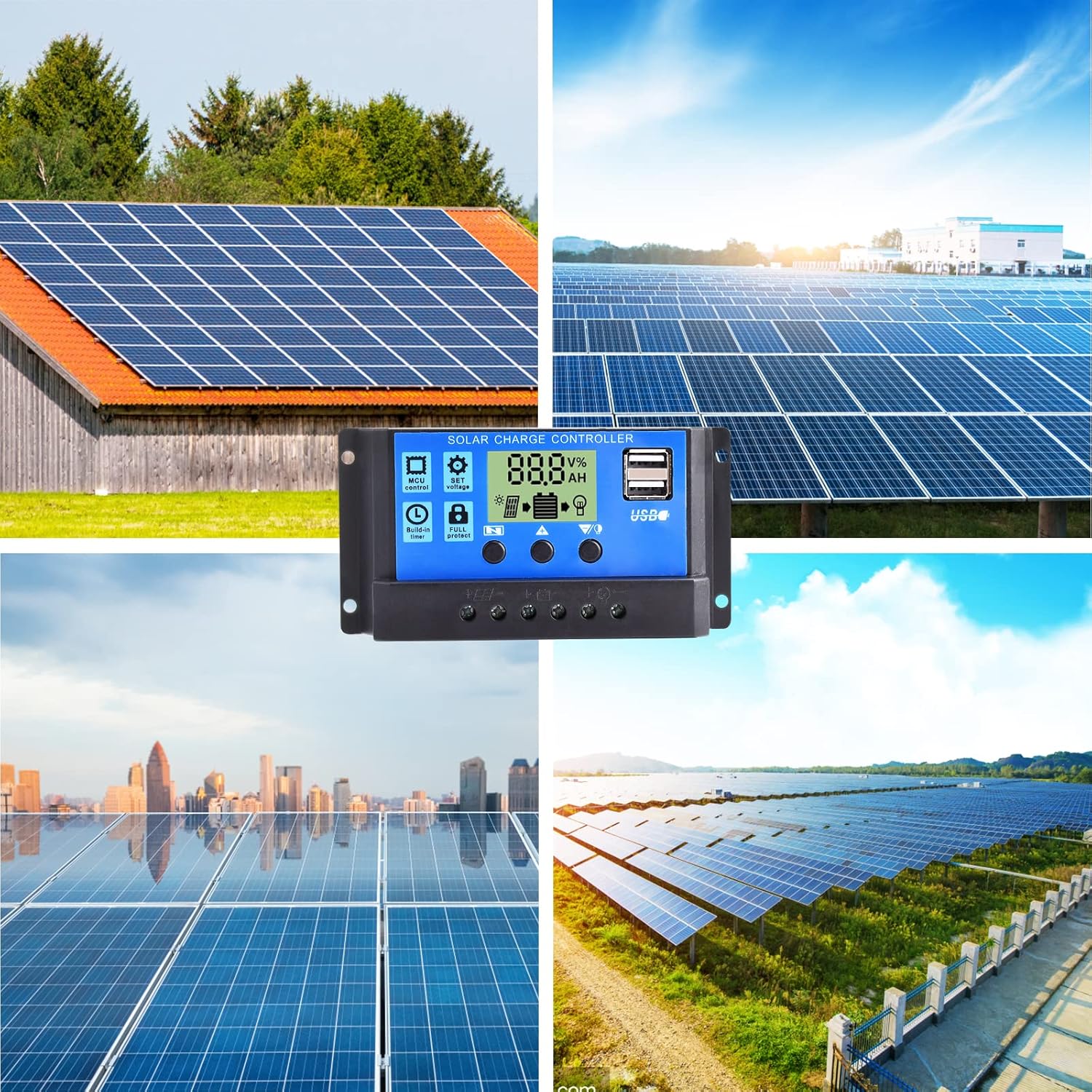
Figura 2: Detallada view of the LCD display and control buttons. The display shows voltage, per centtage, and icons for solar panel, battery, and load. Buttons are labeled for Menu, Up, and Down/Manual.
The LCD screen displays various parameters such as voltage, charging/discharging current, accumulated electricity generation, temperature, and battery status. The three buttons below the screen are used for navigation and setting adjustments.
4. Configuració i instal·lació
Follow these steps for proper installation of the solar charge controller. Ensure all connections are secure and correct to prevent damage.
- Prepareu la ubicació d'instal·lació: Choose a flat, well-ventilated surface near the battery. Avoid direct sunlight, high temperatures, and humid environments.
- Connecteu la bateria: Connect the positive and negative terminals of the battery to the corresponding battery terminals on the controller. The controller will automatically detect the battery voltage (12V or 24V). Ensure the battery has sufficient charge for detection.
- Connecteu el panell solar: Connect the positive and negative terminals of the solar panel to the corresponding solar panel terminals on the controller.
- Connect the Load: Connect the positive and negative terminals of your DC load to the corresponding load terminals on the controller. Be careful not to reverse the connections.

Figure 3: Wiring diagram illustrating the connection order: Battery first, then Solar Panel, then Load.
Important: Always connect the battery first, then the solar panel, and finally the load. Disconnect in the reverse order: load, then solar panel, then battery.
5. Instruccions de funcionament
The controller features an intuitive LCD display and three control buttons for easy operation.
5.1 Informació de la pantalla LCD
The LCD screen provides real-time information about your solar system:
- Voltage Símbol: Indica el vol actualtage.
- Àrea de visualització digital: Shows numerical values for voltage, corrent, temperatura, etc.
- Horari: Displays time-related settings or accumulated hours.
- Panels Icon: Indicates solar panel activity.
- Charging Logo: Shows charging status (steady on for straight charge/lift charge, slow flash for float charge).
- Five Battery Level Mark: Visual representation of battery charge level.
- Load Identification: Indicates load status.
- Output Identification: Shows output status.
5.2 Funcions dels botons
- Tecla de menú: Used to cycle through display modes and enter/exit setting menus.
- Tecla de fletxa amunt: Used to increase values or navigate upwards in menus.
- Down Arrow / Manual Key: Used to decrease values, navigate downwards in menus, or manually control the load output (when in manual mode).
5.3 Configuració de paràmetres
To adjust parameters like charge voltage, tall de descàrrega voltage, or load control mode:
- Premeu el botó Tecla de menú per entrar al mode de configuració.
- Utilitza el Fletxa amunt i Fletxa cap avall keys to navigate through the different parameters.
- Once you've selected a parameter, press the Tecla de menú again to make it blink, indicating it's ready for adjustment.
- Utilitza el Fletxa amunt i Fletxa cap avall tecles per canviar el valor.
- Premeu el botó Tecla de menú once more to confirm the setting and save it.
- Sortiu del mode de configuració prement la tecla Tecla de menú until the display returns to the main interface.
The controller also features light control and time control functions, allowing discharge to be controlled by sunlight and set time periods. Refer to the display icons for current status.
6. Manteniment
Un manteniment regular garanteix un rendiment òptim i una llarga vida útil del controlador de càrrega solar.
- Inspeccionar connexions: Periodically check all wire connections to ensure they are tight and free from corrosion. Loose connections can cause voltaggotes de líquids i sobreescalfament.
- Netegeu el controlador: Keep the controller clean and free from dust and debris. Use a dry cloth to wipe the surface. Do not use liquids or solvents.
- Ventilació: Ensure the installation area remains well-ventilated to prevent overheating of the controller.
- Inspecció de la bateria: Regularly check the battery terminals for corrosion and ensure the battery itself is in good condition.
- Condicions ambientals: Avoid exposing the controller to extreme temperatures or excessive moisture.
7. Solució De Problemes
This section addresses common issues you might encounter with your solar charge controller.
| Problema | Causa possible | Solució |
|---|---|---|
| La pantalla del controlador està apagada. | No power from battery or solar panel; reversed battery connection. | Check battery and solar panel connections. Ensure correct polarity. Verify battery voltage is above minimum operating level. |
| La bateria no es carrega. | Solar panel not connected; insufficient sunlight; faulty solar panel; battery voltage too high (already full). | Check solar panel connections. Ensure panels are receiving adequate sunlight. Test solar panel output. Verify battery status. |
| La càrrega no funciona. | Load not connected; battery voltage too low; load overcurrent; load output disabled by settings. | Check load connections. Charge battery. Reduce load or check for short circuit. Adjust load control settings on the controller. |
| USB output not charging devices. | Device incompatible; low battery voltage; faulty USB cable. | Ensure device is compatible with 5V/2A USB charging. Charge battery. Try a different USB cable. |
| Sobreescalfament del controlador. | Poor ventilation; excessive load or charging current. | Ensure adequate airflow around the controller. Reduce load or check for system imbalances. |
Si el problema persisteix després d'intentar aquestes solucions, poseu-vos en contacte amb l'atenció al client.
8. Especificacions
Detailed technical specifications for the diymore 30A 12V/24V PWM Solar Charge Controller.
| Característica | Especificació |
|---|---|
| Model | DMXB0070-01 |
| Corrent de càrrega nominal | 30A |
| Voltage | 12V/24V Automatic Identification |
| Sortida USB | 5V/2A Max (Dual USB Ports) |
| Temperatura de funcionament | 30°C (as specified) |
| Dimensions del producte (L x A x A) | 13.3 x 3.5 x 7 cm |
| Pes del producte | 130 grams |
| Tipus de visualització | LCD |
| Tipus de bateries compatibles | Lead-acid (OPEN, AGM, GEL) |

Figure 4: Product dimensions in millimeters and inches.
9. Garantia i Suport
Specific warranty details are not provided in the product information. For warranty claims or technical support, please contact the seller directly through your purchase platform. Ensure you have your purchase details and model number (DMXB0070-01) available when contacting support.