Introducció
This manual provides comprehensive instructions for the setup, operation, and maintenance of your Karlsson Silver Mirror LED Alarm Clock. Please read this manual thoroughly before using the device to ensure proper function and longevity.
Informació de seguretat
- Mantingueu el dispositiu allunyat de l'aigua i la humitat elevada.
- No exposeu el dispositiu a temperatures extremes ni a la llum solar directa.
- Use only the provided USB adapter or a compatible power source.
- Ensure correct battery polarity when inserting AAA batteries.
- No intenteu desmuntar ni reparar el dispositiu vosaltres mateixos. Poseu-vos en contacte amb personal qualificat per al servei tècnic.
- Mantenir fora de l'abast dels nens.
Contingut del paquet
Verifiqueu que tots els elements siguin presents al paquet:
- Karlsson Silver Mirror LED Alarm Clock (Kaki Green)
- Cable adaptador USB
- Manual d'instruccions (aquest document)

Figura 1: Included USB adapter cable for powering the alarm clock.
Producte acabatview
Familiaritzeu-vos amb els components i els controls del vostre despertador.

Figura 2: Davant view of the alarm clock, displaying the time and the control buttons located on the top edge.

Figura 3: Front detallat view showing the clear LED time display on the mirror surface.
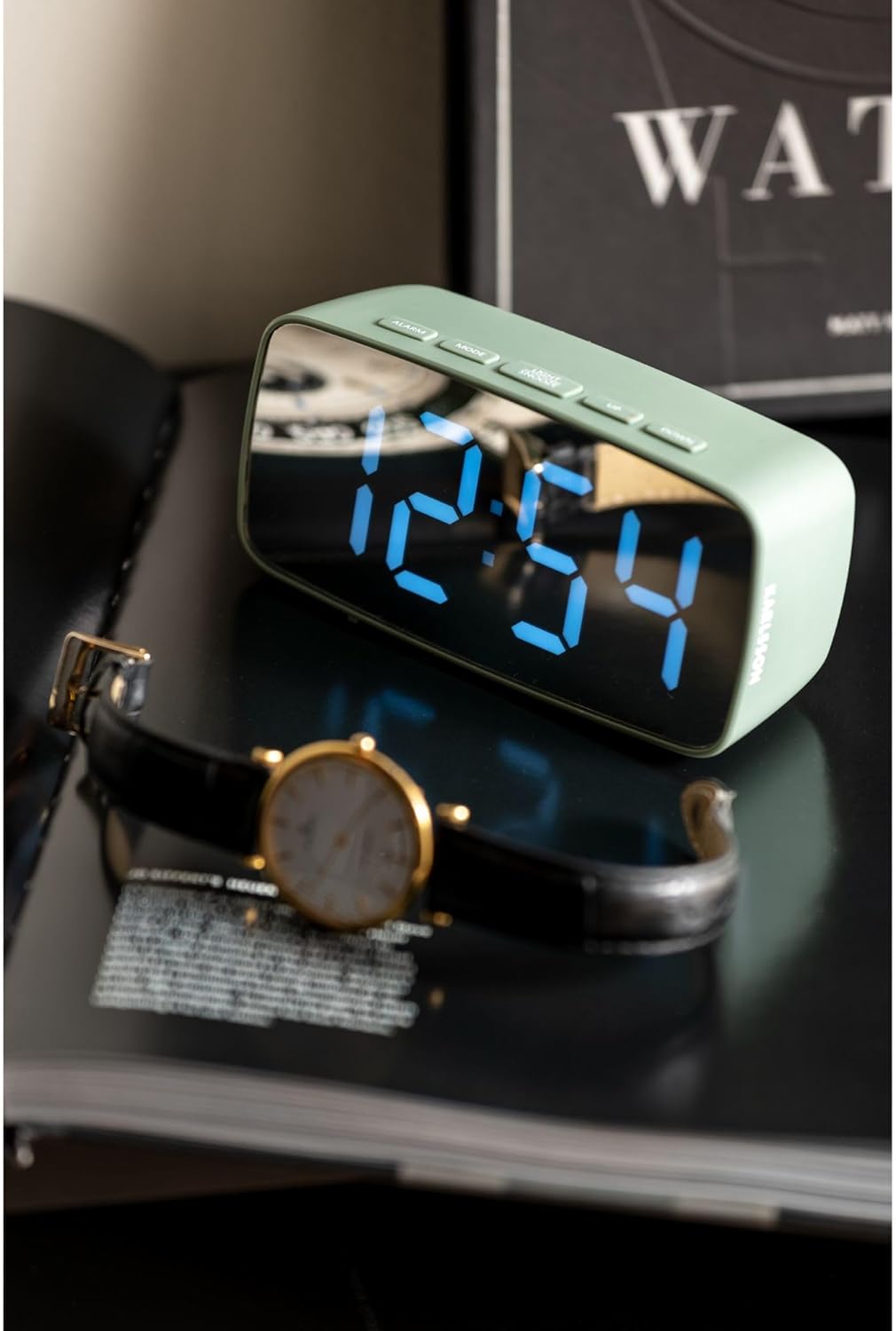
Figura 4: Lifestyle image of the alarm clock displaying 12:54, positioned next to a wristwatch.
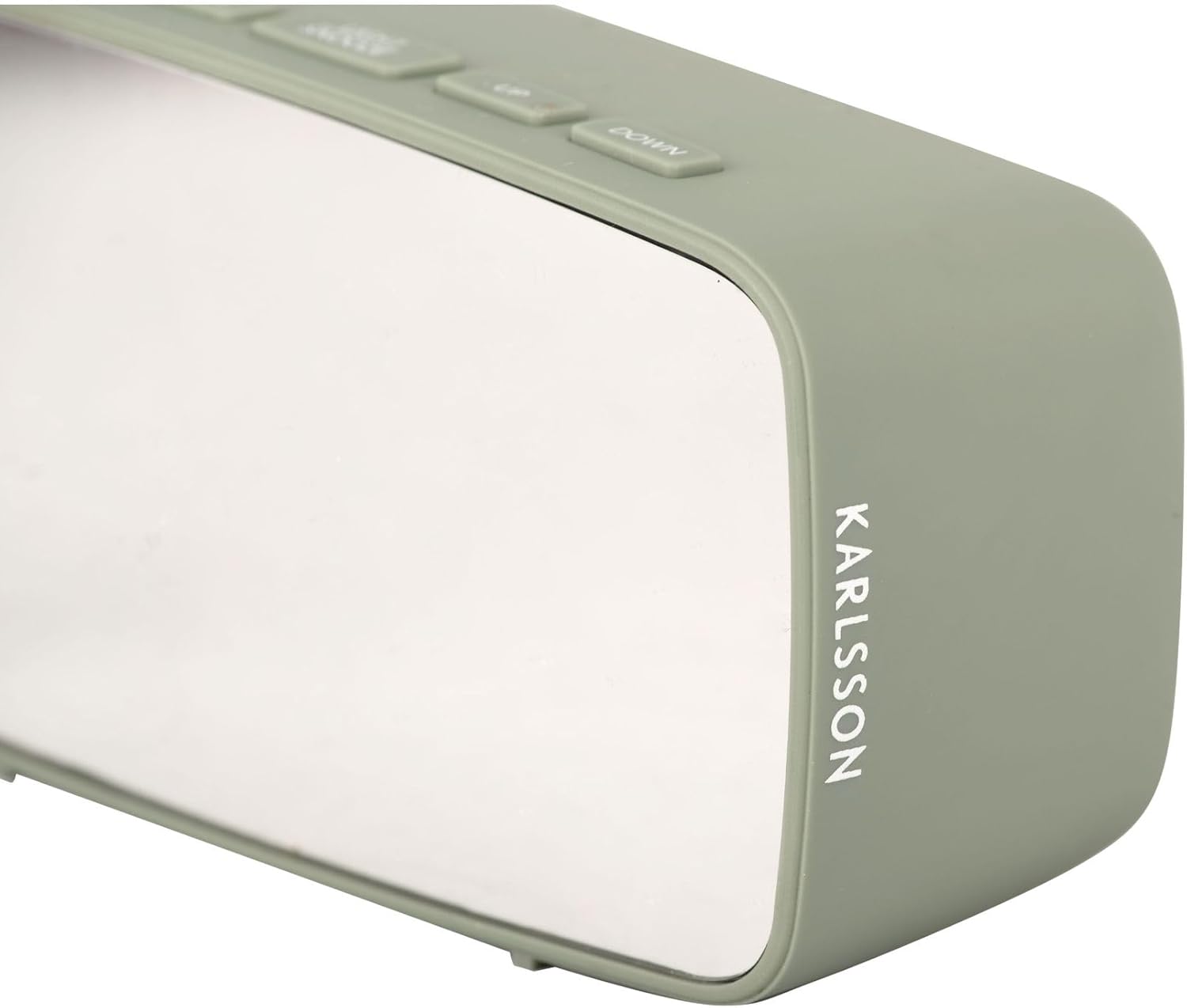
Figura 5: lateral view of the alarm clock, highlighting the 'KARLSSON' brand name vertically printed on the right side.
Botons de control:
- ALARMA: Activates/deactivates alarm, enters alarm setting mode.
- Mode: Switches between time display, date display, and temperature display. Enters time/date setting mode.
- LLUM/SNOOZE: Adjusts display brightness, activates snooze function when alarm sounds.
- AMUNT: Increases values during setting, changes display mode.
- BAIX: Decreases values during setting, changes display mode.

Figura 6: posterior view of the alarm clock, showing the battery compartment cover and the DC 5V power input port.
Configuració
Alimentació del dispositiu:
The alarm clock can be powered via the included USB adapter or by 3x AAA batteries (not included).
- Potència USB: Connect the small end of the USB adapter cable to the DC 5V port on the back of the alarm clock (refer to Figure 6). Plug the larger USB end into a compatible USB power source (e.g., wall adapter, computer USB port).
- Battery Power (for backup): Open the battery compartment on the back of the clock (refer to Figure 6). Insert 3x AAA batteries, ensuring correct polarity (+/-). Batteries are primarily for backup and may not power the display continuously at full brightness.
Configuració de l'hora inicial:
Upon first power-up, the display will show a default time.
- Manteniu premut el botó MODE button for approximately 3 seconds to enter time setting mode. The hour digits will flash.
- Utilitza el UP i ABAIX botons per ajustar l'hora.
- Premeu MODE again to move to minute setting. The minute digits will flash.
- Utilitza el UP i ABAIX botons per ajustar els minuts.
- Premeu MODE de nou per confirmar i sortir del mode de configuració de l'hora.
Instruccions de funcionament
Configuració de l'alarma:
- Manteniu premut el botó ALARMA button for approximately 3 seconds to enter alarm setting mode. The alarm hour digits will flash.
- Utilitza el UP i ABAIX botons per ajustar l'hora de l'alarma.
- Premeu ALARMA again to move to alarm minute setting. The alarm minute digits will flash.
- Utilitza el UP i ABAIX botons per ajustar els minuts de l'alarma.
- Premeu ALARMA de nou per confirmar i sortir del mode de configuració de l'alarma.
Activació/desactivació de l'alarma:
Mentre esteu en el mode de visualització de l'hora normal, premeu la tecla ALARMA button once to toggle the alarm on or off. An alarm icon will appear on the display when the alarm is active.
Funció de posposar:
Quan soni l'alarma, premeu el botó LLUM / SNOOZE button to activate the snooze function. The alarm will temporarily stop and sound again after a few minutes (default snooze duration is typically 5-9 minutes, check product specifics if available).
To turn off the alarm completely when it sounds, press any other button (e.g., ALARM, MODE, UP, DOWN).
Brillantor de la pantalla:
En el mode de visualització de l'hora normal, premeu el botó LLUM / SNOOZE button repeatedly to cycle through different brightness levels for the LED display.
Manteniment
Neteja:
Wipe the clock's surface with a soft, dry cloth. Do not use abrasive cleaners or solvents, as they may damage the mirror finish or plastic casing.
Substitució de la bateria:
If using AAA batteries for backup, replace them when the display becomes dim or the clock loses time during power outages. Ensure correct polarity when inserting new batteries.
Resolució de problemes
| Problema | Causa possible | Solució |
|---|---|---|
| La pantalla està en blanc o tènue. | No power, loose USB connection, or depleted batteries. | Check USB connection. Ensure batteries are correctly inserted and not depleted. |
| L'alarma no sona. | L'alarma no està activada o està configurada incorrectament. | Verifiqueu l'hora de l'alarma i assegureu-vos que es mostri la icona de l'alarma. |
| L'hora és incorrecta. | L'hora no s'havia configurat correctament o hi havia hagut una interrupció del corrent. | Reset the time following the "Initial Time Setting" instructions. |
Especificacions
| Característica | Detall |
|---|---|
| Marca | Karlsson |
| Número de model | PTG-KA5876GR |
| Color | Kaki Green |
| Dimensions (L x A x A) | 27.5 x 3.81 x 13.9 cm (10.8 x 1.5 x 5.5 polzades) |
| Pes | 150 grams (0.33 lliures) |
| Material | Acrilonitril butadiè estirè (ABS) |
| Tipus de visualització | LED digital |
| Font d'alimentació | USB powered (adapter included), 3x AAA batteries (not included) for backup |
| Característica especial | Funció d'alarma |
Garantia i Suport
Specific warranty information is not provided in the product details. Please refer to the retailer or manufacturer's weblloc web per conèixer els termes i condicions de la garantia.
For technical support or further assistance, please contact Karlsson customer service or the retailer where the product was purchased.


