Apple iPhone 14 Pro

Guia d'usuari Apple iPhone 14 Pro

Comprehensive Manual for Mastering Your Device

Introducció

This user guide provides detailed instructions and information for the Apple iPhone 14 Pro, covering its features, operations, and troubleshooting. It is designed to help you maximize your device's capabilities and ensure a smooth user experience.

1. Configuració inicial

1.1 Desembalatge i primera encesa

Carefully remove your iPhone 14 Pro from its packaging. Press and hold the side button until the Apple logo appears to power on the device.

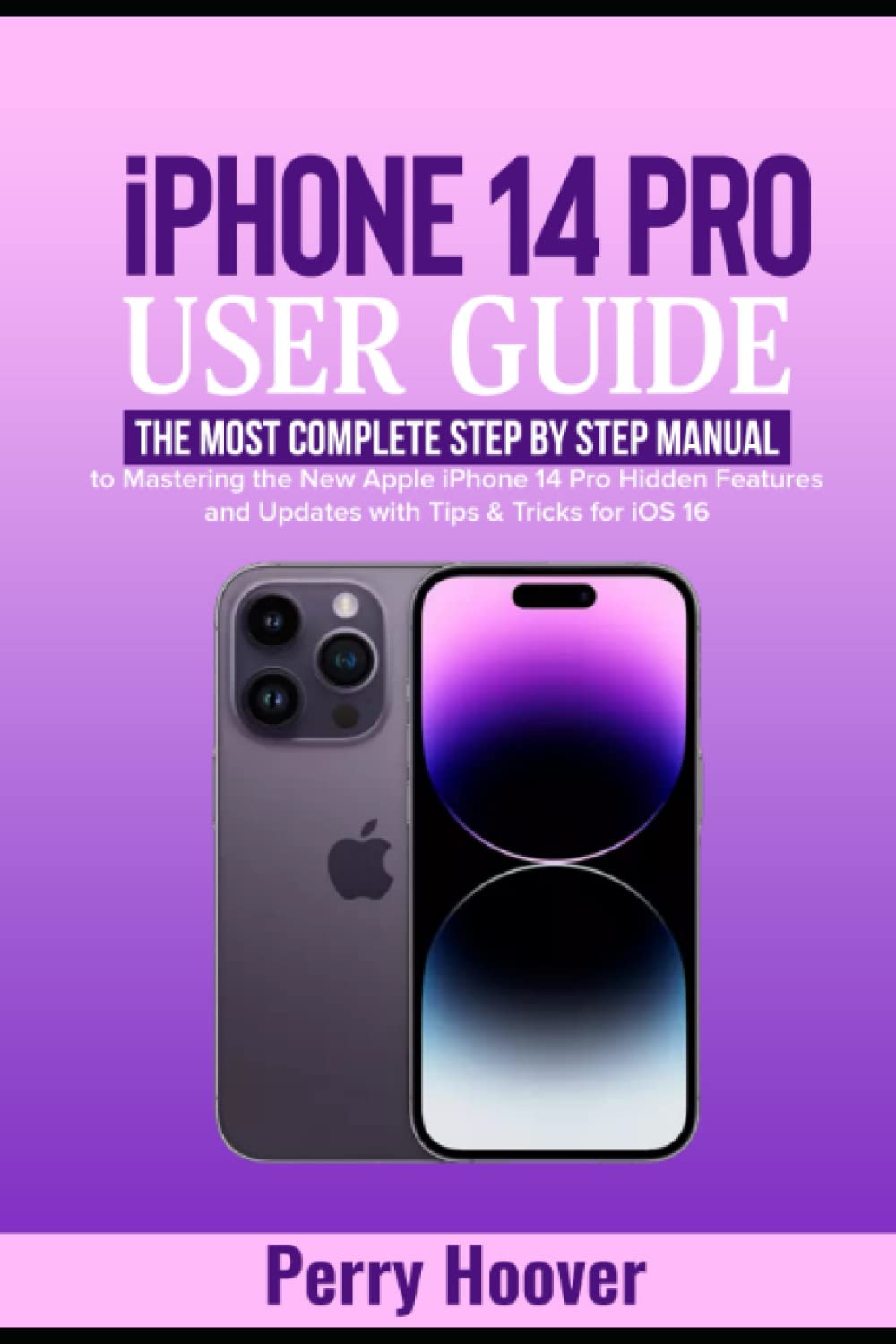
Front cover of the iPhone 14 Pro User Guide book

Image: Front cover of the user guide book, featuring the title "iPhone 14 Pro User Guide" and an image of the iPhone 14 Pro.

1.2 Activating and Initial Configuration

Follow the on-screen prompts to select your language, region, and connect to a Wi-Fi network. You will be guided through setting up Face ID, creating a passcode, and restoring data from a previous device or setting up as new.

  • Creating an Apple ID: If you do not have an Apple ID, you will be prompted to create one. This is essential for accessing Apple services like the App Store, iCloud, and more.
  • Signing into Apple ID: Enter your existing Apple ID and password to sign in.
  • Changing Apple ID Email Address: Instructions for updating your Apple ID email can be found in the Settings app under your Apple ID profile.
  • Setting up Face ID: Follow the on-screen instructions to register your face for secure unlocking and authentication.
  • Setting a Passcode: Create a strong passcode to protect your device.

1.3 Configuració de la xarxa

  • Canviar la configuració de la xarxa: Access Wi-Fi, Cellular, and VPN settings via the Settings app.
  • Enabling Wi-Fi Syncing: Configure your iPhone to sync with your computer over Wi-Fi through iTunes/Finder settings.
  • eSIM Configuration: The iPhone 14 Pro utilizes eSIM technology. Follow your carrier's instructions to activate your cellular plan.

2. Com fer servir l'iPhone 14 Pro

2.1 Key Features and iOS 16

The iPhone 14 Pro introduces several new features and enhancements with iOS 16.

  • Illa dinàmica: Learn how to interact with the Dynamic Island for alerts, activities, and notifications.
  • Pantalla sempre activa (AOD): Understand how to use and customize the Always-On Display feature.
  • Car Crash Detection: Information on how the device detects severe car crashes and automatically calls emergency services.
  • SOS d'emergència via satèl·lit: Details on using satellite connectivity for emergency messaging when outside cellular and Wi-Fi coverage.

2.2 Notificacions i alertes

  • Exploring Notifications: Access and manage notifications from the Lock Screen and Notification Center.
  • Using the Notification Center: Llisca cap avall des de la cantonada superior esquerra fins a view all your notifications.
  • Changing Notification Settings: Customize notification styles and alerts for individual apps in Settings > Notifications.

2.3 Camera and Photography

The iPhone 14 Pro features an advanced camera system with numerous modes and settings.

  • Using the Camera App: Obre l'aplicació Càmera per capturar fotos i vídeos.
  • Exploring Photos and Videos: View and organize your media in the Photos app.
  • Live Text with Video: Extract text from video frames.
  • Adjusting Capture Time: Utilize timer functions for photos.
  • Night Mode Selfies: Capture clear selfies in low-light conditions.
  • Apple ProRAW: Enable ProRAW for professional-grade photo editing flexibility.
  • Mode d'acció: Use Action Mode for smooth, stabilized video recording.
  • Mode de retrat: Create photos with a blurred background effect.
  • Auto-Focusing Front Camera: Take sharp selfies with the improved front camera.
  • Exposure Settings: Manually adjust exposure for desired brightness.
  • HDR (alt rang dinàmic): Enable HDR for balanced exposure in high-contrast scenes.
  • Velocitat d'obturació: Control shutter speed for motion blur or freezing action.
  • ISO: Adjust ISO for light sensitivity in various conditions.
  • Balanç de blancs: Set white balance to accurately represent colors.
  • Cinematic Videos: Record videos with a shallow depth of field.
  • QuickTake Videos: Press and hold the shutter button to record a quick video.
  • Slow-motion Video: Captura fotos dramàtiques a càmera lentatage.
  • Video Recording Settings: Customize resolution, frame rate, and other video settings.

2.4 Communication and Connectivity

  • Creating Contact Information: Add and manage contacts in the Contacts app.
  • Live Photo using FaceTime: Capture Live Photos during FaceTime calls.
  • Web Browsing with Safari: Use Safari for internet browsing.
  • Customizing Safari Settings: Personalize your Safari experience.
  • Dreceres de Siri: Create custom voice commands for quick actions.
  • Mail and Contacts Accounts: Set up and manage email and contact accounts.
  • Synchronizing with PC: Sync your iPhone with a PC using Finder (macOS Catalina or later) or iTunes (Windows).
  • Transferring Data to/from PC: Use Finder/iTunes or iCloud for data transfer.

2.5 Seguretat i privadesa

  • Exploring Security and Privacy Settings: Manage your device's security and privacy options in the Settings app.
  • Setting up Passkeys: Utilize passkeys for secure, passwordless logins.
  • Compartint Files with iCloud Drive: Securely store and share files using iCloud Drive.

2.6 System Settings and Utilities

  • Bateria Percentage: Mostra el percentatge de la bateriatage mentre es carrega.
  • Changing iPhone Volume: Adjust media, ringtone, and alert volumes.
  • Alarms and Ringtones: Set up alarms and customize ringtones.
  • Managing Ringtones: Acquire and manage ringtones.
  • Gestió de trucades: Options to decline calls and send to voicemail.
  • Do Not Disturb and Focus Modes: Configure Do Not Disturb and various Focus modes to manage interruptions.

2.7 App Management and Multitasking

  • Discovering Apps: Explore and download apps from the App Store.
  • Showing and Hiding Apps: Organize apps on the Home Screen.
  • Removing Apps: Use Siri or Search to remove apps.
  • Suggeriments intel·ligents: Customize app suggestions.
  • Hiding Apps: Utilize App Library to hide apps from the Home Screen.
  • Commutador d'aplicacions: Access recently used apps and switch between them.
  • Dictating Text: Use voice input for text entry.
  • Teclat en pantalla: Input text using the virtual keyboard.
  • Picture-In-Picture: Multitask by watching videos in a small, floating window.

3. Manteniment

Per garantir la longevitat i el rendiment òptim del teu iPhone 14 Pro, segueix aquestes pautes de manteniment:

4. Solució De Problemes

This section addresses common issues you might encounter with your iPhone 14 Pro.

5. Especificacions

Key specifications for the iPhone 14 Pro (as detailed in the source material):

6. Garantia i Suport

Per obtenir informació detallada sobre la garantia i assistència tècnica, consulteu el lloc web oficial d'Apple. website or contact Apple Support directly. Your iPhone 14 Pro comes with a limited hardware warranty and complimentary technical support.

Informació manual

This manual is based on the "iPhone 14 Pro User Guide" by Perry Hoover.

Back cover of the iPhone 14 Pro User Guide book

Image: Back cover of the user guide book, displaying ISBN and barcode information.

Documents relacionats - iPhone 14 Pro

Preview iOS 26 새로운 기능 소개
Apple iOS 26 운영체제에 새롭게 추가된 다양한 기능과 개선 사항을 소개항을 소개하는 다쬅된 다양한 기능과 개선 Liquid Glass 디자인, 향상된 카메라 기능, Safari 업데이트, 개인 정보 보호 강화 등 주겝 주요 이트 확인하세요.
Preview Guia de l'usuari de l'iPhone per al programari iOS 7
Guia completa per a iPhone amb iOS 7 que cobreix la configuració, les funcions, les aplicacions i la resolució de problemes per als models iPhone 4, 4S, 5, 5c i 5s.
Preview Guia de l'usuari de l'iPhone per al programari iOS 7
Guia d'usuari completa per a dispositius Apple iPhone amb programari iOS 7, que cobreix la configuració, les funcions, les aplicacions i la resolució de problemes per als models de l'iPhone 4 a l'iPhone 5s.
Preview Noves funcions de l'iOS 26: una revisió completaview
Explora les darreres innovacions i millores introduïdes a iOS 26, com ara actualitzacions de disseny, noves funcions de càmera, eines de comunicació millorades, privadesa millorada i avenços en accessibilitat per a dispositius Apple.
Preview Guia de l'usuari de l'iPhone per a iOS 11: Funcions i funcionament
Explora les característiques i funcionalitats d'iOS 11 amb aquesta guia d'usuari completa per a diversos models d'iPhone, inclosos l'iPhone 8, 7, 6s, 6 i SE. Aprèn la configuració, les operacions bàsiques i consells avançats.
Preview AppleCare+ amb robatori i pèrdua: guia de cobertura, costos i reclamacions
Guia completa d'AppleCare+ amb robatori i pèrdua, que detalla la cobertura per danys accidentals, robatori i pèrdua per a iPhone, iPad i Apple Watch, incloent-hi les tarifes de servei, les franquícies i els procediments de reclamació.