Introducció
The TechniSat Skyrider Dome ISI is a mobile satellite antenna system designed for convenient and reliable television reception while camping or in a motorhome. Its compact design and automatic alignment feature ensure quick setup and access to common German-language TV programs via Astra 19.2° East. The system is protected by a durable plastic cover and requires only a single cable connection for operation, drawing power directly from your TV or receiver.
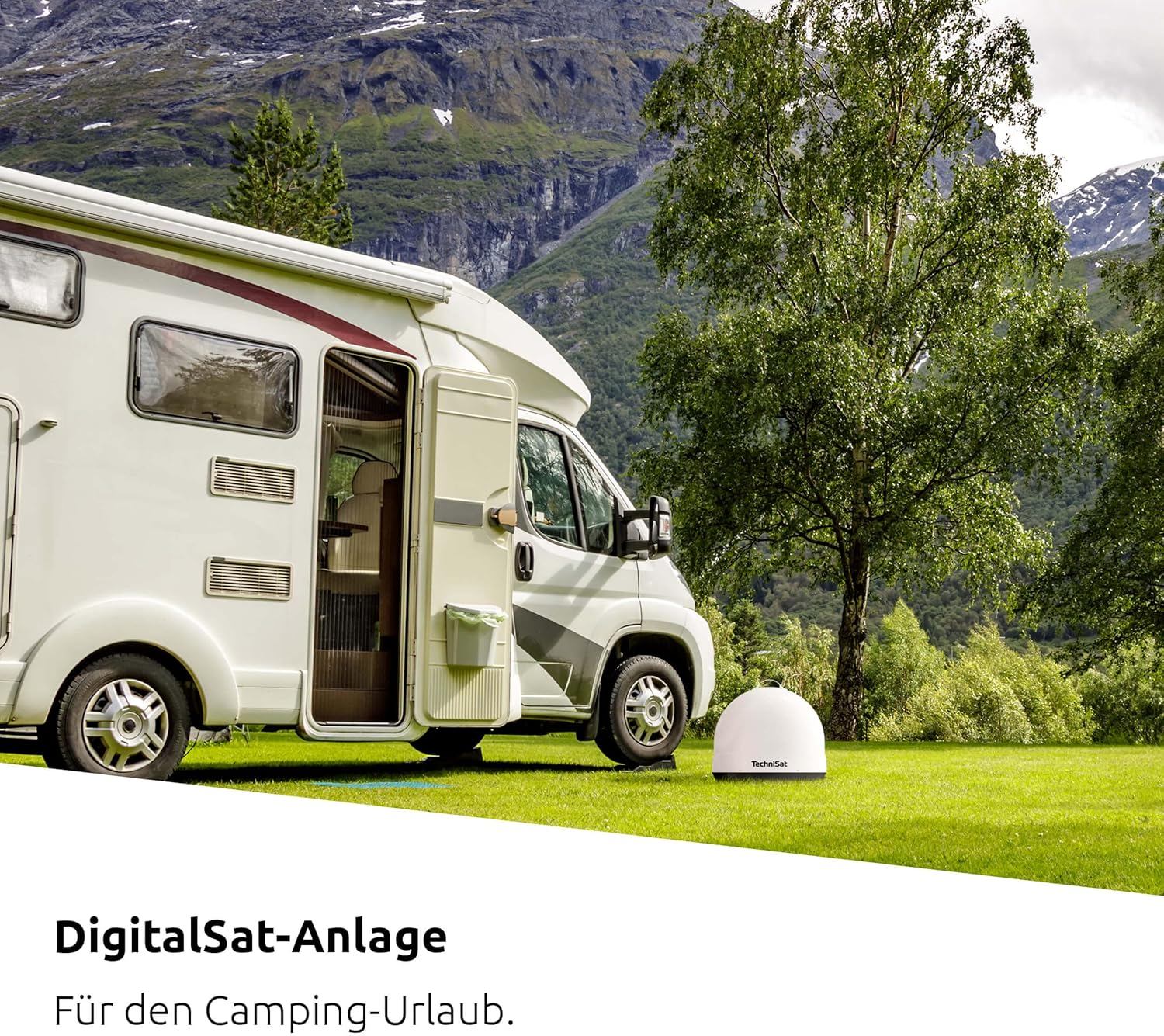
The Skyrider Dome ISI provides mobile satellite reception for camping and motorhome use.
Informació de seguretat
- Ensure the antenna is placed on a stable, level surface to prevent tipping.
- No intenteu obrir ni reparar el dispositiu. Encarregueu totes les tasques de manteniment a personal qualificat.
- Manteniu el dispositiu allunyat de l'aigua, la humitat i les temperatures extremes.
- Protect the coaxial cable from damage and ensure it does not pose a tripping hazard.
- Disconnect the antenna from the TV/receiver before moving or storing it.
Contingut del paquet
Si us plau, comproveu que tots els elements siguin presents al paquet:
- TechniSat Skyrider Dome ISI Mobile Satellite System
- 1 x Coaxial Cable (F-type connector)
- Manual d'instruccions
Producte acabatview
The Skyrider Dome ISI features a compact, weather-resistant dome design housing the automatic satellite dish and LNB. Key components include:
- Cúpula Casing: Protects internal components from weather and damage.
- Connector coaxial: For connecting to your TV or satellite receiver.
- Nansa de transport: Per facilitar el transport.
- Anti-Theft Eyelet: Allows securing the device with a cable or chain.

The TechniSat Skyrider Dome ISI in its compact, protective casing.

The integrated anti-theft eyelet allows for securing the antenna.
Configuració
- Trieu una ubicació: Place the Skyrider Dome ISI on a flat, stable surface with a clear line of sight to the southern sky (where Astra 19.2° East is located). Avoid obstructions like trees, buildings, or large vehicles.
- Connecteu el cable coaxial: Connect one end of the supplied coaxial cable to the F-type connector on the Skyrider Dome ISI.
- Connect to TV/Receiver: Connect the other end of the coaxial cable to the satellite input (LNB IN) on your compatible TV or satellite receiver. Ensure the TV/receiver is powered off before connecting.
- Encès: Turn on your TV or satellite receiver. The Skyrider Dome ISI draws power directly from the connected device, eliminating the need for an external power supply.
- Automatic Alignment: The antenna will automatically begin searching for and aligning with the Astra 19.2° East satellite. This process typically takes up to three minutes.

Connect the Skyrider Dome ISI to your TV or receiver using the single coaxial cable provided.
En funcionament
Once the Skyrider Dome ISI has successfully aligned with the satellite, you can proceed with scanning for channels on your TV or satellite receiver.
- Escaneig de canals: Access the menu on your TV or satellite receiver and navigate to the channel scan or satellite setup section.
- Select Satellite: Ensure "Astra 19.2° East" is selected as the satellite for scanning.
- Inicia l'escaneig: Initiate an automatic channel scan. This will find and store all available television and radio channels from the selected satellite.
- Viewing: After the scan is complete, you can begin watching your desired programs.
Nota: If you move the antenna to a new location, it will automatically re-align when powered on, but you may need to perform a channel scan again if the available channels differ significantly.

The electronic motor automatically aligns the antenna to Astra 19.2° East.
Manteniment
- Neteja: Clean the exterior of the dome with a soft, damp tela. No utilitzeu netejadors abrasius ni dissolvents.
- Emmagatzematge: When not in use, store the Skyrider Dome ISI in a dry, protected area.
- Inspecció del cable: Periodically inspect the coaxial cable for any signs of wear or damage. Replace if necessary.
- No hi ha peces reparables per l'usuari: The internal components are not user-serviceable. Do not attempt to open the dome.
Resolució de problemes
| Problema | Causa possible | Solució |
|---|---|---|
| No signal / "No Signal" message on TV. |
|
|
| Antenna not powering on. |
|
|
| Poor picture quality / pixelation. |
|
|
Especificacions
| Característica | Detall |
|---|---|
| Número de model | 0146/1580 |
| Dimensions (A x A x P) | 45 x 41 x 45 cm (17.7 x 16.1 x 17.7 polzades) |
| Pes | 4.7 kg (10.4 lliures) |
| Satellite Supported | Astra 19.2° East (Automatic Alignment) |
| Tipus LNB | Single LNB (for one participant/receiver) |
| Font d'alimentació | Via connected TV or receiver (coaxial cable) |
| Material | Durable Plastic Casing |

Product dimensions of the TechniSat Skyrider Dome ISI.
Garantia i Suport
For warranty information and technical support, please refer to the official TechniSat weblloc web o poseu-vos en contacte amb el seu departament d'atenció al client. Conserveu el comprovant de compra per a reclamacions de garantia.
TechniSat Customer Service: Si us plau, visiteu www.technisat.com/en_XX/Service/352-10/ per obtenir dades de contacte i recursos de suport.


