1. Introducció
This manual provides essential instructions for the installation, operation, and maintenance of your MSI GeForce RTX 4080 16GB Ventus 3X OC Gaming Graphics Card. Please read this manual thoroughly before installation to ensure proper setup and optimal performance. Retain this manual for future reference.
2. Producte acabatview
The MSI GeForce RTX 4080 16GB Ventus 3X OC is a high-performance graphics card designed for gaming and creative applications. It features the NVIDIA Ada Lovelace architecture, 16GB of GDDR6X memory, and advanced cooling solutions to maintain stable operation under demanding workloads.
Les característiques clau inclouen:
- NVIDIA Ada Lovelace Architecture: Delivers enhanced performance and power efficiency.
- Traçat de raigs: Provides realistic lighting, shadows, and reflections for immersive visual experiences.
- DLSS (Super S d'aprenentatge profund)ampling): AI-powered rendering technology that boosts frame rates while maintaining image quality.
- 16 GB de memòria GDDR6X: High-speed memory for demanding games and applications.
- Triple Fan Cooling System: Dissenyat per a una dissipació de calor eficient i un funcionament silenciós.

Image: The MSI GeForce RTX 4080 16GB Ventus 3X OC graphics card shown with its retail packaging.
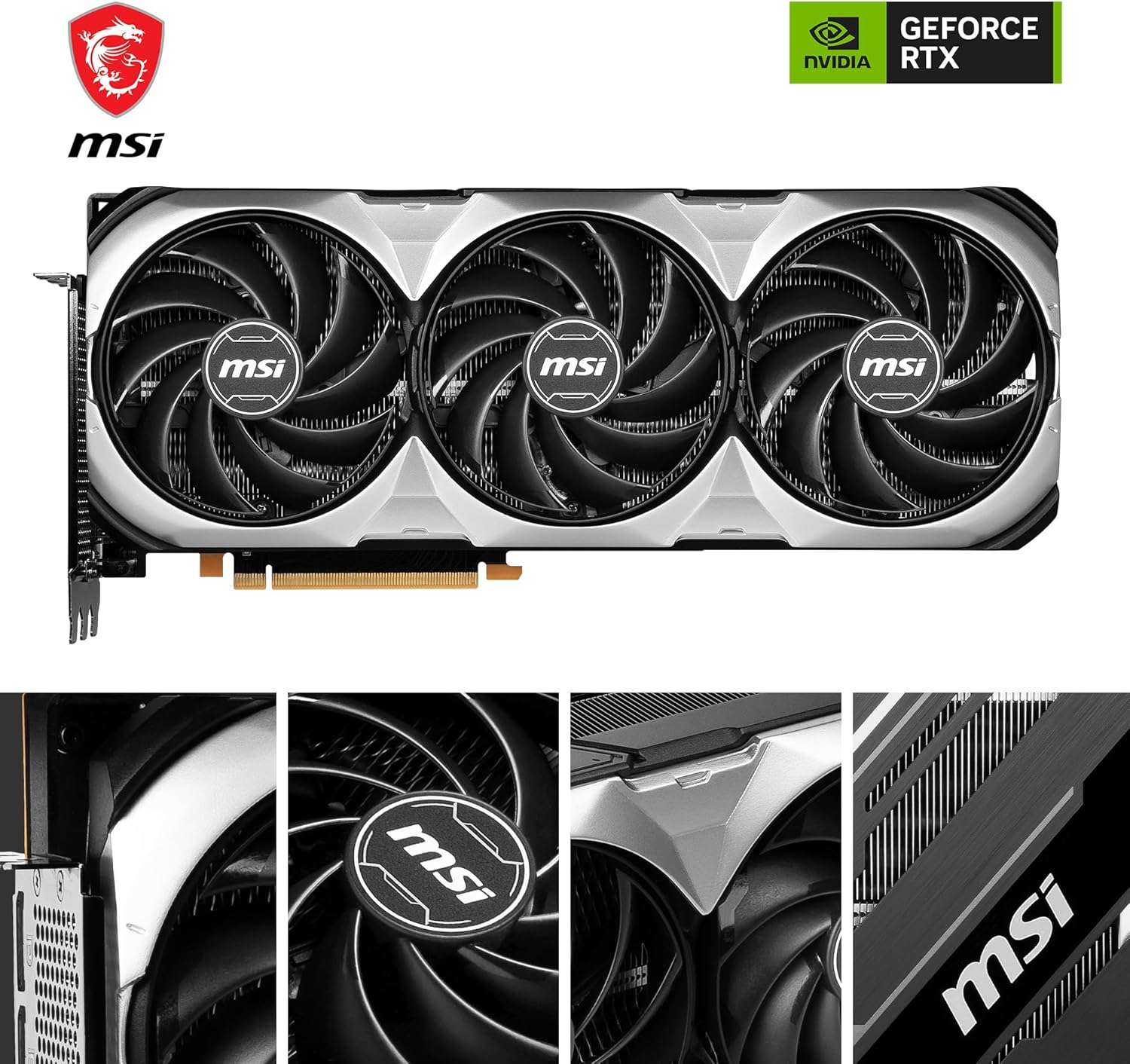
Imatge: Una imatge detallada view of the three cooling fans on the graphics card, highlighting their design.
3. Configuració i instal·lació
3.1 Llista de comprovació prèvia a la instal·lació
- Placa base compatible: Ensure your motherboard has an available PCI Express Gen 4 x16 slot.
- Unitat d'alimentació (PSU): A minimum 750W PSU is recommended. Verify your PSU has the necessary 12VHPWR connector or sufficient 8-pin PCIe power connectors with an adapter.
- Liquidació de casos: The card dimensions are approximately 12.68 x 5.35 x 2.48 inches (32.2 x 13.6 x 6.3 cm). Ensure your PC case has adequate space.
- Eines: Tornavís de cap Phillips.
- Seguretat: Always disconnect power from your PC before handling internal components. Use anti-static precautions.
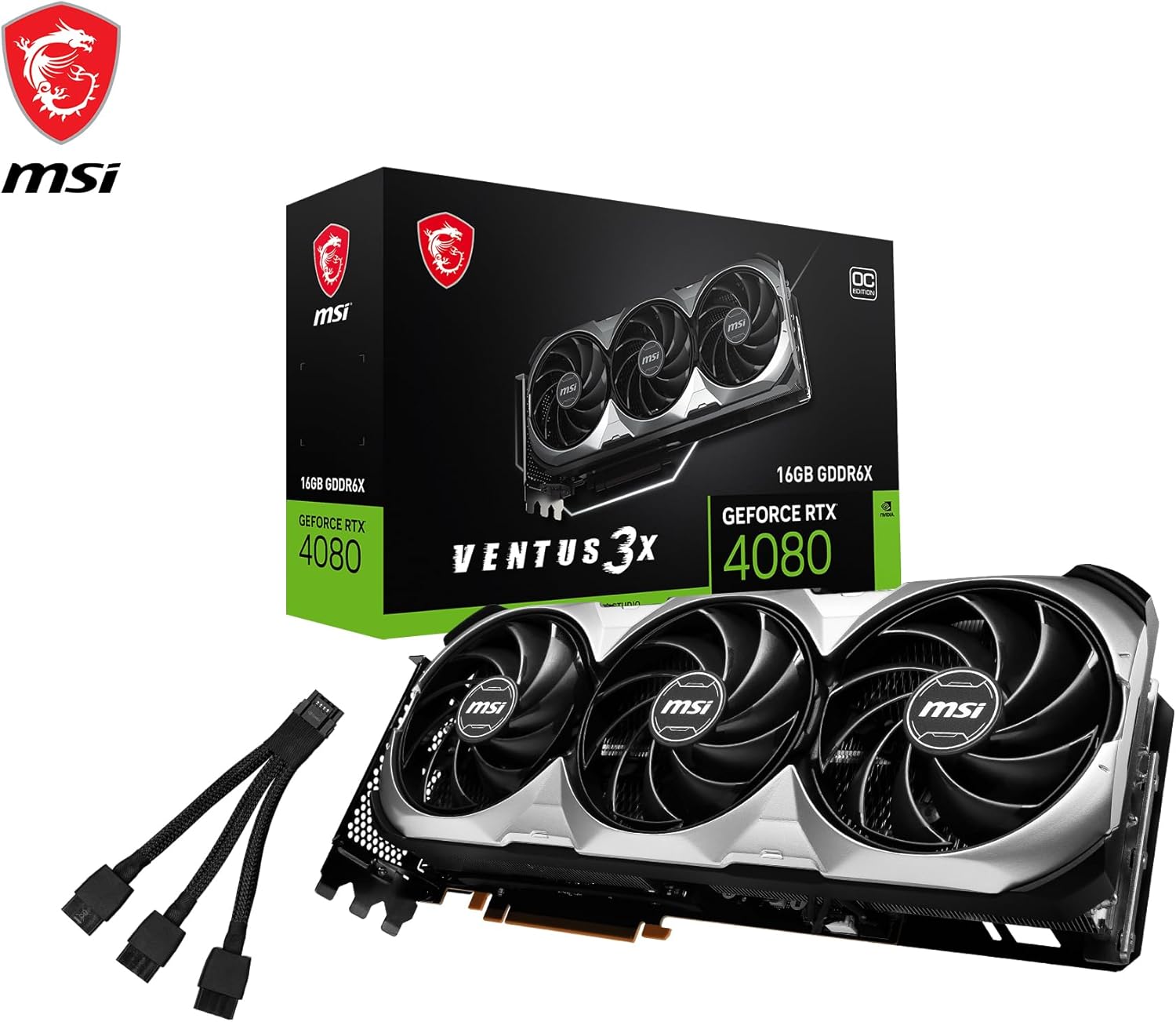
Image: Diagram showing the physical dimensions of the graphics card and its display output ports (DisplayPort 1.4a and HDMI 2.1a).
3.2 Instal·lació física
- Prepara el teu ordinador: Power off your computer and unplug all cables. Open the side panel of your PC case.
- Localitza la ranura PCIe: Identifica una ranura PCI Express x16 disponible a la placa base. Treu les cobertes de les ranures d'expansió que obstrueixin la instal·lació.
- Inseriu la targeta gràfica: Alineeu amb cura la targeta gràfica amb la ranura PCIe i premeu fermament fins que quedi ben col·locada. Assegureu-vos que el clip de retenció de la placa base encaixi al seu lloc.
- Assegureu la targeta: Use screws to fasten the graphics card to the PC case's expansion slot bracket.
- Connectar l'alimentació: Connect the required power cables from your PSU to the graphics card. The RTX 4080 typically uses a 12VHPWR connector or multiple 8-pin PCIe connectors via an adapter. Ensure all connections are firm.
- Connecteu els cables de la pantalla: Connect your monitor(s) to the graphics card's DisplayPort 1.4a or HDMI 2.1a ports.
- Tanca el cas: Replace the PC case side panel and reconnect all external cables.
3.3 Instal·lació del controlador
After physical installation, power on your PC. Windows should detect new hardware. To ensure optimal performance and access to all features, install the latest NVIDIA drivers:
- Descarrega els controladors: Visita la pàgina oficial d'NVIDIA weblloc (www.nvidia.com/drivers) i descarregueu els controladors més recents per a la GeForce RTX 4080.
- Instal·leu els controladors: Run the downloaded installer and follow the on-screen instructions. A clean installation is often recommended.
- Reiniciar l'ordinador: Reinicieu l'ordinador després que s'hagi completat la instal·lació del controlador.
Consider installing MSI utility software like MSI Center or MSI Afterburner for monitoring, customization, and overclocking capabilities.
4. Funcionament de la targeta gràfica
Once installed and drivers are updated, your graphics card is ready for use. It will automatically handle graphics processing for your operating system and applications.
4.1 Tauler de control d'NVIDIA
The NVIDIA Control Panel, installed with the drivers, allows you to customize various display and 3D settings. Access it by right-clicking on your desktop and selecting "NVIDIA Control Panel."
- Configuració de la pantalla: Adjust resolution, refresh rate, and multiple monitor configurations.
- Configuració 3D: Optimize performance or quality for specific games and applications.
4.2 Gaming and Applications
The RTX 4080 excels in demanding games and creative tasks. Ensure that games and applications are configured to utilize the dedicated graphics card and enable features like Ray Tracing and DLSS for enhanced visuals and performance where supported.

Image: Visual representation of the thermal design, illustrating cooler and warmer zones on the graphics card.
5. Manteniment
Regular maintenance helps prolong the lifespan and maintain the performance of your graphics card.
- Eliminació de pols: Netegeu periòdicament la pols dels ventiladors i del dissipador de calor amb aire comprimit. Assegureu-vos que l'ordinador estigui apagat i desendollat abans de netejar-lo.
- Actualitzacions de controladors: Keep your graphics drivers updated to the latest version from the NVIDIA website. These updates often include performance improvements and bug fixes.
- Monitor de temperatures: Use software like MSI Afterburner to monitor GPU temperatures during heavy loads. Ensure temperatures remain within safe operating limits.
- Flux d'aire del sistema: Ensure your PC case has good airflow to prevent heat buildup, which can affect graphics card performance and longevity.
6. Solució De Problemes
Si teniu problemes amb la targeta gràfica, consulteu els passos habituals següents per a la resolució de problemes:
- Sense sortida de pantalla:
- Ensure display cables are securely connected to both the graphics card and the monitor.
- Verifiqueu que la font d'entrada del monitor estigui seleccionada correctament.
- Check that the graphics card is fully seated in the PCIe slot and power cables are connected.
- Problemes de rendiment (FPS baixos, tartamudeig):
- Actualització als controladors gràfics més recents.
- Check GPU temperatures to ensure it's not overheating.
- Verify your system meets the recommended specifications for the game/application.
- Ensure your power supply is sufficient and stable.
- El sistema es bloqueja o es bloqueja:
- Realitzeu una instal·lació neta dels controladors gràfics.
- Check for system stability with other components.
- Monitor GPU temperatures.
- Soroll del ventilador:
- Ensure fans are free of dust and obstructions.
- Adjust fan curves using MSI Afterburner if desired, but ensure adequate cooling is maintained.
If problems persist, consult the MSI support weblloc web o poseu-vos en contacte amb el seu servei d'atenció al client per obtenir més ajuda.
7. Especificacions
| Característica | Especificació |
|---|---|
| Marca | MSI |
| Sèrie | GeForce RTX 4080 16GB VENTUS 3X OC |
| Número de model | V511-009R |
| Coprocessador gràfic | NVIDIA GeForce RTX 4080 |
| Xipset Brand | NVIDIA |
| Mida de la RAM de la targeta gràfica | 16 GB GDDR6X |
| Descripció de la targeta | Dedicat |
| Resolució de pantalla màxima | 7680 x 4320 |
| Interfície de sortida de vídeo | 3x DisplayPort 1.4a, 1x HDMI 2.1a |
| Pes de l'article | 3.52 lliures (1.6 kg) |
| Dimensions del producte (LxWxH) | 12.68 x 5.35 x 2.48 polzades (32.2 x 13.6 x 6.3 cm) |
| Voltage | 1 Volts |
8. Garantia i Suport
MSI products are covered by a limited warranty. For detailed warranty information, including terms, conditions, and registration, please refer to the warranty card included with your product or visit the official MSI weblloc.
For technical support, driver downloads, and frequently asked questions, please visit the MSI support page:


