1. Introducció
This manual provides essential information for setting up, operating, and maintaining your Aiwa Smart TV 50-inch 4K Android TV. Please read it thoroughly before using your television to ensure proper function and safety. This television features a 4K Ultra HD display, HDR10 technology for enhanced colors, Dolby Audio for immersive sound, and the Android TV operating system for access to a wide range of applications.
2. Contingut del paquet
Verifiqueu que tots els elements següents estiguin inclosos al vostre paquet:
- 1x LCD Television Unit
- 2x Pedestals (TV Stands)
- 1x cable d'alimentació
- 1x comandament a distància
- 2 piles AAA (per al comandament a distància)
- 6x Screws (for pedestal assembly)
- 1x Manual d'instruccions (aquest document)
3. Configuració
3.1. Attaching the Pedestals
- Col·loqueu amb cura la pantalla del televisor amb la pantalla cap avall sobre una superfície suau i plana per evitar que es faci malbé.
- Align each pedestal with the corresponding slots on the bottom of the TV.
- Secure each pedestal using the provided screws. Ensure they are tightened firmly.
3.2. Dispositius de connexió
Your Aiwa Smart TV features multiple connection ports conveniently located on a single lateral side for easy access.

Imatge: Lateral view of the Aiwa Smart TV highlighting the various input and output ports, including HDMI, USB, and network connections, all located on one side for convenience.
- Ports HDMI (x3): Connecteu dispositius externs com ara reproductors de Blu-ray, consoles de jocs o descodificadors.
- Ports USB (x2): Connecteu dispositius d'emmagatzematge USB per a la reproducció de contingut multimèdia o actualitzacions de programari.
- Port Ethernet (LAN): Per a una connexió a Internet per cable.
- AV In/Out: Per connectar equips d'àudio/vídeo més antics.
- Sortida d'àudio òptic: Per connectar a sistemes de so externs.
- TV Antenna: Connecteu l'antena per a emissions per aire.
- Wi-Fi: Per a la connectivitat a Internet sense fil.
- Bluetooth: For connecting wireless audio devices like speakers or headphones.
3.3. Engegada i configuració inicials
- Connecteu el cable d'alimentació al televisor i després a una presa de corrent.
- Premeu el botó d'engegada del comandament a distància o del televisor.
- Follow the on-screen instructions to complete the initial setup, including language selection, network connection (Wi-Fi or Ethernet), and Google account login for Android TV features.
4. Instruccions de funcionament
4.1. Característiques d'Android TV
Your Aiwa Smart TV runs on Android TV, providing access to a vast ecosystem of applications and services.

Image: The Android TV interface showing popular streaming applications available for download and use.
- Pantalla d'inici: Navigate through recommended content, installed apps, and settings.
- Google Play Store: Download and install over 10,000 applications, including streaming services, games, and utilities.
- Serveis de streaming: Access popular platforms like Netflix, Prime Video, YouTube, Disney+, and more (subscriptions may be required).
4.2. Control per veu
The included remote control features voice command capabilities, allowing you to control your TV and search for content using your voice.

Image: The remote control for the Aiwa Smart TV, highlighting its voice command button and 'Ok Google' integration.
- Press the dedicated voice assistant button on your remote.
- Speak clearly into the remote to search for movies, TV shows, news, weather, or control TV functions.
4.3. Chromecast integrat
Easily cast content from your smartphone, tablet, or computer directly to your TV screen.

Image: A user casting content from a smartphone to the Aiwa Smart TV using the Chromecast built-in feature.
- Ensure your mobile device or computer is connected to the same Wi-Fi network as your TV.
- Obriu una aplicació compatible amb Chromecast (per exemple, YouTube, Netflix) al vostre dispositiu.
- Toca la icona de Cast (normalment un rectangle amb un símbol de Wi-Fi) and select your Aiwa TV.
4.4. Configuració d'imatge i so
Optimitzeu el vostre viewing and listening experience with advanced picture and sound technologies.

Image: A visual comparison demonstrating the enhanced color and contrast provided by HDR10 technology.
- 4K Ultra HD: Experience stunning clarity with over 8 million pixels, offering four times the resolution of Full HD.
- HDR10: High Dynamic Range technology enhances colors and contrasts for more lifelike images.
- Blue Protect: This technology filters harmful blue light, reducing eye strain and providing greater comfort during extended viewing.

Image: The Blue Protect feature illustrated, showing how it safeguards your vision by filtering blue light.

Image: The Dolby Audio feature depicted with sound waves, indicating an immersive surround sound experience.
- Dolby Audio: Enjoy a cinematic sound experience with optimized audio across all your devices, ensuring you don't miss any detail.
5. Manteniment
To ensure the longevity and optimal performance of your Aiwa Smart TV, follow these maintenance guidelines:
- Neteja de la pantalla: Netegeu suaument la pantalla amb un drap suau, sec i sense borrissol. Per a marques difícils, netegeu lleugerament.ampRenta el drap amb aigua o una solució de neteja de pantalles dissenyada específicament per a electrònica. No ruixis líquid directament sobre la pantalla.
- Neteja del cos: Use a soft, dry cloth to wipe the TV's frame and back. Avoid abrasive cleaners or solvents.
- Ventilació: Assegureu-vos que les obertures de ventilació del televisor no estiguin bloquejades per evitar el sobreescalfament.
- Apagar: Desendolleu el televisor de la presa de corrent durant tempestes o quan el deixeu sense vigilància durant llargs períodes.
6. Solució De Problemes
Si teniu problemes amb el televisor, consulteu els problemes i solucions més comuns següents:
| Problema | Possible solució |
|---|---|
| Sense poder | Comproveu si el cable d'alimentació està connectat correctament tant al televisor com a la presa de corrent. Assegureu-vos que la presa de corrent funciona. |
| No hi ha imatge, però hi ha so | Verifiqueu que s'ha seleccionat la font d'entrada correcta. Comproveu les connexions dels cables als dispositius externs. |
| No hi ha so, però hi ha imatge | Comproveu el nivell de volum i assegureu-vos que el televisor no estigui silenciat. Verifiqueu les connexions del cable d'àudio si feu servir altaveus externs. |
| El comandament a distància no funciona | Substituïu les piles del comandament a distància. Assegureu-vos que no hi hagi cap obstacle entre el comandament a distància i el sensor d'infrarojos del televisor. |
| Problemes de connexió Wi-Fi | Restart your router and the TV. Ensure the Wi-Fi password is entered correctly. Move the TV closer to the router if possible. |
Si el problema persisteix després de provar aquestes solucions, poseu-vos en contacte amb l'atenció al client.
7. Especificacions
Detailed technical specifications for the Aiwa Smart TV 50-inch (Model AWS-TV-50-BL-02-A):
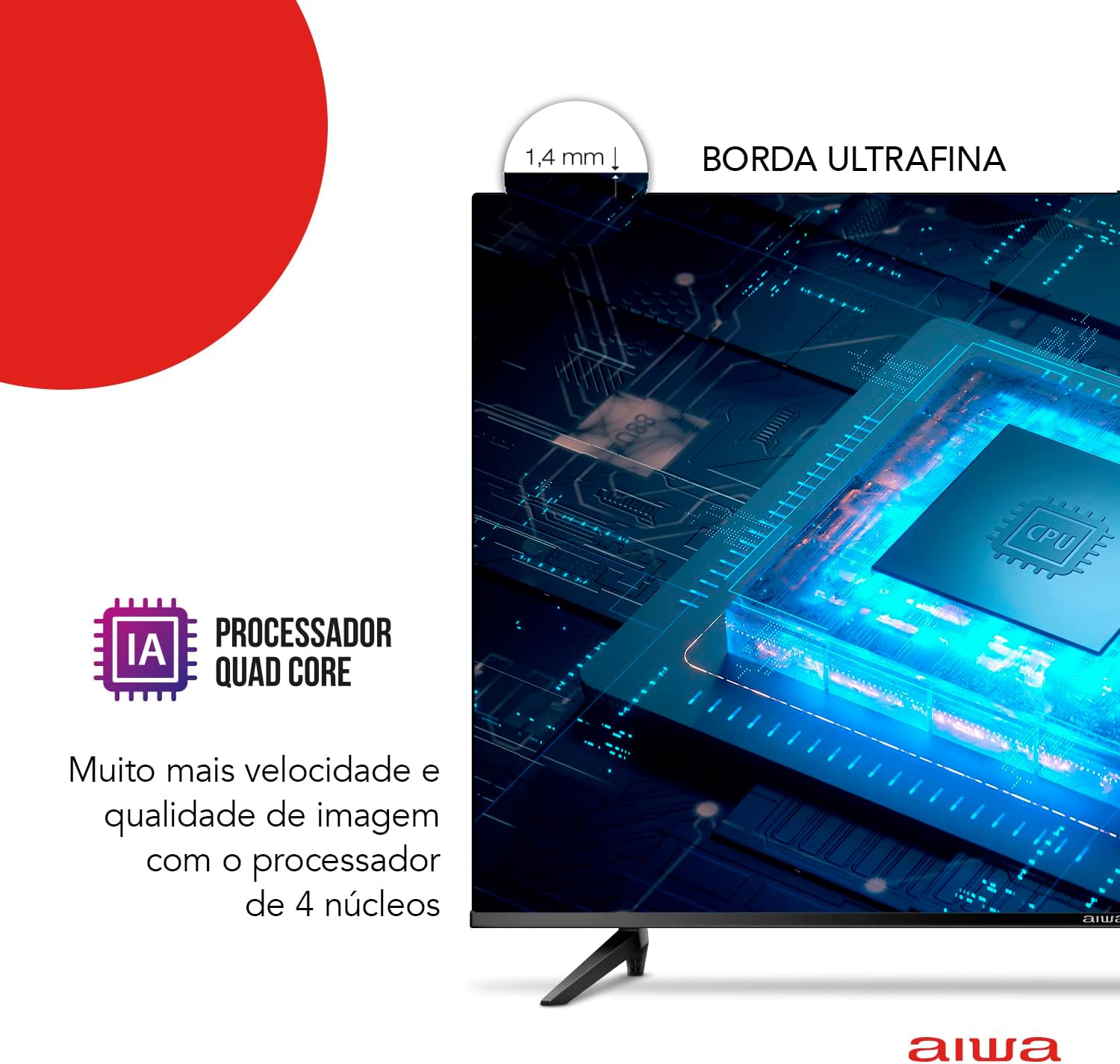
Image: Physical dimensions of the Aiwa Smart TV 50-inch, including width, height, and depth.
- Marca: No
- Model: AWS-TV-50-BL-02-A
- Mida de la pantalla: 50 polzades
- Tecnologia de visualització: LED, VA Panel
- Resolució: 3840 x 2160 píxels (4K Ultra HD)
- Freqüència d'actualització: 60 Hz
- Relació d'aspecte: 16:9
- Relació de contrast: 4000:1
- Sistema operatiu: Android TV
- Processador: Quad Core with Artificial Intelligence
- Característiques especials: HDR10, Dolby Audio, Blue Protect, Chromecast Built-in, Voice Control
- Connectivitat: 3x HDMI, 2x USB, Ethernet, Wi-Fi, Bluetooth
- Formats d'àudio compatibles: AC3/EAC3/AC4/DTS/DOLBY DIGITAL/DOLBY DIGITAL PLUS
- Voltage: 110-220 Volts (Bivolt)
- Font d'alimentació: Potència elèctrica
- Pes del producte: 12.2 quilos
- Dimensions del producte (amb suport): 111.3 cm (A) x 70.1 cm (Alt) x 22.8 cm (F)
- Color: Negre
8. Garantia i Suport
Your Aiwa Smart TV 50-inch (Model AWS-TV-50-BL-02-A) comes with a Garantia del fabricant de 12 mesos des de la data de compra. Aquesta garantia cobreix els defectes de fabricació en condicions d'ús normal.
For warranty claims, technical support, or service inquiries, please refer to the contact information provided with your purchase documentation or visit the official Aiwa support weblloc.