Introducció
This user manual provides detailed instructions for the setup, operation, maintenance, and troubleshooting of your MUNBYN ITPP130B Bluetooth & USB Thermal Label Printer. Please read this manual thoroughly before using the printer to ensure optimal performance and longevity.
The MUNBYN ITPP130B is a high-speed thermal label printer designed for efficiency, featuring 203 DPI resolution and a printing speed of 180mm/s. It supports 4x6 inch thermal labels and offers versatile connectivity options including Bluetooth for iOS/Android devices and USB for Windows, macOS, and Chrome OS.

Image: The MUNBYN ITPP130B printer highlighted for its compact size and clear printing capabilities compared to other models.
Què hi ha a la caixa
Upon unboxing your MUNBYN ITPP130B printer, verify that all the following components are included:
- MUNBYN ITPP130B Thermal Label Printer
- Adaptador d'alimentació
- Cable d'alimentació
- Cable USB
- Manual d'usuari (aquest document)
- Etiquetes de prova

Image: The MUNBYN ITPP130B printer in operation, demonstrating its compact design and ease of use with a smartphone application.
Guia de configuració
1. Connexió d'alimentació
- Connecteu l'adaptador de corrent al port d'alimentació de la impressora.
- Connecteu el cable d'alimentació a una presa de corrent adequada.
- Turn on the printer using the power switch, usually located at the rear or side.
2. Carregant etiquetes
The printer supports both fanfold and roll labels with widths ranging from 1.57" to 4.1".
- Obriu la coberta superior de la impressora.
- Adjust the label guides to match the width of your labels.
- Insert the labels, ensuring the print side is facing up and the first label is aligned with the print head.
- Close the top cover. The printer will automatically calibrate and feed a few labels to detect the label size.
3. Opcions de connectivitat

Image: Visual representation of the printer's dual connectivity options: Bluetooth for mobile devices and USB for desktop operating systems.
USB Connection (Windows, macOS, Chrome OS)
- Connecteu la impressora a l'ordinador mitjançant el cable USB proporcionat.
- Install the printer driver. Drivers are typically provided on a USB stick included with the printer or can be downloaded from the official MUNBYN weblloc.
- Seguiu les instruccions a la pantalla per completar la instal·lació del controlador.
Bluetooth Connection (iOS, Android)
- Download the 'MUNBYN Printer' app from the Google Play Store or Apple App Store.
- Assegureu-vos que el Bluetooth estigui habilitat al vostre dispositiu mòbil.
- Open the 'MUNBYN Printer' app and follow the in-app instructions to pair with your printer.
Funcionament de la impressora
The MUNBYN ITPP130B is designed for straightforward label printing. Here are general steps for operation:
Printing from a Computer (USB)
- Ensure the printer is connected via USB and powered on.
- Open the document or application from which you wish to print (e.g., shipping platform, word processor).
- Select "Print" from the file menú.
- Choose the MUNBYN ITPP130B as your printer.
- Adjust print settings such as label size (e.g., 4x6 inches), orientation, and print density as needed. Refer to your application's print dialogue for specific options.
- Inicia la tasca d'impressió.
Printing from a Mobile Device (Bluetooth)
- Ensure the printer is powered on and paired with your mobile device via the 'MUNBYN Printer' app.
- Within the app, select the label you wish to print or import a label design.
- Review la preview and adjust print settings like print density or number of copies.
- Tap the "Print" button to send the job to the printer.
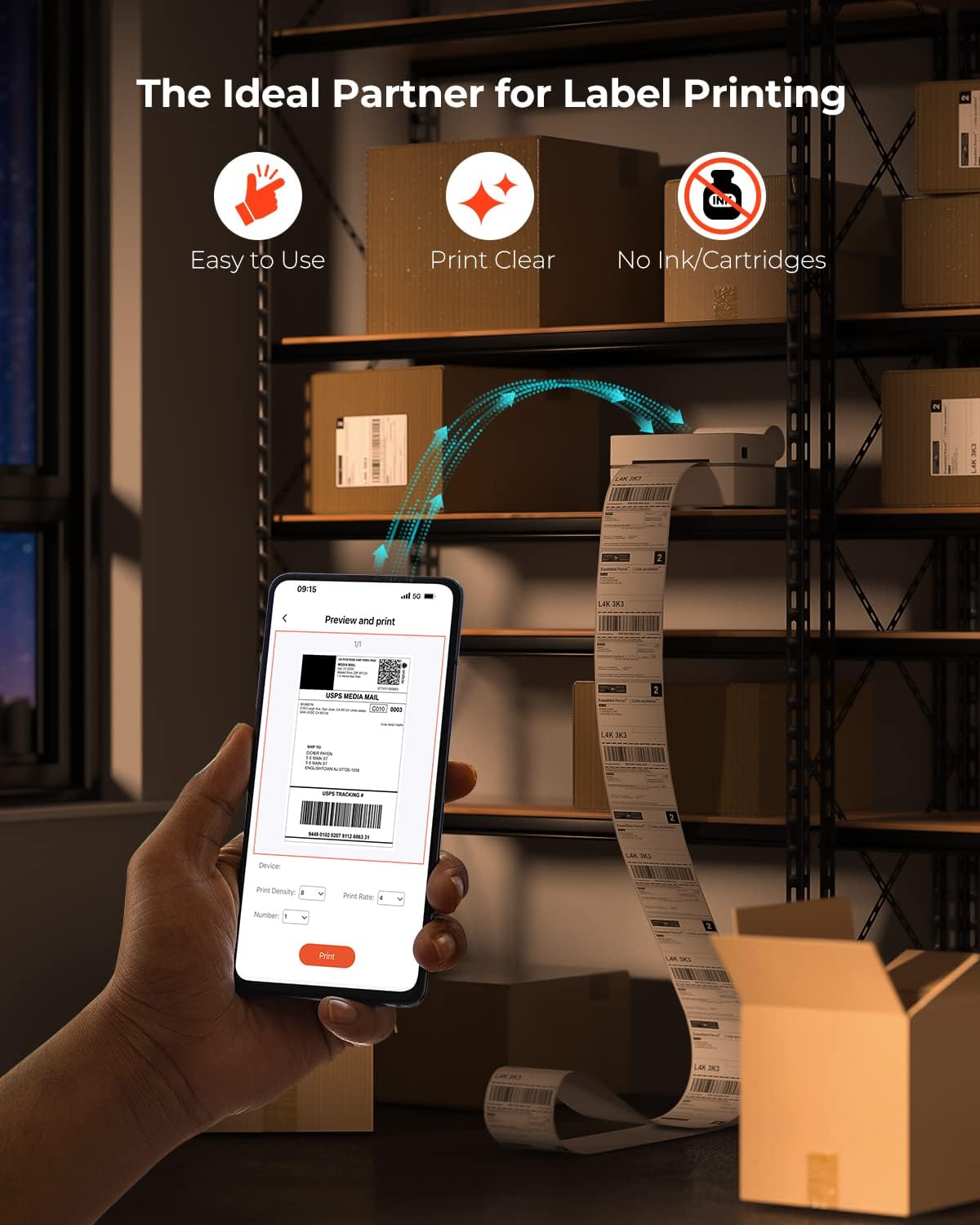
Image: The printer's key advantages highlighted: user-friendliness, clear print quality, and the absence of ink or toner requirements.

Image: The MUNBYN ITPP130B printer seamlessly integrated into a workspace, demonstrating its compact size and efficient label printing.
Àmplia compatibilitat
The MUNBYN ITPP130B is compatible with various marketplaces and shipping platforms, enhancing productivity for online businesses. This includes, but is not limited to, Endicia, Dazzle, ShipStation, Shipping Easy, Shippo, ShipWorks, Ordoro, eBay, Amazon, Etsy, and Shopify.

Image: The printer's broad compatibility with e-commerce platforms and its ability to print various label formats and sizes.
For more information on compatible labels, visit this product page (referencing product ID 2000003874).
Vídeo oficial del producte
Video: An official demonstration of the MUNBYN 130B Bluetooth Thermal Label Printer, showcasing its features and operation. Duration: 0:25.
Manteniment
Regular maintenance ensures the longevity and optimal performance of your thermal label printer.
Neteja del capçal d’impressió
- Apagueu la impressora i desendolleu el cable d'alimentació.
- Obriu la coberta superior.
- Gently wipe the print head with an alcohol swab or a lint-free cloth lightly dampamb alcohol isopropílic.
- Deixeu que el capçal d'impressió s'assequi completament abans de tancar la tapa i engegar la impressora.
Neteja del rodet del plat
- With the printer off and unplugged, locate the platen roller (the rubber roller that feeds the labels).
- Use an alcohol swab or a lint-free cloth dampened with isopropyl alcohol to clean the roller, rotating it manually to clean the entire surface.
- Ensure the roller is dry before resuming operation.
Neteja general
- Netegeu l'exterior de la impressora amb un drap suau i sec.
- Avoid using abrasive cleaners or solvents that could damage the printer's surface.
Resolució de problemes
This section addresses common issues you might encounter with your MUNBYN ITPP130B printer.
| Problema | Causa possible | Solució |
|---|---|---|
| Printer not responding / Not printing |
|
|
| Poor print quality (faint, blurry) |
|
|
| Labels not feeding correctly / Paper jam |
|
|
| Problemes de connexió Bluetooth |
|
|
Especificacions
| Característica | Detall |
|---|---|
| Nom del model | ITPP130B |
| Tecnologia d'impressió | Tèrmica |
| Resolució d'impressió | 203 DPI (203 x 203 DPI) |
| Velocitat màxima d'impressió (monocrom) | 180 mm/s |
| Tecnologia de connectivitat | Bluetooth, USB |
| Dispositius compatibles | Ordinadors portàtils, PC, telèfons intel·ligents, tauletes |
| Sistemes operatius compatibles | Windows, macOS, Chrome OS (USB); iOS, Android (Bluetooth) |
| Mida màxima del suport | 4 x 6 polzada |
| Label Width Range | 1.57" a 4.1" |
| Consum d'energia (mode encès) | 12.5 watts |
| Dimensions del producte | 7 x 3.8 x 3.4 polzades (aprox. 3.89" de profunditat x 7.16" d'amplada x 3.42" d'alçada) |
| Pes de l'article | 3.34 lliures |
Garantia i Suport
The MUNBYN ITPP130B Thermal Label Printer comes with a limited warranty. For specific details regarding warranty coverage, duration, and terms, please refer to the warranty card included with your product or visit the official MUNBYN weblloc.
For technical support, troubleshooting assistance beyond this manual, or to inquire about replacement parts, please contact MUNBYN customer service through their official support channels. Contact information can typically be found on the manufacturer's weblloc web o a l'embalatge del producte.
També podeu visitar el MUNBYN Store on Amazon per obtenir recursos addicionals i informació sobre el producte.


