1. Introducció i informació de seguretat
This manual provides detailed instructions for the safe installation and operation of your Pipishell Full-Motion TV Wall Mount PILF8. Please read all instructions carefully before installation to ensure proper setup and to prevent personal injury or property damage. Keep this manual for future reference.
Advertències importants de seguretat:
- Capacitat de pes: No supereu la capacitat màxima de pes de 45.5 kg (100 lliures). Superar aquest límit pot provocar lesions greus o danys materials.
- Mida del televisor: This mount is designed for most 37-75 inch TVs. Ensure your TV falls within this range.
- Tipus de paret: This mount is compatible with 16-inch wood studs, concrete, and brick walls. Do not install on drywall alone.
- Instal·lació professional: Si no esteu segur del procés d'instal·lació, consulteu un professional qualificat.
- Comprovació de components: Verifiqueu que tots els components siguin presents i no estiguin danyats abans de la instal·lació. No utilitzeu peces danyades.
- Eines: Utilitzeu les eines adequades per a la instal·lació.
2. Contingut del paquet
Before beginning installation, ensure all parts are included in your package. Refer to the parts list in your physical instruction manual for specific hardware identification. The package typically includes:
- Muntatge de la placa de paret
- Suports per a TV (2 unitats)
- Kit de ferreteria de muntatge (diversos cargols, volanderes, separadors per a TV i paret)
- Plantilla de perforació
- Nivell de bombolla
- Cable Ties (Hook & Loop Fasteners)
- Manual d'instruccions

Imatge 2.1: acabatview of the Pipishell Full-Motion TV Wall Mount PILF8 and its components, including the main mount assembly, TV brackets, cable ties, and a bubble level.
3. Comprovació de compatibilitat
Confirm your television and wall meet the following requirements for safe installation:
- Mida del televisor: Compatible with most 37 to 75 inch flat or curved televisions.
- Pes del televisor: Supports televisions weighing up to 100 lbs (45.5 kg).
- Patró VESA: Supports VESA mounting patterns from 200x100mm to 600x400mm. Measure the horizontal and vertical distance between the mounting holes on the back of your TV.
- Tipus de paret: Designed for installation on 16-inch wood studs, solid concrete, or brick walls. Not for drywall installation only.

Image 3.1: Visual representation of the mount's wide compatibility, indicating supported TV sizes, maximum weight, and VESA mounting patterns.
4. Configuració i instal·lació
Follow these steps carefully for a secure installation. It is recommended to have two people for installation, especially when lifting the TV.
Pas 4.1: Fixeu els suports de TV al televisor
- Col·loca amb cura el televisor cap per avall sobre una superfície suau i neta per evitar que es faci malbé la pantalla.
- Identify the correct diameter and length of screws for your TV's VESA mounting holes. Use the provided hardware kit.
- Attach the two TV brackets to the back of your TV using the selected screws and washers. Ensure the brackets are centered and securely fastened. Do not overtighten.
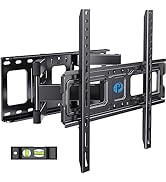
Image 4.1: Demonstrates the process of securing the TV brackets to the rear of the television using appropriate screws.
Step 4.2: Mount the Wall Plate to the Wall
- Determine the desired height for your TV. Use the provided drilling template to mark the pilot hole locations on the wall. Ensure the template is level using the included bubble level.
- For wood stud installation: Locate the center of your 16-inch wood studs. Drill pilot holes using a 7/32 inch (5.5mm) drill bit.
- For concrete/brick wall installation: Drill pilot holes using a 3/8 inch (10mm) drill bit. Insert concrete anchors into the drilled holes.
- Align the wall plate with the pilot holes and secure it to the wall using the lag bolts and washers. Tighten all bolts firmly.

Image 4.2: A drilling template and bubble level are used to accurately mark the mounting points on the wall, ensuring correct stud spacing.
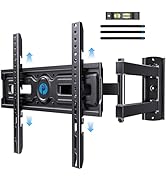
Image 4.3: Shows the wall plate being securely fastened to the wall using the provided lag bolts.
Step 4.3: Hang Your TV on the Wall Plate
- With assistance, carefully lift the TV with the attached brackets and hook them onto the wall plate assembly.
- Ensure the TV is securely seated on the mount.
- Engage the security screws or locking mechanisms on the TV brackets to prevent accidental dislodgement.
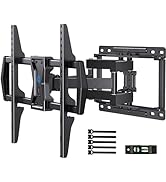
Image 4.4: Depicts the final step of hanging the television onto the pre-installed wall mount.
5. Instruccions d'ús (ajustos)
Your Pipishell Full-Motion TV Wall Mount offers various adjustments for optimal viewing.
5.1 Ajustament del gir
The mount allows for a smooth swivel of +/-45° to achieve the perfect viewing angle from different positions in the room. Gently push or pull the TV to the desired left or right position.

Image 5.1: Illustrates the swivel capability of the mount, allowing the TV to be angled up to 45 degrees left or right.
5.2 Ajust d'inclinació
Adjust the tilt angle to reduce glare and improve viewing comfort. The mount offers a tilt range of +5° (upward) to -15° (downward). Loosen the tilt adjustment knobs, set the TV to the desired angle, and then re-tighten the knobs.

Image 5.2: Shows the tilt function, enabling adjustment of the TV's vertical angle to minimize glare and enhance viewing.
5.3 Extensió i retracció
The articulating arms allow the TV to extend smoothly up to 15.4 inches (39.1 cm) from the wall for maximum flexibility and retract back to 3.2 inches (8.1 cm) to save space. Gently pull or push the TV to adjust its distance from the wall.
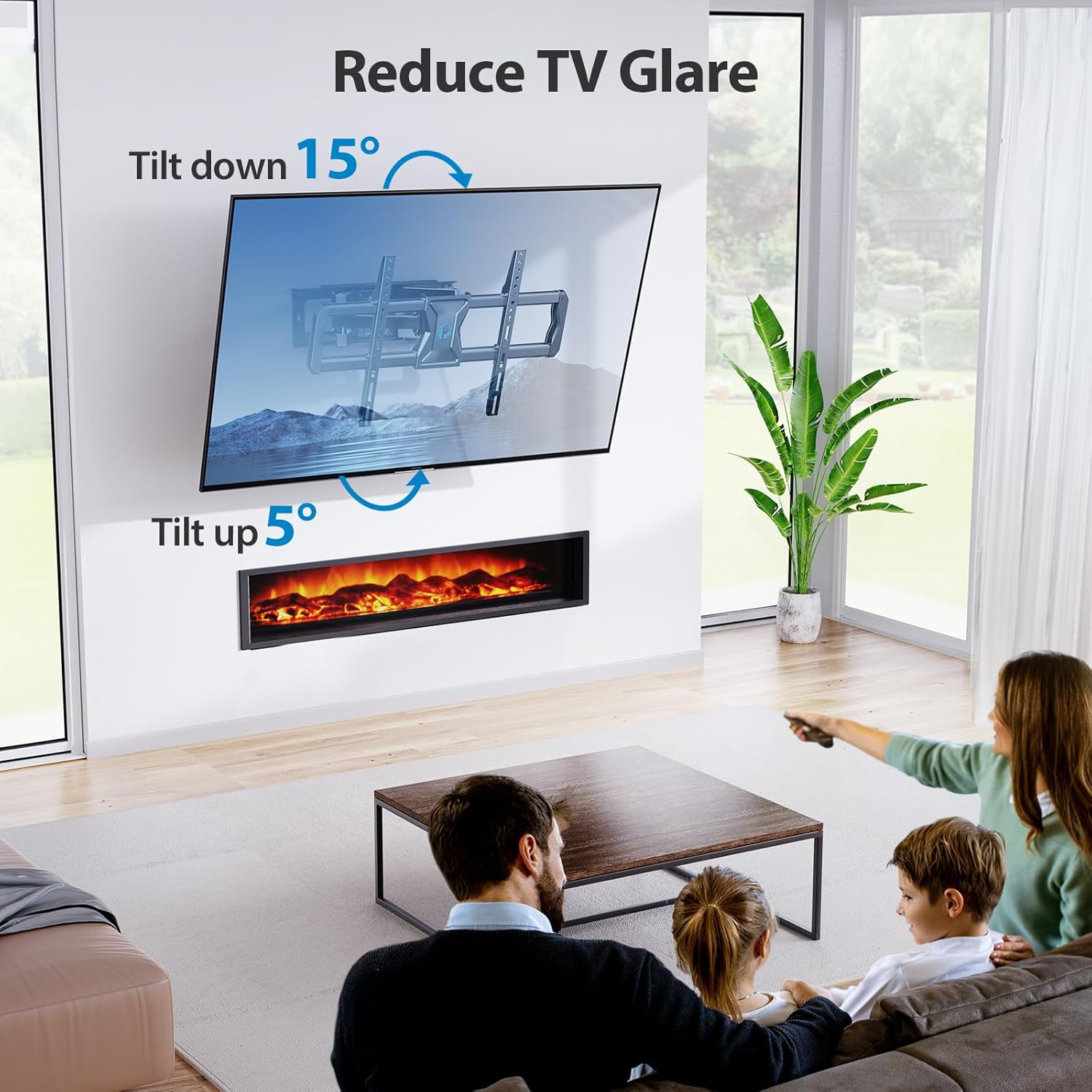
Image 5.3: Illustrates the mount's ability to extend the TV up to 15.4 inches from the wall and retract it to 3.2 inches, optimizing space and viewflexibilitat.
5.4 Anivellament posterior a la instal·lació
After installation, the TV can be leveled +/-3° to ensure it is perfectly horizontal. Loosen the leveling screws, adjust the TV, and then re-tighten the screws.
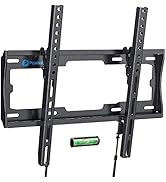
Image 5.4: Shows the post-installation leveling feature, allowing for minor rotational adjustments to ensure the TV is perfectly straight.
5.5 Gestió de cables
Use the provided hook & loop fasteners to route cables along the articulating arms for a neat and organized appearance.
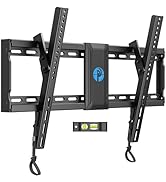
Image 5.5: Demonstrates how to use cable ties to manage and conceal cables along the mount's arms for a tidy setup.
6. Manteniment
Un manteniment regular ajuda a garantir la longevitat i el funcionament segur del suport de paret per a televisors.
- Neteja: Wipe the mount with a soft, dry cloth. Avoid abrasive cleaners or solvents.
- Comprovacions periòdiques: Reviseu periòdicament tots els cargols i perns per assegurar-vos que romanen ajustats. Torneu a apretar-los si cal.
- Moviment: If the mount's movement becomes stiff, apply a small amount of silicone-based lubricant to the articulating joints.
7. Solució De Problemes
Si teniu problemes durant o després de la instal·lació, consulteu els problemes i solucions més comuns següents:
| Problema | Causa possible | Solució |
|---|---|---|
| El televisor no està anivellat després de la instal·lació. | Petit desajust durant la instal·lació. | Use the post-installation leveling feature (Section 5.4) to adjust the TV. |
| La muntura sembla fluixa o inestable. | Wall bolts or TV screws are not sufficiently tightened. Incorrect wall type. | Ensure all wall bolts and TV screws are securely tightened. Verify wall type compatibility (Section 3). |
| Difficulty moving the TV (swivel, tilt, extension). | Joints may be stiff or overtightened. | Check for any overtightened bolts on the articulating arms. Apply silicone-based lubricant to joints if necessary. |
| El televisor no encaixa amb el suport. | Incorrect TV size, weight, or VESA pattern. | Re-check TV compatibility with the mount's specifications (Section 3). |
8. Especificacions
| Característica | Especificació |
|---|---|
| Número de model | PILF8 |
| Marca | Pipishell |
| Mides de TV compatibles | 37 - 75 polzades |
| Capacitat màxima de pes | 100 lliures (45.5 kg) |
| Compatibilitat VESA | 200x100mm a 600x400mm |
| Tipus de moviment | Full Motion (Articulating, Swivel, Tilt, Level) |
| Gamma giratòria | +/-45° |
| Interval d'inclinació | +5° / -15° |
| Ajust de nivell | +/-3° |
| Extensió des de la paret | 3.2 polzades (retret) a 15.4 polzades (estès) |
| Tipus de paret compatibles | 16-inch Wood Studs, Concrete, Brick |
| Material | Acer d'aliatge |
| Dimensions del producte | 17.32 x 9.33 x 3.11 polzades (envasat) |
| Pes de l'article | 10.85 lliures |
9. Garantia i Suport
For warranty information or technical support, please refer to the contact details provided with your product packaging or visit the official Pipishell weblloc web. Conserveu el rebut de compra com a comprovant de compra.


