Introducció
The Intoval Z5 3-in-1 Wireless Charging Station is designed to provide a convenient and efficient charging solution for your Apple iPhone, Apple Watch, and AirPods simultaneously. This manual provides essential information for the proper setup, operation, and maintenance of your charging station.
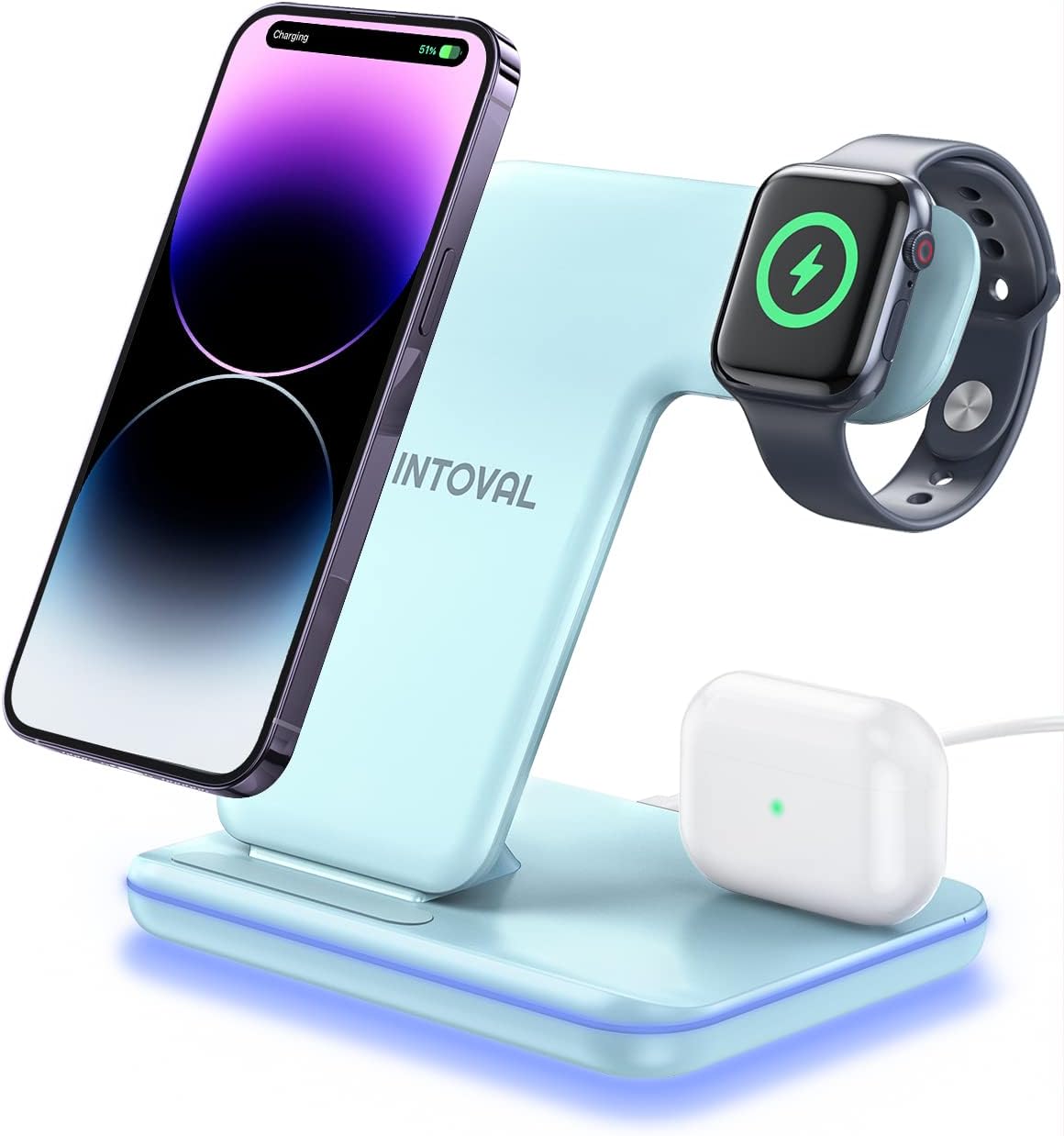
Image: The Intoval Z5 3-in-1 Wireless Charging Station in Misty Blue, actively charging an iPhone, Apple Watch, and AirPods.

Image: A white Intoval Z5 charging station with an iPhone, Apple Watch, and AirPods, illustrating its multi-device charging capability.
Contingut del paquet
Si us plau, verifiqueu que tots els elements siguin presents al paquet:
- 1 x Intoval Z5 Wireless Charging Station
- 1 adaptador d'alimentació de 18W
- 1 x cable de càrrega USB-C
- 1 x Targeta de servei

Image: The Intoval Z5 charging station, its retail box, 18W adapter, USB-C cable, and service card, laid out on a white surface.
Instruccions de configuració
- Connecteu l'adaptador d'alimentació: Insert the provided USB-C charging cable into the port on the back of the Intoval Z5 charging station.
- Connecteu-vos a la presa de corrent: Connect the other end of the USB-C cable to the 18W power adapter, then plug the adapter into a functional wall outlet.
- Col·locació: Position the charging station on a flat, stable surface.
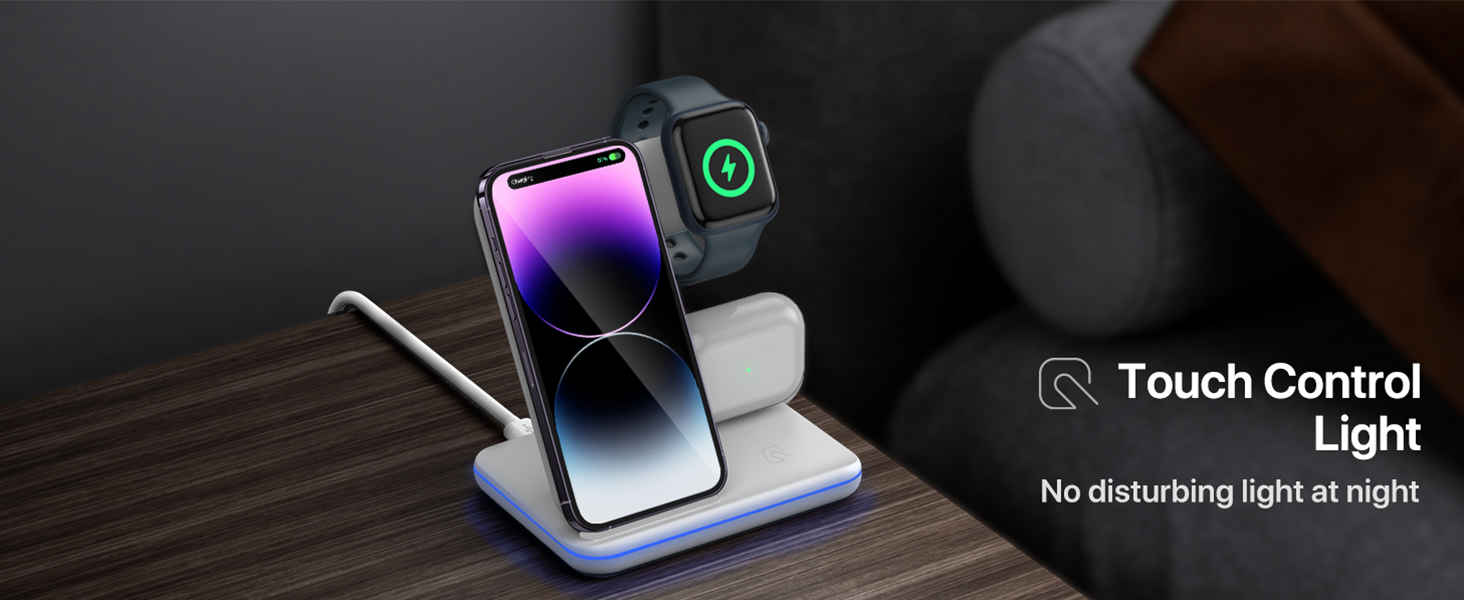
Image: The Intoval Z5 charging station placed on a nightstand next to a bed, showcasing el seu disseny compacte i durador.
Instruccions de funcionament
The Intoval Z5 allows for simultaneous wireless charging of three devices:
- Càrrega de l'iPhone: Place your iPhone on the vertical charging pad. The station supports both portrait and landscape orientations. For optimal charging, ensure your phone case is less than 5mm thick.
- Càrrega d'Apple Watch: Place your Apple Watch on the magnetic charging module located on the side. Ensure it snaps into place for proper alignment.
- Càrrega d'AirPods: Col·loca els AirPods (amb l'estoig de càrrega sense fil) a la base de càrrega plana.
The charging station features a touch-controlled light. Tap the designated area to turn the light on or off, providing a disturbance-free environment at night.

Image: The Intoval Z5 charging station with an iPhone, Apple Watch, and AirPods all charging at the same time, demonstrating its 3-in-1 capability.

Image: Two Intoval Z5 charging stations, one with an iPhone charging in portrait mode for video calls, and another with an iPhone charging in landscape mode for media viewing.
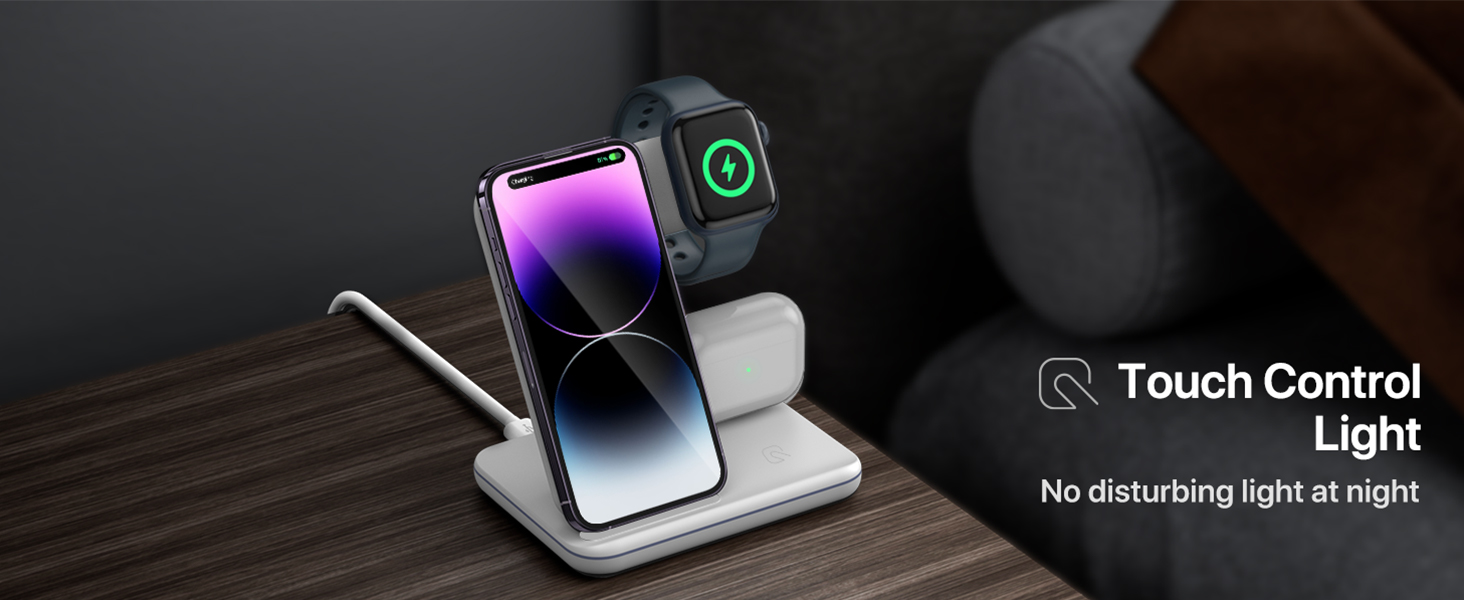
Image: The Intoval Z5 charging station with an iPhone, Apple Watch, and AirPods, highlighting its touch-controlled ambient light feature for night use.
Informació de seguretat
The Intoval Z5 incorporates multi-functional intelligent protection technology to ensure safe charging:
- Control de temperatura: Evita el sobreescalfament durant la càrrega.
- Protecció contra sobretensions: Safeguards against power fluctuations.
- Prevenció de curtcircuits: Protects devices from electrical damage.
To maintain optimal performance and safety, always use the included 18W adapter and cable. Avoid using third-party adapters that do not meet the specified power requirements.
Manteniment
- Neteja: Disconnect the power before cleaning. Use a soft, dry cloth to wipe the surface of the charging station. Do not use abrasive cleaners or immerse the device in water.
- Emmagatzematge: When not in use for extended periods, store the charging station in a cool, dry place away from direct sunlight.
- Eviteu les obstruccions: Ensure no foreign objects are placed between your device and the charging pad, as this can interfere with charging and potentially cause overheating.
Resolució de problemes
| Problema | Causa possible | Solució |
|---|---|---|
| El dispositiu no es carrega | Incorrect device placement, thick phone case, power not connected, incompatible device. | Ensure device is centered on the charging pad. Remove phone case if thicker than 5mm. Verify power adapter is securely plugged in. Confirm device is Qi-compatible. |
| El dispositiu es carrega lentament | Using a non-18W power adapter, device misalignment, background apps. | Use the included 18W adapter. Ensure proper alignment. Close unnecessary background applications on your device. |
| Device or charger overheating | Thick phone case, foreign objects, poor ventilation. | Remove phone case if thicker than 5mm. Ensure no metal objects or cards are between the device and charger. Place the charger in a well-ventilated area. |
| iPhone 14 Pro/Pro Max not charging in portrait mode | Camera lens rings preventing full contact. | Try charging the iPhone in landscape orientation to ensure the back of the phone makes sufficient contact with the charging surface. |
Especificacions
- Model: Z5
- Marca: Intoval
- Entrada: 9V/2A, 12V/1.5A (via 18W adapter)
- Sortida sense fil (telèfon): 10W (Max), 7.5W (for iPhones)
- Wireless Output (Apple Watch): 2.5W
- Wireless Output (AirPods): 5W
- Tipus de connector: Propietari
- Dispositius compatibles: iPhone 15/14/13/12/11/XS/XR/8 series (excluding Mini models), Apple Watch 9/8/Ultra/7/6/SE/5/4/3/2, AirPods Pro2/Pro1/3/2/1.
- Característiques especials: Fast Charging, Short Circuit Protection, Temperature Control, Surge Protection.
- Dimensions: 6.18 x 6.02 x 4.49 polzades
- Pes: 12 unces
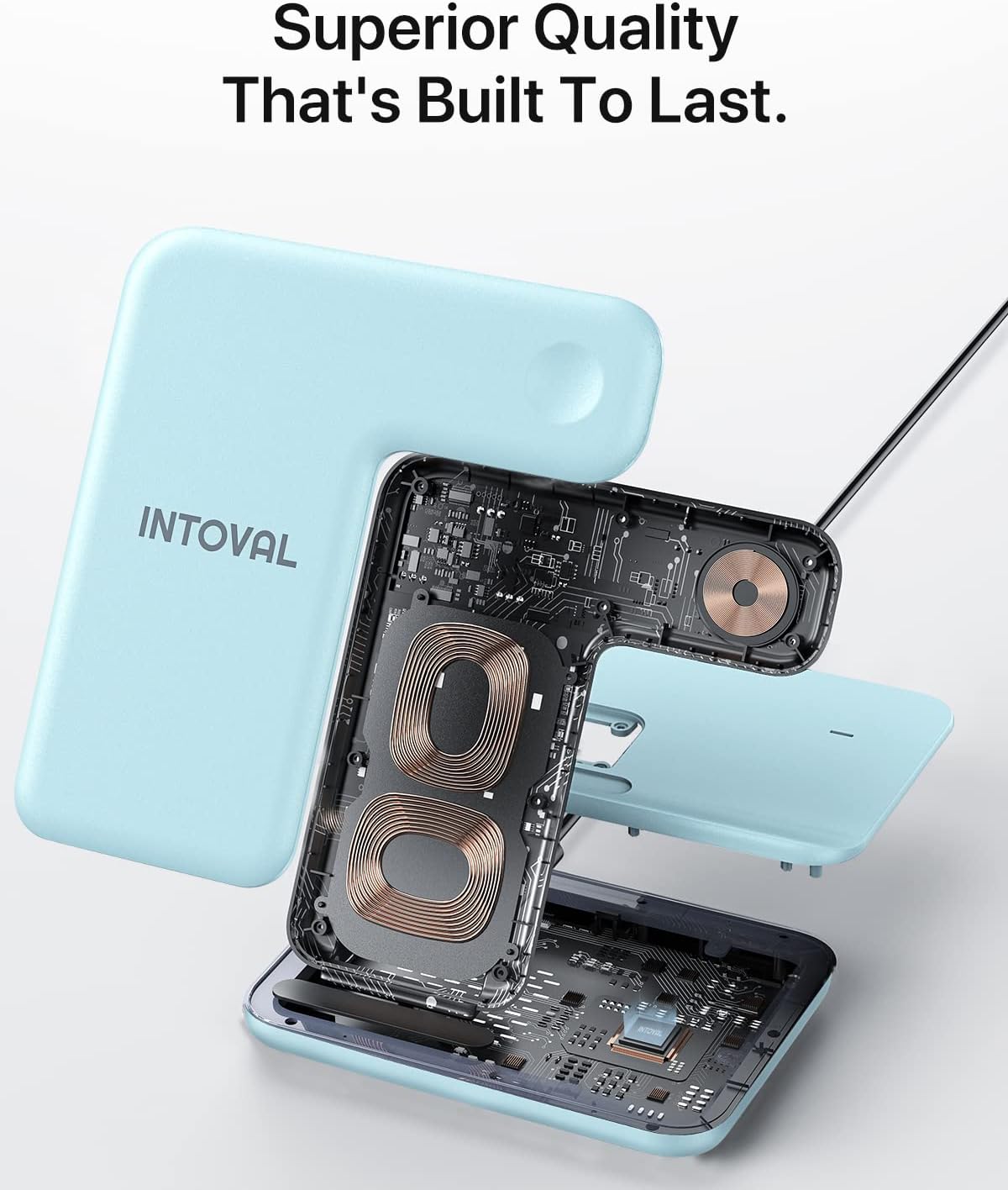
Imatge: Una explosió view of the Intoval Z5 charging station, revealing its internal charging coils and circuit board, emphasizing its quality construction.
Garantia i Suport
The Intoval Z5 3-in-1 Wireless Charging Station comes with a 360 dies de garantia des de la data de compra. Aquesta garantia cobreix els defectes de fabricació i garanteix un rendiment fiable en condicions d'ús normals.
For technical support, warranty claims, or any inquiries regarding your product, please contact Intoval customer service. Refer to the included service card for contact details or visit the official Intoval weblloc.