1. Introducció
The BOYA BY-V20 is a compact and user-friendly wireless microphone system designed for devices with a USB-C port, including Android smartphones, tablets, and laptops. It features noise cancellation technology, extended battery life, and a plug-and-play setup, making it suitable for various audio recording applications such as vlogging, live streaming, and online meetings.
2. Contingut del paquet
Verifiqueu que tots els elements siguin presents al vostre paquet:
- BY-V20 Transmitter (TX)
- BY-V20 Receiver (RX) with USB-C Connector
- Cable de càrrega USB-C (x2)
- Foam Windscreen (pre-installed on TX)
- Manual d'usuari
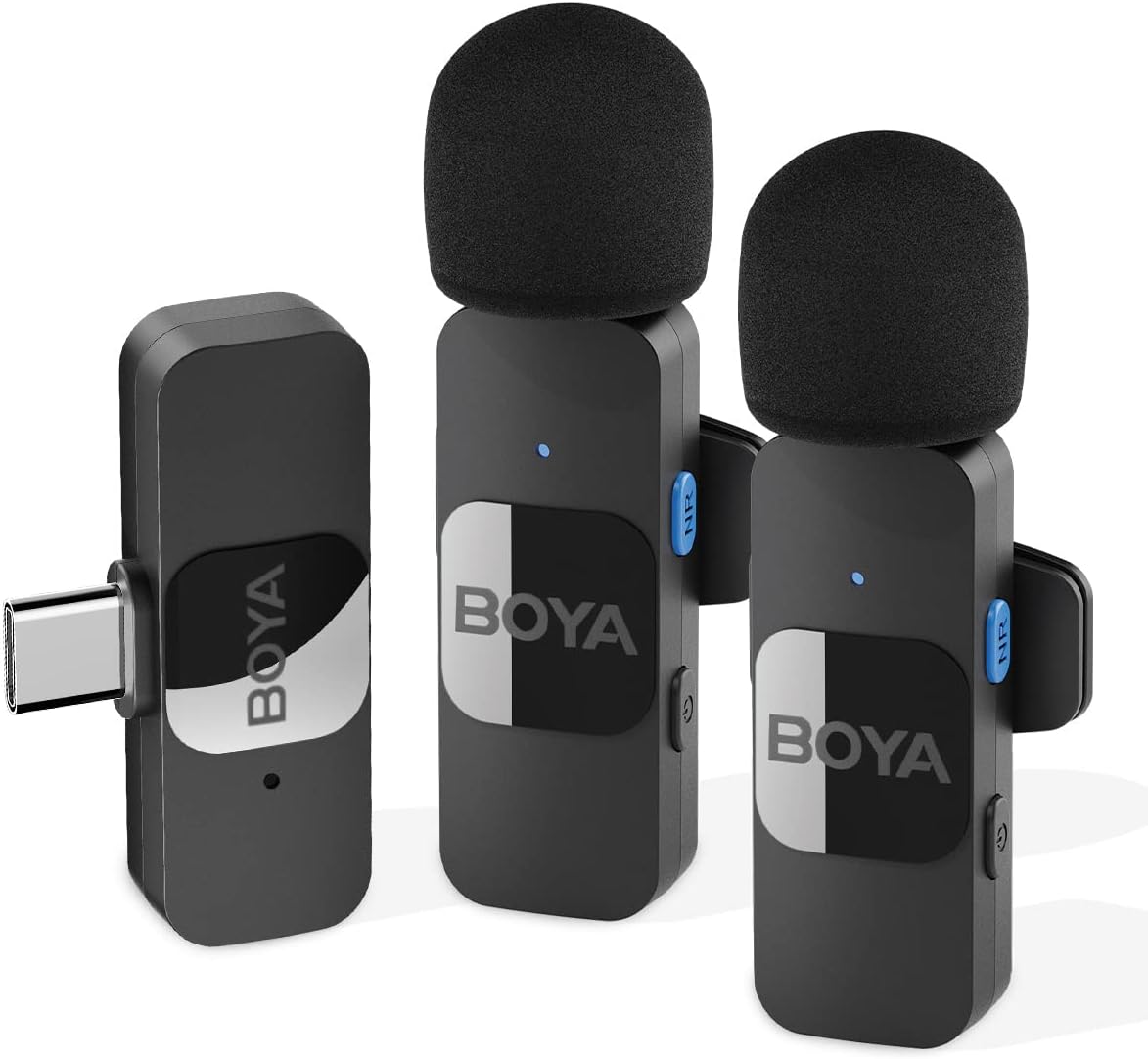
Image: The BOYA BY-V20 system showing two transmitters and one receiver.
3. Producte acabatview
Emissor (TX)
- Micròfon: Captura àudio.
- Botó d'encesa: Manteniu premut per encendre/apagar.
- Noise Reduction (NR) Button: Activates/deactivates noise cancellation.
- Llum indicador d'estat: Displays pairing and operating status.
- Port de càrrega USB-C: Per carregar el transmissor.
- Clip: Per fixar el transmissor a la roba.
Receptor (RX)
- Connector USB-C: Plugs directly into your recording device.
- Llum indicador d'estat: Displays pairing and operating status.
- Port de càrrega USB-C: Allows pass-through charging of the connected device.

Image: The compact design of the BY-V20 transmitter and receiver, showing approximate dimensions.
4. Guia de configuració
Follow these steps to set up and connect your BOYA BY-V20 wireless microphone system:
- Charge the Transmitter: Before first use, ensure the transmitter(s) are fully charged using the provided USB-C charging cable. The status indicator will show charging status.
- Power On Transmitter(s): Press and hold the power button on the transmitter(s) for 2 seconds to turn them on. The indicator light will flash, indicating it is searching for a receiver.
- Connecta el receptor: Plug the BY-V20 receiver directly into the USB-C port of your Android smartphone, tablet, or laptop. The receiver's indicator light will flash.
- Emparellament automàtic: The transmitter(s) and receiver will automatically pair within 10 seconds. Once successfully paired, the indicator lights on both the transmitter(s) and receiver will turn solid blue.
- A punt per al seu ús: Your BOYA BY-V20 system is now ready for recording. Open your preferred audio or video recording application on your device.
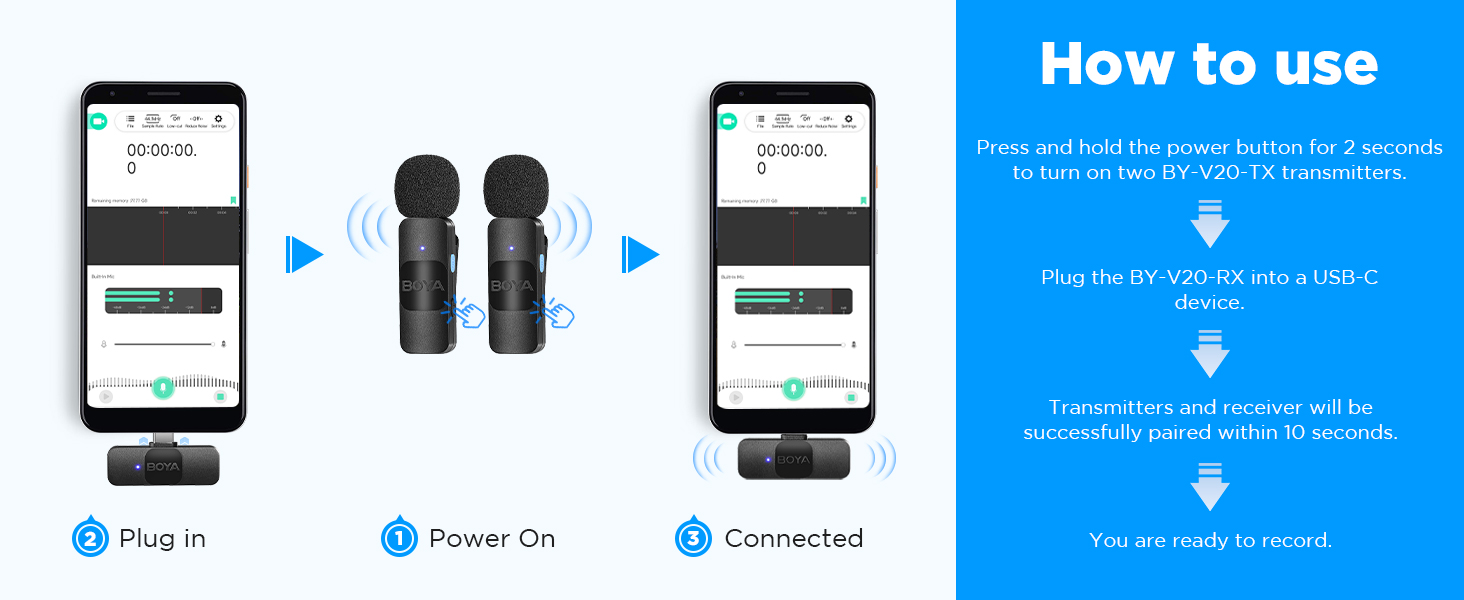
Image: Visual guide for connecting the BY-V20: Power On, Plug In, and Connected status.
5. Instruccions de funcionament
Cancel·lació de soroll
The BY-V20 features a dedicated noise reduction function. To activate or deactivate noise cancellation, press the Botó NR on the side of the transmitter. When active, the system will attenuate background noises, enhancing the clarity of your voice recordings.
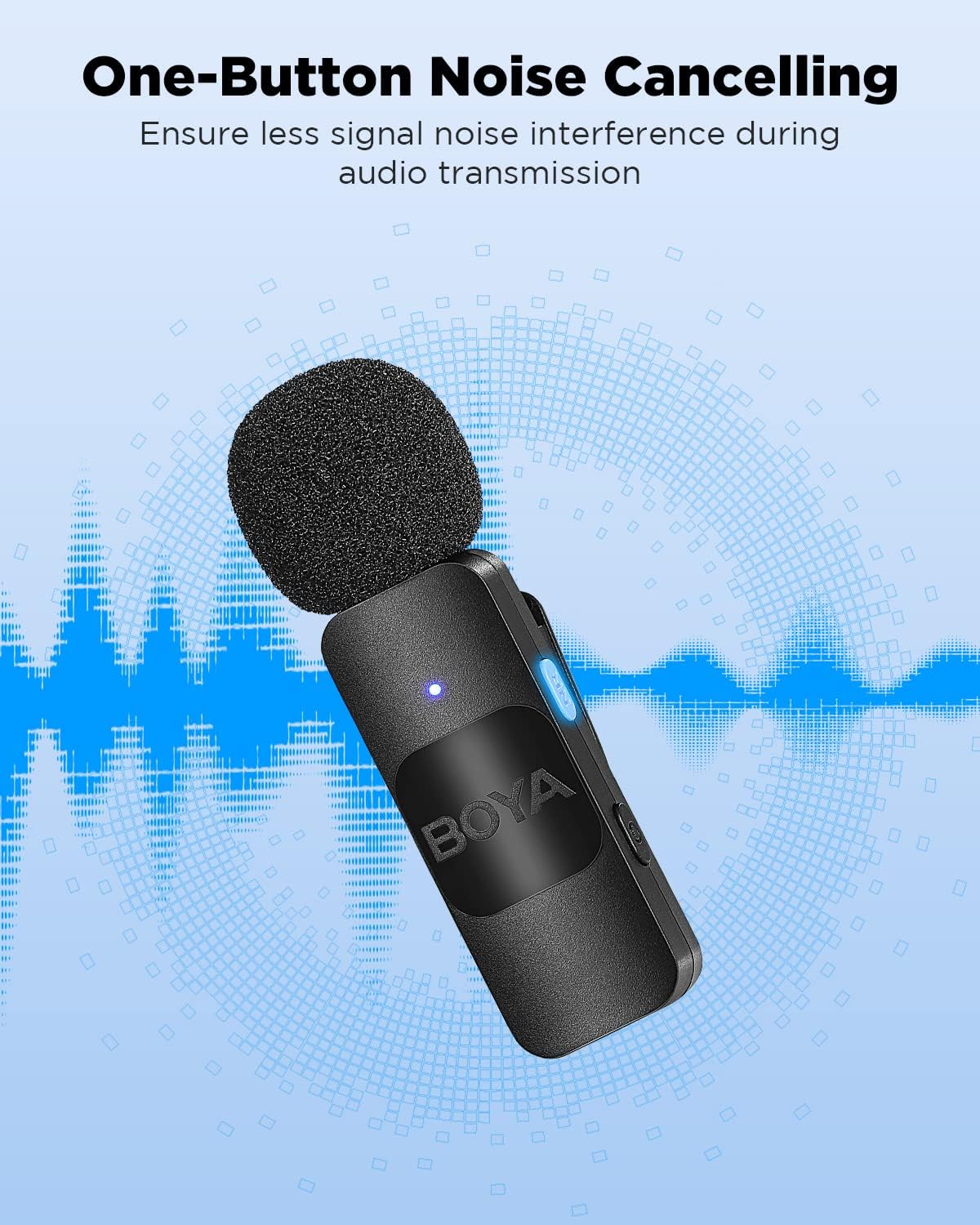
Image: The BY-V20 transmitter highlighting the one-button noise cancellation feature.
Durada de la bateria i càrrega
The transmitter offers approximately 9 hours of continuous operation on a full charge. Charging the transmitter takes about 2 hours via its USB-C port. The receiver is powered directly by the connected device.
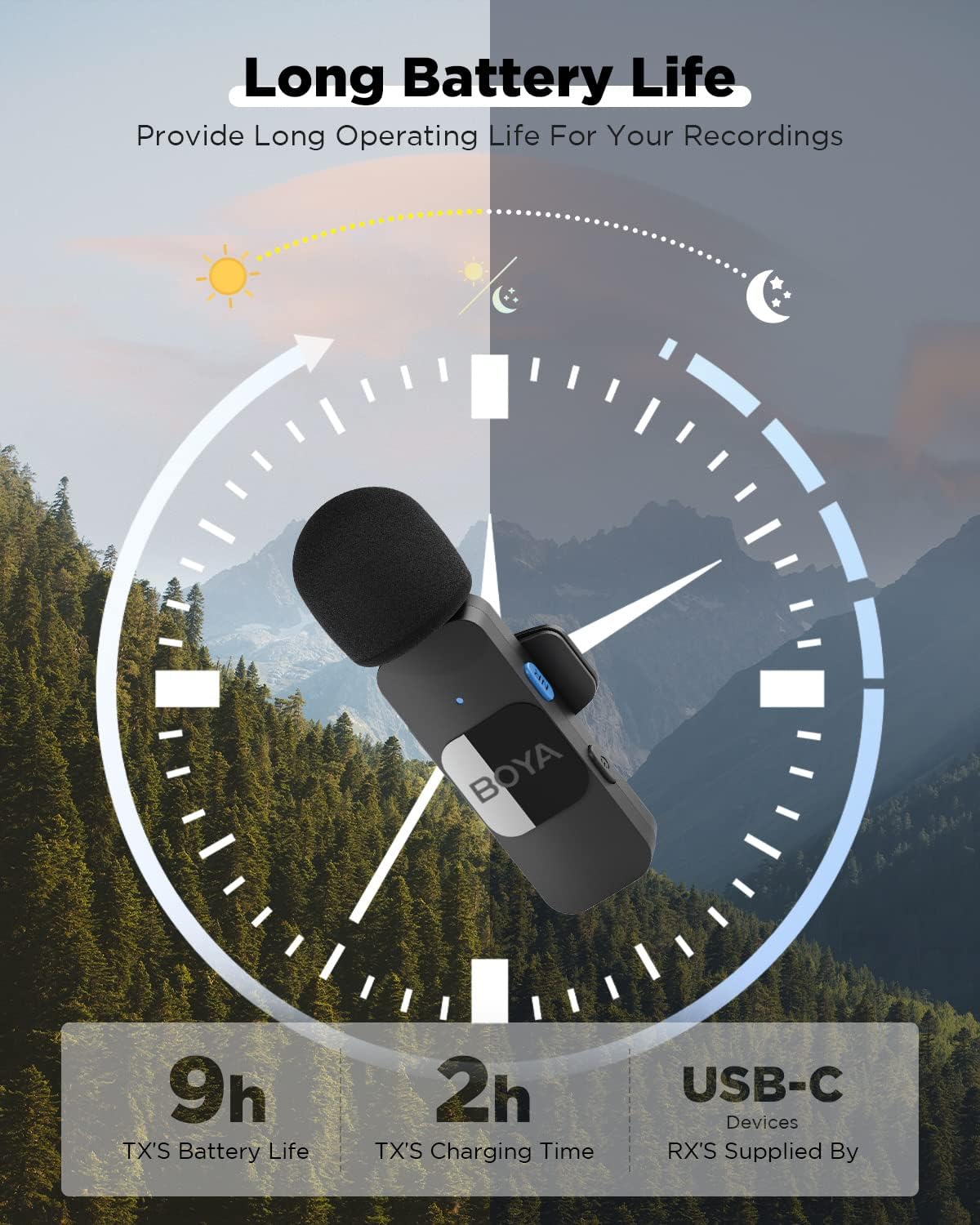
Image: A visual representation of the BY-V20 transmitter's 9-hour battery life and 2-hour charging time.
Càrrega durant la gravació
The receiver includes a USB-C port that supports pass-through charging. This allows you to charge your connected smartphone, tablet, or laptop while simultaneously recording audio. It supports QC/PD fast charging protocols, with speeds up to 3A, preventing interruptions during long recording sessions or live broadcasts.

Image: A user recording with the BY-V20 while their phone is being charged through the receiver's USB-C port.
6. Característiques
- One-Click Noise Cancellation: Reduces ambient noise for clear audio.
- Interval sense fil ampliat: Offers a barrier-free transmission distance exceeding 164 feet (50 meters) using 2.4GHz wireless technology.
- Llarga vida útil de la bateria: Transmitter provides up to 9 hours of operation.
- Càrrega directa: Receiver allows charging of the host device during use.
- Plug-and-Play: Automatic pairing for quick setup.
- Àmplia compatibilitat: Compatible with USB-C Android smartphones, tablets, and laptops.
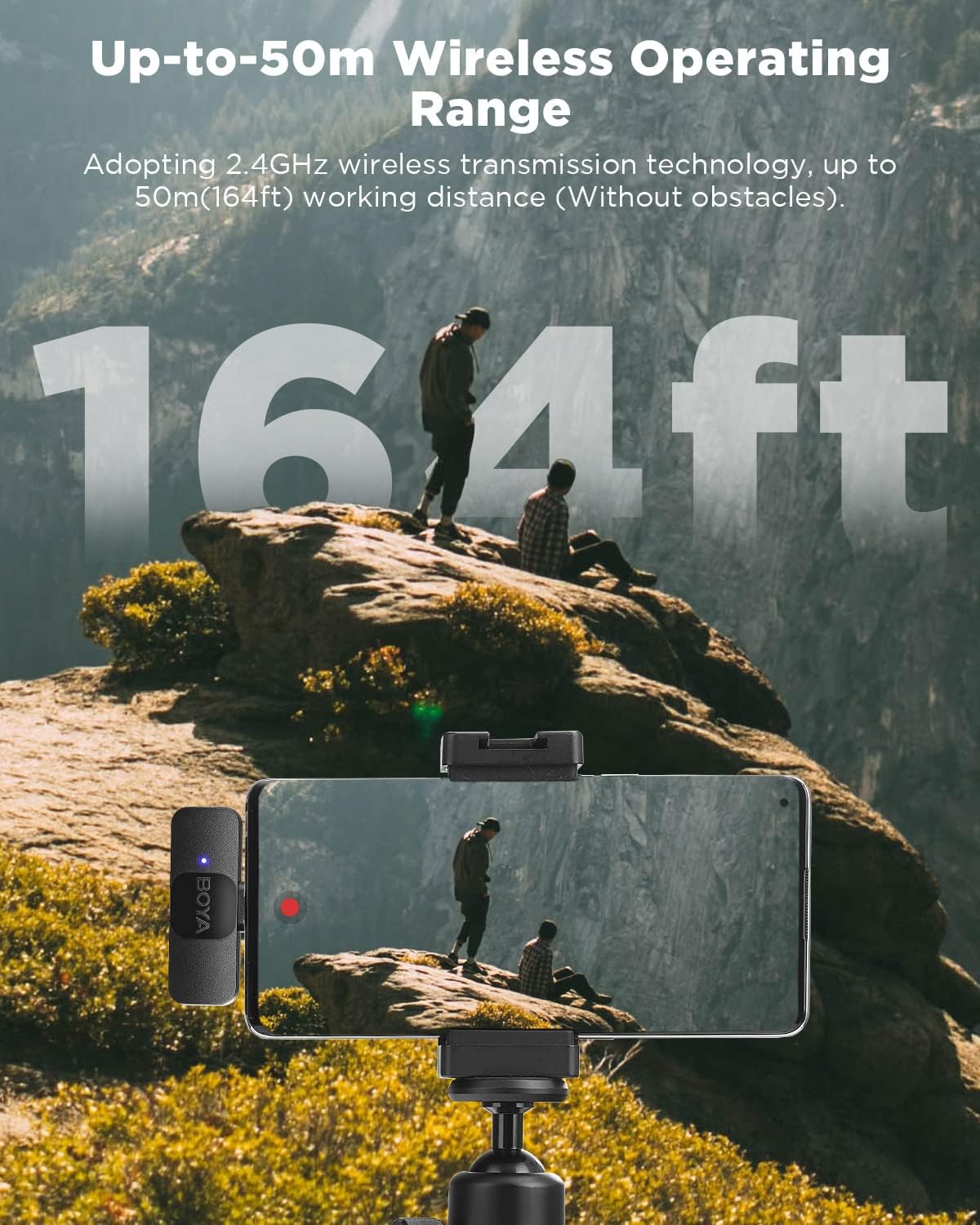
Image: The BY-V20 system demonstrating its wireless operating range of up to 164 feet (50 meters) in an outdoor setting.
7. Especificacions
| Característica | Especificació |
|---|---|
| Marca | BOYA |
| Número de model | BY-V20 |
| Tecnologia de connectivitat | USB (Wireless 2.4GHz) |
| Tipus de connector | USB tipus C |
| Factor de forma del micròfon | Lavalier |
| Patró polar | Omnidireccional |
| Ràtio senyal / soroll | 74 dB |
| Durada de la bateria del transmissor | Fins a 9 hores |
| Temps de càrrega del transmissor | Aprox. 2 hores |
| Interval de funcionament sense fil | Up to 164 ft (50m) without obstacles |
| Font d'alimentació | Corded Electric (for charging TX) |
| Material | Estirol acrilonitril butadiè |
| Pes de l'article | 2.08 unces (paquet total) |
| Dispositius compatibles | Laptop, Smartphone, Tablet (with USB-C) |
8. Compatibilitat
The BOYA BY-V20 system is compatible with a wide range of devices featuring a USB-C port. This includes, but is not limited to:
- Android Smartphones (e.g., Samsung Galaxy series, Google Pixel, LG, TCL)
- Tablets (e.g., Android tablets, iPad Mini 6, iPad Air 4/5, iPad Pro)
- Laptops (e.g., MacBook Air/Pro, MSI Laptop, Dell Laptop, other laptops with USB-C)
- Action Cameras (e.g., DJI OSMO ACTION 2/3)
Note: Compatibility may vary with specific device models and operating system versions. Ensure your device supports external USB-C audio input.

Image: A visual chart illustrating the wide compatibility of the BY-V20 with smartphones, tablets, laptops, and action cameras.
9. Manteniment
To ensure the longevity and optimal performance of your BOYA BY-V20 microphone system, follow these maintenance guidelines:
- Neteja: Use a soft, dry cloth to clean the transmitter and receiver. Avoid using harsh chemicals or abrasive materials.
- Emmagatzematge: Guardeu el sistema en un lloc fresc i sec, allunyat de la llum solar directa i de temperatures extremes.
- Manipulació: Handle the components with care to prevent physical damage. Avoid dropping the devices.
- Càrrega: Only use the provided USB-C charging cables or certified equivalents. Do not overcharge the transmitter.
- Apagueu quan no estigui en ús: To conserve battery life, turn off the transmitter when not actively recording.
10. Solució De Problemes
If you encounter issues with your BOYA BY-V20 system, refer to the following common problems and solutions:
- No Sound/Recording:
- Ensure both the transmitter(s) and receiver are powered on and successfully paired (solid blue indicator lights).
- Verify the receiver is fully inserted into your device's USB-C port.
- Comproveu la configuració d'entrada d'àudio del dispositiu per assegurar-vos que el micròfon extern estigui seleccionat.
- Test with a different recording application.
- Ensure the transmitter battery is not depleted.
- Mala qualitat d'àudio/interferències:
- Activate the noise cancellation feature by pressing the NR button on the transmitter.
- Ensure the transmitter is within the recommended operating range (within 164ft/50m, less with obstacles).
- Minimize physical obstructions between the transmitter and receiver.
- Eviteu les fonts d'interferència electromagnètica fortes.
- Check if the foam windscreen is properly installed to reduce wind noise.
- El transmissor no es carrega:
- Ensure the USB-C charging cable is securely connected to both the transmitter and a power source.
- Proveu un cable USB-C o un adaptador d'alimentació diferent.
- Receiver Not Powering Device:
- Ensure the charging cable is properly connected to the receiver's pass-through port and a power source.
- Verify your device supports USB-C pass-through charging.
11. Garantia i Suport
BOYA provides a 24 mesos de garantia for this product. If the product experiences a failure or defect within this period, please contact BOYA customer support for assistance. They will provide after-sales solutions and support for any questions regarding your BY-V20 clip microphone.
For further assistance or inquiries, please refer to the contact information provided in your product packaging or visit the official BOYA weblloc.


