1. Introducció
Gràcies per la compraasing the Shanrya Digital Mirror Alarm Clock. This manual provides essential information for the proper setup, operation, and maintenance of your device. Please read these instructions carefully before use and retain them for future reference.

Figura 1: Frontal view of the Shanrya Digital Mirror Alarm Clock displaying 4:30 in red LED digits.
2. Configuració
2.1 Contingut del paquet
- Shanrya Digital Mirror Alarm Clock
- Cable d'alimentació USB
- Manual d'usuari (aquest document)
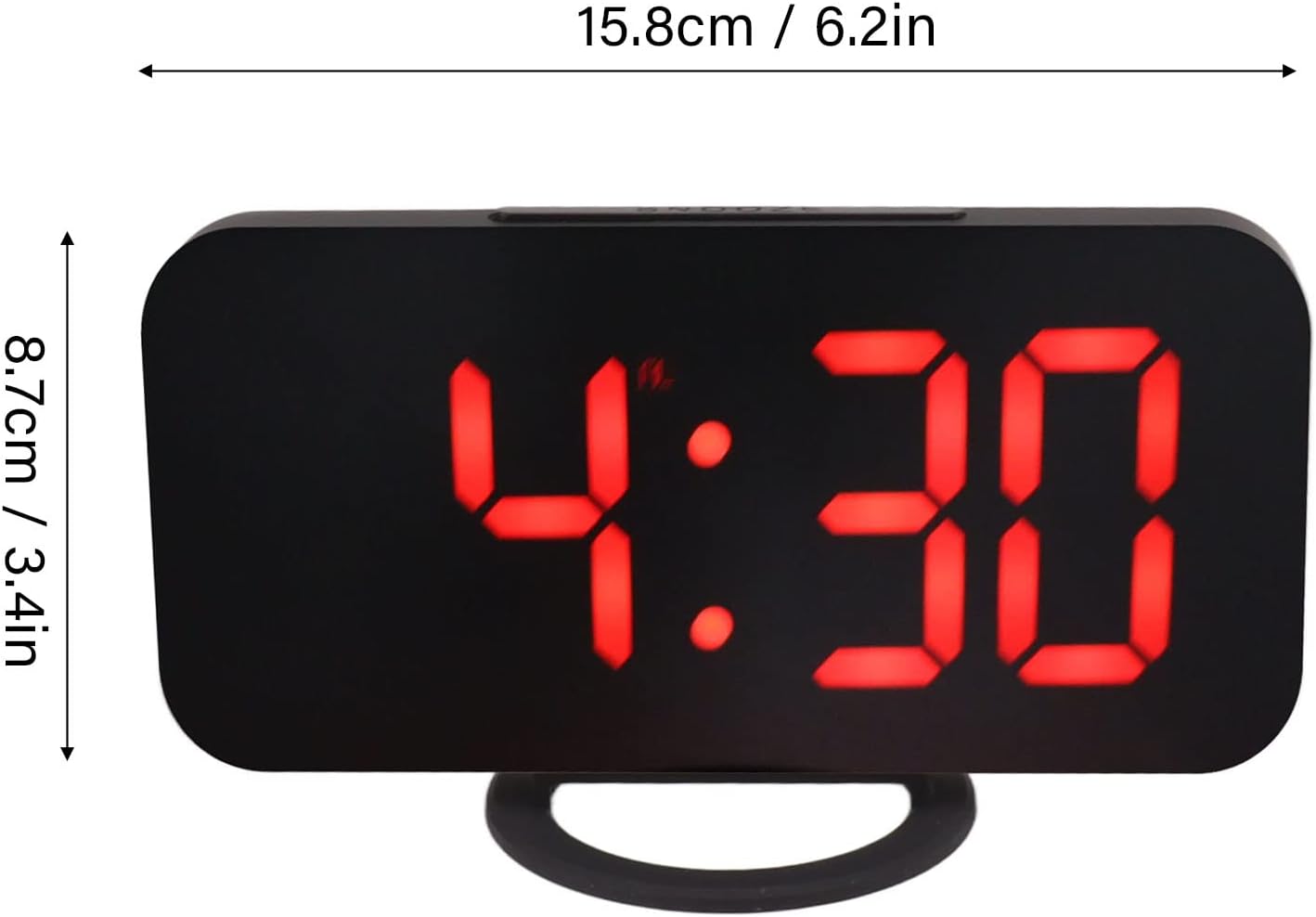
Figure 2: The alarm clock shown with its USB power cable, ready for connection.
2.2 Connexió d'alimentació
- Connect the small end of the provided USB power cable to the DC 5V input port on the back of the alarm clock.
- Connecteu l'extrem USB estàndard del cable a un adaptador de corrent USB (no inclòs) o a un port USB alimentat.
- La pantalla s'il·luminarà, indicant que el rellotge està encès.
Nota: This clock requires continuous power via USB. It does not operate on batteries for primary function, but may have a small internal battery for time memory during power outages (not user-replaceable).
3. Instruccions de funcionament
3.1 Funcions dels botons
The clock features several buttons, typically located on the top or side. Refer to Figure 3 for button identification.

Figura 3: Detallada view of the clock's control buttons and examples of different display brightness levels.
- Botó MODE: Used to switch between time display, alarm setting, and other modes.
- Botons UP/DOWN: Used to adjust values (time, alarm) or brightness levels.
- Botó SNOOZE: Activa la funció de repetició de l'alarma quan sona l'alarma.
3.2 Configuració de l'hora
- Premeu el botó MODE botó fins que la pantalla de l'hora parpellegi.
- Utilitza el UP i ABAIX botons per ajustar l'hora.
- Premeu MODE again to switch to minute adjustment.
- Utilitza el UP i ABAIX botons per ajustar els minuts.
- Premeu MODE per confirmar i sortir del mode de configuració de l'hora.
3.3 Configuració de l'alarma
- Premeu el botó MODE button repeatedly until the alarm icon (e.g., a bell) appears and the alarm time flashes.
- Utilitza el UP i ABAIX botons per configurar l'hora d'alarma desitjada.
- Premeu MODE again to switch to minute adjustment.
- Utilitza el UP i ABAIX botons per configurar els minuts d'alarma desitjats.
- Premeu MODE to confirm and activate the alarm. The alarm icon will remain displayed.
- To deactivate the alarm, repeat the steps and press MODE fins que la icona de l'alarma desaparegui.
3.4 Funció de repetició
Quan soni l'alarma, premeu el botó DORMITAR button (usually located on top of the clock) to temporarily silence the alarm. The alarm will sound again after a preset interval (e.g., 5-10 minutes). To turn off the alarm completely, press any other button or let it ring for its full duration.
3.5 Ajust de brillantor
The clock offers multiple brightness levels for its LED display, including manual adjustment, automatic adjustment, and a night mode. This allows for optimal visibility in various lighting conditions.
- Ajust manual: En el mode de visualització de l'hora, premeu la tecla UP or ABAIX buttons to cycle through different brightness levels (e.g., Dark, Mid Gear, Bright).
- Ajust automàtic: Some models may feature an ambient light sensor that automatically adjusts display brightness based on room lighting. Refer to Figure 3 for visual representation of brightness levels.
- Mode nocturn: A specific setting that dims the display significantly during predefined night hours to prevent disturbance. Consult the specific button sequence for your model to activate/deactivate night mode.
4. Manteniment
4.1 Neteja
To clean the clock, gently wipe the surface with a soft, dry, or slightly damp cloth. Do not use abrasive cleaners, solvents, or chemical sprays, as these can damage the mirror finish and electronic components.
4.2 Emmagatzematge
If storing the clock for an extended period, disconnect it from the power source and store it in a cool, dry place away from direct sunlight and extreme temperatures.
5. Solució De Problemes
| Problema | Causa possible | Solució |
|---|---|---|
| Display is blank or not lighting up. | Sense corrent o connexió fluixa. | Ensure the USB cable is securely connected to both the clock and a powered USB port/adapter. Try a different USB port or adapter. |
| L'alarma no sona. | Alarm not set or deactivated. Volume too low (if applicable). | Verify the alarm is set and the alarm icon is displayed. Check if there's a volume setting (though most digital clocks have fixed alarm volume). |
| L'hora és incorrecta. | L'hora no s'ha ajustat correctament o s'ha interromput el corrent. | Reset the time according to section 3.2. If power was interrupted, the clock may need to be reset. |
| La pantalla és massa brillant o massa tènue. | Cal ajustar la configuració de la brillantor. | Adjust the brightness manually using the UP/DOWN buttons as described in section 3.5. |
6. Especificacions
- Número de model: Shanrya1am475rqfe-12
- ASIN: B0BVC2VWF3
- Marca: Shanrya
- Tipus de visualització: LED digital (vermell)
- Característiques: Alarm, Snooze, Dimmable Display (Manual, Auto, Night Mode)
- Font d'alimentació: DC 5V via USB cable
- Dimensions: Approximately 15.8 cm (6.2 in) x 8.7 cm (3.4 in) (Width x Height)
- Primera data disponible: 25 de març de 2023

Figure 4: Diagram illustrating the approximate dimensions of the alarm clock.
7. Garantia i Suport
This product is covered by a standard manufacturer's warranty. For specific warranty terms and conditions, please refer to the documentation provided at the time of purchase or contact your retailer.
For technical support or inquiries, please contact the seller or manufacturer through the platform where the product was purchased. Please have your model number (Shanrya1am475rqfe-12) and ASIN (B0BVC2VWF3) ready when contacting support.


