1. Introducció
The iKiKin T31 OBD2 Code Reader Diagnostic Tool is a professional automotive diagnostic device designed to help users identify and resolve issues related to their vehicle's engine and emissions systems. This compact and portable tool provides comprehensive diagnostic functions, making it suitable for both amateur technicians and professional mechanics.
It supports all OBDII protocol vehicles, including those manufactured in the USA since 1996, Europe since 2000, and Asia since 2008. The device features a user-friendly interface and multiple language options for ease of use.

2. Configuració i connexió
The iKiKin T31 is designed for simple plug-and-play operation. Follow these steps to set up and connect the device to your vehicle:
- Preparar el vehicle: Ensure the vehicle's ignition is turned to the "ON" position, but do not start the engine.
- Localitza el port OBD2: The OBD2 (On-Board Diagnostics II) port is typically located under the dashboard on the driver's side. Refer to your vehicle's owner's manual if you cannot find it.
- Connecteu l'eina: Plug the 16-pin OBD2 connector of the iKiKin T31 into the vehicle's OBD2 port. The device will power on automatically.
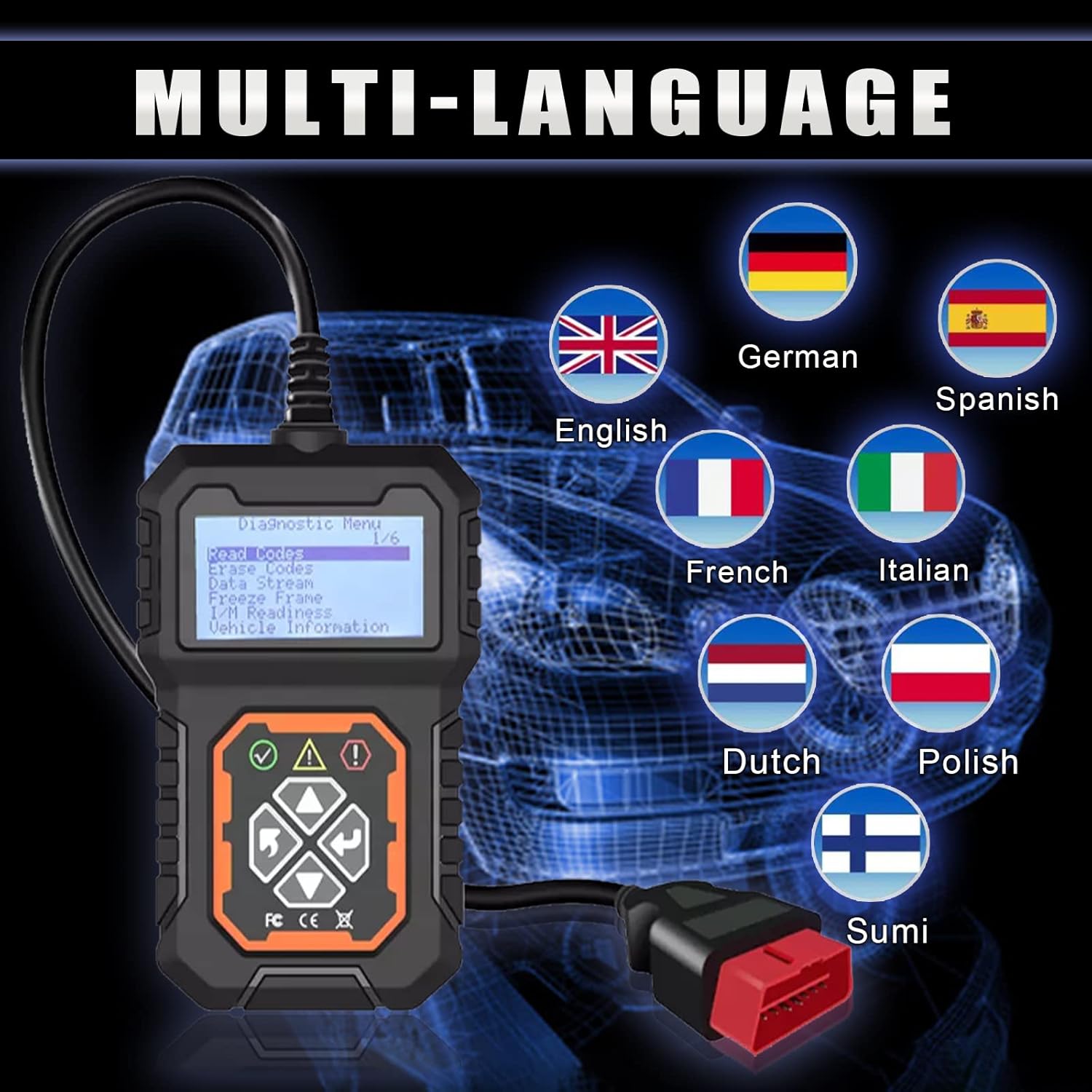
- Initial Setup (Language): Upon first use or after a reset, you may need to select your preferred language. Navigate through the "System Setup" menu to choose from available languages such as English, German, Spanish, French, Italian, Dutch, Polish, and Sumi.

Video 1: Comprehensive Demonstration of iKiKin T31. This video provides a detailed walkthrough of connecting the OBD2 scanner to a vehicle, navigating through its menus, reading engine fault codes, checking I/M readiness, and viewing vehicle information. It demonstrates the device's ease of use and various diagnostic capabilities.
3. Funcionament del dispositiu
The iKiKin T31 offers several key diagnostic functions accessible through its intuitive menu system. Use the navigation buttons (up, down, left, right) and the Enter/ESC buttons to operate the device.
- Llegir codis: This function allows you to retrieve Diagnostic Trouble Codes (DTCs) stored in the vehicle's Engine Control Unit (ECU). These codes indicate specific issues detected by the vehicle's onboard diagnostic system.
- Esborra codis: After addressing a vehicle issue, this function allows you to clear the stored DTCs and turn off the Check Engine Light (MIL). Ensure the underlying problem is resolved before clearing codes to prevent recurrence.
- Flux de dades en directe: View real-time operational data from the vehicle's sensors and components. This can include engine RPM, vehicle speed, oxygen sensor readings, coolant temperature, and more. This data helps in diagnosing intermittent problems.
- Congelar fotograma: When an emission-related fault occurs, the ECU stores certain vehicle operating conditions at the time of the fault. This "freeze frame" data provides a snapshot of critical parameters, aiding in diagnosis.
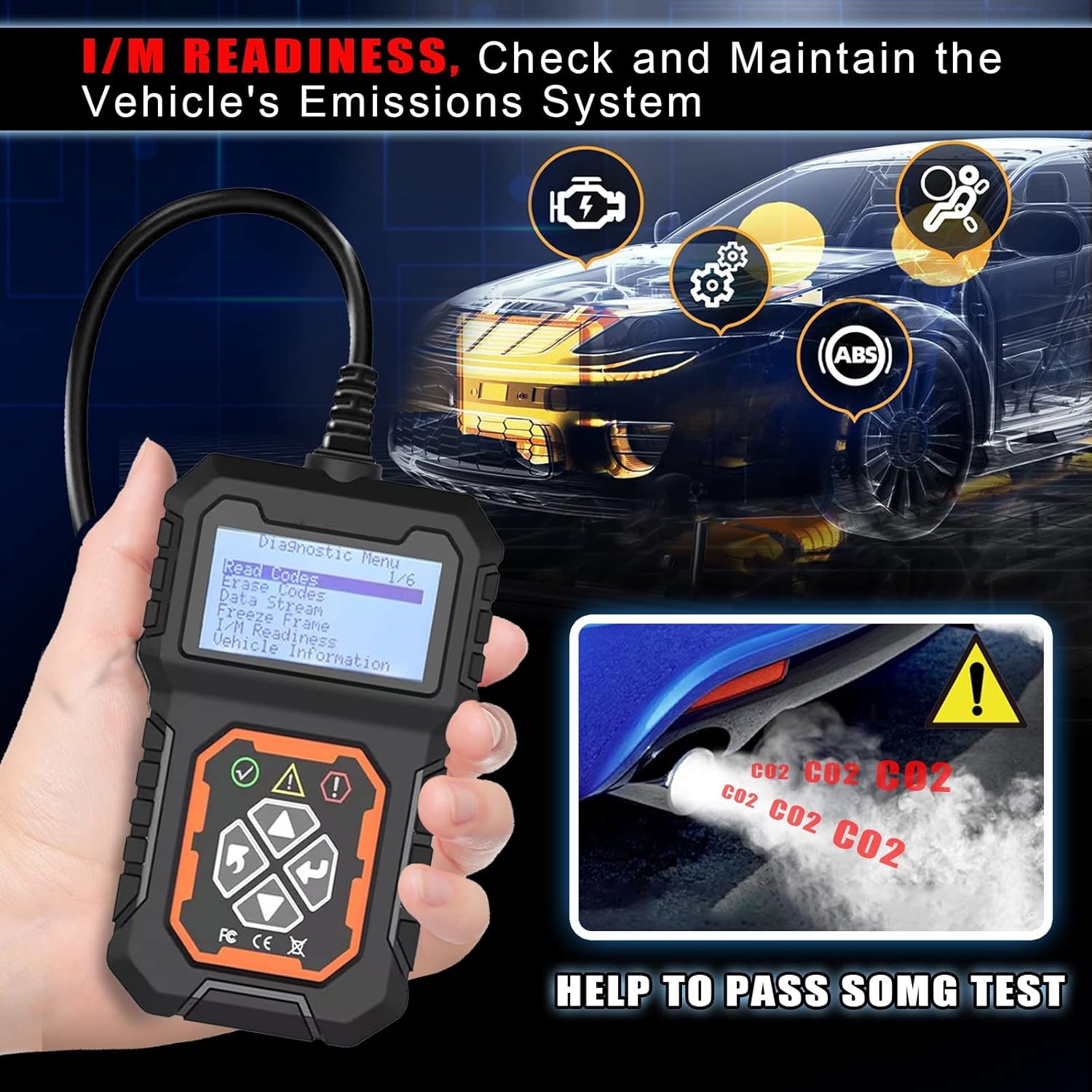
- Preparació I/M: This function checks the status of the vehicle's emission-related monitoring systems. It indicates whether all monitors have completed their diagnostic cycles, which is crucial for passing emissions tests.
- Informació del vehicle: Access important vehicle details such as Vehicle Identification Number (VIN), Calibration ID (CALID), and Calibration Verification Number (CVN).


Video 2: Reading and Clearing Fault Codes. This video demonstrates the process of reading and clearing engine fault codes using the iKiKin T31, showing the device's display and user interaction.
4. Manteniment i cura
To ensure the longevity and optimal performance of your iKiKin T31 OBD2 Code Reader, follow these maintenance guidelines:
- Neteja: Wipe the device with a soft, dry cloth. Avoid using abrasive cleaners or solvents that could damage the casing o pantalla.
- Emmagatzematge: Store the tool in a cool, dry place away from direct sunlight, extreme temperatures, and excessive moisture. Keep it in its original packaging or a protective case when not in use.
- Cura del cable: Do not pull the cable forcefully when disconnecting from the vehicle. Always grasp the connector itself. Avoid bending or kinking the cable excessively.
- Actualitzacions de programari: While the device does not explicitly mention software updates in the provided specifications, regularly check the manufacturer's website for any available firmware updates to ensure compatibility with newer vehicles and improved functionality.
5. Solució De Problemes
If you encounter issues while using your iKiKin T31, refer to the following common troubleshooting tips:
| Problema | Causa possible | Solució |
|---|---|---|
| El dispositiu no s'encén. | Incorrect connection; vehicle ignition off; faulty OBD2 port. | Ensure the OBD2 connector is securely plugged in. Turn the vehicle ignition to the "ON" position. Check the vehicle's OBD2 port for damage or blown fuses. |
| Missatge "Error d'enllaç" o "Error de comunicació". | Vehicle not OBDII compliant; loose connection; vehicle's ECU not responding. | Verify your vehicle is OBDII compliant (USA 1996+, Europe 2000+, Asia 2008+). Re-plug the connector firmly. Try on another OBDII compliant vehicle if possible to rule out device issue. |
| No es poden esborrar els codis. | Underlying fault still present; ignition not on. | Ensure the vehicle's ignition is "ON" (engine off). The underlying issue causing the code must be fixed before the code can be permanently cleared. |
| La pantalla està tènue o il·legible. | Contrast setting is too low. | Adjust the screen contrast setting in the "System Setup" menu. |
6. Especificacions
Key technical specifications for the iKiKin T31 OBD2 Code Reader Diagnostic Tool:
- Model: T31
- Fabricant: iKiKin
- Entrada Voltage: 8V to 25V (Powered directly from vehicle's OBD2 port)
- Temperatura de funcionament: -20 °C a 70 °C
- Temperatura d'emmagatzematge: -30 °C a 80 °C
- Mida de la pantalla: 8 centímetres (aproximadament 3.15 polzades)
- Pes de l'article: 238 g
- Dimensions del paquet: 17.3 x 11.2 x 5.6 cm
- Protocols admesos: CAN (Controller Area Network), J1850 PWM, J1850 VPW, ISO9141, KWP2000
- Característiques especials: OBD2 automatic diagnostic tool, scanner, check engine light fault code reader, portable code reader.

7. Garantia i Suport
The iKiKin T31 OBD2 Code Reader comes with a standard manufacturer's warranty. For specific warranty terms and conditions, please refer to the product packaging or contact iKiKin customer support directly.
If you require technical assistance, have questions about product functionality, or need to report an issue, please contact the seller or manufacturer through the platform where the product was purchased. Providing your product model (T31) and a detailed description of the issue will help expedite support.


