Introducció
The Lexip PIXMINDS Steelplay Adventure Twinpads are designed to enhance your gaming experience on compatible systems. These controllers offer precise input and comfortable handling for extended play sessions. This manual provides essential information for setup, operation, maintenance, and troubleshooting.
Contingut del paquet
En obrir el paquet, assegureu-vos que hi hagi tots els components:
- Lexip PIXMINDS Steelplay Adventure Twinpads (Left and Right controllers)
- Manual d'usuari (aquest document)
- Required Lithium Ion batteries (pre-installed or included)

Image: The retail packaging for the Lexip PIXMINDS Steelplay Adventure Twinpads, showing the controllers and compatibility information.
Configuració
The Twinpads are compatible with Nintendo Switch™ and Nintendo Switch™ OLED models. They connect wirelessly via Bluetooth.
1. Charging the Twinpads
The Twinpads come with Lithium Ion batteries. Before first use, ensure they are fully charged. The LED indicators on the controllers will show charging status.
2. Emparellament amb el dispositiu
- Assegura't que la consola Nintendo Switch estigui engegada i actualitzada amb el programari del sistema més recent.
- Al menú INICI, seleccioneu "Controlants" > "Canvia l'empunyadura/l'ordre".
- On each Twinpad, press and hold the small pairing button located on the side or back until the player LEDs begin to flash.
- Once the LEDs stop flashing and remain solid, the Twinpad is successfully paired.
- Repeat for the other Twinpad.
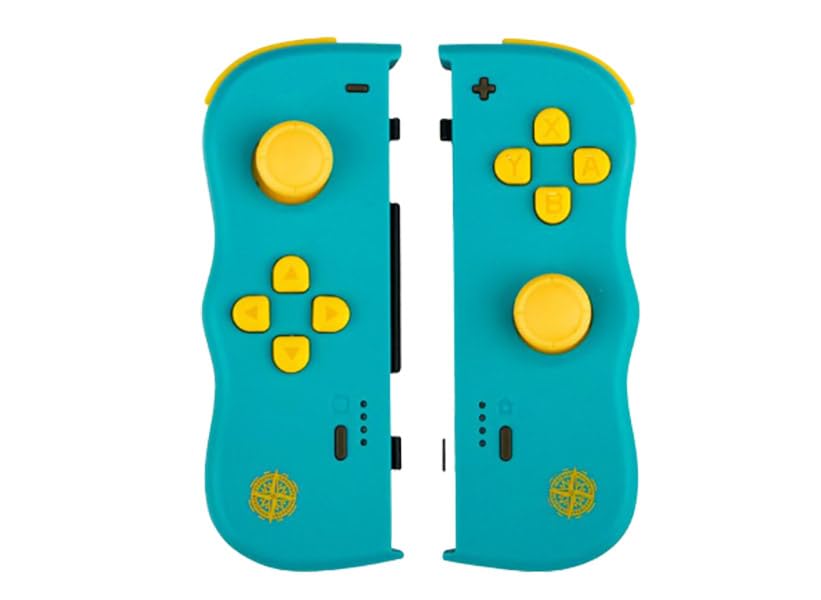
Imatge: Frontal view of the Lexip PIXMINDS Steelplay Adventure Twinpads, showing the joysticks, D-pad, and action buttons.
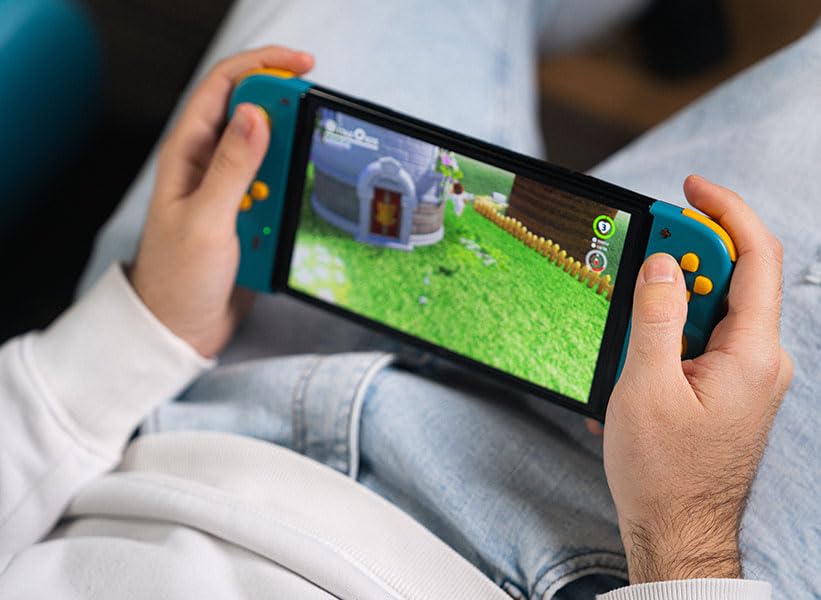
Imatge: Lateral view of the Lexip PIXMINDS Steelplay Adventure Twinpads, highlighting the rail for attachment and potential pairing button location.
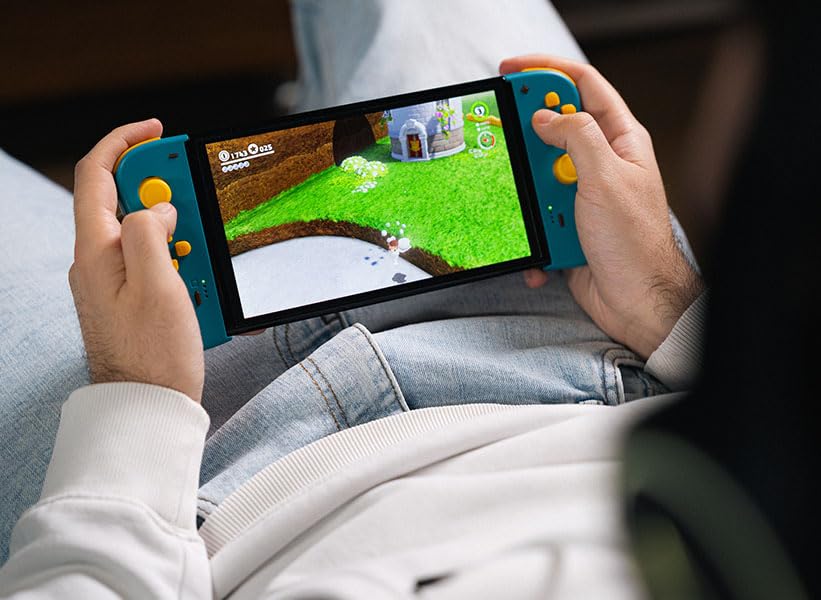
Imatge: Enrere view of the Lexip PIXMINDS Steelplay Adventure Twinpads, showing the ergonomic design and additional buttons.
Instruccions de funcionament
Once paired, the Twinpads function as independent left and right controllers, similar to the original Joy-Con controllers. They can be used for various games that support detached controller play.
Disseny i funcions dels botons
- Left Twinpad: Analog Stick, D-pad, Minus (-) Button, Screenshot Button, SL/SR Buttons (on side rail).
- Right Twinpad: Analog Stick, A/B/X/Y Buttons, Plus (+) Button, Home Button, SL/SR Buttons (on side rail).
- Note: Specific button functions may vary depending on the game.
Tornant a connectar
If the Twinpads disconnect or you wish to reconnect them after turning off the console, simply press any button on each Twinpad. They should automatically reconnect to the last paired console.
Manteniment
Proper care will extend the lifespan of your Twinpads.
- Neteja: Use a soft, dry cloth to wipe the surface of the controllers. For stubborn dirt, slightly dampRenta el drap amb aigua. Evita utilitzar productes químics agressius o netejadors abrasius.
- Emmagatzematge: Store the Twinpads in a cool, dry place away from direct sunlight and extreme temperatures.
- Cura de la bateria: If storing for an extended period, ensure the batteries are partially charged (around 50%) to maintain battery health. Avoid fully discharging the batteries for long periods.
Resolució de problemes
If you encounter issues with your Twinpads, try the following solutions:
- Controllers not pairing:
- Ensure the Twinpads are charged.
- Verify Bluetooth is enabled on your console.
- Try re-pairing the controllers by following the "Pairing with Your Device" steps.
- Move closer to the console to ensure a strong Bluetooth signal.
- Reinicia la consola Nintendo Switch.
- Retard d'entrada o desconnexió:
- Ensure there are no obstructions between the controllers and the console.
- Minimitzar les interferències d'altres dispositius sense fil.
- Comproveu els nivells de la bateria i recarregueu-la si cal.
- Botons que no responen:
- Netegeu els botons per eliminar qualsevol residu.
- Ensure the controllers are properly paired and connected.
- Test the controllers in a different game or the console's controller test menu.
Especificacions
| Característica | Detall |
|---|---|
| Model | JVASWI00101 |
| Marca | Lexip, PIXMINDS, Steelplay |
| Connectivitat | Bluetooth |
| Compatibilitat | Nintendo Switch™, Nintendo Switch™ OLED |
| Tipus de bateria | 1 bateria de ions de liti (inclosa) |
| Pes de l'article | 5.6 unces (aproximadament 158.76 grams) |
| Dimensions del paquet | 6.18 x 4.72 x 1.26 polzades (aprox. 15.7 x 12 x 3.2 cm) |
| Fabricant | PIXMINDS |
| Data de llançament | 1 de gener de 2023 |
Garantia i Suport
The Lexip PIXMINDS Steelplay Adventure Twinpads come with a 5 any de garantia, as indicated on the product packaging. To register your product and activate your warranty, please visit the official warranty registration page:
Register Your Product for Warranty
For technical support or further inquiries, please refer to the official Lexip support channels or contact your retailer.


