1. Introducció
This manual provides essential information for the proper setup, operation, and maintenance of your CYSSJF Wireless Caregiver Pager System. This system is designed to facilitate communication between caregivers and individuals requiring assistance, such as seniors, patients, or those with limited mobility. Please read these instructions thoroughly before using the product to ensure safe and effective operation.
2. Producte acabatview
The CYSSJF Wireless Caregiver Pager System includes a portable wrist receiver and two emergency call buttons. This system allows caregivers to monitor and respond to calls for assistance from patients, seniors, or loved ones, providing flexibility and peace of mind.

Figure 2.1: Components of the Wireless Caregiver Pager System.

Figure 2.2: Smart Wireless Watch Caregiver Pager in use.
Característiques principals:
- Funcionament sense fil: Enables flexible placement and mobility for both the user and caregiver.
- De llarg abast: Operates effectively up to 328 feet in open areas.
- Waterproof Call Button: Designed for use in various environments, including bathrooms.
- Múltiples modes d'alerta: Wrist receiver offers shake & beep, beep, shake, or mute (screen only) prompt modes.
- Sistema ampliable: Supports multiple transmitter buttons and can be paired with multiple pagers.
Video 2.1: Product Demonstration Video. This video provides a visual overview of the caregiver pager system and its components.
3. Configuració
3.1. Unboxing i Inspecció Inicial
Carefully remove all components from the packaging. Verify that all items are present: one wrist receiver, two call buttons, and a charger. Inspect for any visible damage.
3.2. Charging the Wrist Receiver
Before first use, fully charge the wrist receiver using the provided charger. The magnetic charging port is located on the side of the receiver. A full charge ensures optimal performance and a standby time of up to 14 days.

Figure 3.1: Product dimensions and magnetic charging port location of the wrist receiver.
3.3. Call Button Placement
The call buttons are versatile and can be placed in several convenient locations:
- Around the Neck: Use the included lanyard to wear the button for easy access.
- Ubicació fixa: Attach the SOS button to a bedside, bathroom wall, or near a wheelchair using a double-sided sticker (not included). Ensure it is within easy reach of the user.

Figure 3.2: Details of the wrist receiver, highlighting its comfortable design and screen.
3.4. Pairing (Easy Pairing)
The system is designed for easy pairing. Follow the instructions provided in the product demonstration video to quickly pair the call buttons with the wrist receiver. The system allows for multiple transmitter buttons to be added and one button can be paired with multiple pagers.
Video 3.1: Product Demonstration and Operation Video. This video guides you through the pairing process and basic operation of the system.
4. Instruccions de funcionament
4.1. Fer una trucada
To request assistance, the user simply presses the 'CALL' button on the emergency call transmitter. This sends a signal to the wrist receiver.
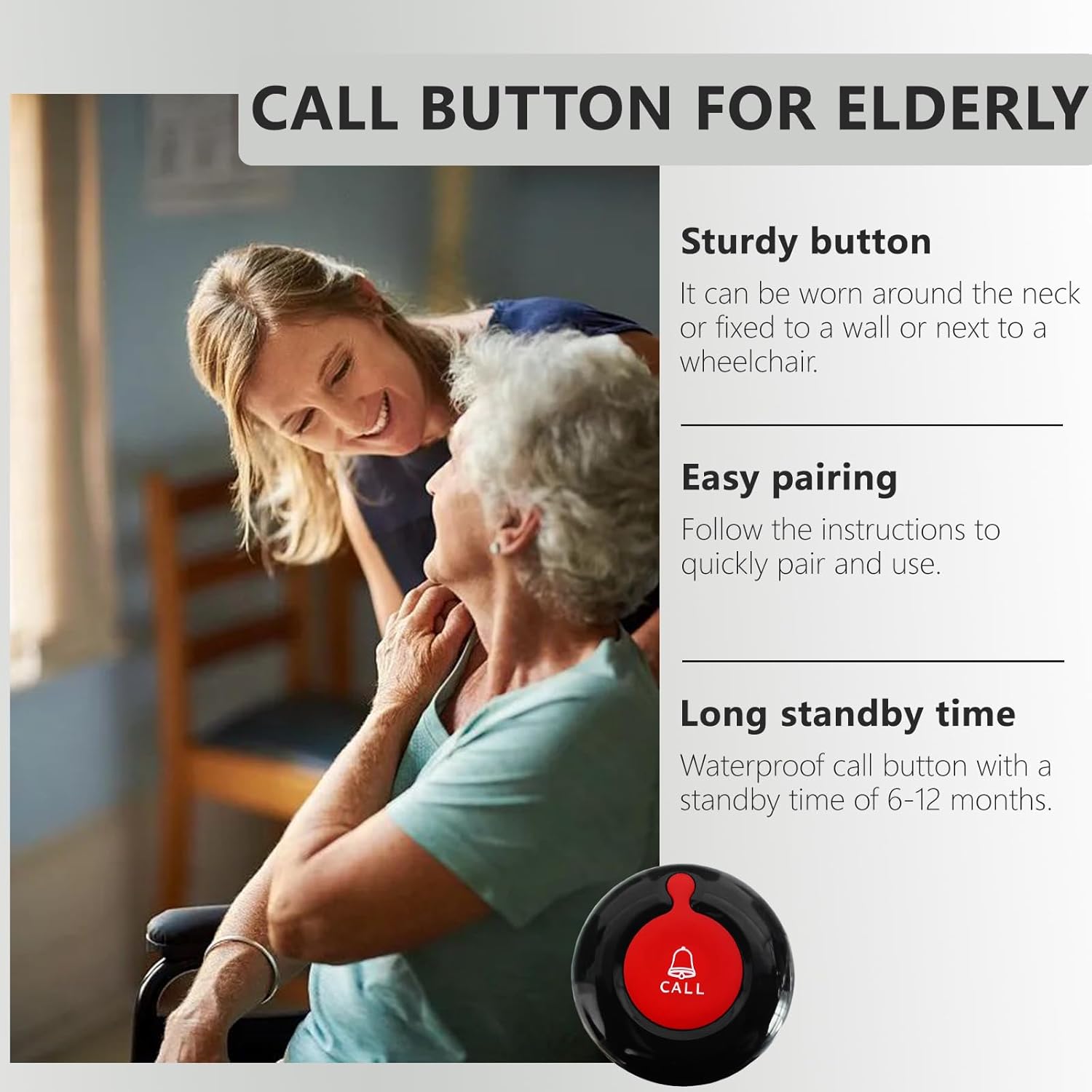
Figure 4.1: The call button is sturdy and designed for easy use.
4.2. Receiving an Alert
Upon receiving a call signal, the wrist receiver will alert the caregiver according to its set prompt mode. The available modes are:
- Shake & Beep: The receiver vibrates and emits an audible beep.
- Bip: The receiver emits an audible beep only.
- Sacsejar: The receiver vibrates only.
- Mute (Screen Only): The receiver displays the call on the screen without sound or vibration.
The screen will display the call number and time, allowing the caregiver to identify who needs assistance and when the call was made.
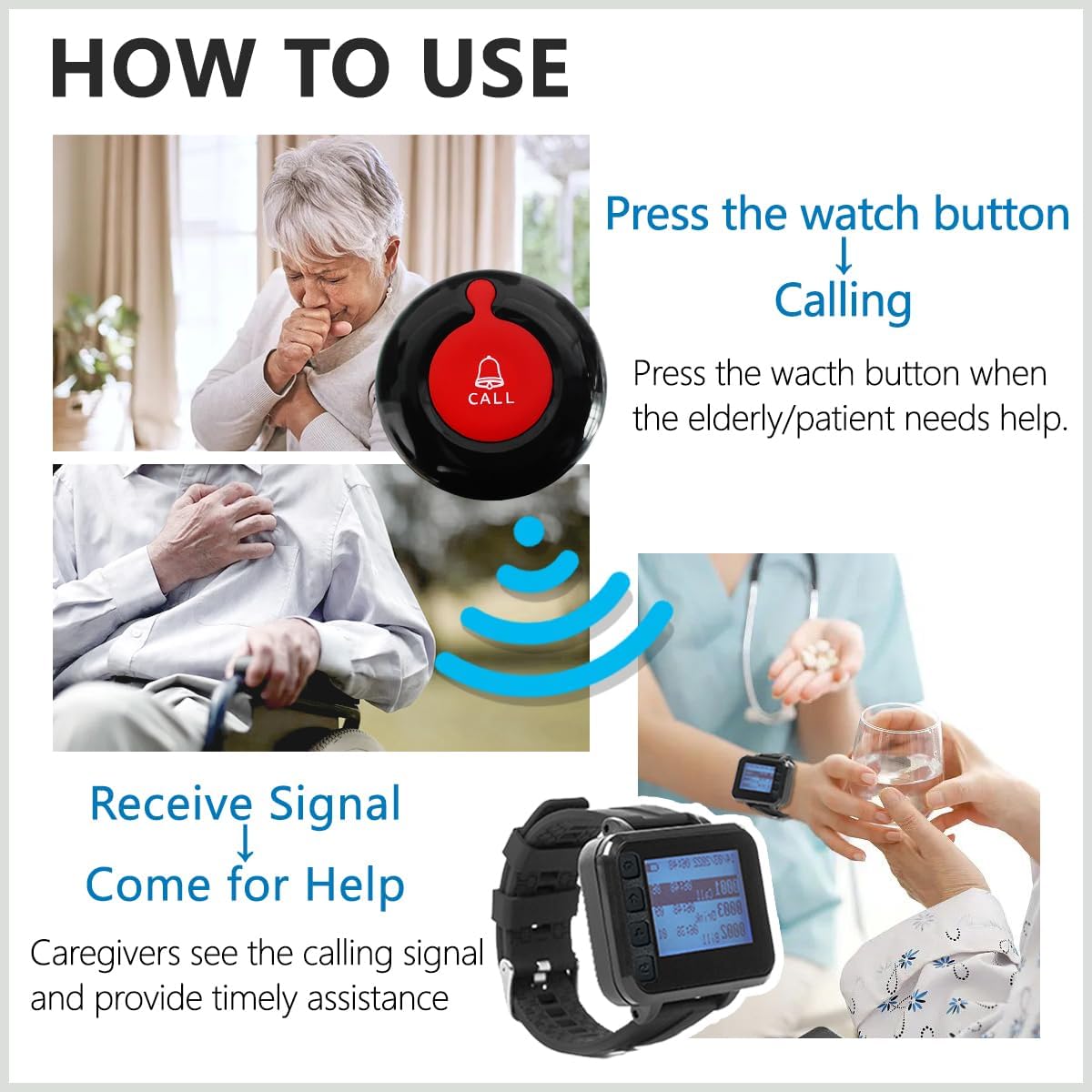
Figure 4.2: Illustration of the call and alert process.
4.3. Clearing Calls
Refer to the product demonstration and operation video (Video 3.1) for detailed instructions on how to navigate the wrist receiver's menu and clear received call alerts.
5. Manteniment
5.1. Cura de la bateria
- Wrist Receiver: Recharge the receiver when the battery indicator shows low power. Regular charging helps maintain battery health.
- Botons de trucada: The call buttons have a long standby time of 6-12 months. Replace the CR123A battery when the button no longer transmits signals effectively.
5.2. Neteja
Wipe the wrist receiver and call buttons with a soft, damp cloth. Avoid using harsh chemicals or abrasive cleaners, as these can damage the device's surface or internal components.
5.3. Resistència a l'aigua
The call buttons are waterproof, making them suitable for use in wet environments like bathrooms. The wrist receiver is designed to be water-resistant, but it is not recommended for submersion.
6. Solució De Problemes
6.1. No Signal Received
- Comproveu la bateria: Ensure both the call button and wrist receiver have sufficient battery charge.
- Interval: Verify that the call button is within the operational range (up to 328 feet in open areas) of the wrist receiver. Walls and other obstructions can reduce range.
- Torna a emparellar: If the issue persists, try re-pairing the call button with the wrist receiver as shown in the setup video.
6.2. Incorrect Time/Date on Receiver
Access the settings menu on the wrist receiver to adjust the date and time. Refer to the product demonstration and operation video for navigation instructions.
7. Especificacions
| Característica | Detall |
|---|---|
| Número de model | SJ-300PLUS+O1-1+2 |
| Marca | CYSSJF |
| Interval màxim | 328 Feet (open areas) |
| Mètode de control | Toca |
| Pes de l'article | 7 unces |
| Dimensions del producte | 1.97 x 2.01 x 0.63 polzades |
| Font d'alimentació | Funciona amb bateria |
| Battery Type (Call Button) | 1 bateria CR123A (inclosa) |
| Battery Type (Receiver) | Lithium (rechargeable, included) |
| Voltage | 12 Volts |
| Fabricant | Quanzhou Shuojiang Electronic Commerce Co., Ltd. |
8. Escenaris d'aplicació
The CYSSJF Wireless Caregiver Pager System is suitable for a variety of environments where timely assistance is crucial:
- Nursing Homes: Facilitates efficient communication between residents and staff.
- Hospitals: Supports patient care by enabling quick calls for nurses.
- Rehabilitation Centers: Assists individuals in recovery who may need immediate help.
- Atenció domiciliària: Ideal for caring for elderly parents, especially those with Alzheimer's disease, dementia, hospice patients, or people with limited mobility.
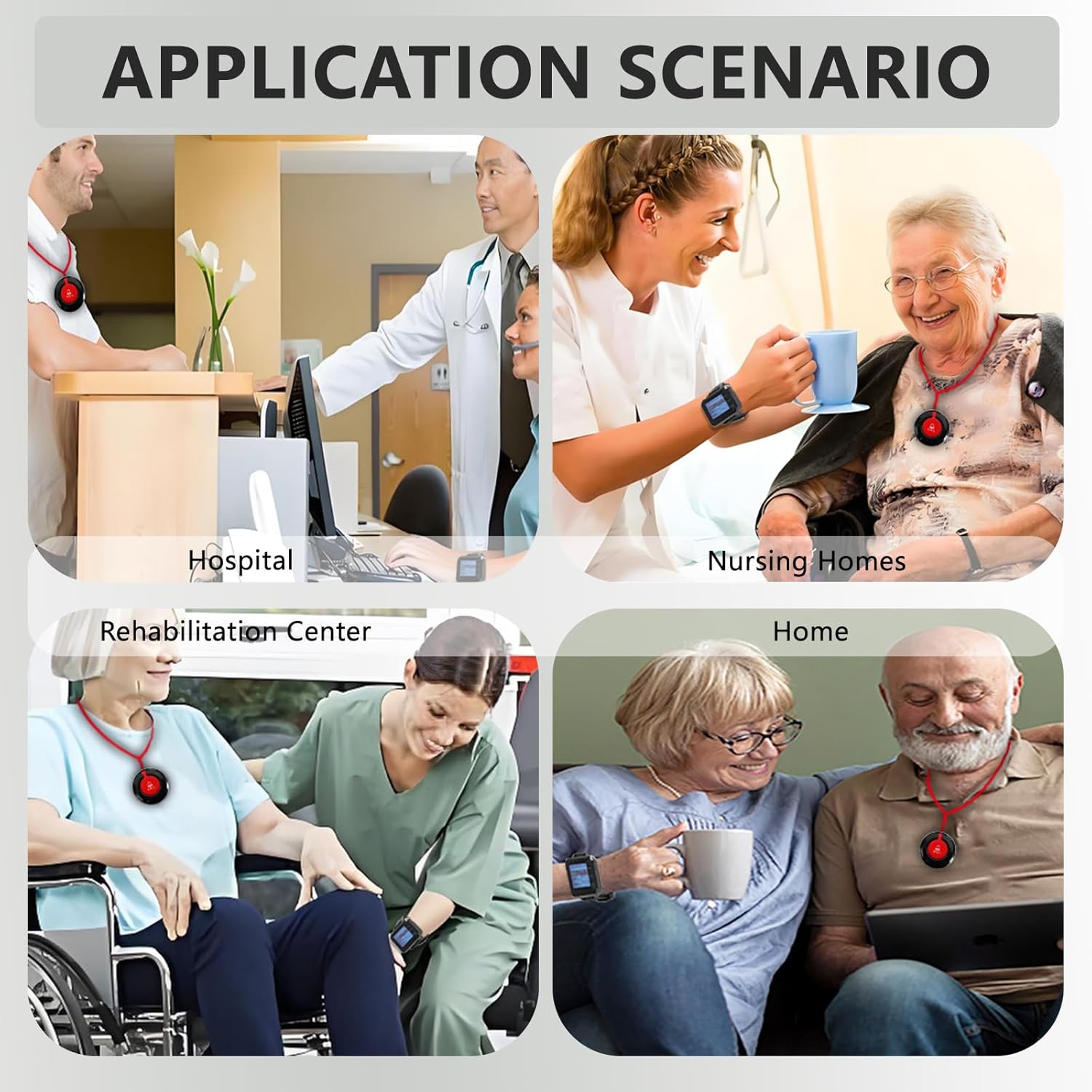
Figure 8.1: Diverse application scenarios for the caregiver pager system.
9. Garantia i Suport
For warranty information, technical support, or any inquiries regarding your CYSSJF Wireless Caregiver Pager System, please refer to the contact information provided with your purchase or visit the official CYSSJF weblloc web. El nostre equip d'atenció al client està disponible per ajudar-vos amb qualsevol pregunta o dubte.


