Bewinner Wireless Vertical Ergonomic Mouse User Manual
Model: Bewinnerh1va7douwn
Marca: Bewinner
1. Introducció
This manual provides comprehensive instructions for the setup, operation, maintenance, and troubleshooting of your Bewinner Wireless Vertical Ergonomic Mouse. Designed for comfort and efficiency, this mouse aims to reduce muscle strain and wrist pain associated with traditional mouse usage. Please read this manual carefully before using the product to ensure optimal performance and longevity.
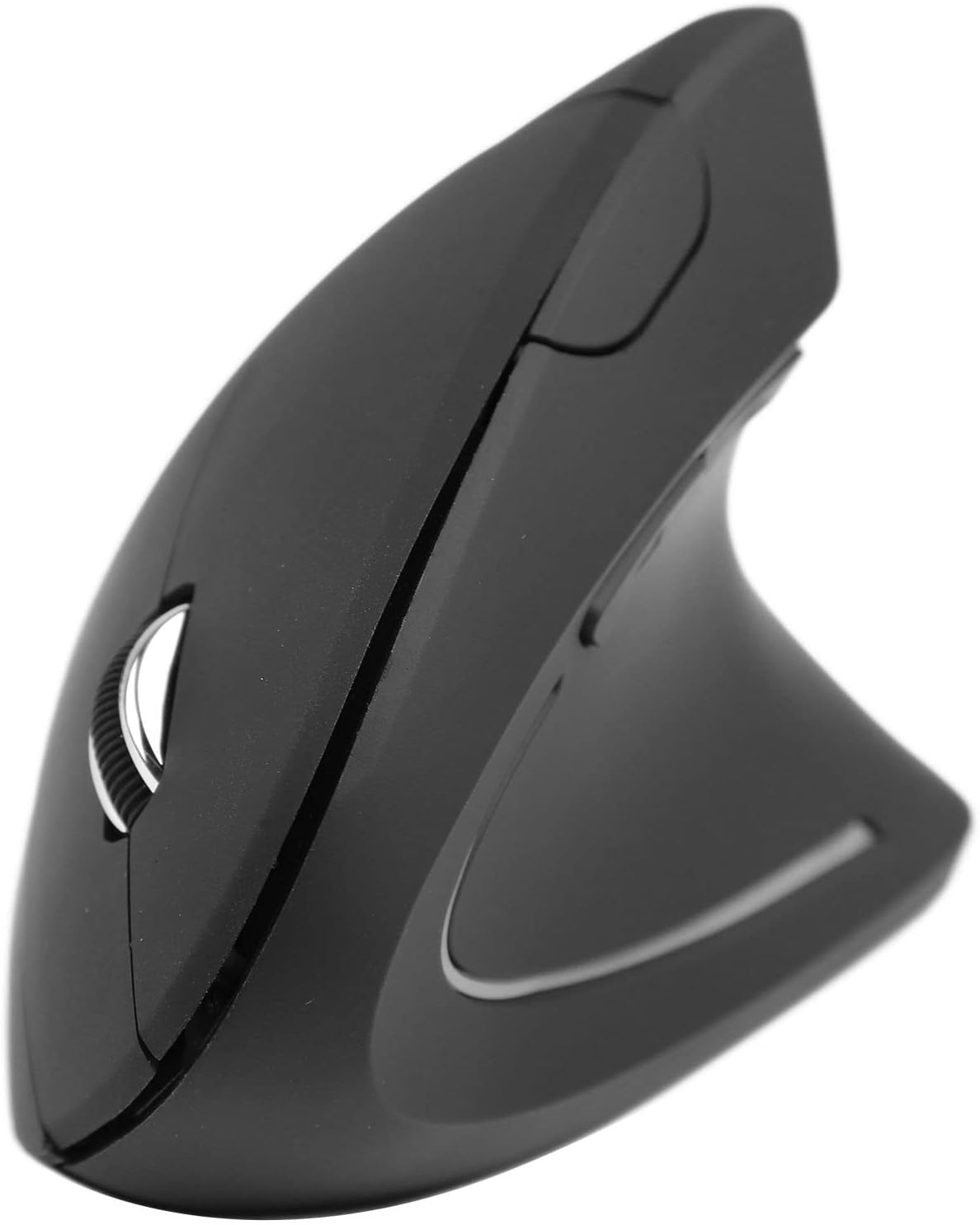
lateral view of the Bewinner Wireless Vertical Ergonomic Mouse, highlighting its unique upright design.
2. Característiques del producte
- DPI ajustable: Supports DPI adjustment to meet various needs for work, gaming, and entertainment.
- Funciona amb bateria: Operates on 2 AAA batteries, offering convenience for users.
- Disseny ergonòmic: Vertical design reduces muscle tension and wrist pain, fitting comfortably in your palm and maintaining a natural hand and arm position.
- Connectivitat sense fil 2.4G: Ensures fast response and precise movement with reliable 2.4G wireless transmission.
- Multiple Buttons: Equipped with left/right click, scroll wheel, and forward/backward buttons for enhanced functionality.

A hand gripping the Bewinner Wireless Vertical Ergonomic Mouse, showcasing the natural, handshake-like grip that promotes ergonomic posture and reduces wrist strain.
3. Contingut del paquet
Si us plau, comproveu el contingut del paquet en desembalar-lo. Si falta algun article o hi ha algun dany, poseu-vos en contacte amb el servei d'atenció al client.
- Bewinner Wireless Vertical Ergonomic Mouse
- Receptor USB
- Manual d'usuari
4. Guia de configuració
4.1. Instal·lació de bateries
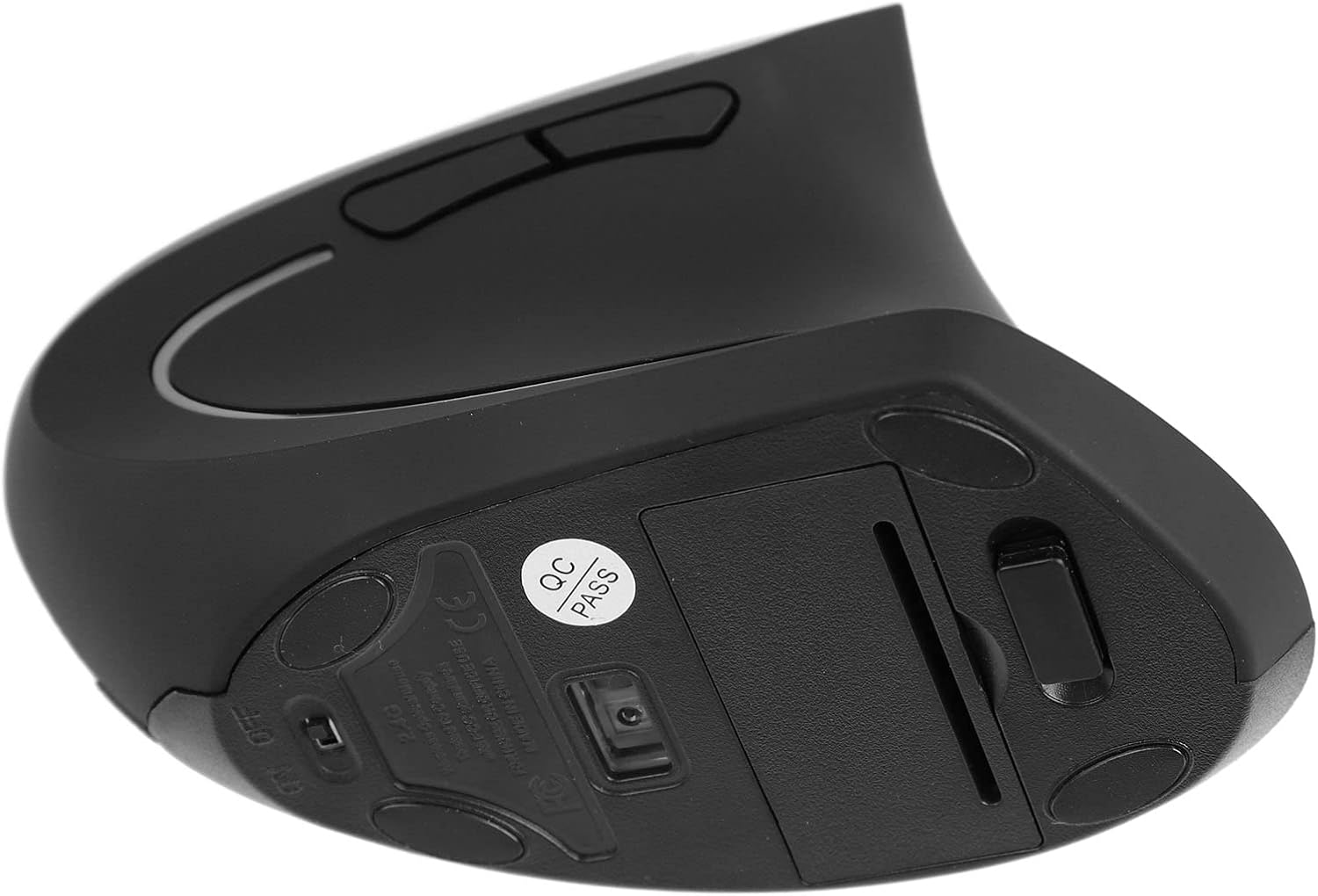
- Localitzeu el compartiment de la bateria a la part inferior del ratolí.
- Obriu la tapa del compartiment de la bateria.
- Introduïu 2 piles AAA, assegurant-vos de la polaritat correcta (+/-).
- Tanqueu bé la tapa del compartiment de la bateria.

Part inferior view of the Bewinner Wireless Vertical Ergonomic Mouse, revealing the battery compartment and optical sensor.
4.2. Connexió del receptor USB
- Take out the USB receiver from its storage slot, usually located near the battery compartment.
- Connecteu el receptor USB a un port USB disponible de l'ordinador.
- L'ordinador hauria de detectar i instal·lar automàticament els controladors necessaris. Això pot trigar uns instants.
- Un cop instal·lat, el ratolí ja està llest per al seu ús.
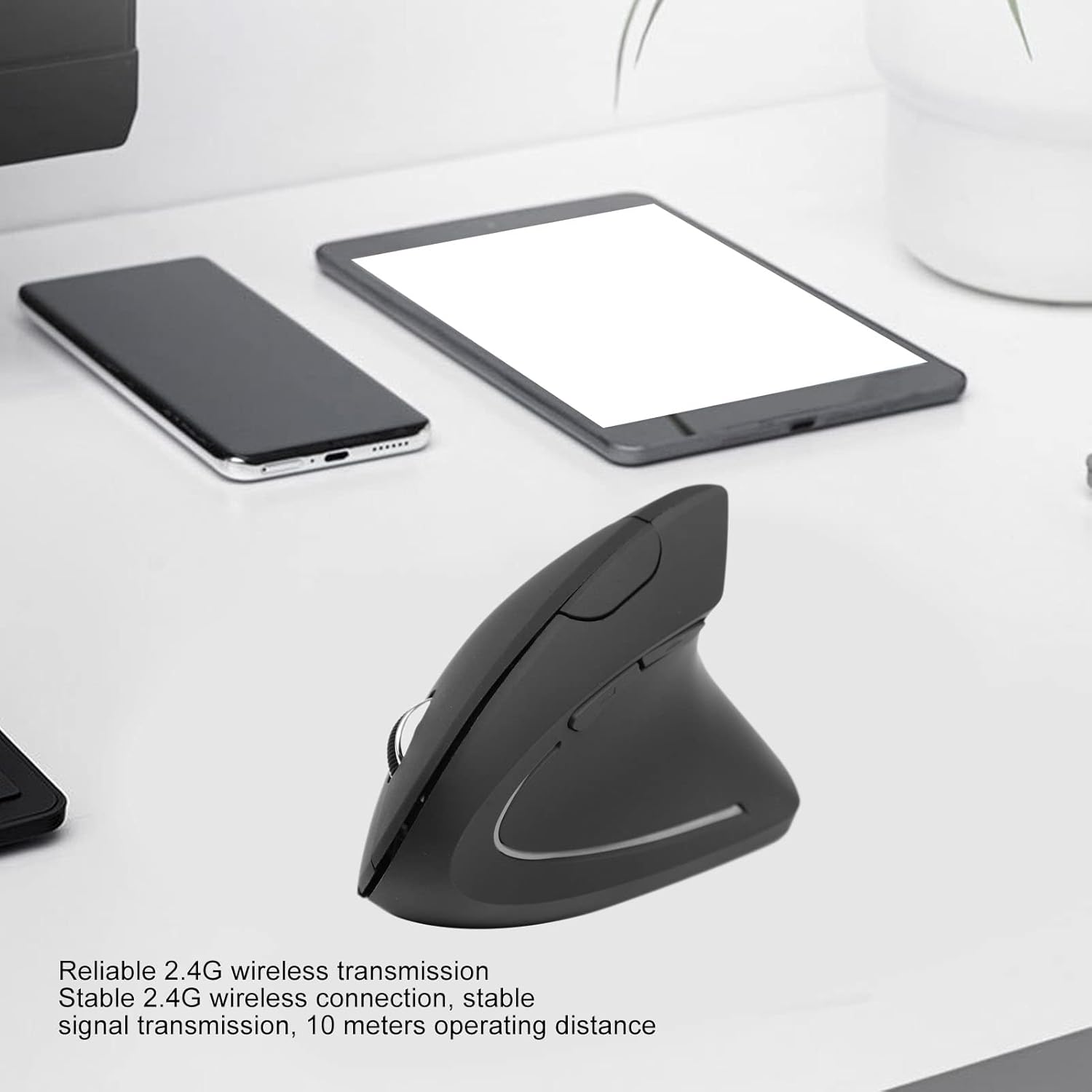
The Bewinner Wireless Vertical Ergonomic Mouse on a desk, demonstrating its wireless connectivity and compact size alongside other devices. This image illustrates the 2.4G wireless transmission capability.
5. Instruccions de funcionament
5.1. Funcions bàsiques
- Clic esquerre: Primary button for selecting items and interacting with software.
- Clic dret: Botó secundari per a menús contextuals i opcions addicionals.
- Roda de desplaçament: Desplaceu-vos amunt o avall per desplaçar-vos pels documents i web pages. Press down for middle-click functionality (if supported by software).
De dalt a baix view of the Bewinner Wireless Vertical Ergonomic Mouse, clearly showing the left/right click buttons and the scroll wheel.
5.2. Ajust de DPI
The mouse features an adjustable DPI setting, allowing you to change cursor sensitivity. Locate the DPI button, usually positioned near the scroll wheel or on the top of the mouse. Pressing this button will cycle through different DPI levels. Choose the sensitivity that best suits your task, whether it's precise graphic design or fast-paced gaming.
5.3. Botons Endavant/Enrere
The forward and backward buttons, typically located on the side of the mouse accessible by your thumb, allow for quick navigation in web navegadors i file explorers. Press the forward button to go to the next page/folder, and the backward button to return to the previous one.

A user operating the Bewinner Wireless Vertical Ergonomic Mouse with a laptop, illustrating how the ergonomic design helps reduce muscle strain and wrist pain by maintaining a comfortable hand and arm position.
6. Manteniment
- Neteja: Feu servir un drap suau i sec per netejar el ratolí. Per a la brutícia persistent, fregueu lleugerament.ampNetegeu el drap amb aigua o una solució de neteja suau. Eviteu productes químics agressius o materials abrasius.
- Substitució de la bateria: Replace batteries when the mouse performance degrades or it stops responding. Always use new AAA batteries and dispose of old ones responsibly.
- Emmagatzematge: When not in use for extended periods, remove the batteries to prevent leakage. Store the mouse in a cool, dry place away from direct sunlight and extreme temperatures.
- Receptor USB: Keep the USB receiver in a safe place when not plugged into your computer, preferably in its designated storage slot on the mouse.
7. Solució De Problemes
| Problema | Causa possible | Solució |
|---|---|---|
| El ratolí no respon | Low or dead batteries; USB receiver not connected; Driver issue. | Replace batteries; Ensure USB receiver is firmly plugged in; Try a different USB port; Restart your computer. |
| El moviment del cursor és erràtic o brusc | Dirty optical sensor; Uneven surface; Interference. | Clean the optical sensor with a soft cloth; Use the mouse on a clean, flat surface or mouse pad; Move closer to the USB receiver or away from other wireless devices. |
| Els botons no funcionen | Conflicte de programari; Danys físics. | Restart your computer; Test on another computer; If physically damaged, contact support. |
| Problemes de connexió sense fil | Distance from receiver; Interference; Receiver not paired. | Ensure mouse is within 10 meters of receiver; Reduce interference from other 2.4GHz devices; Re-pair the mouse if a pairing button is available (refer to specific pairing instructions if provided with product). |
8. Especificacions
| Característica | Detall |
|---|---|
| Marca | Guanyador |
| Número de model de l'article | Bewinnerh1va7douwn |
| ASIN | B0C4Z1WN1Q |
| Connectivitat | 2.4G sense fil |
| Font d'alimentació | 2 x piles AAA |
| Ajust de DPI | Admet |
| País d'origen | Xina |
| Fabricant | Guanyador |
| Disponibilitat de peces de recanvi | Informació no disponible |
| Actualitzacions de programari garantides fins | Informació no disponible |
9. Garantia i Suport
Per obtenir informació sobre la garantia i assistència al client, consulteu la documentació inclosa amb la compra o poseu-vos en contacte directament amb el venedor. Conserveu el comprovant de compra per a qualsevol reclamació de garantia.
While specific software update guarantees and spare parts availability information are not provided, Bewinner is committed to providing quality products. For any operational issues or technical assistance, please reach out to the retailer or manufacturer's support channels.
