1. Introducció
This manual provides instructions for the proper use, setup, and maintenance of your Dooya DC92 5-Channel Wireless Remote Control. This remote is designed to operate full cassette awnings and is compatible exclusively with Dooya brand products. Please read this manual thoroughly before operating the device to ensure safe and efficient use.

Imatge 1.1: Frontal view of the Dooya DC92 remote control.
2. Informació de seguretat
- Mantingueu el comandament a distància allunyat de l'aigua i de la humitat elevada.
- No exposeu el dispositiu a la llum solar directa ni a temperatures extremes.
- No intenteu desmuntar ni reparar el comandament a distància vosaltres mateixos. Demaneu el servei tècnic a personal qualificat.
- Mantingueu les piles fora de l'abast dels nens. En cas d'ingestió, busqueu atenció mèdica immediata.
- Eliminar les bateries usades d'acord amb la normativa local.
3. Contingut del paquet
Verifiqueu que tots els elements siguin presents al paquet:
- 1 x Dooya DC92 5-Channel Wireless Remote Control
- 1 x suport de muntatge a la paret
- Cargols de muntatge i ancoratges de paret
- 1 x CR2450 3VDC Button Cell Battery (may be pre-installed)

Image 3.1: The Dooya DC92 remote control shown with its wall mount bracket, screws, and wall anchors.
4. Configuració
4.1 Instal·lació de la bateria
The Dooya DC92 remote control is powered by a CR2450 3VDC button cell battery. If the battery is not pre-installed or needs replacement, follow these steps:
- Localitzeu la tapa del compartiment de la bateria a la part posterior del comandament a distància.
- Use a small screwdriver or coin to gently pry open the cover.
- Insert the CR2450 battery with the positive (+) side facing upwards, ensuring it is securely seated.
- Torneu a col·locar la tapa del compartiment de la bateria, assegurant-vos que encaixi al seu lloc amb un clic.
4.2 Instal·lació de muntatge a la paret
To conveniently store your remote control, you can install the included wall mount bracket:
- Choose a suitable location on a wall, ensuring it is within easy reach and away from direct sunlight or heat sources.
- Hold the wall mount bracket against the wall at the desired height and mark the positions for the screw holes using a pencil.
- Drill pilot holes at the marked positions. If drilling into drywall, insert the provided wall anchors.
- Align the bracket with the holes and secure it to the wall using the provided screws.
- Slide the remote control into the mounted bracket.
4.3 Pairing with Awnings
The Dooya DC92 remote control needs to be paired with your Dooya awnings before use. The specific pairing procedure may vary slightly depending on your awning model. Please refer to your awning's instruction manual for detailed pairing steps. Generally, the process involves:
- Putting the awning motor into programming mode (often by pressing a button on the motor or cycling power).
- Pressing a specific button or sequence of buttons on the DC92 remote control to send the pairing signal.
- Confirming successful pairing (e.g., the awning jogs slightly).
Ensure the remote is set to the correct channel before initiating the pairing process for each awning.
5. Instruccions de funcionament
The Dooya DC92 remote control features intuitive buttons for controlling your awnings. It can control up to 5 separate awnings or groups of awnings.
5.1 Funcions dels botons
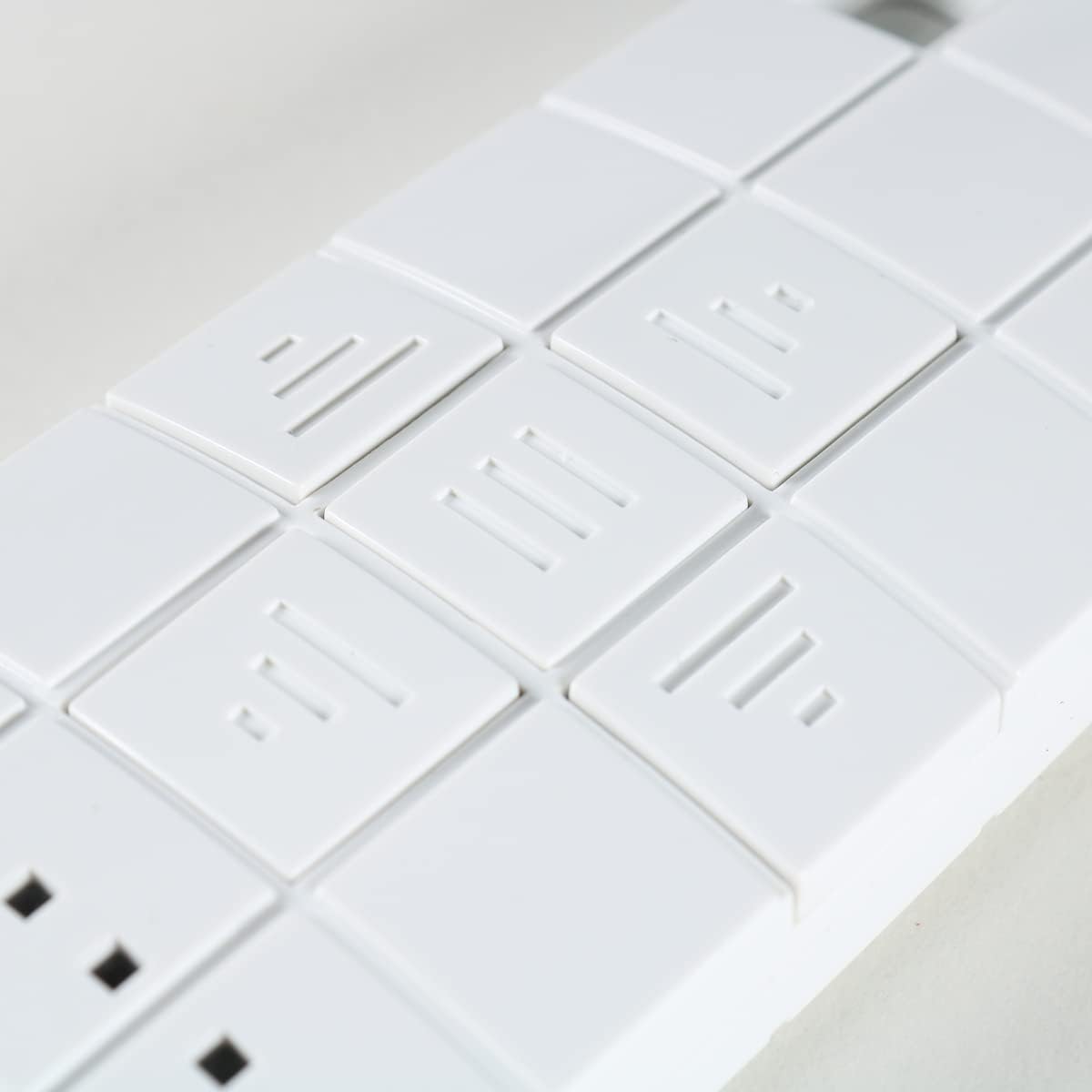
Imatge 5.1: Primer pla view of the control buttons on the Dooya DC92 remote.
| Icona del botó | Funció | Descripció |
|---|---|---|
| ▲ (Up Arrow / Three Lines pointing up) | UP / OPEN | Extends the awning or moves it upwards. |
| ■ (Square / Three horizontal lines) | STOP / MY | Stops the awning at its current position. Can also be used to set a "My" preferred intermediate position (refer to awning manual for details). |
| ▼ (Down Arrow / Three lines pointing down) | DOWN / CLOSE | Retracts the awning or moves it downwards. |
| ■■■ (Three small squares) | SELECCIÓ DEL CANAL | Press to cycle through channels 1-5. The active channel is indicated by the illuminated LED(s) above these buttons. |
5.2 Selecció de canals
The DC92 remote has 5 channels, allowing you to control up to 5 individual awnings or groups of awnings. The active channel is indicated by the small LED lights above the channel selection buttons.

Imatge 5.2: Primer pla view showing the "DOOYA" branding and the channel indicator LEDs.
- Press the channel selection button (three small squares) repeatedly to cycle through channels 1 to 5.
- Observe the illuminated LED(s) to identify the currently selected channel.
- Once the desired channel is selected, use the UP, STOP, or DOWN buttons to control the corresponding awning.
6. Manteniment
- Neteja: Netegeu el comandament a distància amb un drap suau i sec. No utilitzeu productes de neteja abrasius ni dissolvents.
- Substitució de la bateria: Replace the CR2450 battery when the remote's range decreases or the indicator lights dim. Refer to Section 4.1 for battery installation instructions.
- Emmagatzematge: When not in use for extended periods, store the remote in a cool, dry place.
7. Solució De Problemes
| Problema | Causa possible | Solució |
|---|---|---|
| El comandament a distància no respon. | Bateria baixa o baixa. Remote not paired with awning. Incorrect channel selected. | Substituïu la bateria CR2450. Consulteu la secció 4.3 per obtenir instruccions d'aparellament. Ensure the correct channel is selected (check LED indicators). |
| Curt abast operatiu. | Bateria baixa. Obstructions between remote and awning. Interferència de ràdio. | Substituïu la bateria CR2450. Assegureu-vos una línia de visió clara. Allunyeu-vos d'altres dispositius electrònics que puguin causar interferències. |
| Awning moves erratically. | Interferència. Awning motor issue. | Try operating from a different location. Consult your awning's manual or a qualified technician. |
8. Especificacions
- Model: DC92
- Marca: Dooya (Compatible only with Dooya products)
- Canals: 5 (controls up to 5 separate awnings)
- Freqüència: 433.05 - 434.79 MHz
- Font d'alimentació: 1 x CR2450 3VDC Button Cell Battery
9. Garantia i Suport
For warranty information and technical support, please contact the seller or manufacturer directly. Keep your purchase receipt as proof of purchase. Do not attempt to repair the device yourself, as this may void the warranty.


