1. Introducció
Thank you for choosing the Genérico BDF Tablet S10. This 10.1-inch tablet features an Android 9 operating system, an Octa Core processor, 4GB of RAM, and 64GB of internal storage. It supports 3G/4G mobile phone calls, GPS, Bluetooth, and Wi-Fi connectivity, offering a versatile and portable computing experience. This manual provides essential information to help you set up, operate, and maintain your device.

Imatge: Anvers i revers view of the Genérico BDF Tablet S10, showcasing its sleek design and rear camera.
2. Configuració
2.1 Què hi ha a la caixa
Upon unboxing your Genérico BDF Tablet S10, please ensure all the following items are present:
- BDF Tablet S10 (Main Unit)
- Cable de càrrega (USB)
- Card Pin (for SIM/TF card tray)
- Manual d'usuari (aquest document)
- Adaptador d'alimentació
- Protective Film (pre-applied or included)
- USB Adapter (if applicable)
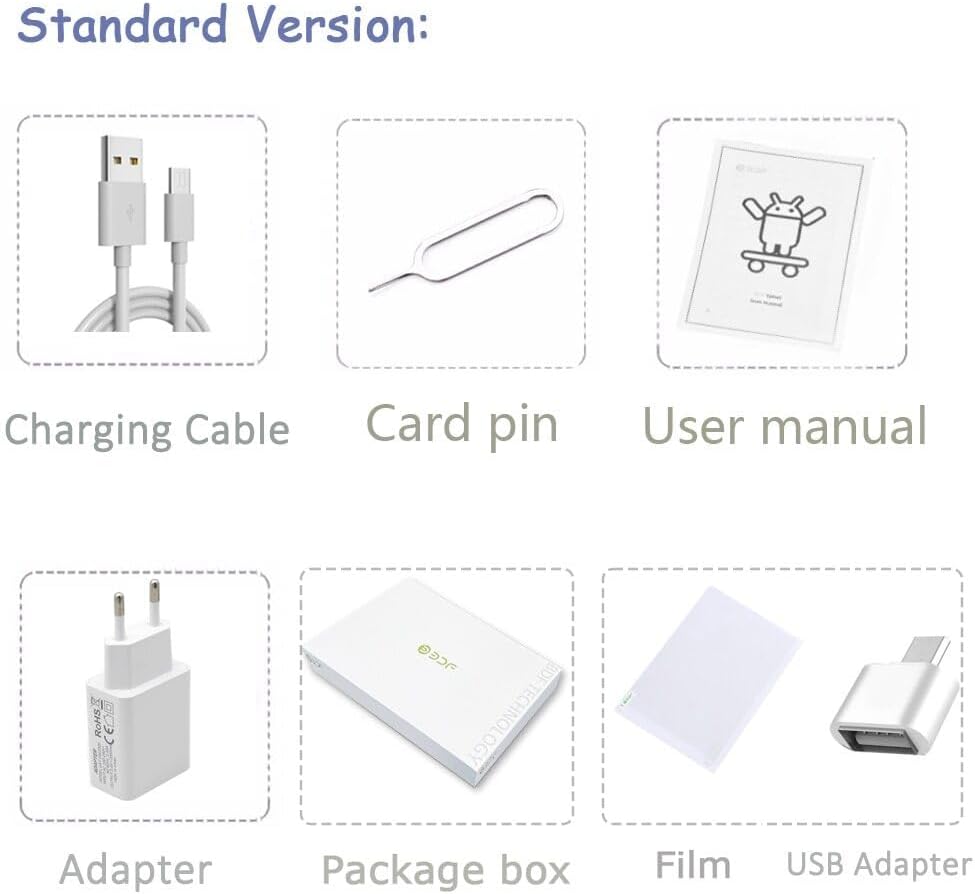
Image: Visual representation of the standard package contents, including the tablet, charging cable, card pin, user manual, adapter, package box, film, and USB adapter.
2.2 Càrrega inicial
Before first use, fully charge your tablet. Connect the charging cable to the tablet's TYPE-C port and the power adapter, then plug the adapter into a wall outlet. The battery indicator on the screen will show charging status. The tablet has a 5000 mAh battery capacity.
2.3 Inserció de targetes SIM i TF
The BDF Tablet S10 supports dual SIM cards for 3G/4G connectivity and a TF (microSD) card for expandable storage. Locate the card tray on the side of the tablet. Use the provided card pin to gently eject the tray. Insert your SIM cards (SIM1, SIM2) and TF card into their respective slots, ensuring correct orientation. Carefully push the tray back into the tablet until it clicks into place.

Imatge: Primer pla view of the tablet's side, illustrating the dual SIM card and TF card slots for network and phone call capabilities.
2.4 Engegada/apagada
- Per encendre: Press and hold the Power button (usually located on the side) until the screen lights up and the boot animation appears.
- Per apagar: Press and hold the Power button until a power options menu appears. Select "Power Off" and confirm.
- Per reiniciar: Al menú d'opcions d'energia, seleccioneu "Reiniciar" i confirmeu.
3. Com utilitzar la tauleta
3.1 Sistema operatiu Android 9
Your BDF Tablet S10 runs on Android 9, offering a user-friendly interface and access to a vast ecosystem of applications via the Google Play Store. Navigate using touch gestures: tap to select, swipe to scroll, pinch to zoom.

Image: The tablet display showing the Android 9 interface with various application icons, highlighting its smart control features.
3.2 Connectivitat
The tablet supports multiple connectivity options:
- Wi-Fi: Connect to wireless networks for internet access. Go to Settings > Network & Internet > Wi-Fi.
- Bluetooth: Pair with Bluetooth devices like headphones or speakers. Go to Settings > Connected devices > Bluetooth.
- 3G/4G: Utilize cellular data for internet access and phone calls (if a SIM card is inserted and activated).
- GPS: Per a serveis de localització i navegació.
- FM: Built-in FM radio functionality.

Imatge: La pantalla de la tauletaasing various applications and uses, emphasizing full network support including 3G internet, Wi-Fi, and Bluetooth for games, video calls, and more.
3.3 Característiques de visualització
The tablet features a 10.1-inch IPS display with a resolution of 1280x800 pixels, providing clear and vibrant visuals. The IPS technology ensures wide viewing angles (178°), making it suitable for watching videos, video calls, and gaming.

Image: A visual representation of the tablet's 10.1-inch LCD display, highlighting its 178° viewing angle and 1280x800 Full HD resolution.
Funcionalitat de càmera 3.4
The BDF Tablet S10 is equipped with two cameras:
- Càmera posterior: 5MP for capturing photos and videos.
- Càmera frontal: 2MP, ideal for video calls and selfies.
3.5 Durada de la bateria
The tablet is powered by a 5000 mAh lithium polymer battery, designed for long-lasting performance. It provides up to 6 hours of local video playback, suitable for entertainment and gaming needs.
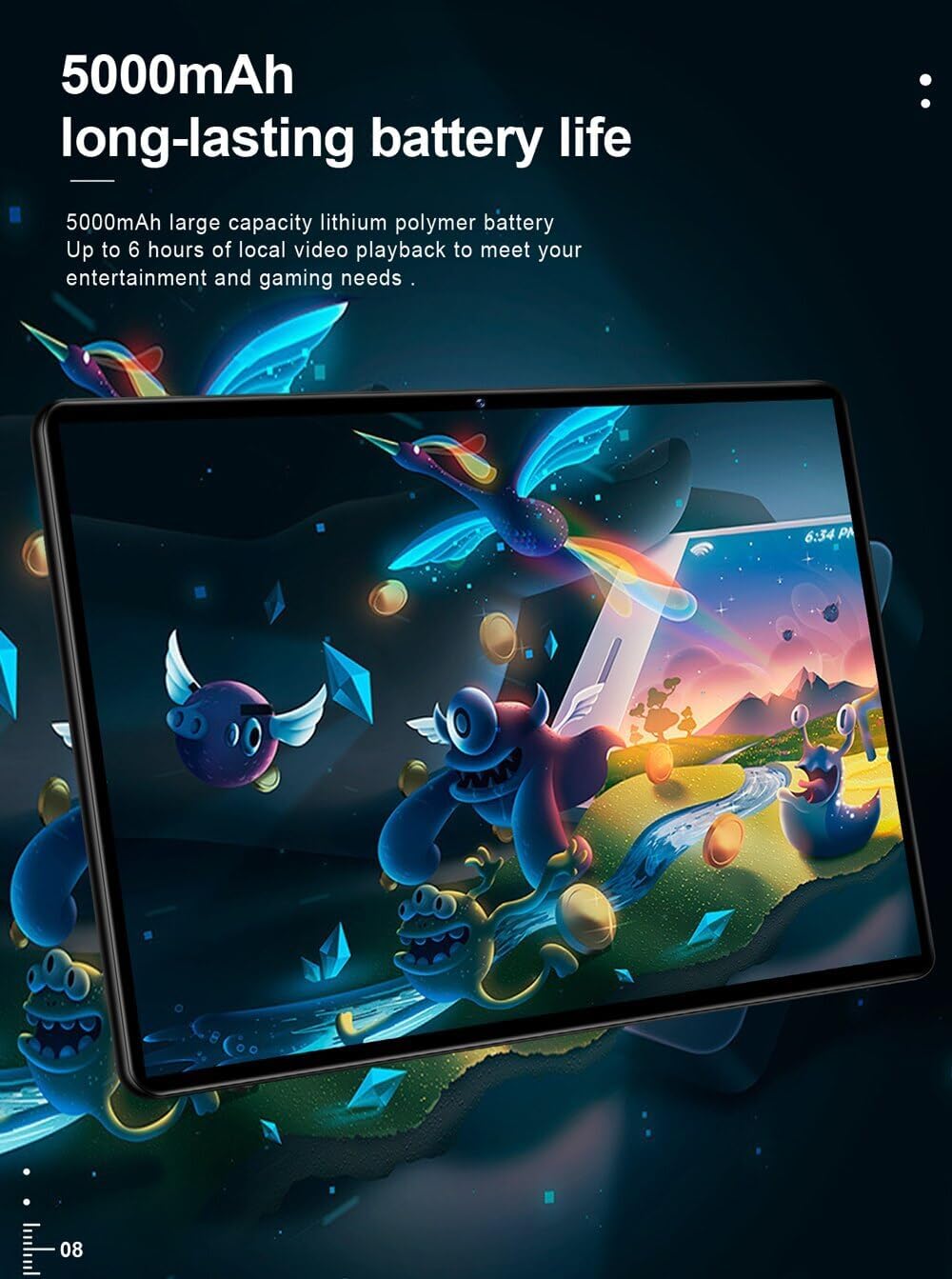
Image: The tablet's rear view, emphasizing its 5000mAh large capacity lithium polymer battery for extended usage.
4. Manteniment
To ensure the longevity and optimal performance of your tablet, follow these maintenance guidelines:
- Neteja: Feu servir un drap suau i sense borrissol per netejar la pantalla i la carcassa. Eviteu productes de neteja o dissolvents abrasius.
- Emmagatzematge: Guardeu la tauleta en un lloc fresc i sec, allunyat de la llum solar directa i de temperatures extremes.
- Protecció: Consider using a protective case or screen protector to prevent scratches and damage.
- Actualitzacions de programari: Comproveu i instal·leu regularment si hi ha actualitzacions del sistema per garantir millores de seguretat i rendiment.
- Cura de la bateria: Avoid fully discharging the battery frequently. For long-term storage, charge the battery to about 50%.

Image: The tablet being easily placed into a backpack, illustrating its light and portable design for convenient carrying.
5. Solució De Problemes
If you encounter issues with your tablet, refer to the following common problems and solutions:
- La tauleta no s'encén: Assegureu-vos que la bateria estigui carregada. Connecteu el carregador i espereu uns minuts abans d'intentar tornar-lo a encendre. Si encara no s'encén, proveu de mantenir premut el botó d'engegada durant 10-15 segons.
- La pantalla no respon: Reinicia la tauleta. Si el problema persisteix, restableix les dades de fàbrica (nota: això esborrarà totes les dades).
- No es pot connectar a Wi-Fi: Ensure Wi-Fi is enabled in settings. Restart your Wi-Fi router. Forget the network and try reconnecting.
- Apps are crashing or slow: Close background apps. Clear app cache (Settings > Apps & notifications > App info > [App Name] > Storage & cache > Clear cache). Ensure sufficient storage space.
- Poca durada de la bateria: Reduce screen brightness. Disable unused connectivity features (Wi-Fi, Bluetooth, GPS). Close background apps.
- Sense so: Check volume levels. Ensure headphones are not connected. Restart the tablet.
6. Especificacions
| Característica | Especificació |
|---|---|
| Marca | Genérico |
| Fabricant | BDF |
| Sèrie Model | S10 |
| Color | Negre |
| Mida de la pantalla | 10.1 polzades |
| Resolució de visualització | 1280 x 800 |
| Marca del processador | MTK (Octa Core) |
| RAM | 4 GB |
| Capacitat d'emmagatzematge | 64 GB |
| Sistema operatiu | Android 9.0 |
| Davant WebResolució de la càmera | 2 MP |
| Resolució de la càmera posterior | 5 MP |
| Connectivitat | Bluetooth, Wi-Fi, 3G/4G (Integrated), FM |
| Capacitat de la bateria | 5000 mAh |
| Ports d'extensió | 3G external, Headphone Jack, TF Card, TYPE-C |
| Característiques | G-Sensor, Multi-Touch, Phone Call, Ultra Thin, Dual Cameras |
| Certificacions | CE, FCC, ROHS |
7. Garantia i Suport
Per obtenir informació sobre la garantia i assistència tècnica, consulteu la documentació que s'inclou amb la compra o poseu-vos en contacte directament amb el distribuïdor/fabricant. Conserveu el comprovant de compra per a reclamacions de garantia.


