Introducció
This manual provides detailed instructions for the installation, operation, and maintenance of your TELE System PALCO19 LS13 19-inch Smart TV. Please read this manual thoroughly before using the product to ensure proper and safe operation. Keep this manual for future reference.
Producte acabatview
The TELE System PALCO19 LS13 is a compact and versatile 19-inch television designed for both home and mobile use. It features dual DVB-T2 and DVB-S2 tuners with H.265/HEVC 10-bit encoding, providing access to numerous terrestrial and satellite digital channels with clear and fluid images.
Les característiques clau inclouen:
- 19-inch television with DVB-T2 and DVB-S2 tuners.
- Compatible with Tivùsat and CI/CI+ CAM modules.
- TV PAUSE function and USB multimedia player.
- Dual power supply (220V AC / 12V DC), suitable for campers, caravans, trucks, and boats.
- Includes an Easy RCU (remote control unit) for simplified navigation.
- Automatic channel search, sorting, and updating.
- Home Channel system for automatic Tivùsat channel updates with LCN HD sorting.

Image: The TELE System PALCO19 LS13 19-inch TV, showcasing its compact design and the two included remote controls. The screen displays a vibrant image, and the TV is branded with "TELE System DVB T2/S2 HEVC Main10".
Contingut del paquet
Verifiqueu que tots els elements siguin presents al paquet:
- TELE System PALCO19 LS13 19-inch TV
- Comandament a distància estàndard
- Easy RCU (Simplified Remote Control)
- Power Cable (220V AC)
- Adaptador de corrent continu de 12 V
- Manual d'usuari (aquest document)

Image: A close-up of the two remote controls included with the TV. One is a standard remote with many buttons, and the other is a simplified "Easy RCU" with larger, fewer buttons, designed for intuitive use.
Configuració
1. Desembalatge i col·locació
- Traieu amb cura el televisor i tots els accessoris de l'embalatge.
- Place the TV on a stable, flat surface or mount it using a compatible VESA wall mount (not included). Ensure adequate ventilation around the TV.
2. Potència de connexió
The TV supports dual power input:
- 220 V CA: Connect the provided AC power cable to the TV's power input and then to a standard wall outlet.
- 12 V CC: For mobile applications (campers, caravans, trucks, boats), connect the 12V DC power adapter to the TV's DC input and then to a 12V DC power source. The TV is protected up to 24V.

Image: The TELE System TV shown in a mobile environment, such as a camper van, emphasizing its dual 12V and 220V power compatibility for use on the go.
3. Antenna/Satellite Connection
- Terrestrial (DVB-T2): Connect a terrestrial antenna cable to the "ANT IN" port on the TV.
- Satèl·lit (DVB-S2): Connect a satellite dish cable to the "SAT IN" port on the TV.
4. CI/CI+ CAM Module Installation (Optional)
If you intend to use a Tivùsat CAM or other CI/CI+ compatible module for encrypted channels:
- Assegureu-vos que el televisor estigui apagat.
- Insert the CI/CI+ CAM module into the designated slot on the TV, following the module's orientation instructions.
- Insert your smart card into the CAM module if required.
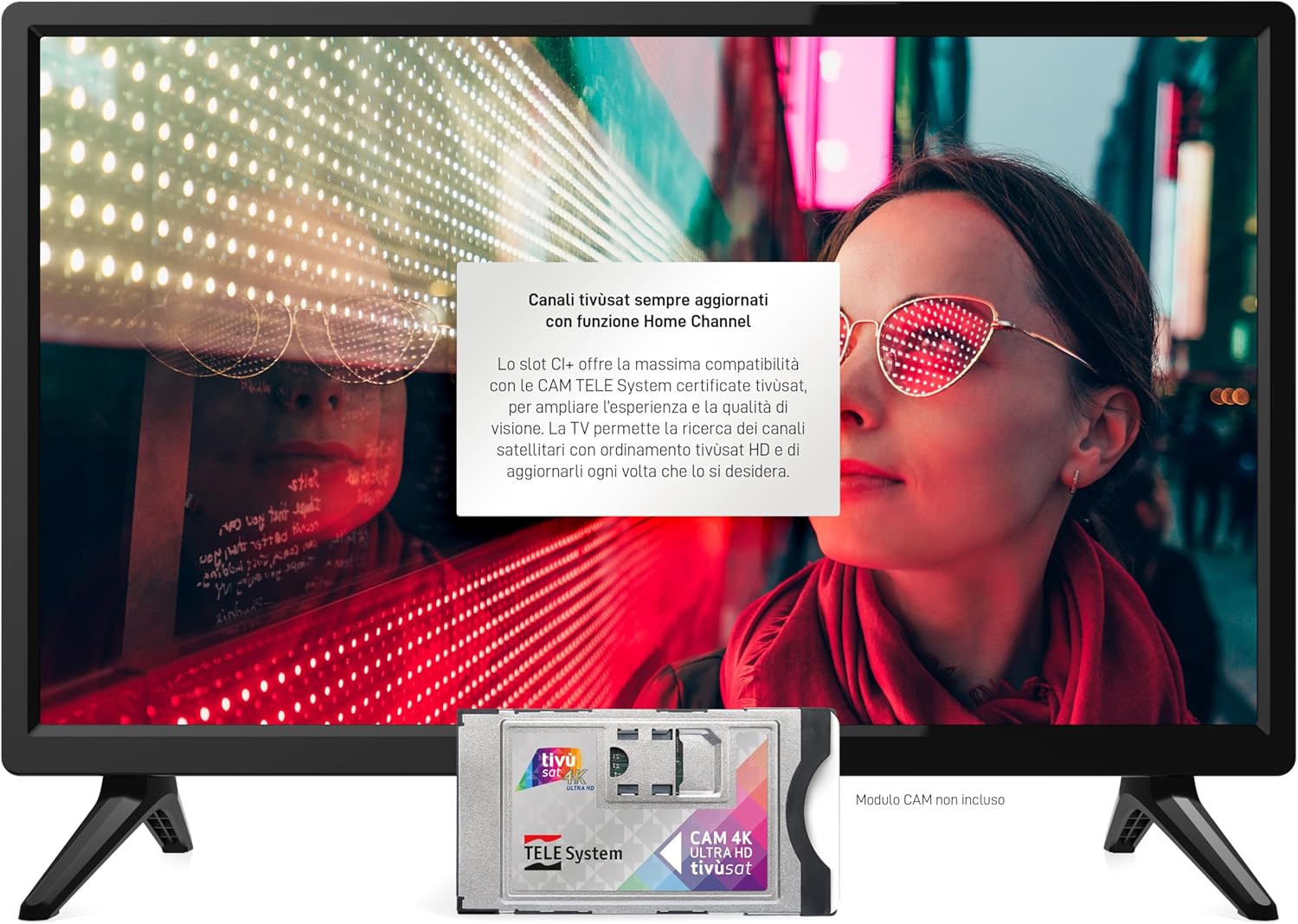
Image: The TELE System TV screen showing text about updated Tivùsat channels and compatibility with certified CAM modules. A Tivùsat CAM 4K Ultra HD module is depicted below the screen, indicating its use for accessing encrypted content.
5. Assistent de configuració inicial
Upon first power-on, the TV will guide you through an initial setup process, including language selection, country, and automatic channel scanning for both terrestrial and satellite signals.
Instruccions de funcionament
1. Funcions bàsiques del televisor
- Encès/apagat: Premeu el botó Poder botó del comandament a distància o del televisor.
- Selecció de canals: Utilitza el CH +/- buttons or numeric buttons on the remote.
- Control de volum: Utilitza el VOL+/- botons del comandament a distància.
- Selecció de la font: Premeu el botó FONT button to switch between inputs (DTV, ATV, HDMI, USB, etc.).
- Navegació del menú: Utilitza el MENÚ button and arrow keys to navigate the on-screen menu.
2. TV PAUSE Function
The TV PAUSE function allows you to pause live television broadcasts and resume viewing later. To use this feature:
- Connect a USB flash drive or external hard drive to the TV's USB 2.0 port.
- While watching a live program, press the dedicated TV PAUSE botó del comandament a distància.
- Premeu el botó Jugar botó per reprendre viewing.
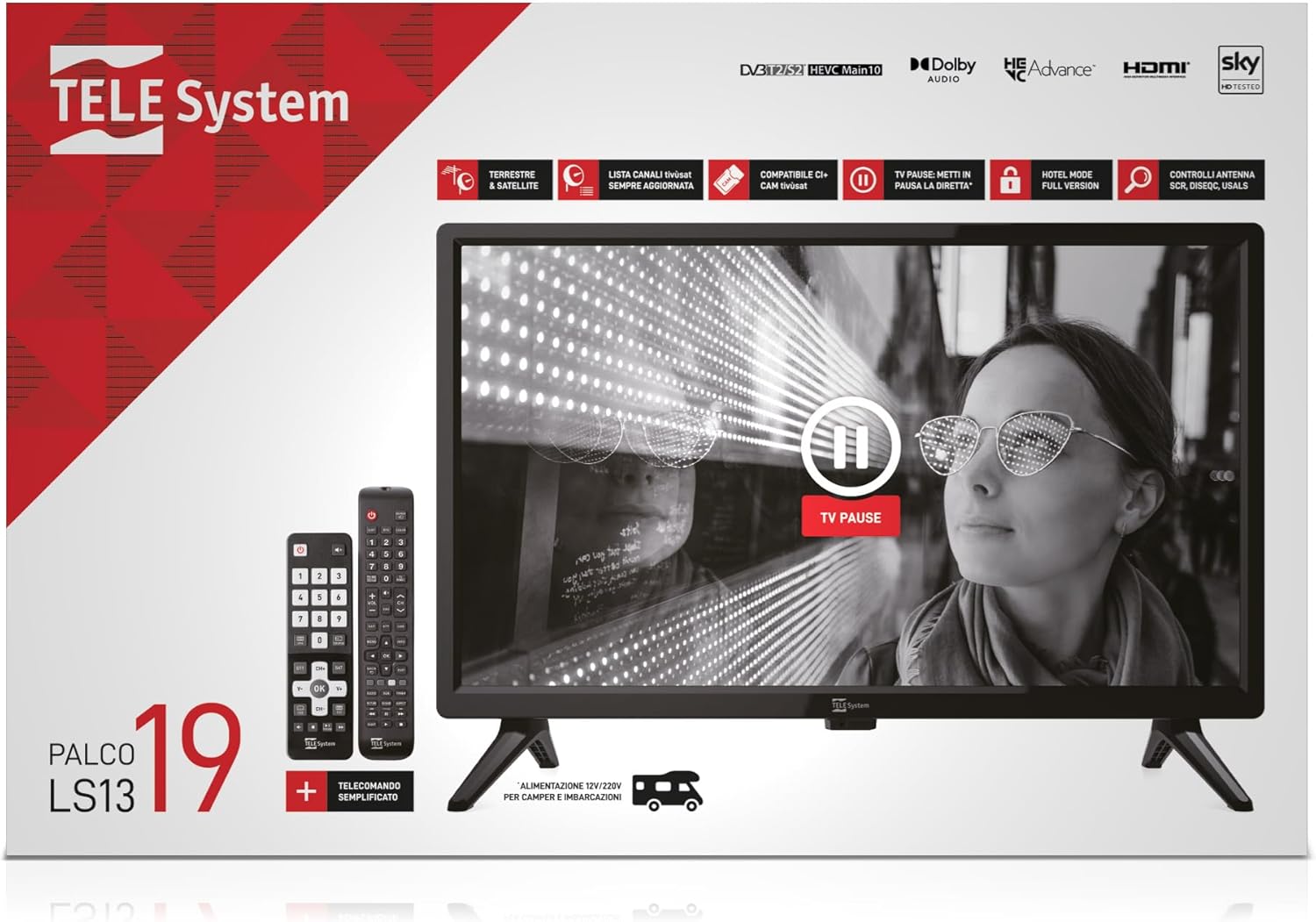
Image: The TELE System TV screen displaying a prominent "TV PAUSE" icon, illustrating the functionality to temporarily halt live television broadcasts.
3. USB Multimedia Player
The integrated multimedia player allows you to play audio, video, and image files directly from USB devices.
- Insert a USB device containing your media files into the TV's USB 2.0 port.
- Select the USB source from the input menu.
- Navega pel teu files utilitzant el comandament a distància i seleccioneu el contingut multimèdia que vulgueu reproduir.
Manteniment
1. Neteja del televisor
- Desendolla sempre el televisor abans de netejar-lo.
- Feu servir un drap suau i sec per netejar la pantalla i la carcassa.
- Per a marques difícils, esbandiu lleugeramentampNetegeu el drap amb aigua o un netejador de pantalles suau i no abrasiu. No ruixeu mai el netejador directament sobre la pantalla.
- Eviteu utilitzar netejadors abrasius, ceres o dissolvents, ja que poden danyar l'acabat del televisor.
2. Actualitzacions de programari
The TV may receive software updates to improve performance or add new features. Check the TV's menu settings for an "Software Update" or "System Update" option. Follow the on-screen instructions to perform any available updates.
Resolució de problemes
Abans de contactar amb l'atenció al client, consulteu els següents problemes i solucions habituals:
| Problema | Possible causa/solució |
|---|---|
| Sense poder |
|
| No hi ha imatge, però hi ha so |
|
| No hi ha so, però hi ha imatge |
|
| El comandament a distància no funciona |
|
| Cannot find channels |
|
Especificacions
| Característica | Detall |
|---|---|
| Marca | Sistema TELE |
| Nom del model | LS13 (PALCO19 LS13) |
| Mida de la pantalla | 19.0 polzades |
| Tecnologia de visualització | LED |
| Resolució | 720p |
| Freqüència d'actualització | 60 Hz |
| Relació d'aspecte | 16:9 |
| Tecnologia de connectivitat | HDMI, RF, USB |
| Ports USB totals | 1 |
| Dimensions (P x A x A) | 11 cm x 49 cm x 32 cm |
| Font d'alimentació | 220V AC / 12V DC (protected up to 24V) |
| Components inclosos | Remote Control, Power Cable, User Manual |
| Classificació d'eficiència energètica | E |
Garantia i Suport
Informació de la garantia
This product comes with a manufacturer's warranty of 2 years. Please retain your proof of purchase for warranty claims. The warranty covers defects in materials and workmanship under normal use.
Atenció al client
For technical assistance, troubleshooting beyond this manual, or warranty service, please contact TELE System customer support. Refer to the official TELE System website or the product packaging for the most up-to-date contact information.
Information regarding spare parts availability and guaranteed software updates is not available at the time of printing.